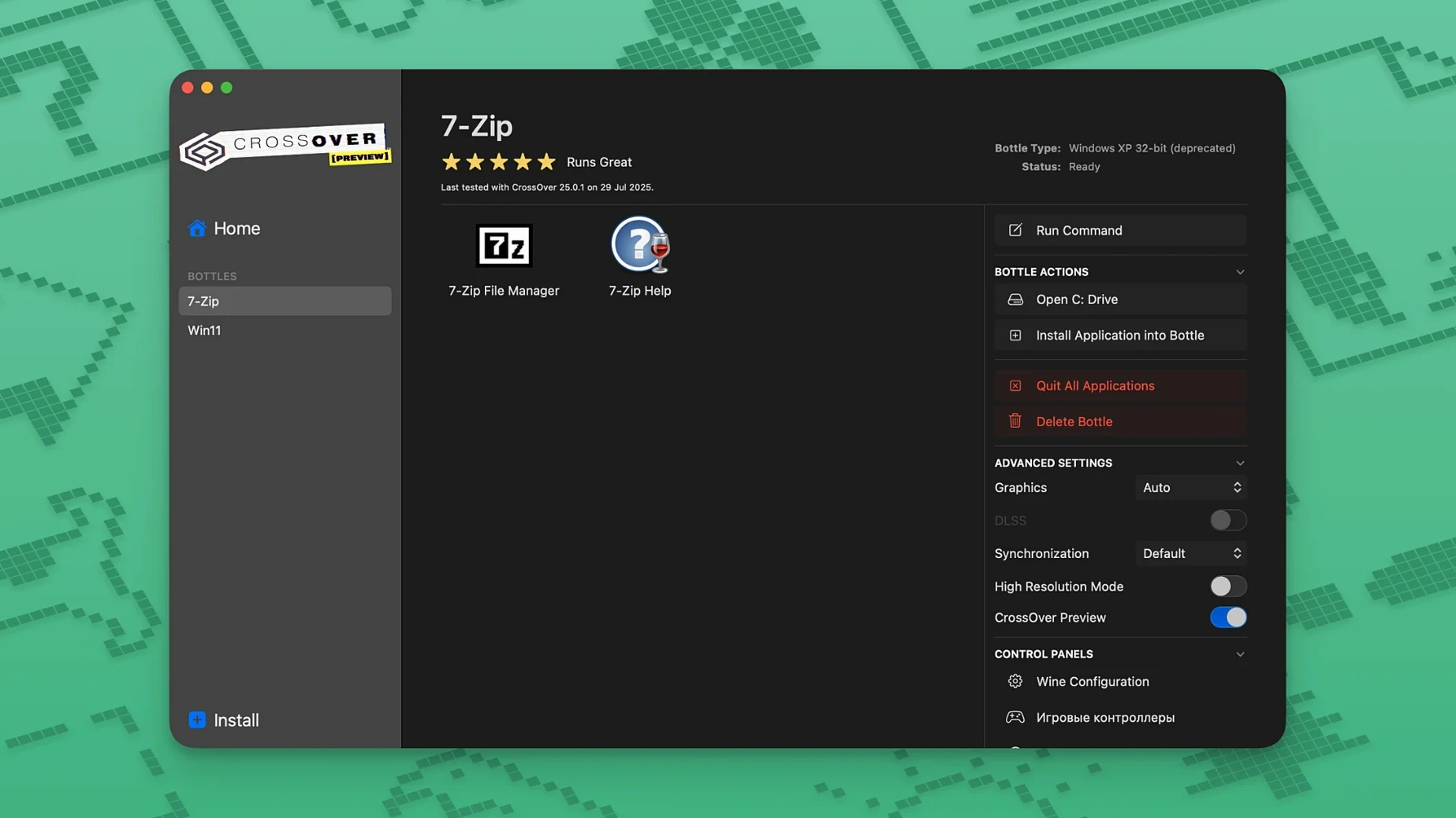
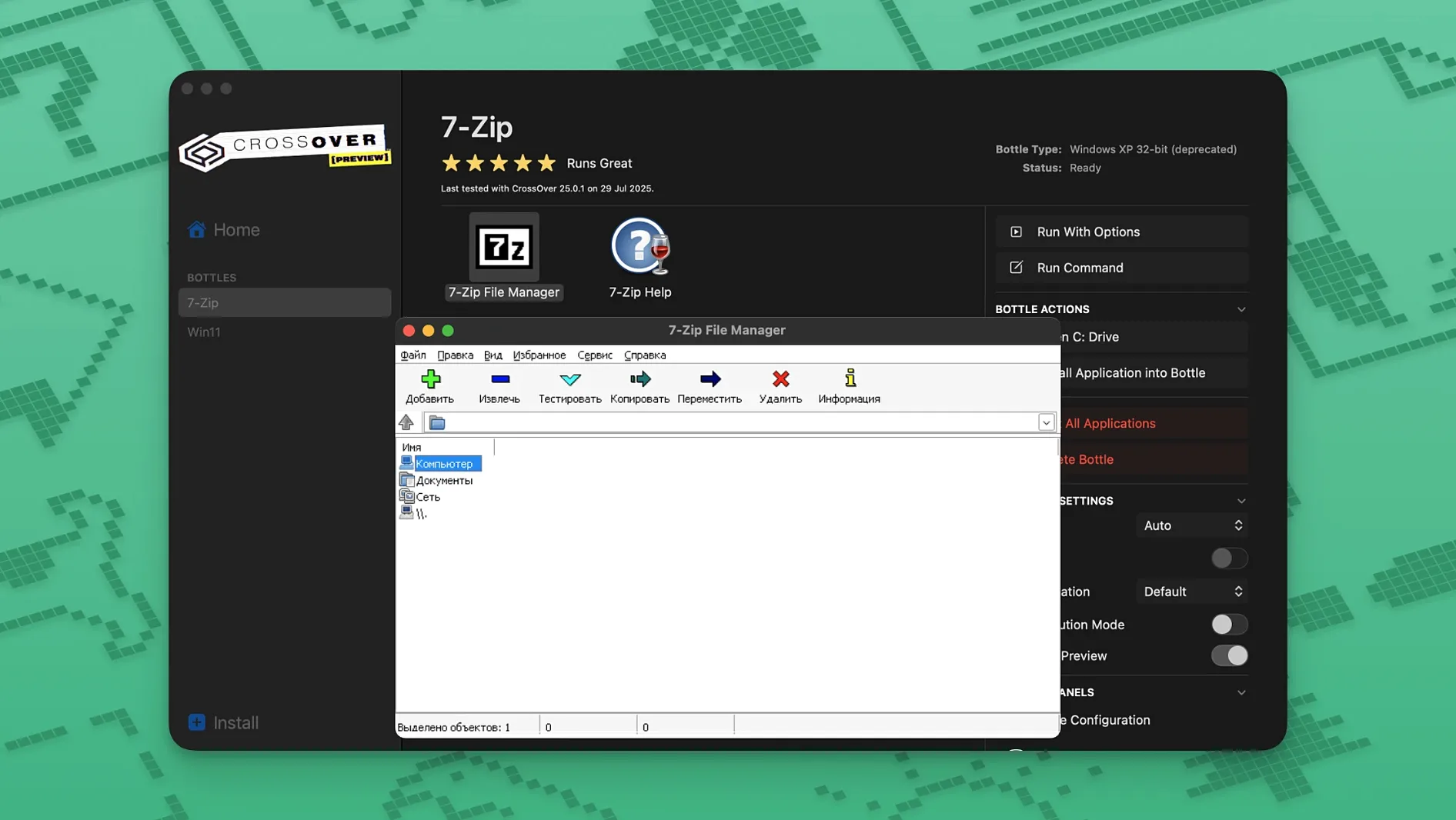
You click the .exe. It opens alongside your Mac apps, no reboot, no virtual machine in the way. That's the quiet promise of CrossOver.
Niche tools
- Productivity tools and utilities that lack native Mac versions
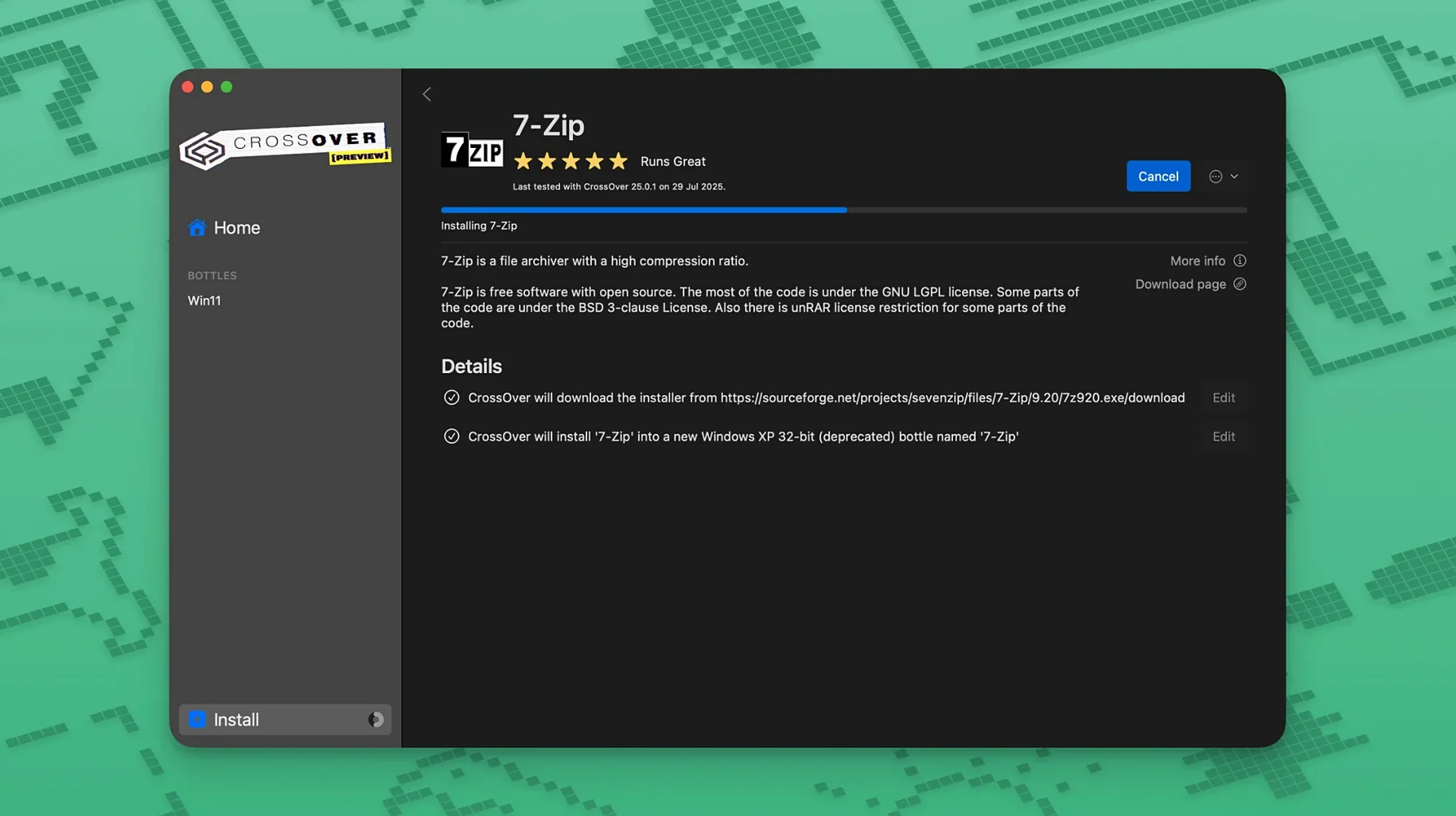
- Keeping Windows programs in self-contained bottles, each with its own C drive and registry
- Playing select games without a full Windows licence
Wine dependency
- Relies on Wine compatibility; some applications won't run or will feel unstable
- Intel-only on macOS 10.15 Catalina and later
Mac folder access
CrossOver is not a sealed box. It talks to macOS in ways a virtual machine rarely does. A bottle's C drive lives in your home folder. You can drag files into it from Finder. A Windows app can open a Mac folder, and vice versa.
Spotlight indexes bottle content if the folder is in a usual place. That means a search for a contract written in a Windows word processor surfaces it next to your Notes and Mail messages.
Clipboard sharing works for text and images between Windows and Mac apps. Print dialogs hand off to your usual macOS printers. The app feels less like a separate OS and more like a translation layer sitting quietly between clicks.
Bottle bloat
The most common mistake is treating CrossOver like a Windows desktop. People install a browser inside a bottle, then an antivirus, then a .NET framework they read about on a forum. The bottle bloats. Things break.
A bottle is not a general-purpose environment. It is a slim container for one program, maybe two. Keep it that way.
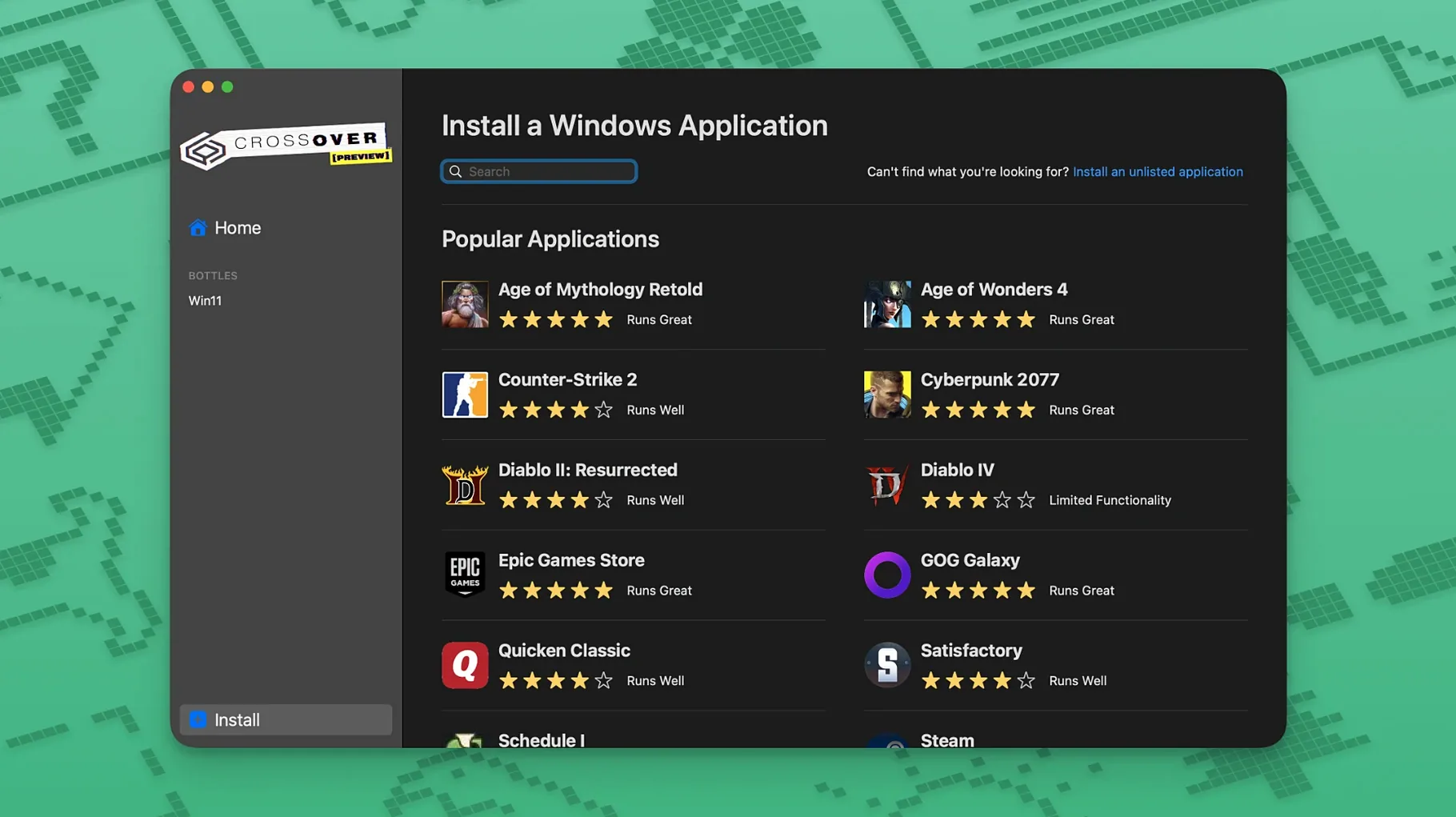
Another trap: installing from a random .exe found in a dusty support thread. CrossOver's database of known applications is the sensible starting point. If it isn't listed, the odds drop. Test with something disposable before committing a work tool.
Gatekeeper trips people too. After mounting the disk image, Terminal needs a moment. Rushing past the permission step leaves the license tool blind to the disk. Grant Terminal full access in Security & Privacy, then run it again.
Clean desk
CrossOver rewards a particular temperament: the Mac user who needs one or two Windows programs, not a fleet of them. The person who would rather keep a clean desk than build a server rack.
Small business owners running niche accounting or label-printing software fit this shape. The program is a necessity, not a hobby. CrossOver lets it sit in the Dock like any other app.
Writers and editors with a single Windows-only manuscript tool benefit. So do scientists relying on a specialized data logger. They don't want to learn Windows; they want their instrument's software to stop demanding it.
Gamers find CrossOver most comfortable when the game sits on a known, tested list. Diablo IV running after a patch — that's the sweet spot. Tinkering with obscure titles is a deeper, less certain hole.
Next to other bridges
Parallels Desktop runs a full Windows install in a virtual machine. It is heavier, needs a Windows license, and expects more RAM. But it runs almost anything. CrossOver is lighter and skips the OS license, at the cost of compatibility. If you need one app, CrossOver is the quieter choice. If you need ten, Parallels earns its footprint.
VMware Fusion follows the same virtual-machine model. Its free personal-use tier makes it a tempting comparison, but the setup process and resource hunger are similar to Parallels. CrossOver avoids the virtual hardware layer entirely. That keeps it lean, though less forgiving with apps that expect a real Windows kernel.
Wine itself is the engine under CrossOver's hood. Running plain Wine on macOS is possible but rough. CrossOver wraps it in a GUI, a bottle manager, and a compatibility database. The pre-built configurations inside a bottle save hours of trial and error that raw Wine demands. For most people, that packaging is the whole point.
A search for a mac torrent crossover often leads here because the app answers a specific need without asking for a second OS. That single-focus design is what sets it apart. No virtual machine management. No dual-boot timer. Just the Windows program, in its own small world, on a Mac desktop.