You open a CSV with too many columns. In a notebook, you call .describe(), then plot a few distributions. You stay inside one window the whole time.
Inspect data
Open any CSV, Parquet, or database table. DataSpell shows you column stats and a sortable view before you write a single line of code.
Prototype a model
Write in a notebook, run cells out of order, and watch DataSpell track which cells are stale. The editor keeps you honest while you iterate on a quick scikit-learn pipeline.
Query without leaving
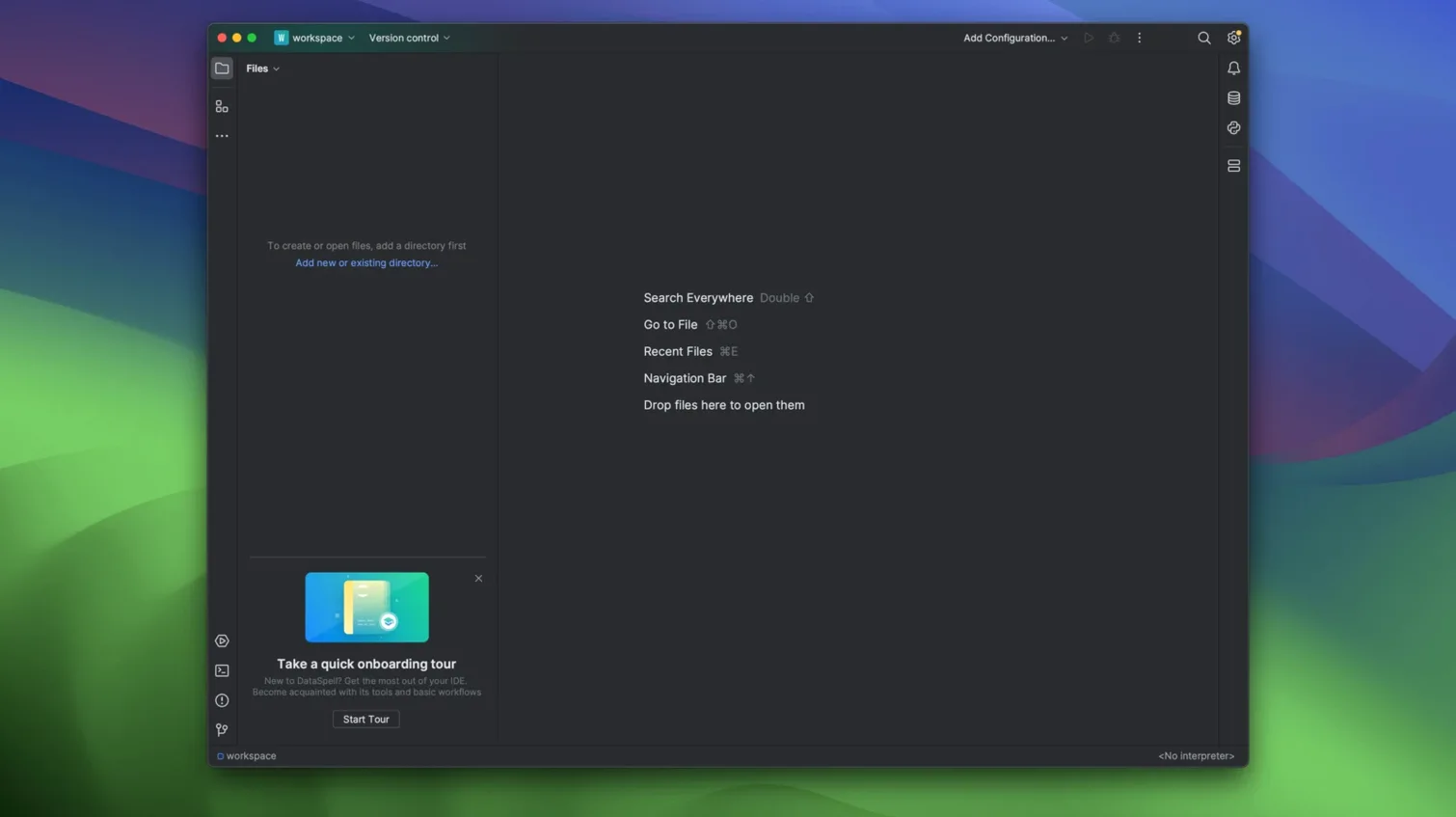
PyCharm Professional shares an editor core and the same database tools. But its focus is software engineering — project scaffolds, test runners, debug configurations. DataSpell strips that back. You get a notebook-first layout, a dataset panel, and no prompts to set up a Django project that doesn’t exist.
VS Code with the Python and Jupyter extensions can approximate this setup. The cost is in assembly. You gather five or six extensions, tune keybindings, and still lack a unified variable inspector that understands pandas DataFrames out of the box. DataSpell arrives ready to inspect a CSV.
RStudio is the natural comparison for R users who occasionally touch Python. It handles .Rmd and .ipynb side by side. DataSpell does not try to replace that R-first workflow. If your day starts with library(tidyverse), RStudio stays the sharper tool. If Python leads and R is a guest, DataSpell fits better.
People who live in Jupyter get the most from this app. Notebooks are the home screen, not an afterthought bolted onto a code editor. Analysts who bounce between SQL, a notebook, and a dataset viewer notice the time saved by not switching windows. Early-stage machine learning work — before MLOps tooling takes over — feels quicker when the IDE tracks cell freshness and lets you re-run a single cell without guessing what changed upstream.
Data engineers with existing JetBrains muscle memory often pick it up fast. The same commit panel, the same refactoring shortcuts, the same database console. But the workspace starts quiet: no Gradle panels, no Spring Boot wizards, no web server configurations.
Students new to data work benefit from the single download. No extension marketplace to browse, no pip install jupyterlab before the first line of Python. One drag to Applications, and the notebook is open.
Connect to SQLite or Postgres through the built-in Database Tools plugin. Run a query, drop the result straight into a DataFrame, and keep moving.