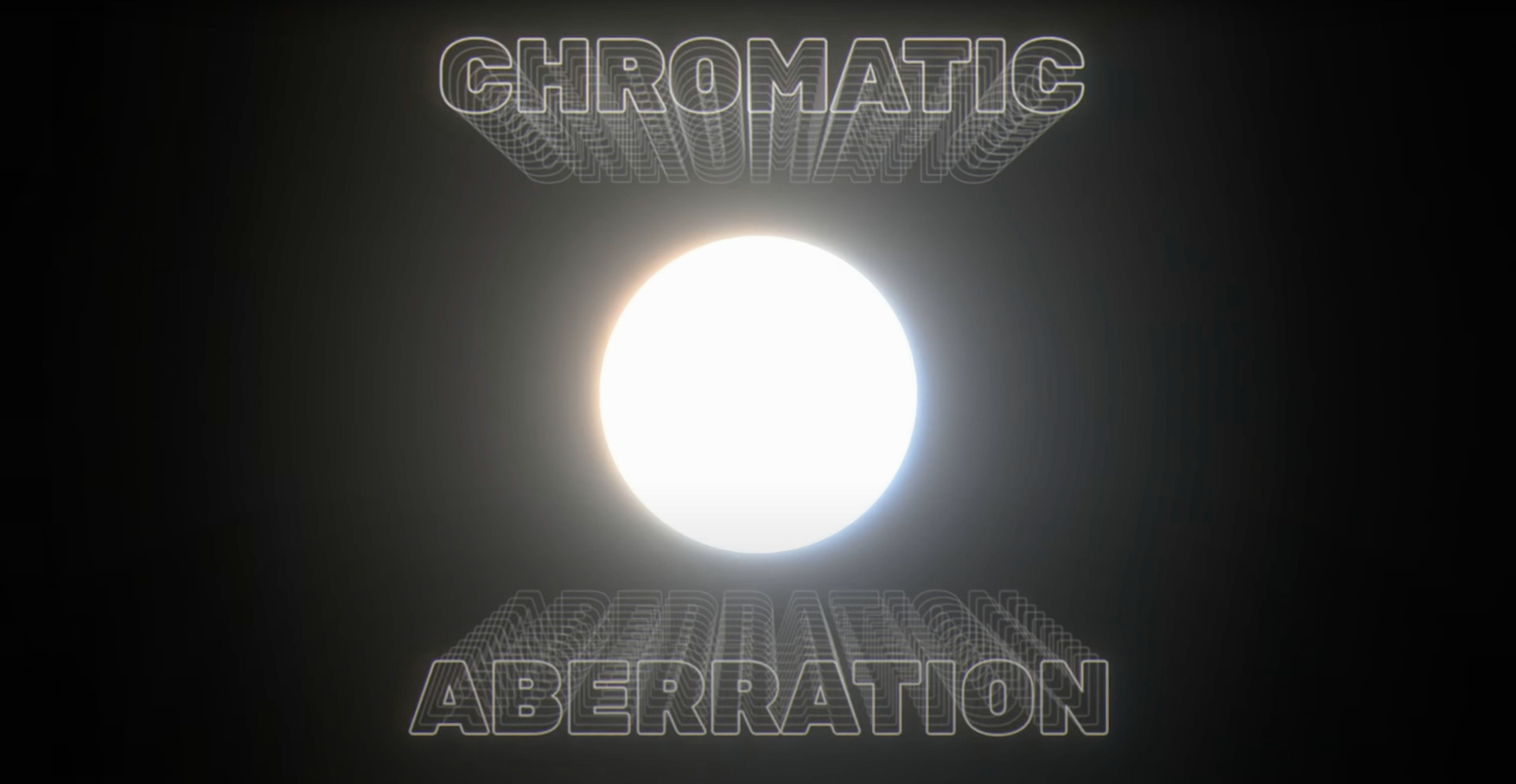
A title card needs a soft, physical glow that falls off naturally across the frame.
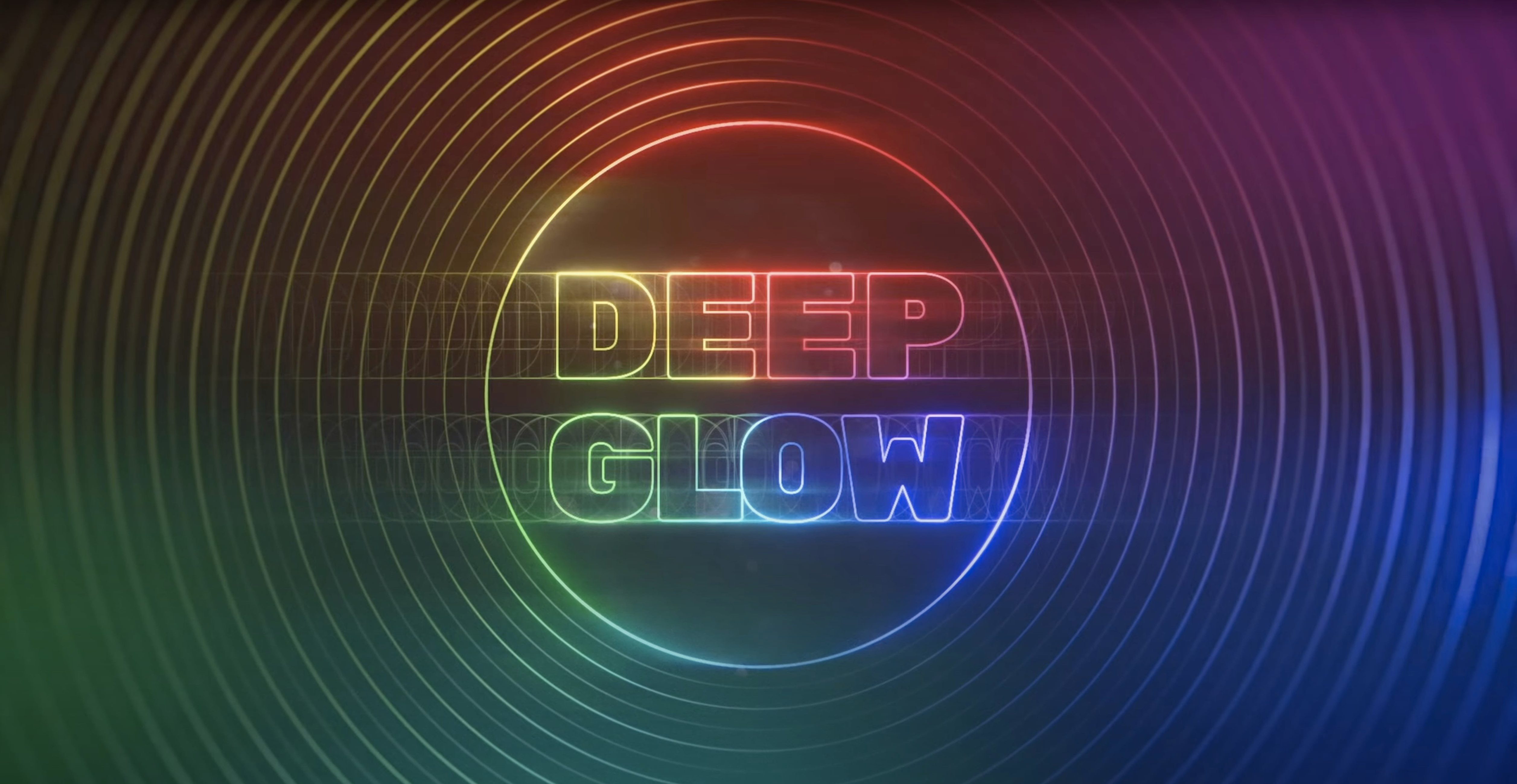
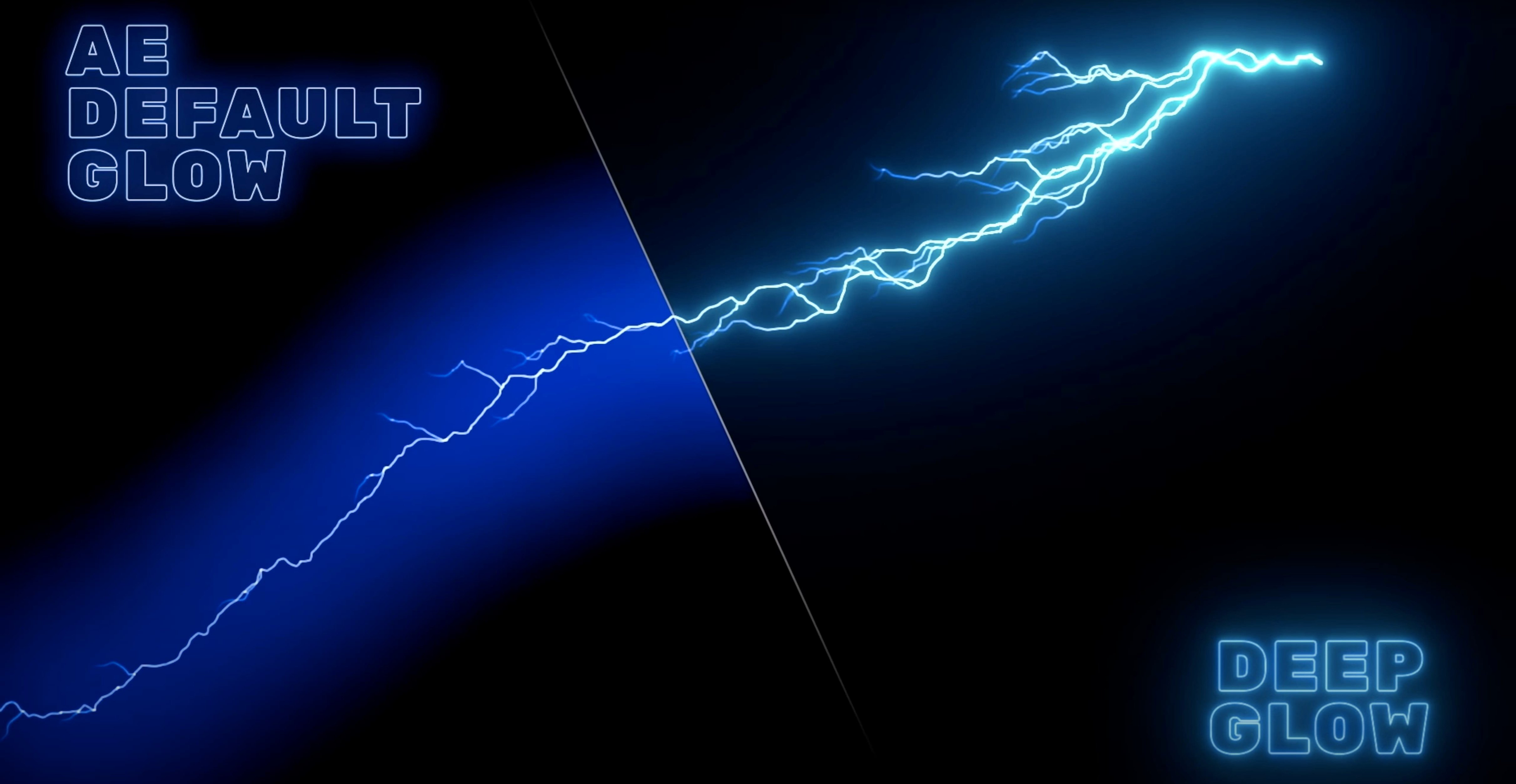
Deep Glow — After Effects plugin that applies inverse-square falloff directly on the layer.
Falloff model — light decays the way it does in the real world, not a flat Gaussian blur.
Host integration — works on the timeline, no external renders or roundtrips.
Architecture — native ARM and Intel support, keeps the comp responsive while you dial in the radius.
Color space vanishes
Glow vanishes when you switch the project to a different color space. Deep Glow expects non-linear compositing. If you drop it into a linearized comp, it goes dim or disappears entirely.
Fix: toggle the project working space or apply a gamma adjustment before the effect. Most motion designers keep a preset comp with the correct settings ready to duplicate.
Another friction point: the preview chugs on complex scenes. Default quality settings render at full resolution every frame. Lower the downsampling slider first — even one step cuts render time by half without visible loss while you block out timing.
Green fringe around hard edges means the threshold is too tight. Back it off two or three points and the edge blends into the surrounding pixels cleanly.
Downsampling speed
Downsampling — set it to 2x or 4x while working. Switch to 1x only for final export. The difference is barely perceptible and the comp stops crawling.
Composite mode — defaults to "On Original." Switch to "On Transparent" the moment you plan to layer the glow over anything else. You get a clean matte without the source image baked in, which saves a pre-comp step.
Quality — the presets are heavy. "Draft" mode uses fewer samples and keeps the timeline fluid. Save "Ultra" for the render queue.
Grain — off by default. A tiny amount of grain, 2–4%, breaks the sterile CG look and hides banding in dark gradients. Worth turning on early so you design around it rather than pasting it on at the end.
Stacking kills contrast
Stacking glow on glow. Two instances of Deep Glow on the same layer, each at low intensity, seems like a way to build softness. It creates muddy halos and kills contrast. One instance, dialed carefully, always looks cleaner.
Ignoring the spread falloff curve. New users pull the spread slider high and then compensate by dropping intensity. The result is a weak, diffuse haze. Shorten the falloff first, then raise intensity — the glow stays punchy and directional.
Applying the effect per-layer instead of on an adjustment layer. For title sequences or any project with more than a few glowing elements, one adjustment layer keeps the look consistent and makes global tweaks trivial.
Skipping the matte controls. The built-in compositing options let you choke or expand the glow matte without touching the source alpha. Beginners often mask manually instead, adding keyframes that break on the next revision.
A night-drive title sequence
A motion designer working on a short film opener has three text layers — location, date, title — over night footage. The glow needs to feel like neon spill on wet asphalt, not a lens filter.
She places Deep Glow on an adjustment layer above all three text layers. Composite mode: On Transparent. Spread stays tight, intensity pushed to 80%. The falloff curve is pulled slightly toward rapid decay so the glow hugs the letterforms but drops off before it reaches the frame edge.
Grain at 3% breaks the smooth gradient and matches the sensor noise in the footage. A second instance on the same adjustment layer, set to a wider spread and lower intensity, adds a faint bloom that lifts the darkest areas of the comp without fogging the blacks.
She checks the render at 4x downsampling while dialing keyframes, then switches to 1x for the overnight export. Three layers, one adjustment layer, no pre-comps. The whole glow setup takes under five minutes.
You adjust spread, intensity, and threshold. The glow bleeds into darker areas without clipping. A single adjustment layer can carry the effect across multiple titles.