
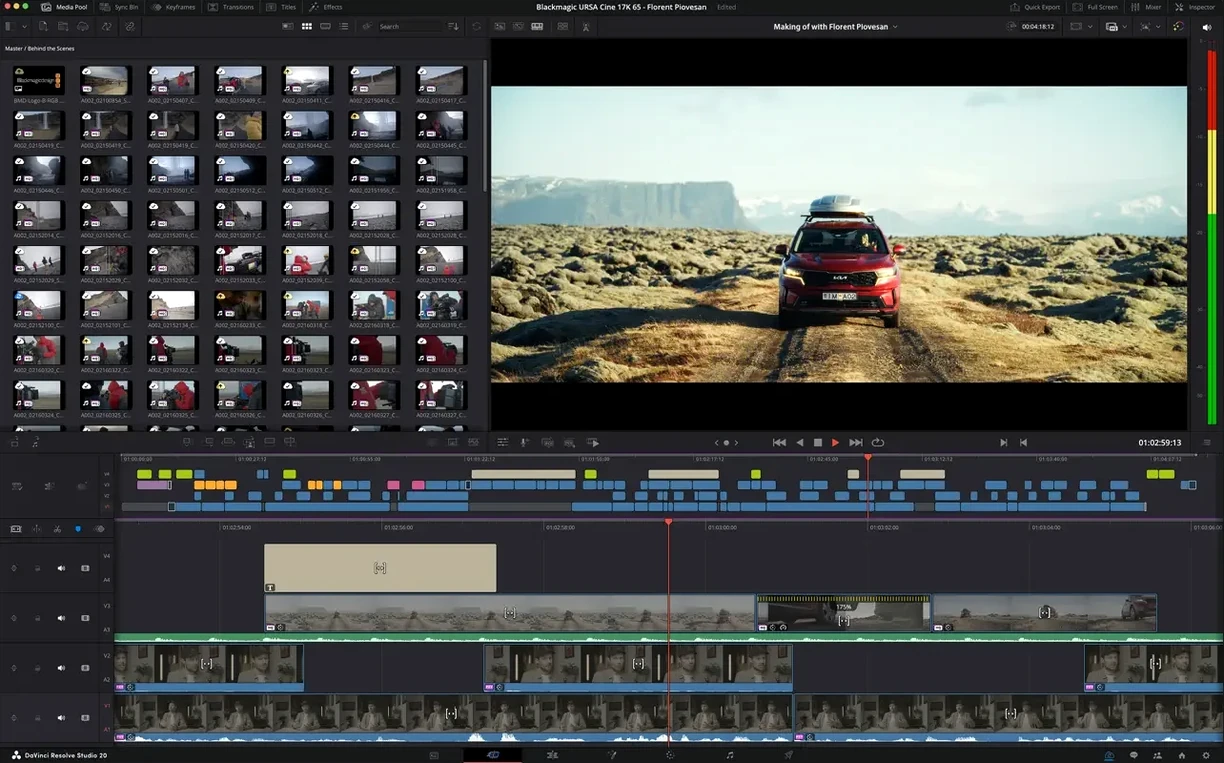
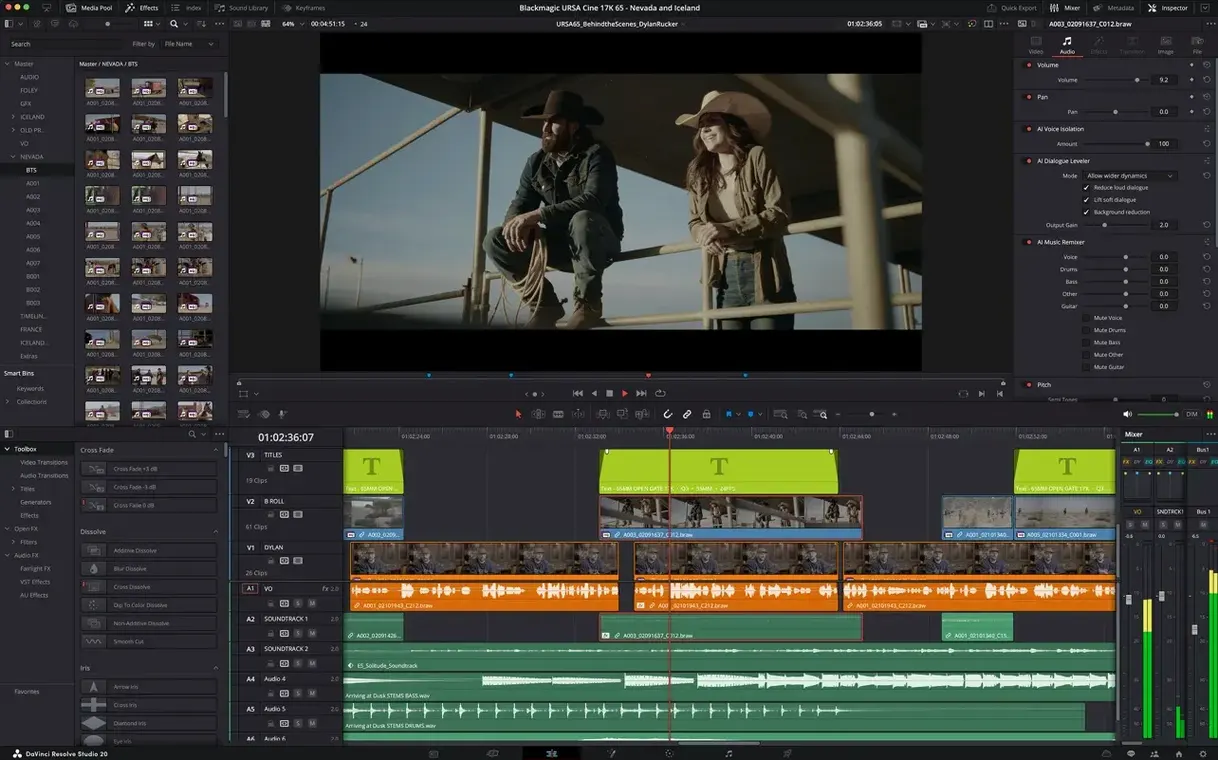
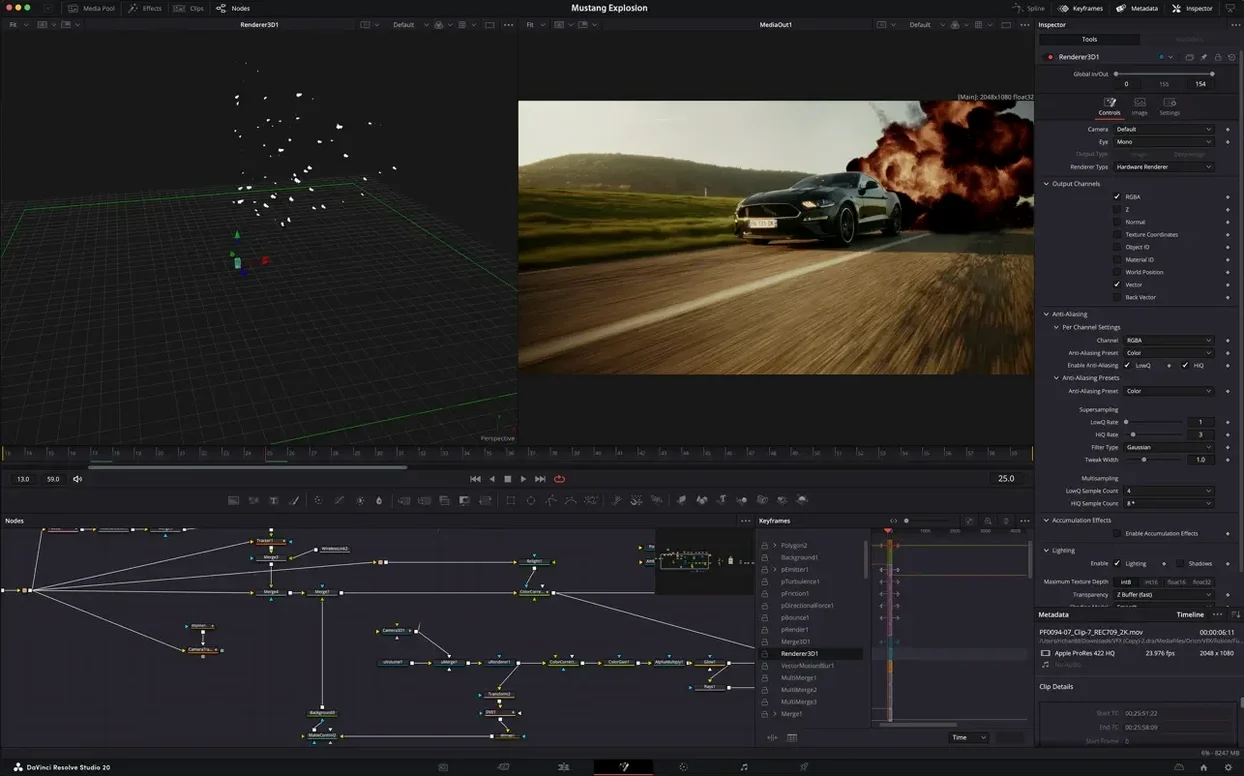
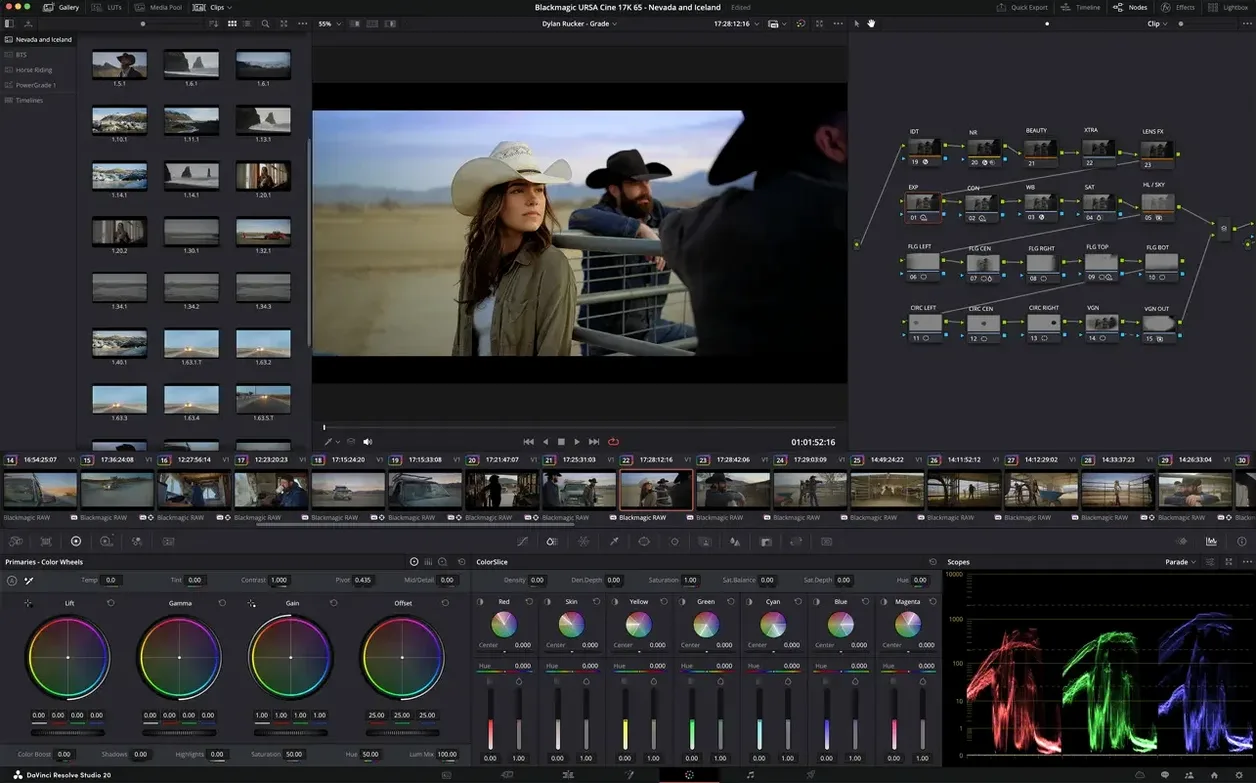
32-bit float. That is the color math under every frame you touch.
- Cut and arrange. The edit page holds a familiar timeline. No round‑trips to another app.
- Correct and grade. Lift, gamma, gain. Curves, keys, windows. All live, all in YRGB.
- Build composites. The Fusion page handles tracking, rotoscoping, and the new Krokodove tools.
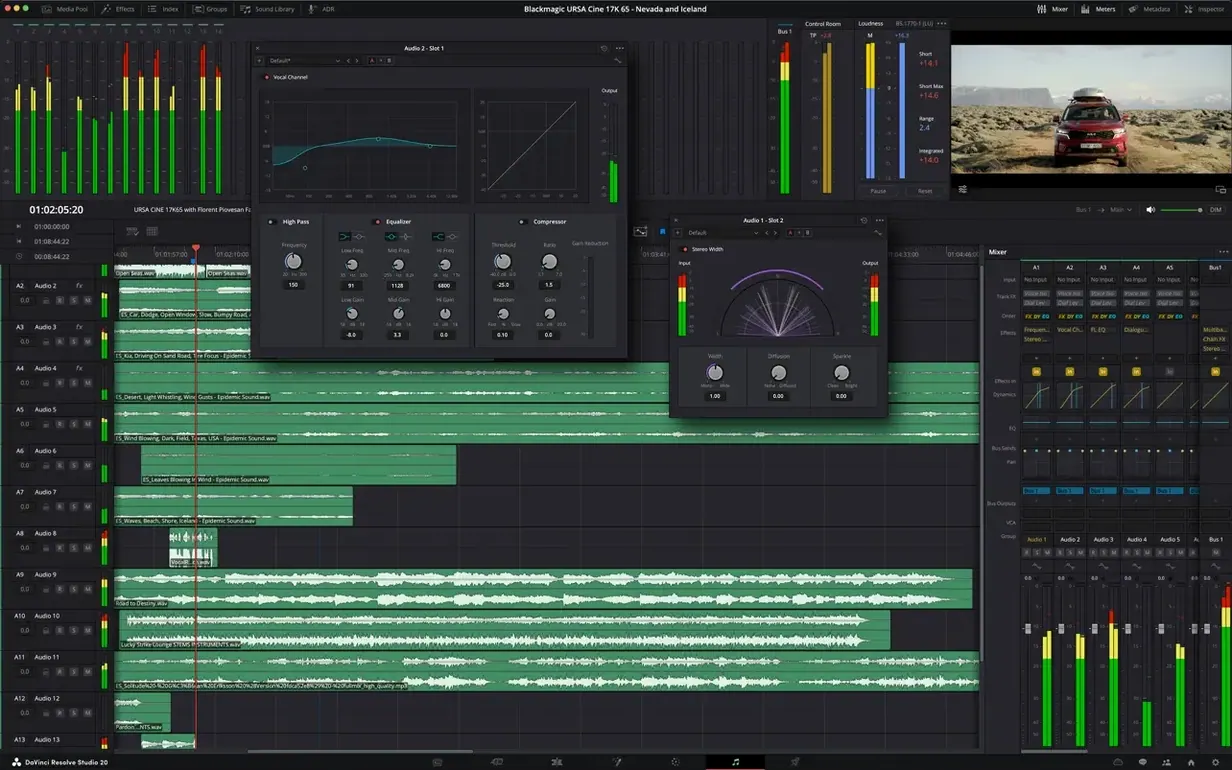
- Mix and master. Fairlight gives you a full audio post room inside the same project.
- Export. Batch rendering now talks to an AI assistant that organizes the queue for you.
One file, one timeline, every discipline. The 21.1 update adds over 100 editing and grading refinements alongside AI‑assisted media organization. It is the same toolset that finishes features you have seen in a theater. Just on your own Mac.
XML handoff
Resolve does not demand you abandon your other tools. Drop a rough cut from Final Cut via XML. Send a stereo mix to Logic through the Fairlight export. The Color page reads LUTs you built elsewhere without fuss.
macOS Spaces and Mission Control handle a multi‑display setup gracefully. Keep the timeline on one screen, scopes on another. Drag clips straight from a Finder window onto the timeline and Resolve copies them into the media pool.
QuickTime Player, Preview, even a screenshot floating on the desktop—all sit beside Resolve without fighting for GPU attention. It plays well with others.
Edit takeover
Does it replace my NLE? For many people, yes. The edit page has trim tools, multicam, speed changes, and a capable keyframe editor. If you live in Premiere or Final Cut, the muscle memory shifts in an afternoon. If you only need color or sound, the other pages stay out of your way until you want them.
Will my Mac run it? Apple Silicon Macs decode HEIC in hardware now—the 21.1 update enables that acceleration. Older Intel machines still get GPU‑accelerated HTJ2K decoding. A Mac that runs macOS 15 comfortably will edit HD timelines without complaint.
One app for everything sounds heavy. It is modular under the hood. The Fusion page loads its engine only when you switch to it. Memory usage is high during playback, idle at rest. Resolve Studio is not a tiny app, but it does not keep every engine hot at once.
Details you might skip
The middle‑click on any color wheel resets it to default. The D key toggles between the current still and your grade. On the Edit page, hold Shift while dragging a clip to slip without touching the timeline position.
Right‑click any node in Fusion and choose Swap Inputs—a small thing that saves rebuilding a whole branch. The new scripting console sits under Workspace > Console. Twenty new APIs. If you batch‑tag media or auto‑name timelines, those APIs turn a repetitive hour into a single script run.
AI media organization is quiet. Tag a folder, ask the assistant to sort by shot type, and it labels close‑ups, wides, and two‑shots in the background. Batch rendering works the same way—stack jobs, describe what you need, and let it queue.
Half-res playback
Playback at half resolution is smooth on modest hardware. Full‑resolution 4K with noise reduction nodes needs a strong GPU, but the timeline stays responsive. The 21.1 build feels tighter in Fusion than earlier releases. Krokodove tools render without the small lag they used to have.
Stability is where you would expect a finishing tool to land. Crashes are rare on a clean macOS 15 install. Auto‑save runs quietly in the background and has pulled me out of trouble once in several hundred hours. Memory pressure climbs with heavy Fusion comps, then drops fast when you close the page.
It loads slower than a text editor—it is not one. Once the project is open, switching between pages is instant. A search for davinci torrent or da vinci torrent often brings people here, and the answer is the same: the Studio version carries the full GPU‑accelerated path, and the current davinci resolve studio 21 download installs cleanly on any Mac that meets the bar. Some look for davinci resolve studio 20 mac crack and find that checking GPU driver compatibility and Metal API settings helps it run smoothly; a straight davinci resolve studio free download for mac path keeps the render pipeline intact.