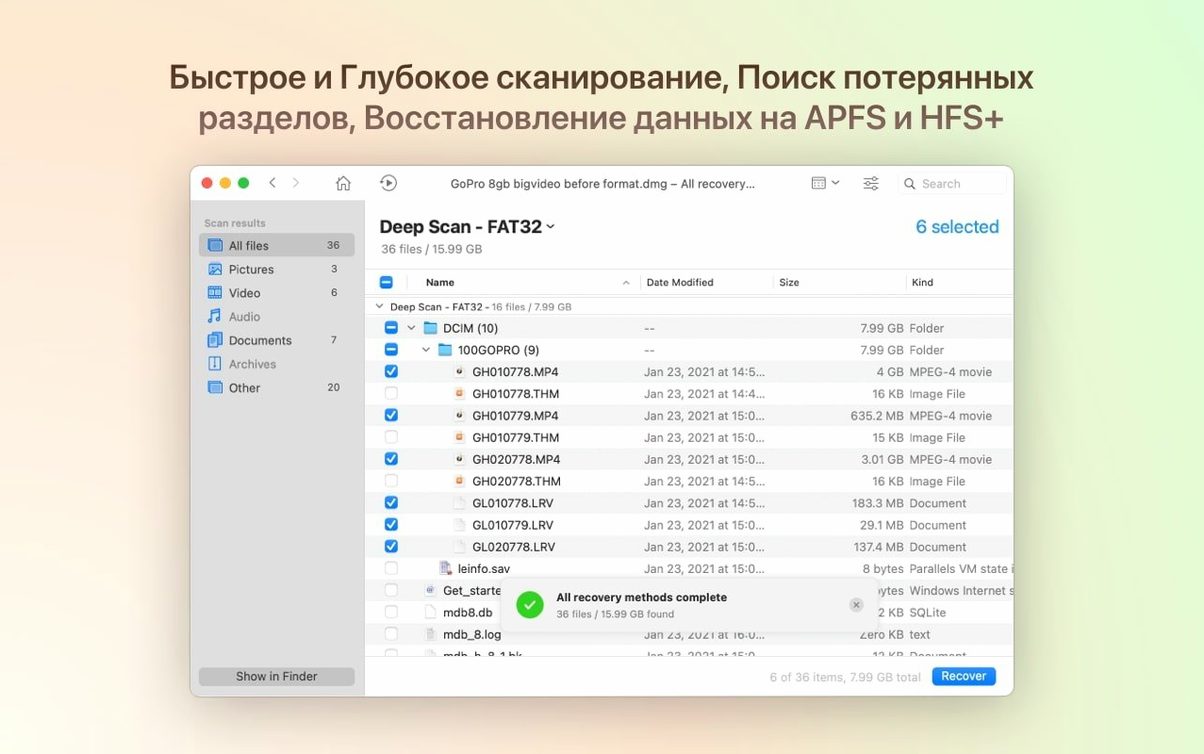
Deep scan
Byte-to-byte DMG scanning is fixed. The All Claim Recovery module now catches .m4a, .rwl, .dng, .p8, and .pfx files.
Lost partitions
Encrypted APFS handling is sharper. BitLocker partitions that vanish can now be found and rebuilt.
Device recovery
It pulls call history, contacts, and messages from iPhones and iPads. Android internal storage is readable too.
Before you scan
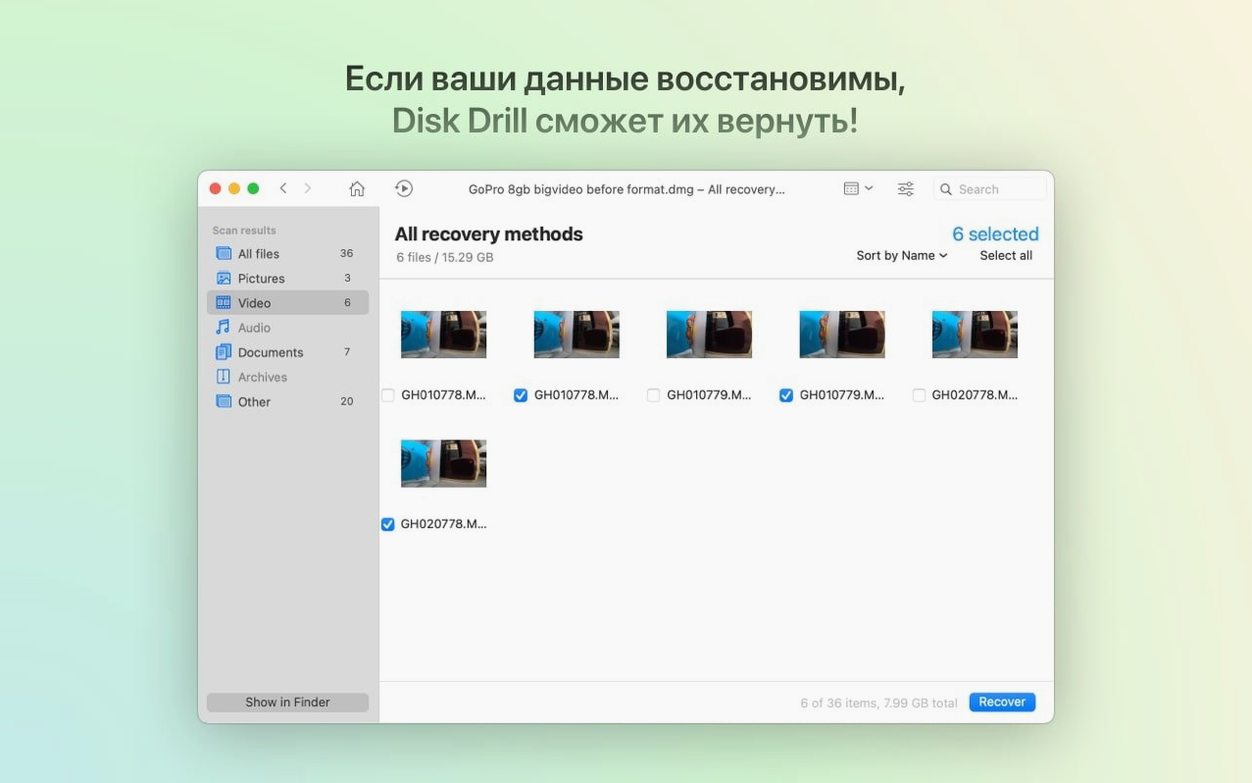
Stop writing to the drive you want to recover from. Run a quick scan first, then a deep scan if the files are not there. Preview what was found, pick only the files you need and save them to a different disk. The interface comes in 17 languages, Russian included.
A photographer’s Monday
An SD card from a weekend shoot mounts as unreadable. Disk Drill finds the card and the quick scan shows nothing. The deep scan surfaces several hundred .dng files, tagged by date.
Preview one. The raw data is intact. Recover to an external SSD and Lightroom opens them without complaint. Twenty minutes from panic to edit.
Next to other tools
Disk Drill works alongside Apple’s own utilities, not against them. Run First Aid in Disk Utility first if the volume is visible. Then let Disk Drill handle what First Aid skips.
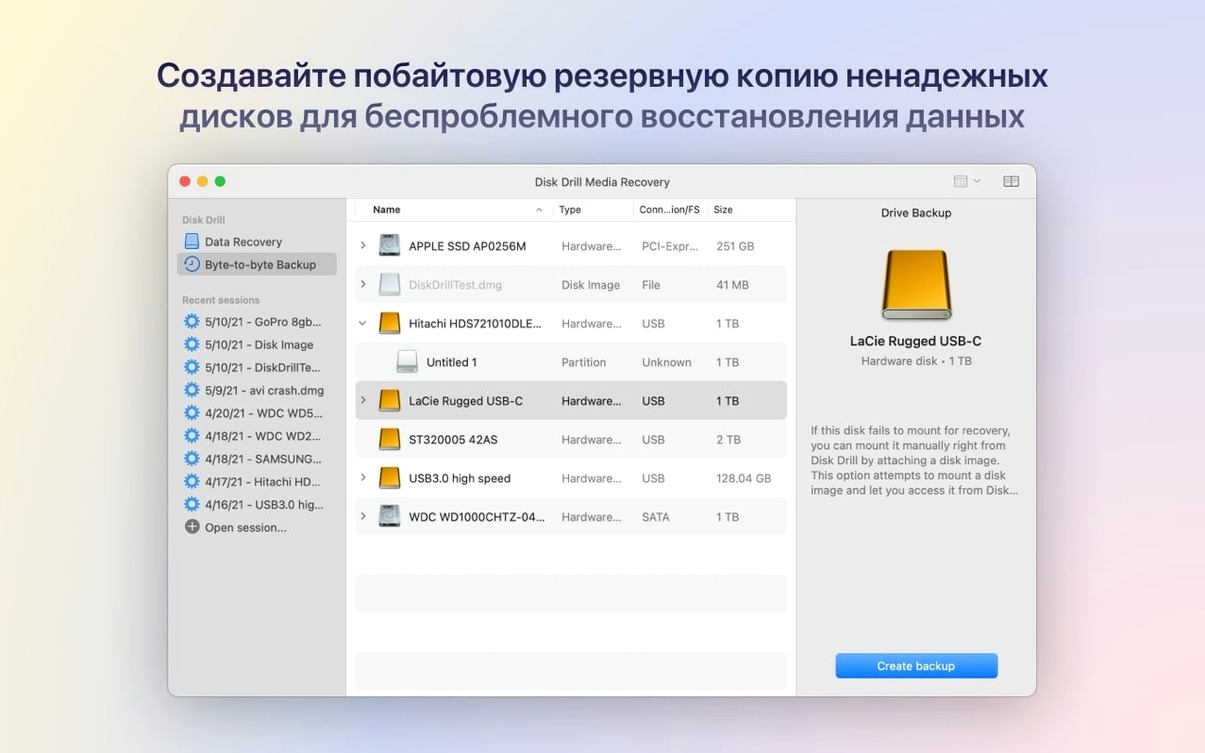
The byte-to-byte DMG backup integrates with Finder: mount the image later, scan it instead of a failing drive. Recovery from the image works in Disk Drill exactly as it would from the physical device, but without further wear.
Keyboard shortcuts stay out of the way. Return begins a scan. Spacebar previews a found file. The cleanup and duplicate finder modules echo Finder’s column view, so the jump from daily use to disk maintenance is slight.
S.M.A.R.T. nudge
The S.M.A.R.T. monitor runs in the background and nudges you only when a disk’s health dips. No dashboard, no constant numbers. A single notification when something is wrong.
Clear labeling matters. Found files are grouped by type and extension, not by an inscrutable recovery algorithm. You see “JPEG” and “CR3,” not “lost fragments.”
Recovered iPhone photos keep their original dates. The ACR module no longer scrambles the grouping, so a burst of shots stays together in one folder.
Unmount first
A video editor discovers a project folder missing from a USB-C external drive. The folder was deleted two days ago and the trash was emptied.
Step one: stop using the drive. Unmount it.
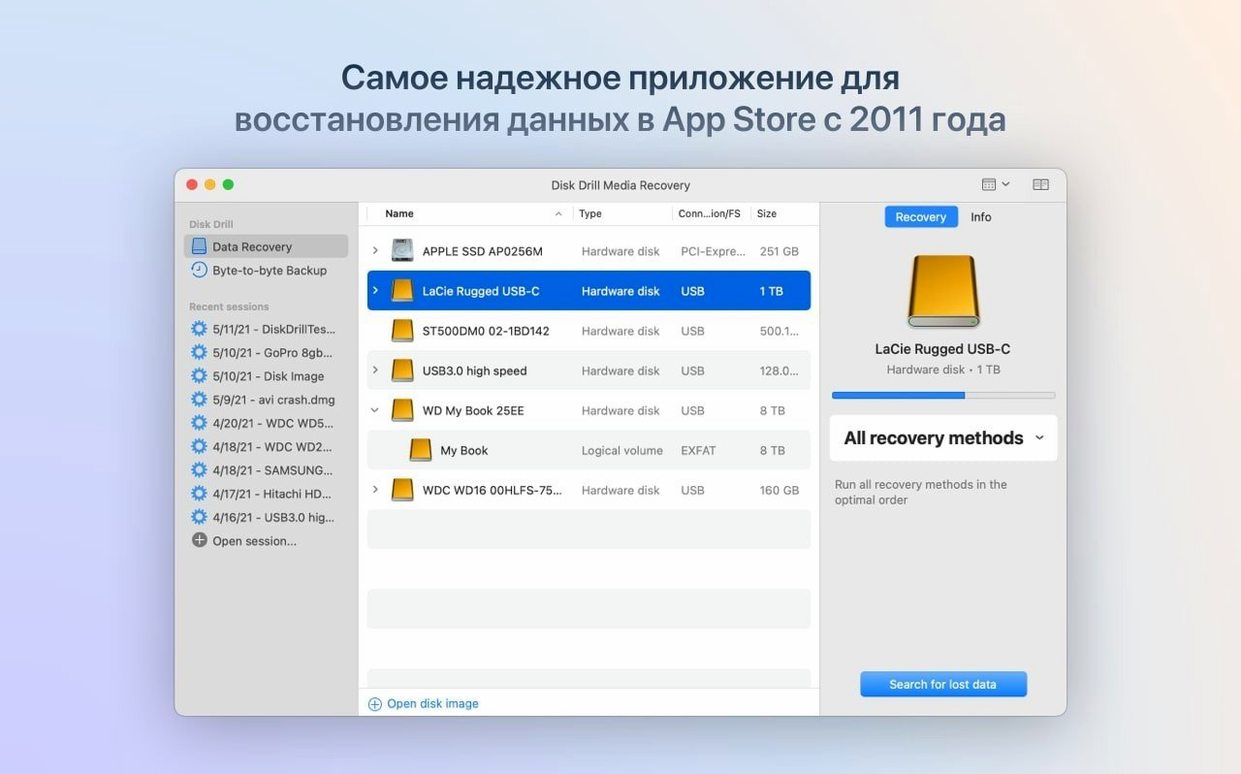
Step two: open Disk Drill, select the drive, run a quick scan. It completes in under three minutes and lists recently deleted .fcpxml and .mov files.
Step three: preview a clip. The playback is smooth. Select the entire project folder and choose a recovery destination on the internal SSD.
Step four: reopen Final Cut Pro. Relink the project file. The timeline rebuilds, clips snap into place. The drive goes back to work afterward.