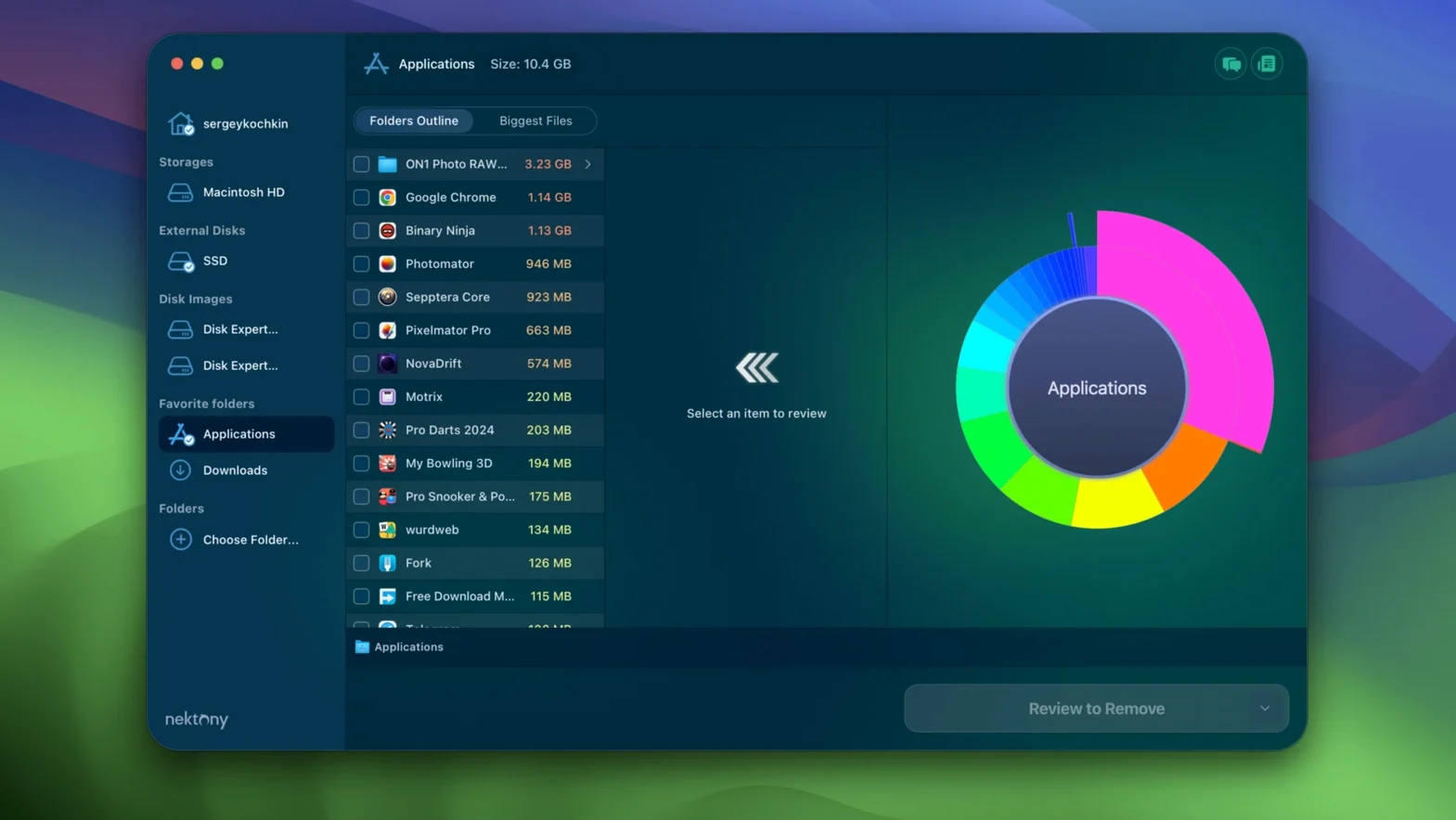
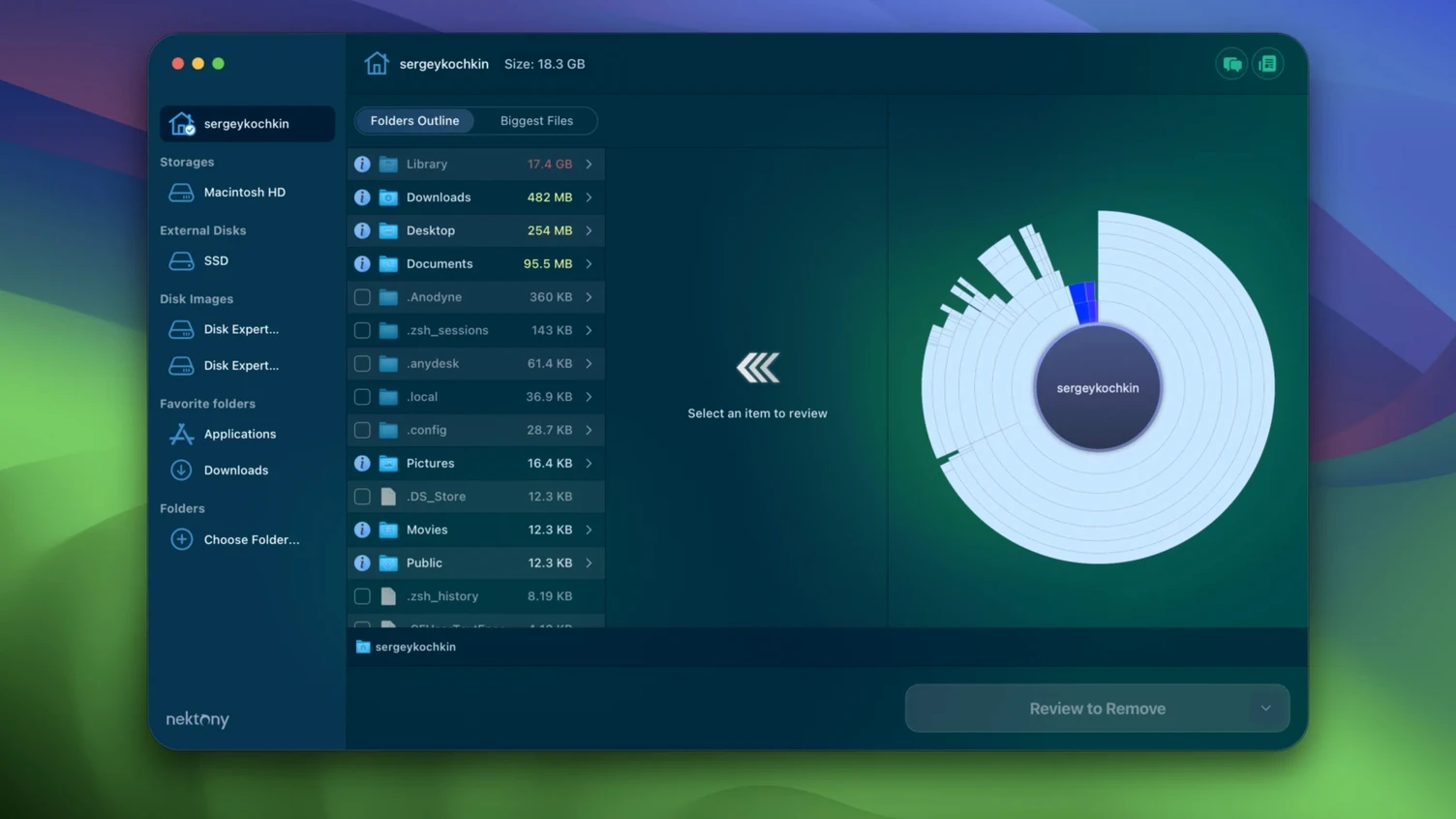
Storage fills without asking. A few old DMGs, a forgotten cache, one large video project — suddenly the drive is full and you don't know where the space went.
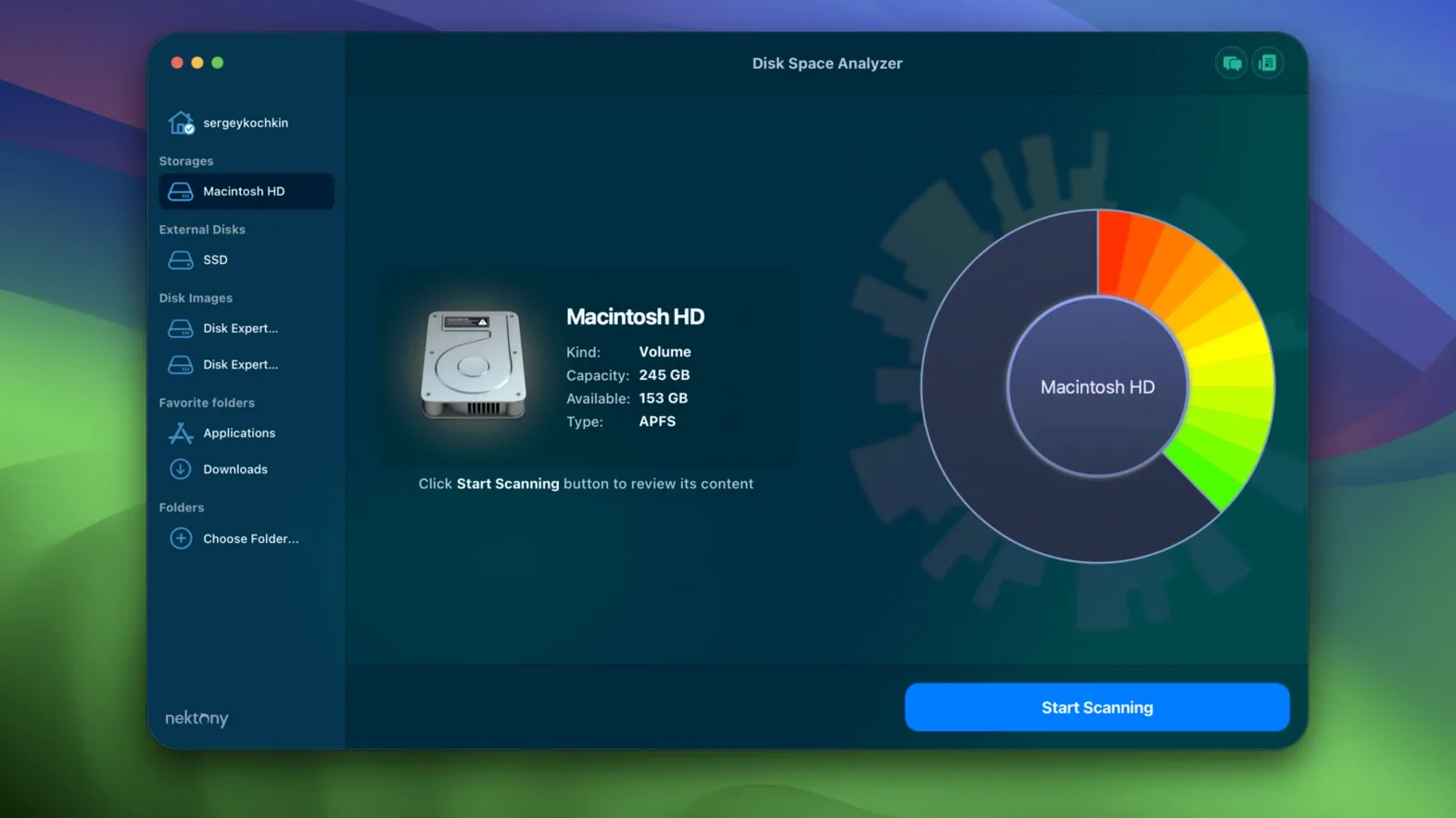
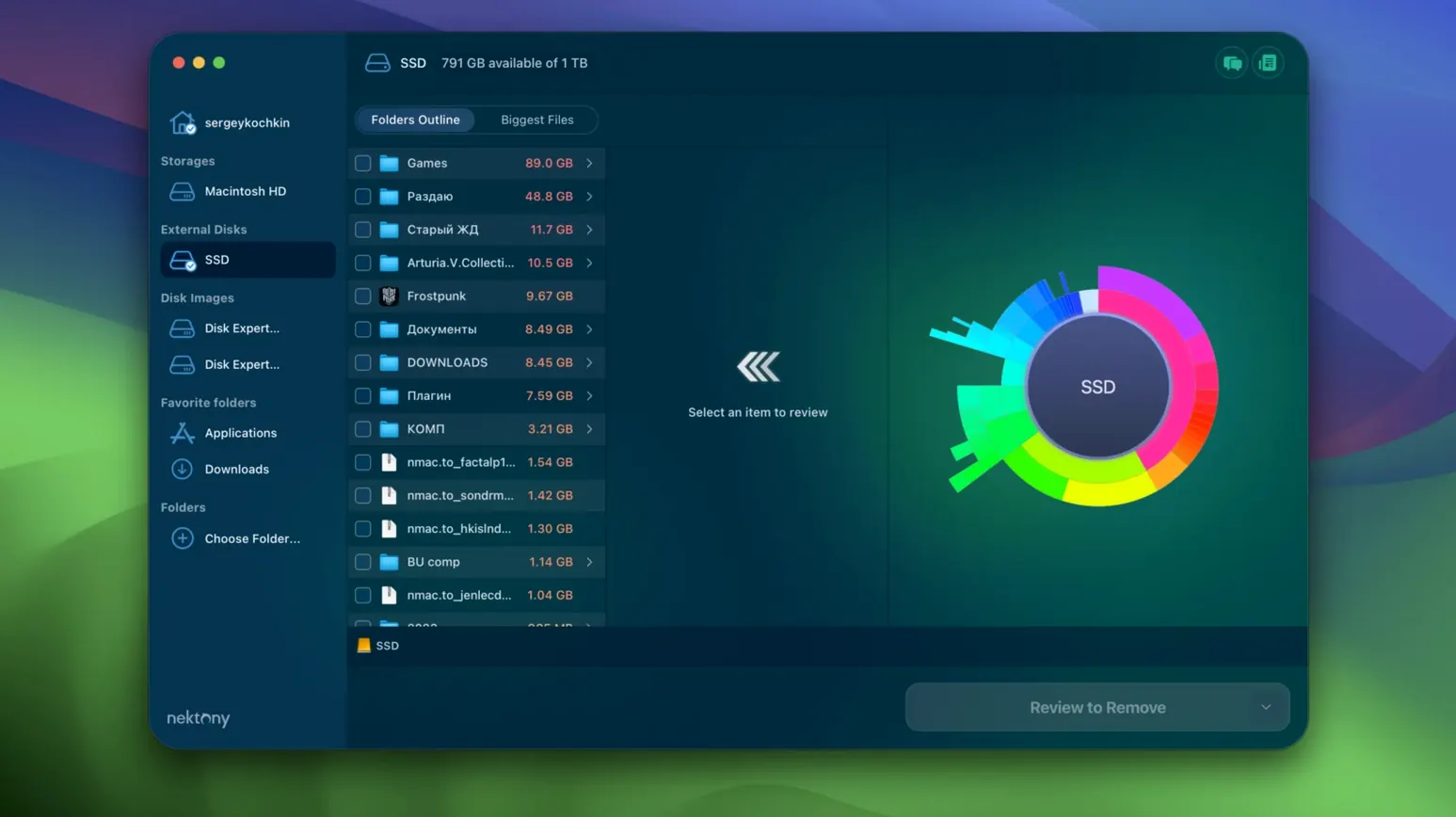
Disk Space Analyzer reads the drive and shows what occupies it, in a sunburst chart you can click through. Large folders stand out immediately. Small ones stay out of the way.
- Scan the startup volume or an external drive.
- Click into the chart until a large file or folder surfaces.
- Preview it with Quick Look, then delete, move, or copy it from the app.
Search by name when you are after one file. Export a CSV to keep a record before cleaning. It works with USB drives, DMG images, and cloud storage — not just the internal disk. A quiet alternative to the built-in storage view, with more reach.
Once a scan finishes, the interface settles quickly. No background CPU drain, no idle fan spin. I watched Activity Monitor while scanning a half-full 1TB external SSD: memory hovered around 120MB, and the CPU dropped to near zero after the initial read. That kind of restraint matters on older Macs where every cycle counts.
Stability holds up across multiple drives. I plugged and unplugged three USB drives in the same session. The app recognized each one without a rescan prompt, and the chart rebuilt in seconds. No crashes, no beachball.
Most people miss the Quick Look shortcut. Press the Space bar on any file right inside the sunburst chart. A preview pops up instantly — same as Finder. You can step through images or scrub a video without ever leaving the scan view.
Another small touch: right-click a folder and choose Reveal in Finder. The path opens, selected, ready for manual handling. It seems obvious, but plenty of disk tools skip it.
If you run a daisydisk official mac disk space analyzer search, you will find similar ideas. Disk Space Analyzer adds one practical difference: the collections list on the left. Drag any file or folder into it, keep scanning, then act on the batch later. Move them all to an archive drive, or delete them together. No re-selecting.