


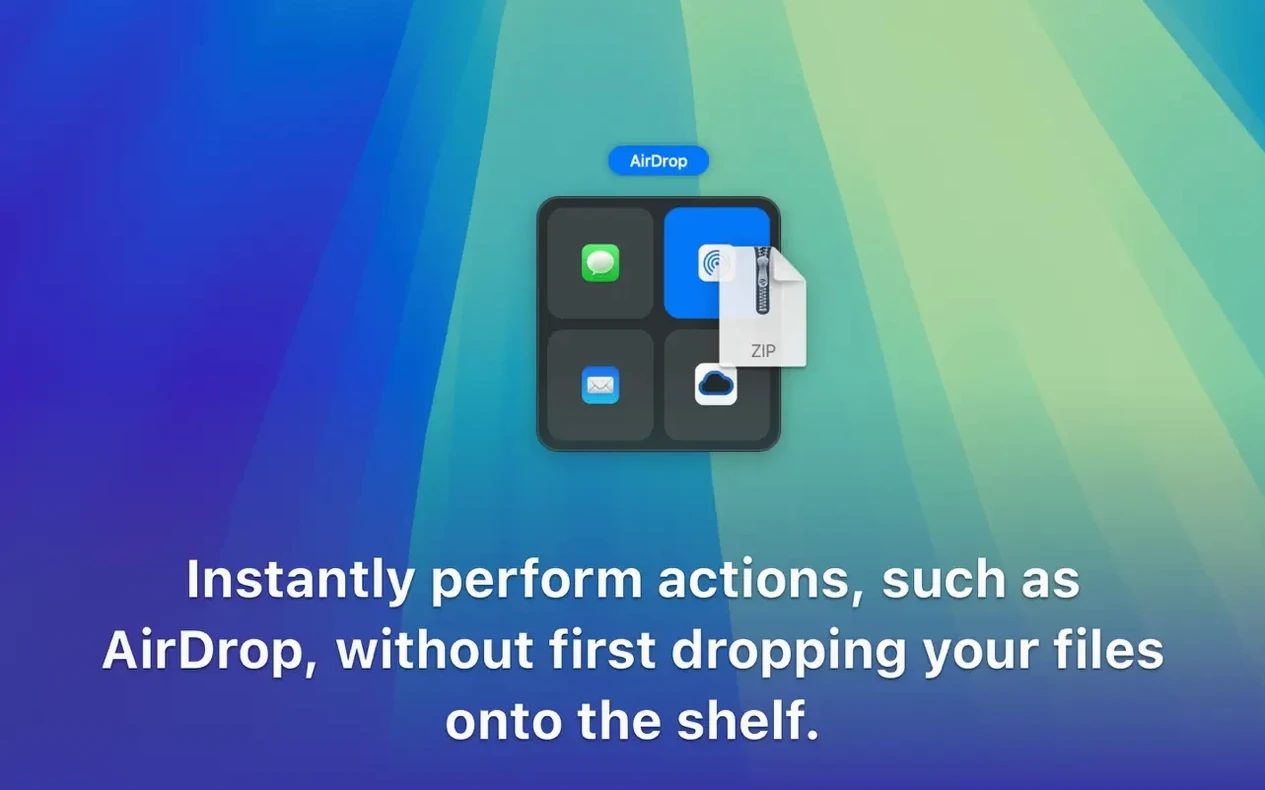

Version 5.3.0 arrived without fanfare—no release notes, just the update. The shelf still does what it should.
Floating shelf
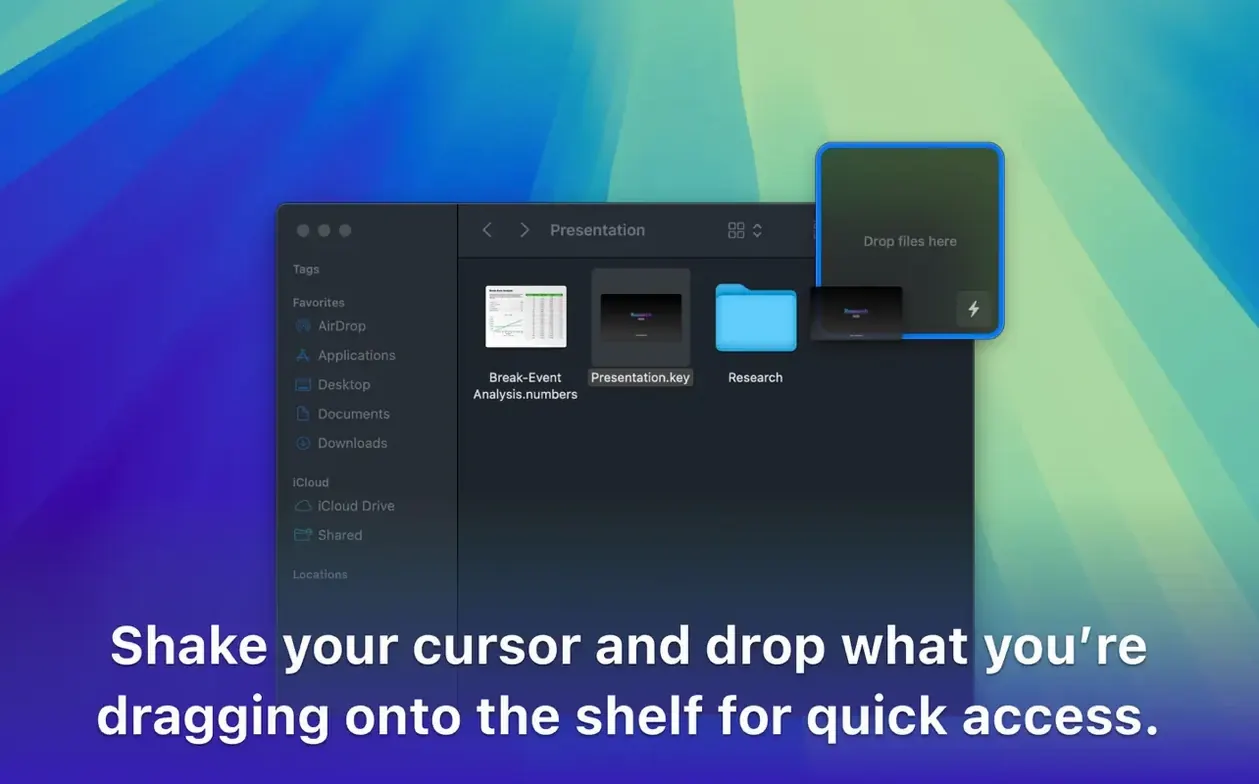
The clumsy dance of finding space for two Finder windows. The spring-loaded folder shuffle. Dropover holds your gathered files in a floating shelf that stays with you as you move between apps and spaces. Drag something onto it, keep working, then drop the whole stack where it belongs.
Share sheets
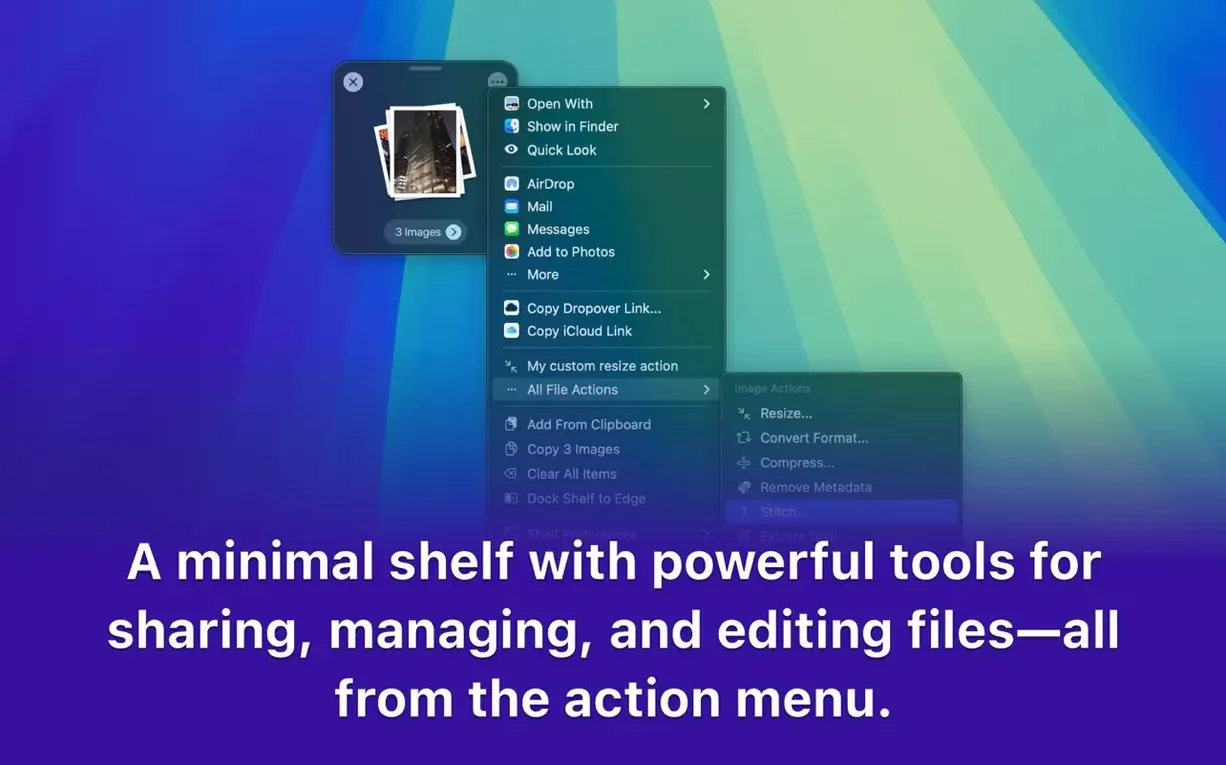
Anyone who moves files between deep folder structures, or from an email to a project window. Right-click a selection, send it to the shelf, and switch contexts. Archive, rename, or share from the same spot. It appears in share sheets and responds to hotkeys. Shortcuts support ties it into larger workflows. Quiet utility, Mac only.
Mood boards
Designers assembling mood boards from scattered folders. Developers moving config files between repositories. Writers pulling text clippings and screenshots into a draft. The shelf makes the most sense when your work lives in more than three directories.
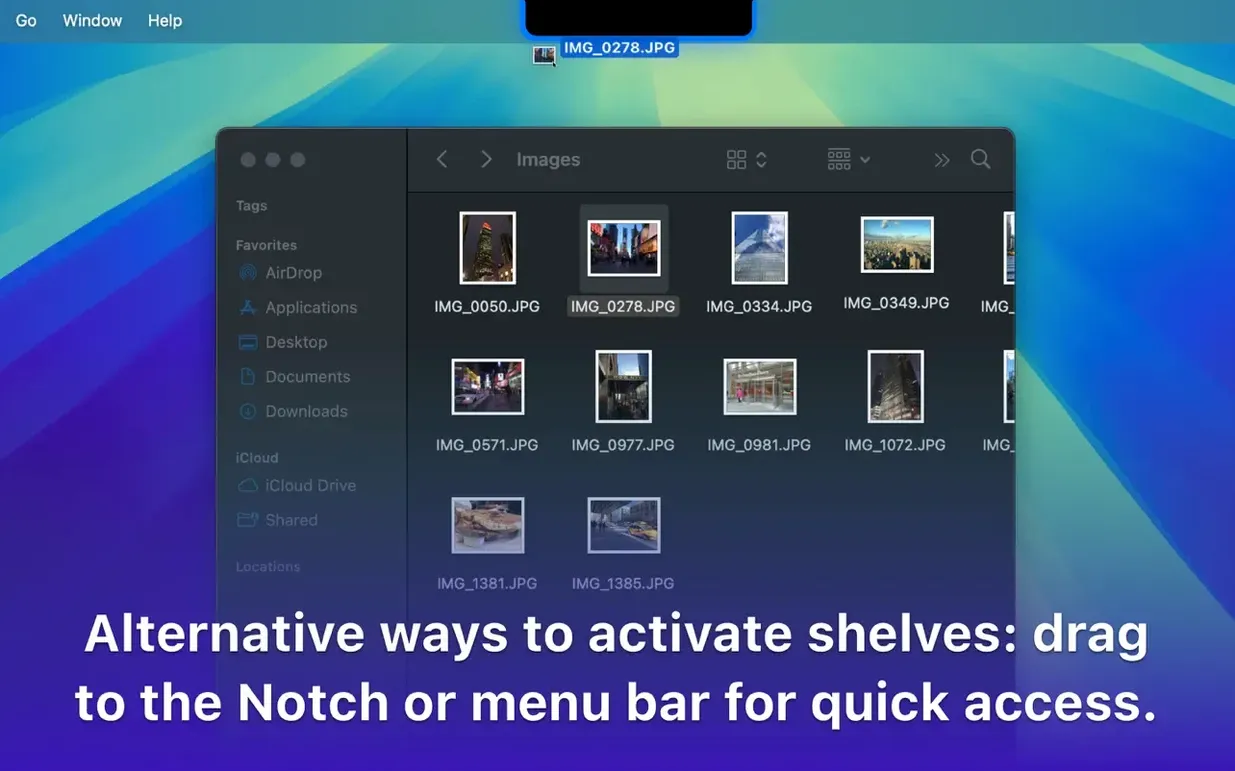
It also clicks for people who use Spaces heavily. A drag can start on one desktop and finish on another without losing hold of the items. The shelf becomes a tiny waystation between contexts.
One session, told straight
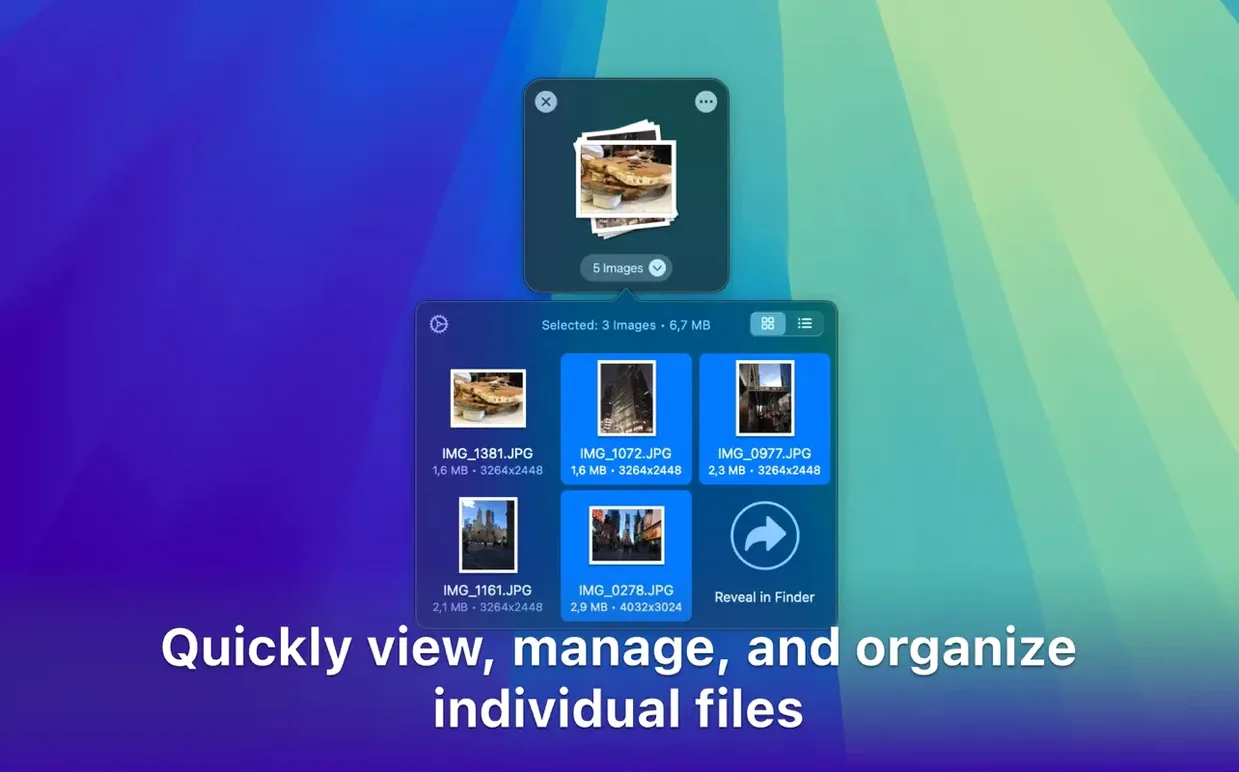
You find a screenshot on the desktop. Drag it to the shelf. Switch to Mail—grab an attachment—drop it on the shelf too. Open a project folder, navigate three levels down, then pull both items off the shelf at once. Done.
Later, the same shelf holds a URL, two PDFs, and a folder. You right-click the stack and choose Create archive. The zip lands where you want it. Nothing opened, nothing copied twice.
One-hand hotkey
Two things. First, the hotkey. Open preferences and set a one-hand shortcut for summoning the shelf. Muscle memory makes it stick.
Second, transparency. A fully opaque shelf competes with your work. Pull it back to around 30 percent. The shelf stays visible but doesn't demand attention. Position it near the screen edge you rarely use.
A quiet utility like this earns its place once those two knobs are dialed in.