A friend hands you a stack of old discs. Some are scratched. A few are from another region. You want to watch them on your MacBook, or maybe turn the best scenes into files you can keep.
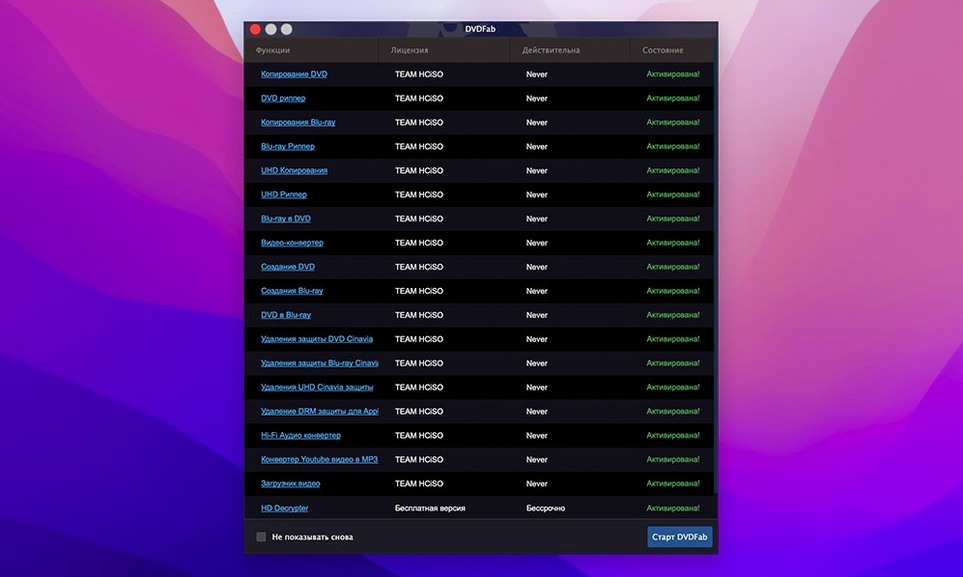
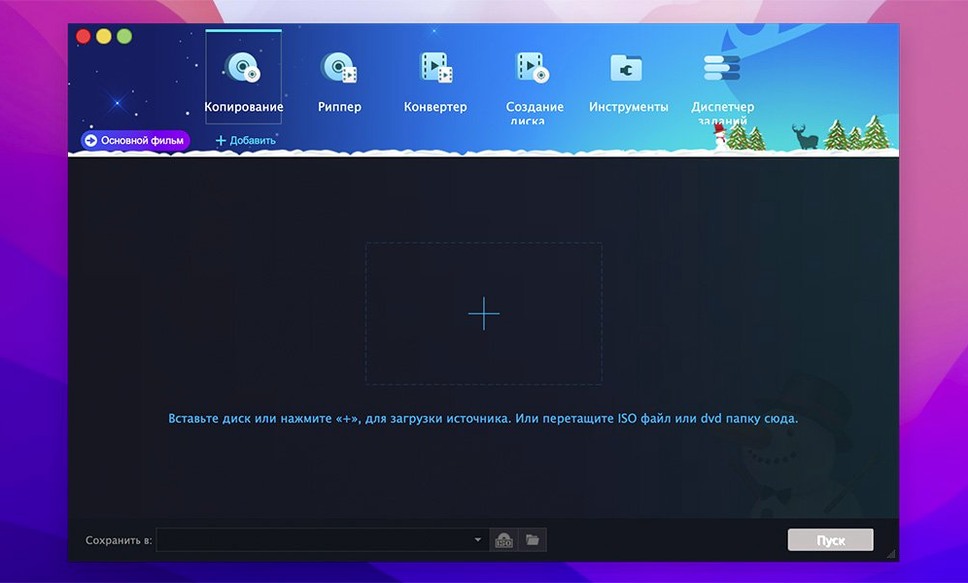
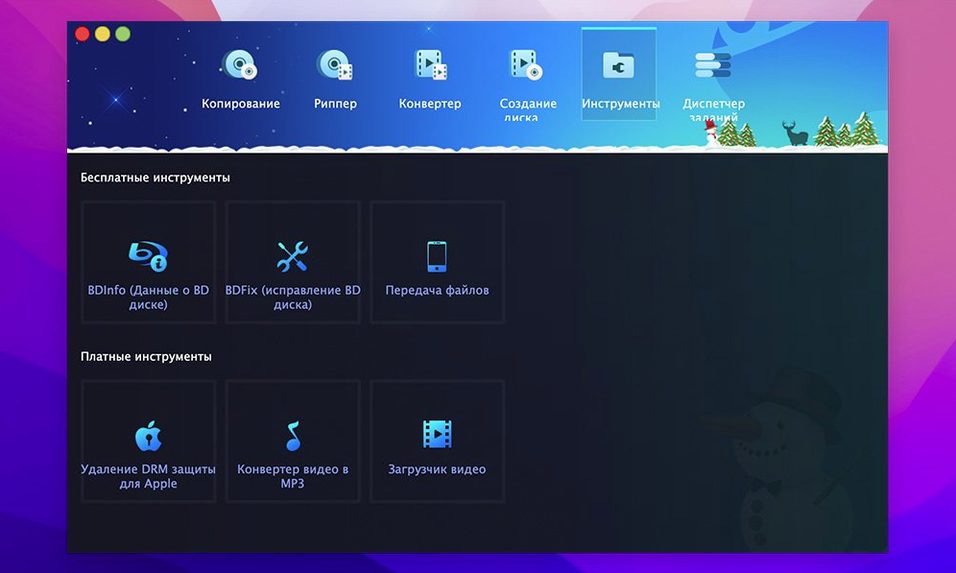
DVDFab handles all of that. It is one suite, not five separate utilities. Copy a disc 1:1. Rip a title to a file. Burn a folder back to a blank DVD. Merge clips from different discs into a single new disc. The tools sit together in a single launcher.
Clone protected discs
- Cloning a DVD exactly, menus and all
- Removing CSS, region codes, and other disc protections during copy
- Splitting a dual-layer DVD-9 onto two single-layer DVD-5 discs
- Merging titles from multiple sources into one authored DVD
- Burning DVD folders or ISO images to disc
Dual branch updates
- The 12.x and 13.x branches receive separate updates
- You will need OS X 10.10 or later
- Runs natively on both Apple Silicon and Intel Macs
A film studies student digitizes a semester’s worth of screeners. Some arrive as Region 2 PAL discs. Others come from classmates as unlabeled DVD-Rs. She needs a single workflow — not three different utilities and a prayer that the IFO structures are intact. She opens DVDFab, sets it to Main Movie, and queues five discs before lunch. When one disc throws a read error on the IFO file, the suite reconstructs enough to pull the title anyway. She converts the resulting folder to an H.264 file for her iPad. One afternoon, one application.
Compare this with Mac DVDRipper Pro. That tool focuses on ripping, and it does that cleanly. But it does not burn. It does not merge sources into a new disc. It is a single-purpose blade. DVDFab is the whole drawer.
Some people reach for HandBrake after ripping with another tool. That works. It adds a step. It also means you rely on HandBrake’s encoding presets, which are excellent but live in a separate application with its own update cycle. DVDFab bakes conversion into the same launcher. One less handoff.
Then there is Burn. Lightweight, open-source, good for quick burns. But Burn does not handle protected discs. If you only ever write data folders to blank media, Burn is enough. If you need to touch a commercial DVD, it is not.
Speed is predictable. A full-disc clone to an ISO image on an M1 Mac runs at whatever the optical drive can sustain — usually 8x to 12x with a modern USB drive. Encoding to device profiles is slower; it is CPU work. The interface does not stutter. Memory settles around 200 MB during a rip, slightly higher during encoding. The 12.x branch can feel like older code when you look closely at some dialog boxes — it is not polished like a new Catalyst app. But it does not crash. Over a week of daily use, not once.
Start with a simple clone. It is the quickest way to see how the suite works.