People with sprawling photo libraries use it. People who back up too eagerly use it.
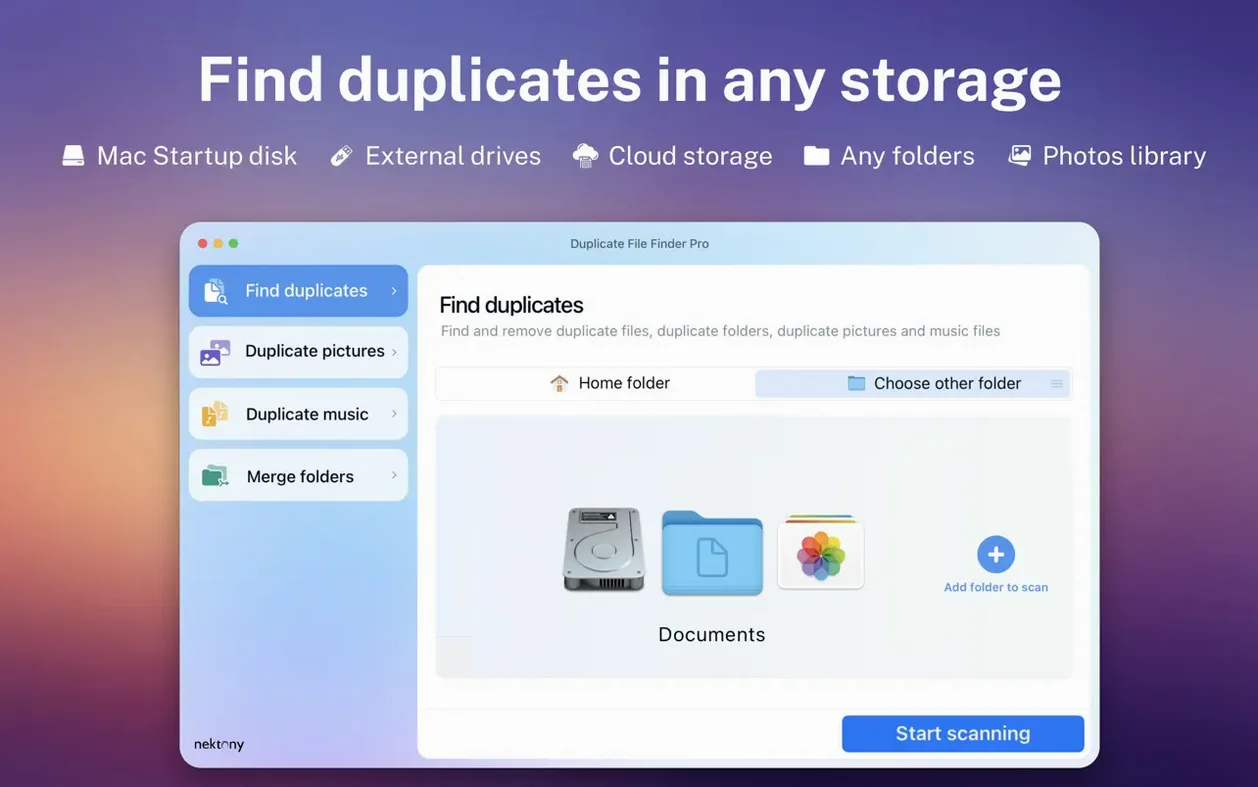
1. Add a folder or a whole disk.
2. The scan builds a visual report.
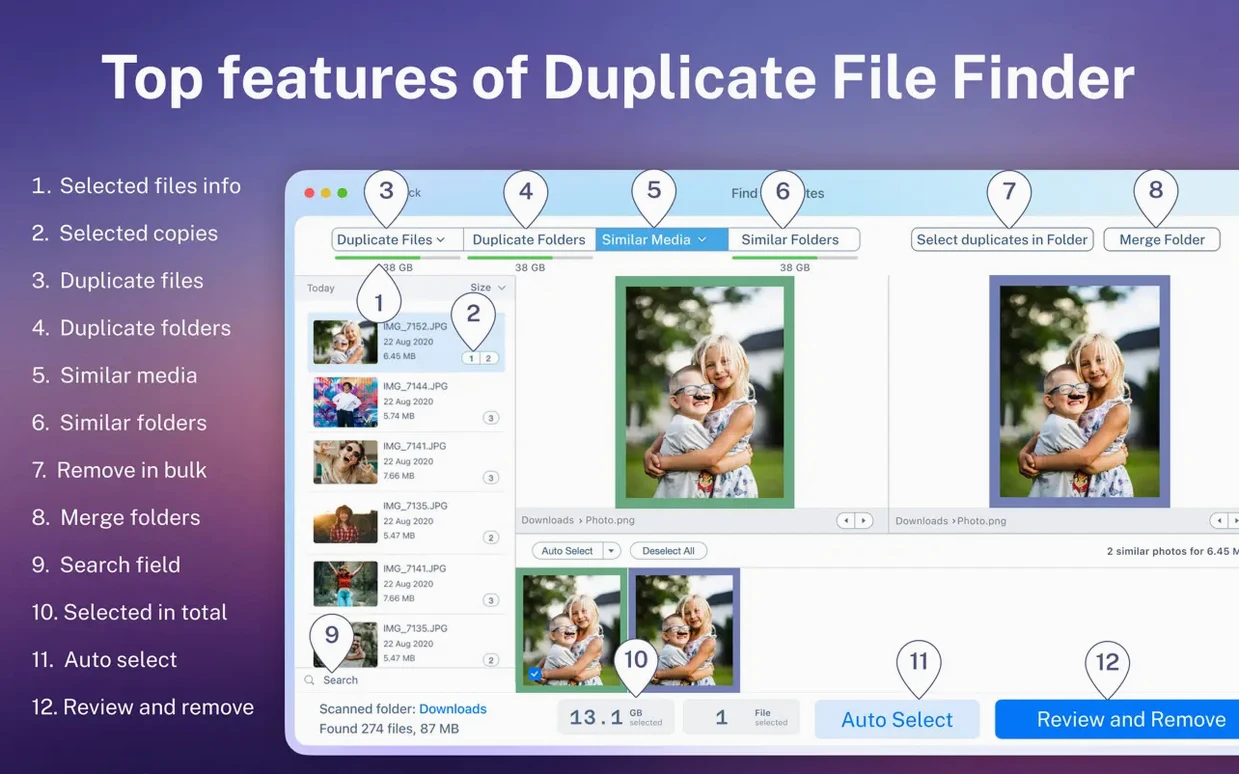
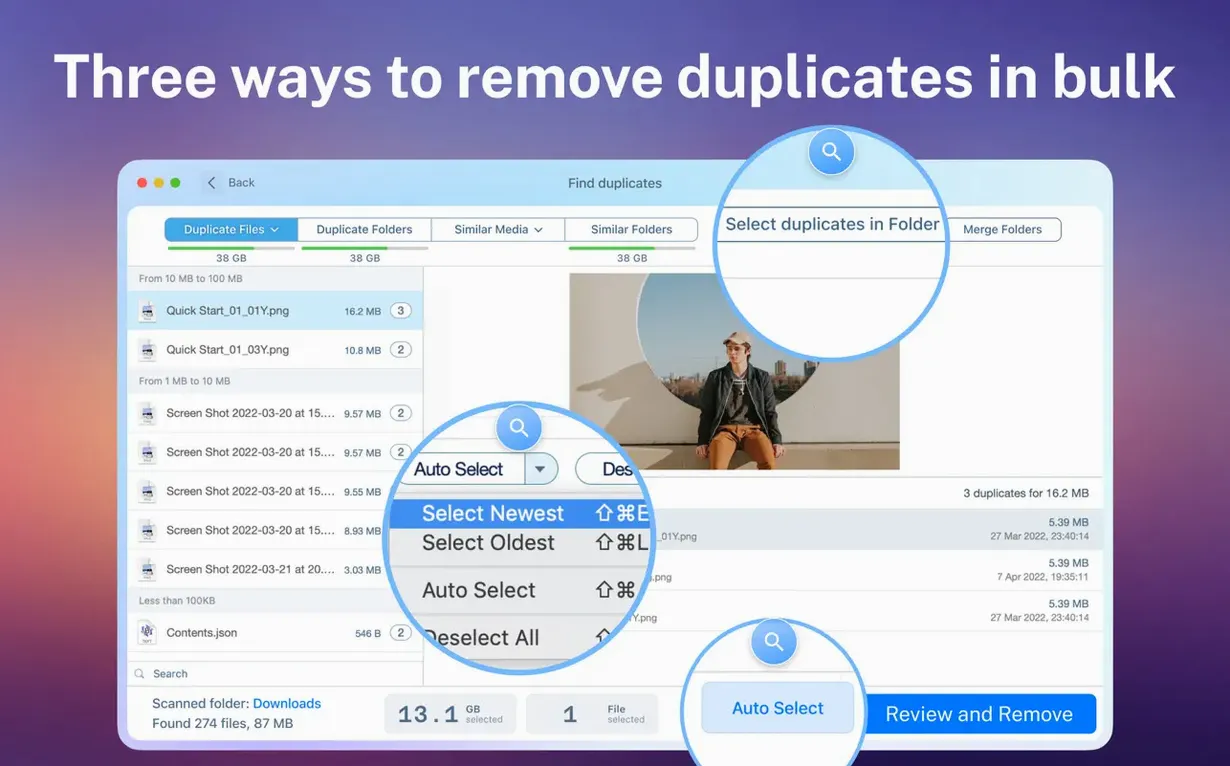
3. Smart selection groups duplicates; you preview any file before acting.
4. Remove what you don’t need.
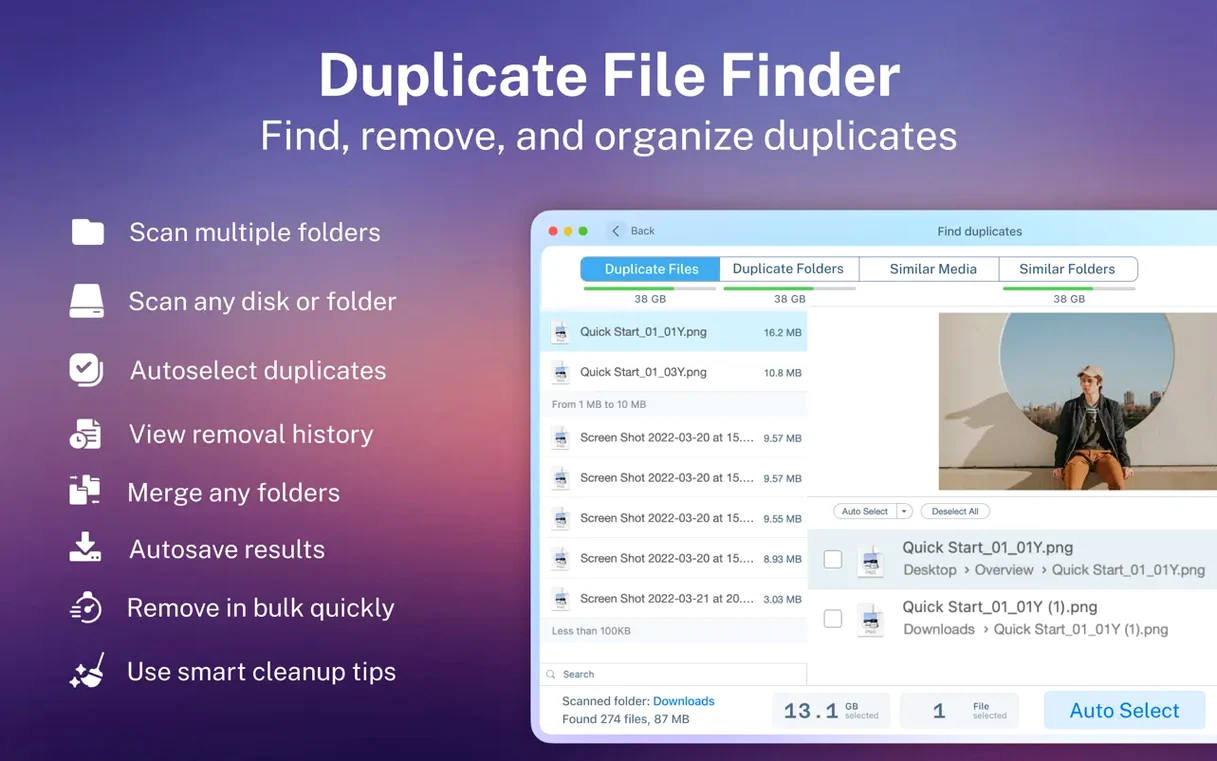
The app reaches into hidden folders. It compares files across multiple disks and can merge folders when duplicates make your finder window feel like a maze. Removals are restorable, so a second thought is never too late.
Hidden caches
Open preferences before the first scan.
Toggle Scan hidden folders on if you want to reclaim space in system caches and Library directories. Leave it off for a cleaner initial report.
Set the minimum file size to something meaningful. Scanning for duplicates under 1 KB clutters the report with system detritus. 100 KB clears the noise.
Under Auto-select, pick your selection logic. The app can keep the oldest copy, the newest, or the one in the shortest path. Choose once so every future scan follows your rule.
Answered before you ask
The scan does not alter files. It reads metadata and hashes; nothing moves until you click a removal button. Even then, the app sends files to Trash by default unless you choose permanent deletion. Restorable from the history panel.
It handles network folders and external drives, but the connected volume must be writable. Read-only mounts still scan; you just cannot act on results directly from the app.
Similar folders are not duplicates. The comparison checks structure and partial content overlap. Useful for finding projects you copied and then edited lightly.
Memory use climbs during large scans. On a 2 TB external drive, the app stays responsive. Close other heavy software if your Mac has 8 GB of RAM; on 16 GB or more you will not notice.
Wedding duplicates
A wedding photographer returns from a weekend shoot with three SD cards, two card-reader ingest passes, and a Lightroom catalog that ballooned overnight. Her finder window shows folders named Ceremony_FINAL, Ceremony_FINAL_v2, and Ceremony_USE_THIS.
She drags the entire 2024 shoots volume into the app. The scan report splits into images, videos, and documents. She sorts by duplicate count descending. One RAW file appears fourteen times across nested backup folders she forgot she made.
Smart selection keeps the copy inside the active Lightroom catalog structure. She previews two versions to confirm, then removes the rest in one click. The merge-folders step tidies what remains: three fragmented project folders become one.
She gains 340 GB. No file vanished without her eyes on it.