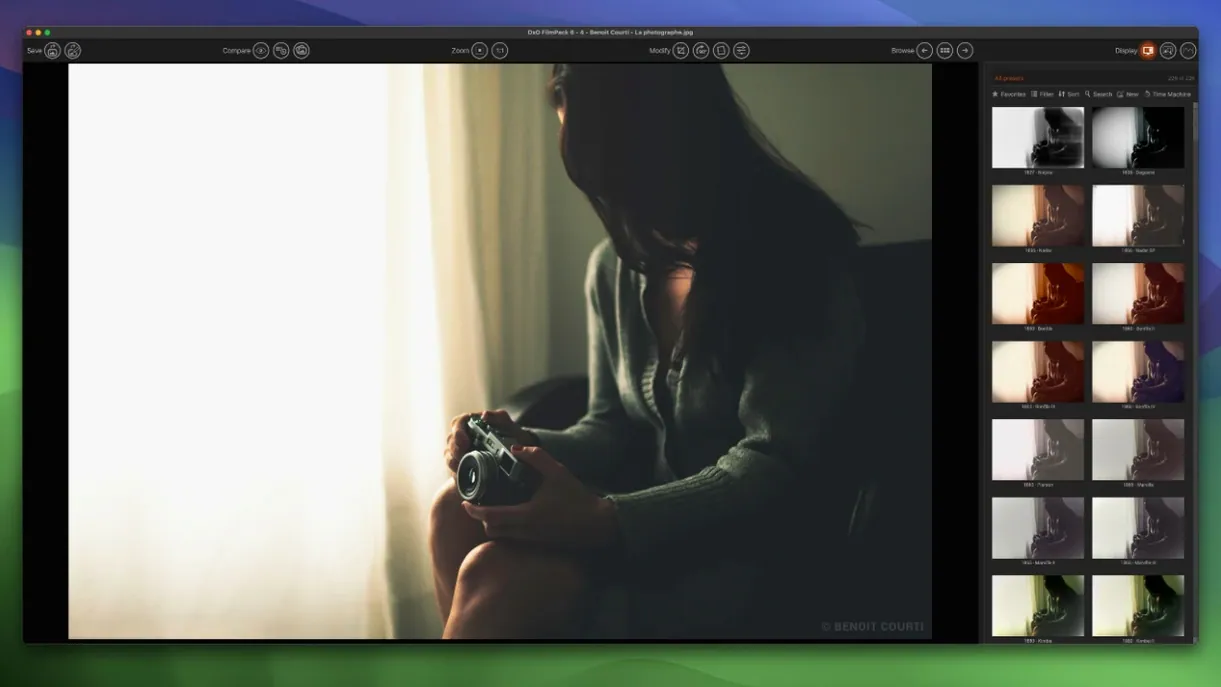
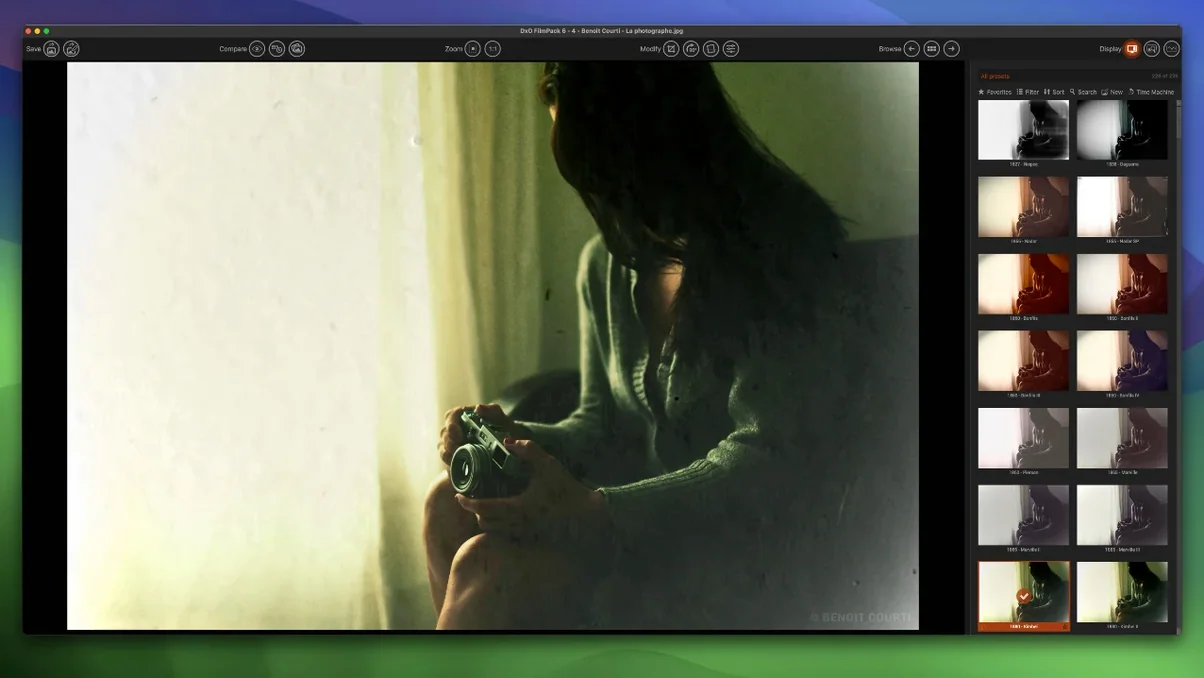
Version 8 brings Time Warp, a way to revisit the grain and palette of past eras using your own photographs.
Film emulation — reproducing the color, grain, and contrast of specific analog film stocks.
Time Warp mode — a new tool that shifts the rendering through the decades, frame by frame.
Scanned Film Optimization — cleans up dust, scratches, and uneven exposure from lab scans.
Photoshop palette — the full library of 153 renderings opens inside Adobe Photoshop as a dedicated panel.
RAW support — works with unprocessed sensor data for the deepest color control; also handles TIFF and JPEG.
It’s for the photographer who misses a particular stock. For the one who scans old negatives and wants them clean. For anyone who prefers the weight of film but shoots digital.
FilmPack sits beside DxO PhotoLab without friction. Corrections applied in one — distortion, vignetting, chromatic aberration — carry into the other. The same optical modules power both, so a lens profile you trust in PhotoLab stays consistent when you move into FilmPack for grain and color.
It also talks to Lightroom Classic. You can send a RAW file directly, apply a preset, and return a rendered TIFF without leaving the catalog. The Photoshop palette is tighter still: it floats as its own panel, and changes preview in real time on the canvas. No intermediate export. No switching windows.
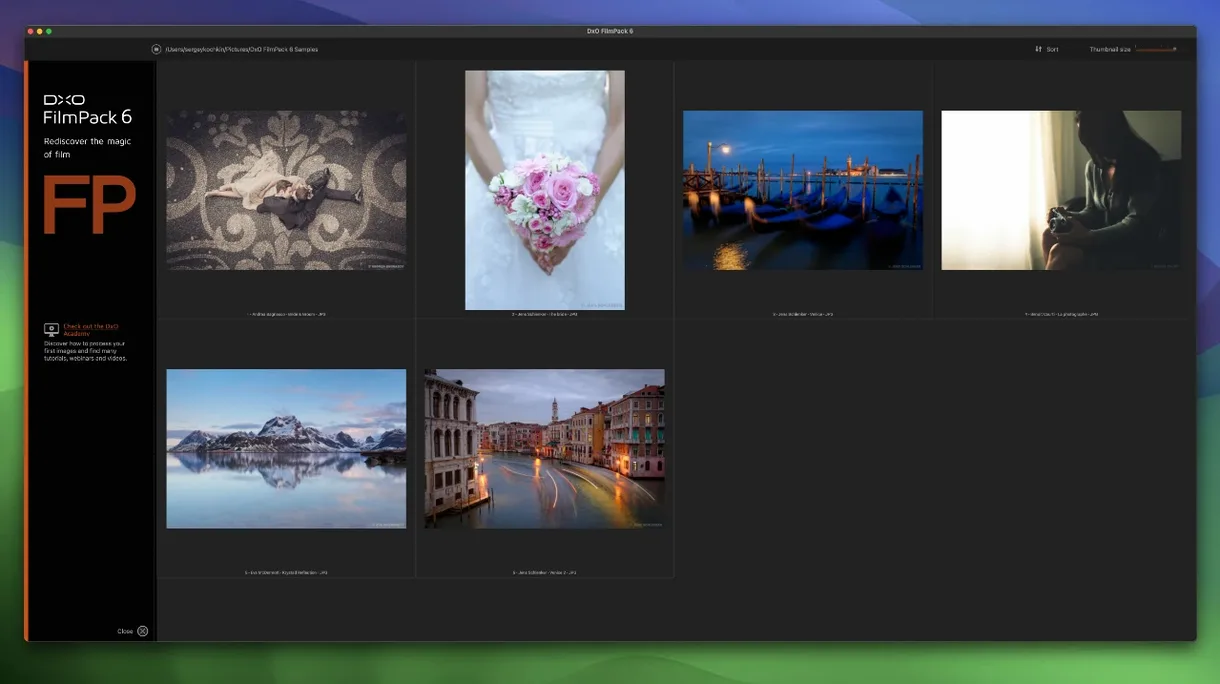
macOS integration is quiet but useful. The standalone app respects system-wide color profiles and picks up sidecar files from Apple Photos if you drag them in. It’s not a plugin for Photos, but the file-level compatibility is right.
Preview churn
Speed depends on the rendering detail. A straight film preset on a JPEG finishes near-instantly. Add grain, Time Warp, and scanned-film cleanup to a 45-megapixel RAW, and the preview refreshes in a second or two on Apple Silicon. Intel machines take a bit longer but stay usable.
Memory use is modest. Working through a folder of 200 RAWs, the app held under 2 GB of RAM and never pushed the fans on a MacBook Air. Stability, on version 8.8.0, has been uneventful — no crashes across several sessions with mixed file types and heavy preset switching.
Some photographers hunt for DxO FilmPack 8 crack or DxO FilmPack 8 torrent to test the new film stocks before committing. That’s not unusual for niche tools that ask for time to evaluate.