DeepPRIME. The name hides what it does: demosaicing and AI-driven noise reduction in one pass. You notice the difference in the shadows.
What are DxO Modules?
Camera-and-lens profiles measured in the lab. They correct distortion, vignetting, and chromatic aberration without guesswork.
How does U Point work?
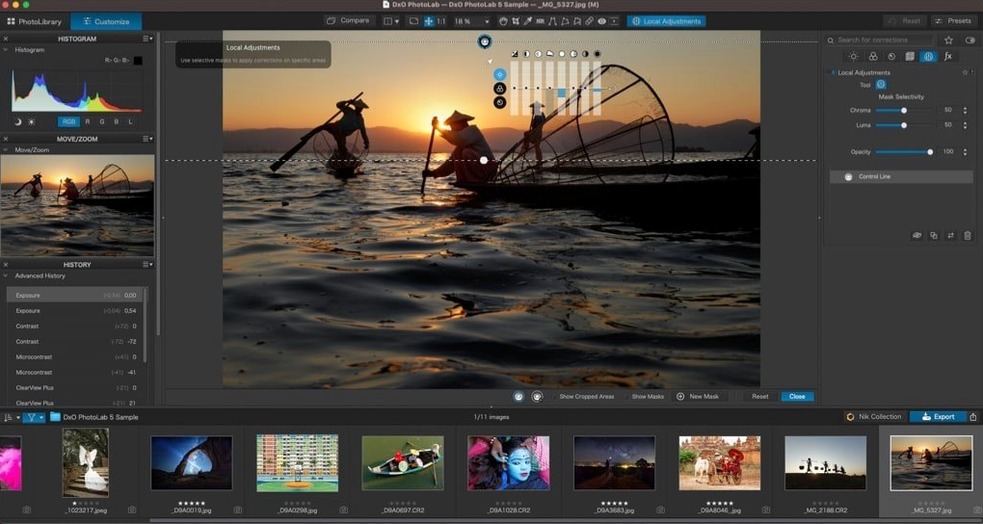
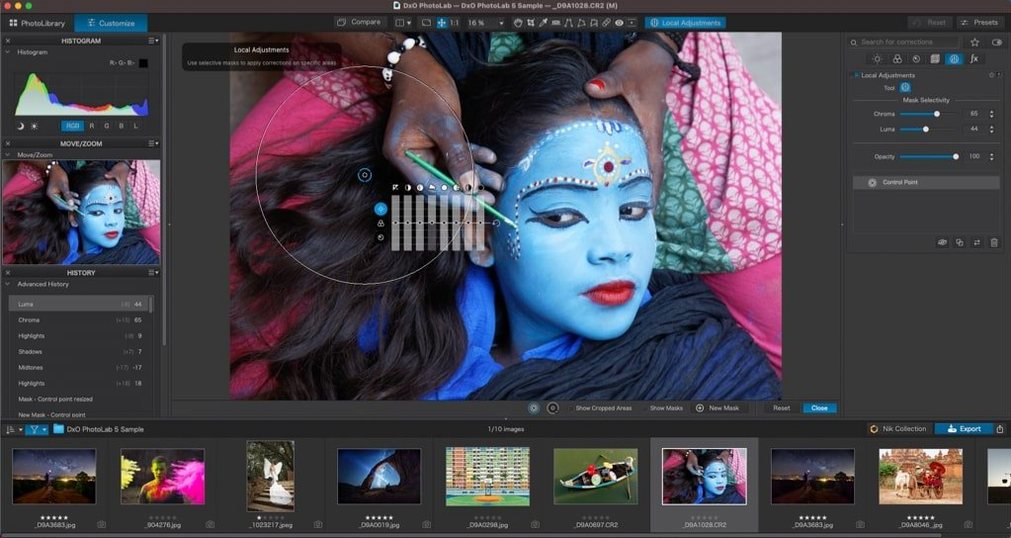
You place a control point and adjust only the tones and colors that match that area. No masks to draw. Local adjustments stay editable and you can copy them between frames.
Can I override the automatic corrections?
Yes. Smart Lighting and ClearView each give you a single slider, but every automated decision can be pulled back manually when you need a different look.
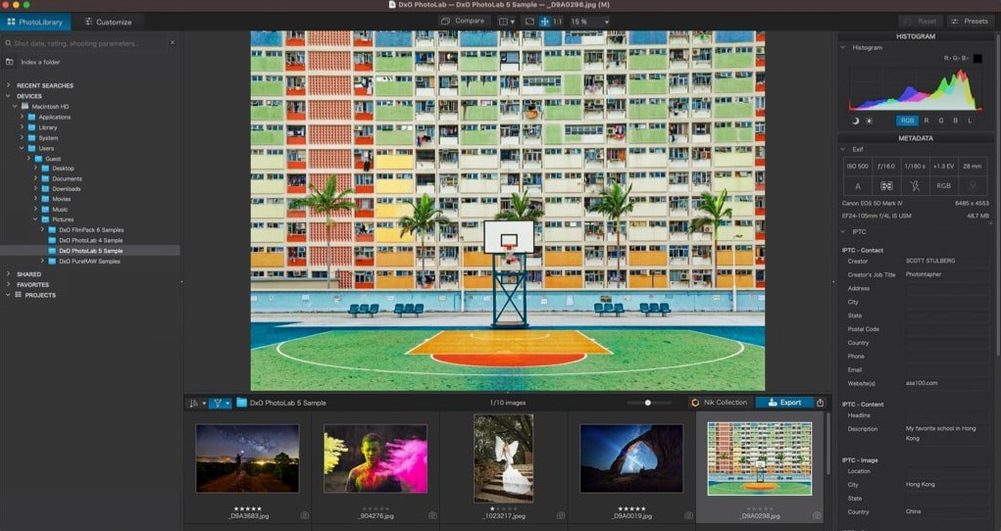
You open a folder of RAW files shot at dusk. One frame has potential: good composition, noisy shadows. You drag it into PhotoLab.
The lens module loads first. Distortion and vignetting disappear before you touch a single slider. DeepPRIME XD3 runs next, and the shadow noise dissolves. Not blurred. Just gone.
Next you add a control point to the sky. Drop exposure half a stop, pull clarity up slightly. One more point on the subject's face — lift the midtones, nothing else. No layer panel, no brushing. Thirty seconds and the edit holds together.
You copy the local adjustments, select three similar frames by subject type, paste. That would have been ten minutes of masking in another tool.
When you export, the file writes fast. No spinning beach ball. The app holds its memory steady — around 2 GB with a dozen 45 MP files open. It feels light for the work it does.
People who switch from Lightroom often say the same thing: exports finish sooner, and the base rendering needs fewer tweaks. The trade-off is clear. You get less asset management, less cloud, less mobile. You get more image quality per click.
Who fits here
This is not for cataloguing tens of thousands of wedding photos. It suits a smaller, slower practice. Landscape photographers who shoot one location until the light works. Portrait editors who want skin tones right without Photoshop. Anyone processing high-ISO RAW on an Intel Mac that struggles with newer AI tools.
If you already own a DxO camera profile, the module system alone saves you from lens correction spreadsheets. If you shoot astrophotography, DeepPRIME XD3 handles low-light noise like few other renderers.
Users who search for a PhotoLab 9 torrent or a DxO PhotoLab torrent often come from Adobe — tired of subscriptions, chasing a single-payment RAW editor that does not punish older hardware. They find it here, along with a workflow that respects manual control.
On an M1 MacBook Air, DeepPRIME processes a 24 MP file in under ten seconds. Fans stay quiet. The interface draws without lag during slider moves. It has been stable across a week of daily editing — no crashes during export, no library corruption.
Over 600 cameras are supported. A quiet tool for a deliberate process.