
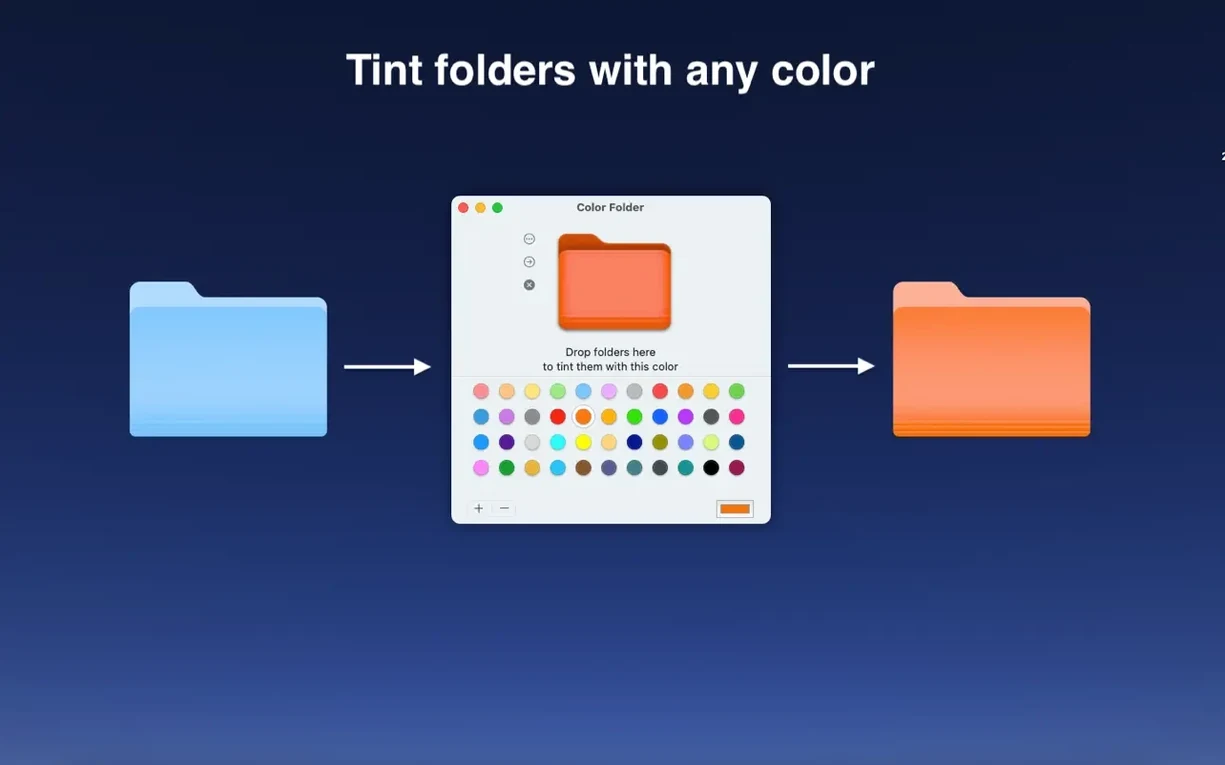
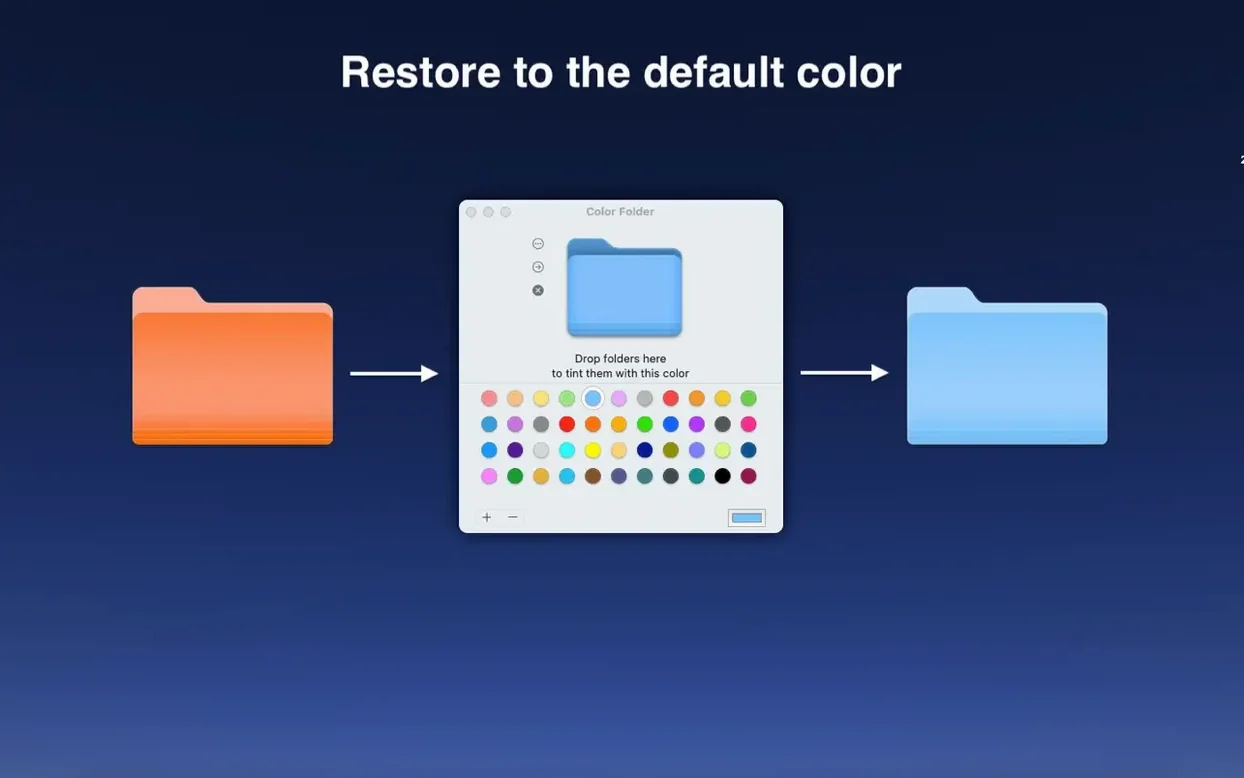
You have a project directory that needs to stand out from the twenty other folders on your desktop. A single right-click, a chosen template, and it's done.
Beneath the surface, Color Folder Pro keeps the batch controls an experienced user actually wants. Select a dozen folders, assign one color or template, and walk away. No per-folder wizards, no repeated confirmations.
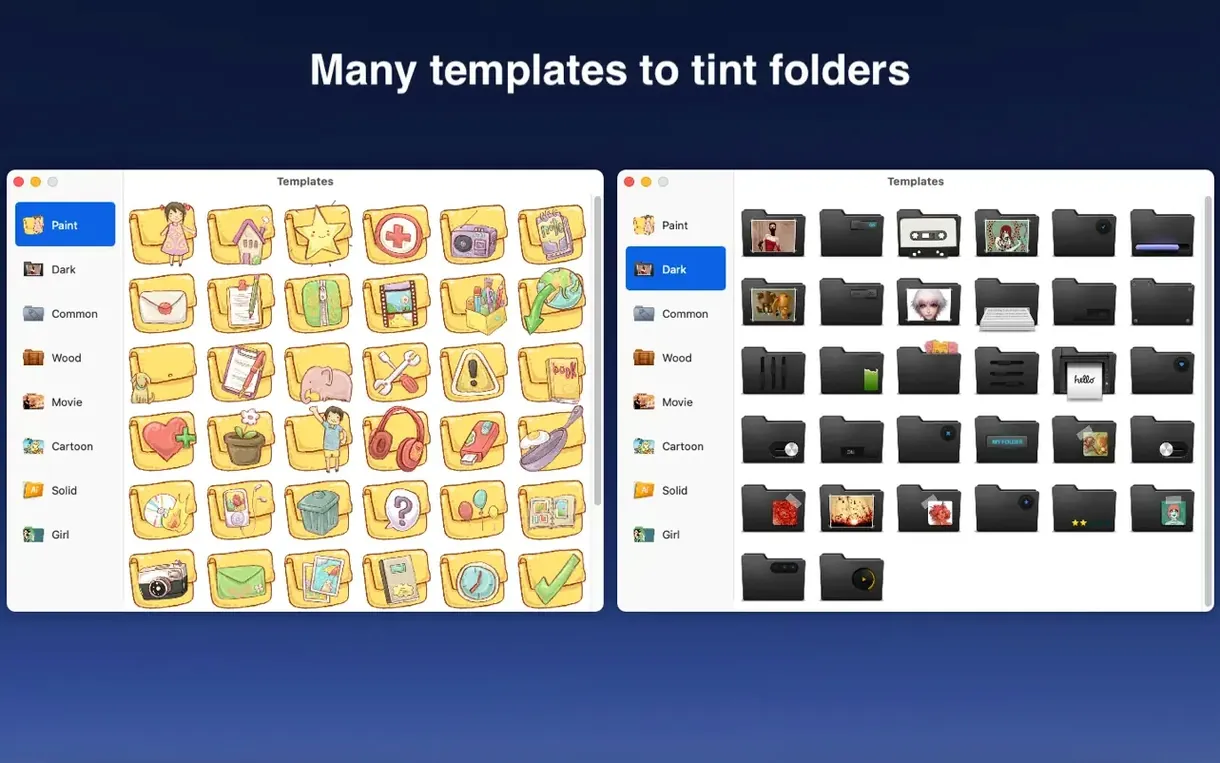
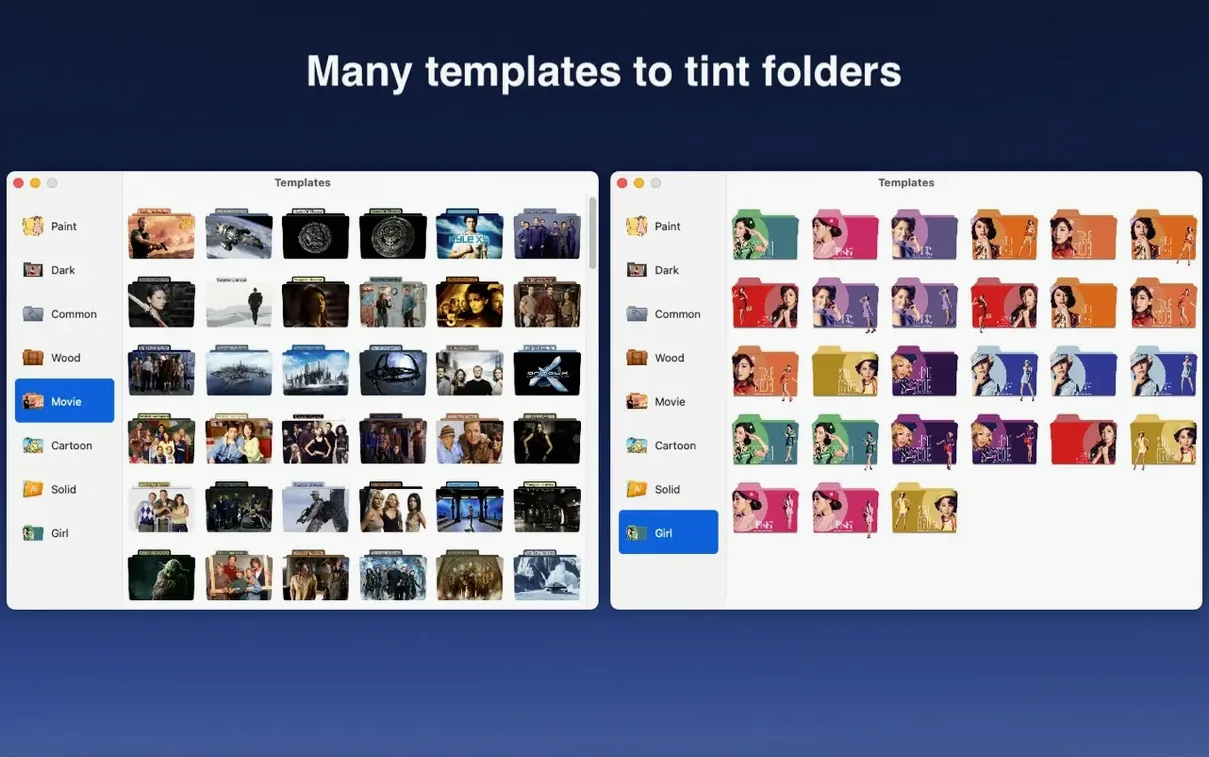
The template library holds over 700 icons. If none fits, you bring your own color and the app renders a clean, consistent folder shape. It doesn't try to be a general-purpose image editor — just a precise folder tool.
First-run mistakes
Dragging an image straight onto a folder icon without checking its aspect ratio. A tall logo squashes into the folder shape. Crop it square first.
Applying a custom color to a folder that already has a template icon. The template vanishes. Set the shape first, then adjust the color, or the other way around — but not both starting from a decorated folder.
Ignoring the batch selection behavior. If you highlight folders in different Finder windows, the app sees only the last active window's selection. Gather everything into one window before applying a change across many folders.
Shrink Previews
The default icon preview size is large. Open preferences and pull it down one notch. You get more thumbnails on screen without losing detail, which matters once the template library grows familiar.
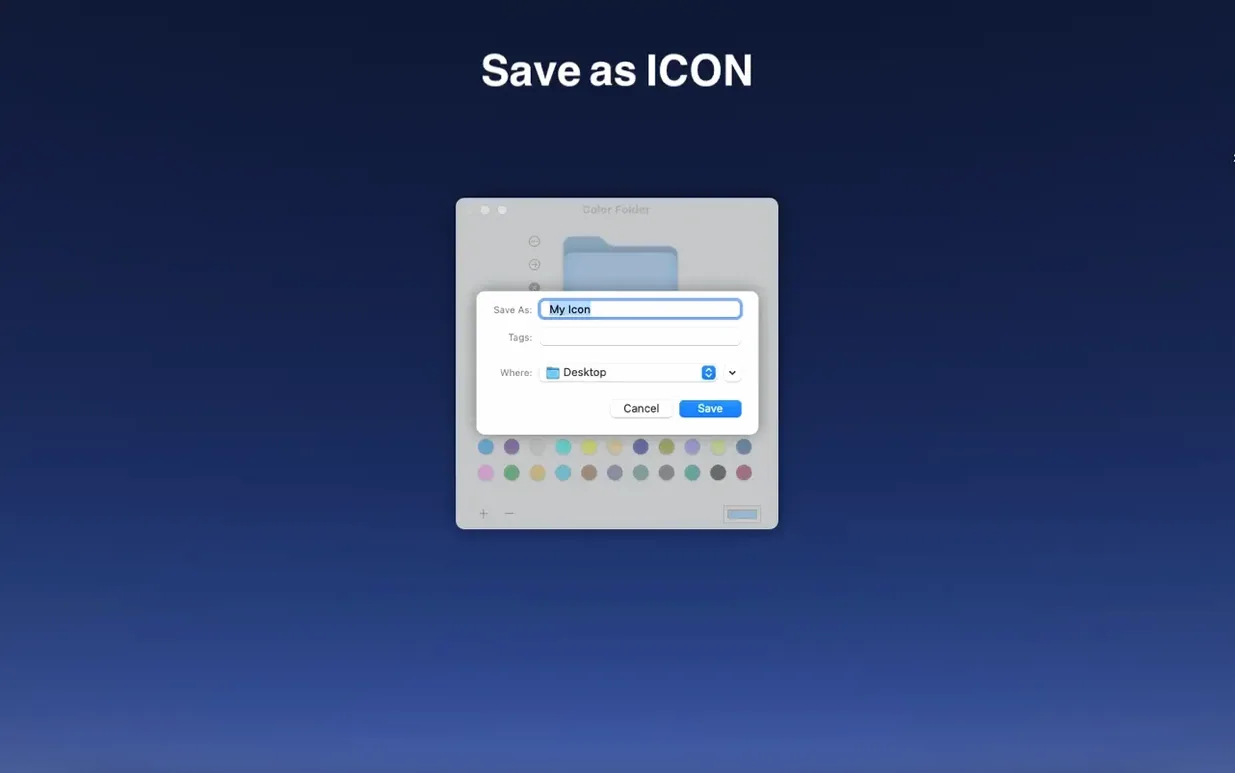
Switch the default save format from icns to embedded resource. Folders carry their new look when moved between Macs, not just on the machine where you applied them.
Turn off the confirmation dialog after the first five uses. It exists to prevent accidental overwrites, but once that muscle memory settles, the extra click becomes friction. The preference lives under the General tab, labeled simply enough that you'll spot it.
If you work across languages, the interface toggle requires a restart. Set it once and leave it. The English and Chinese builds share identical functionality, no features hidden behind the locale.
English and Simplified Chinese interfaces ship in the same build. The utility stays narrow in scope, which is exactly the point.