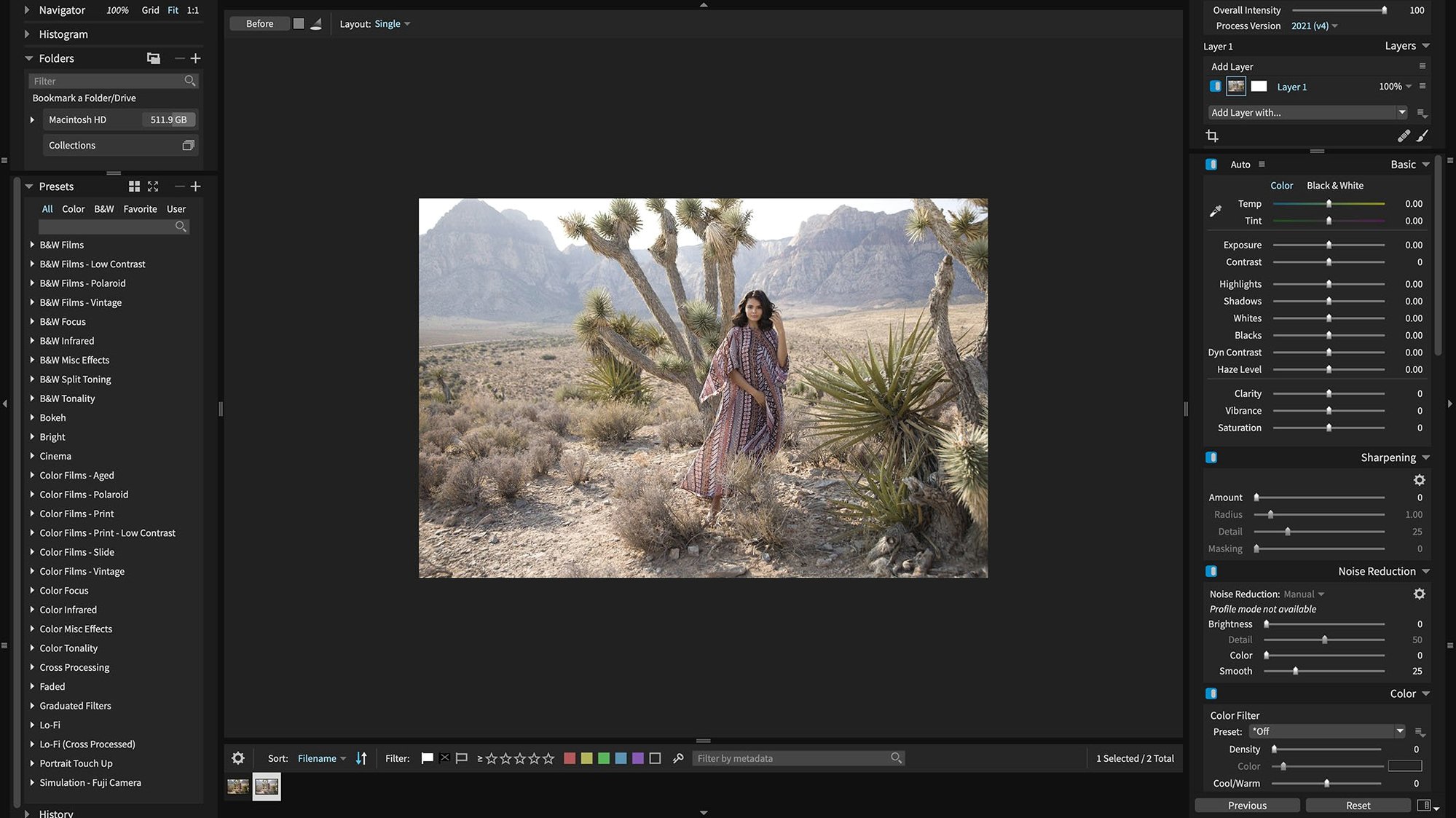
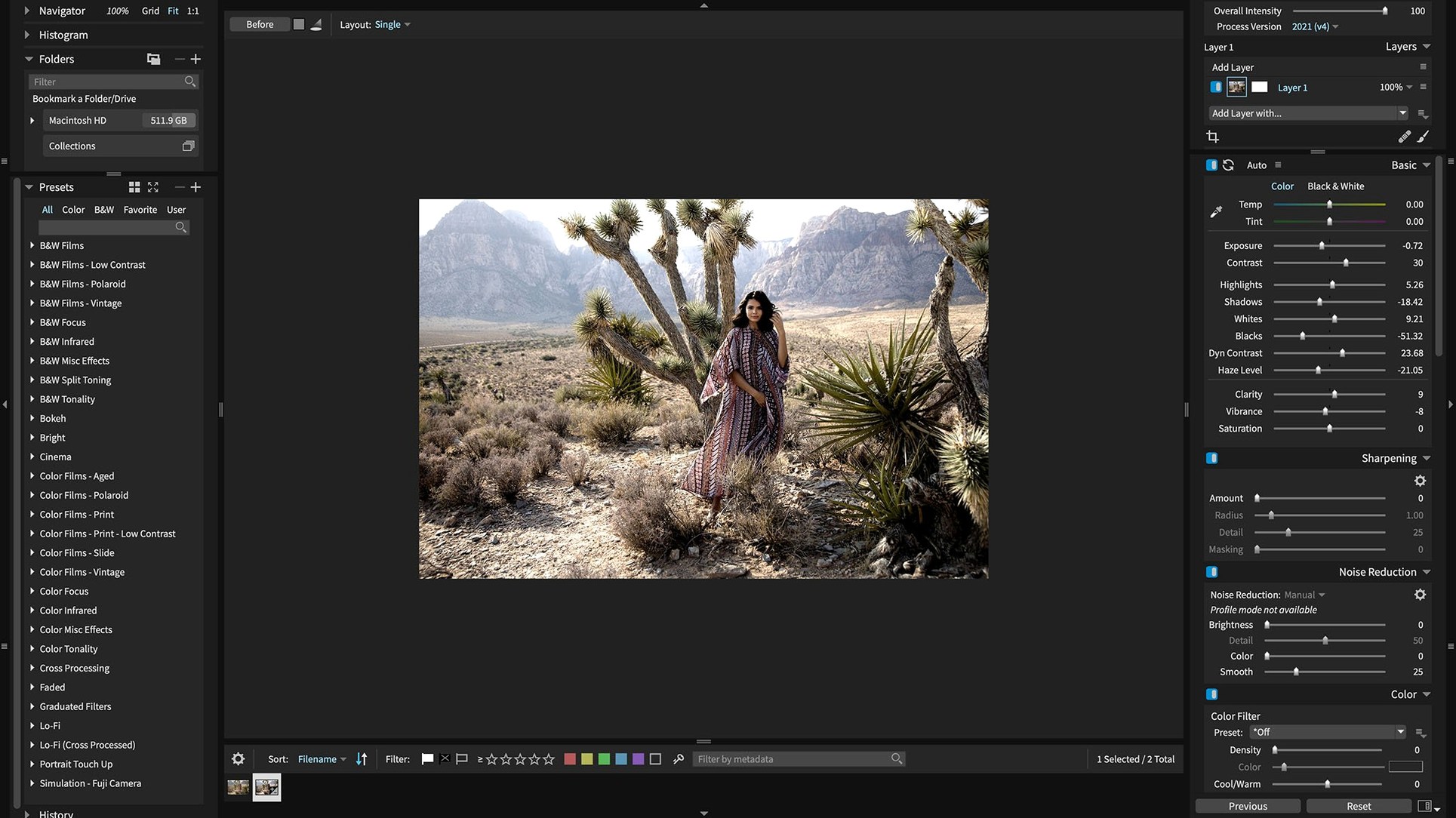
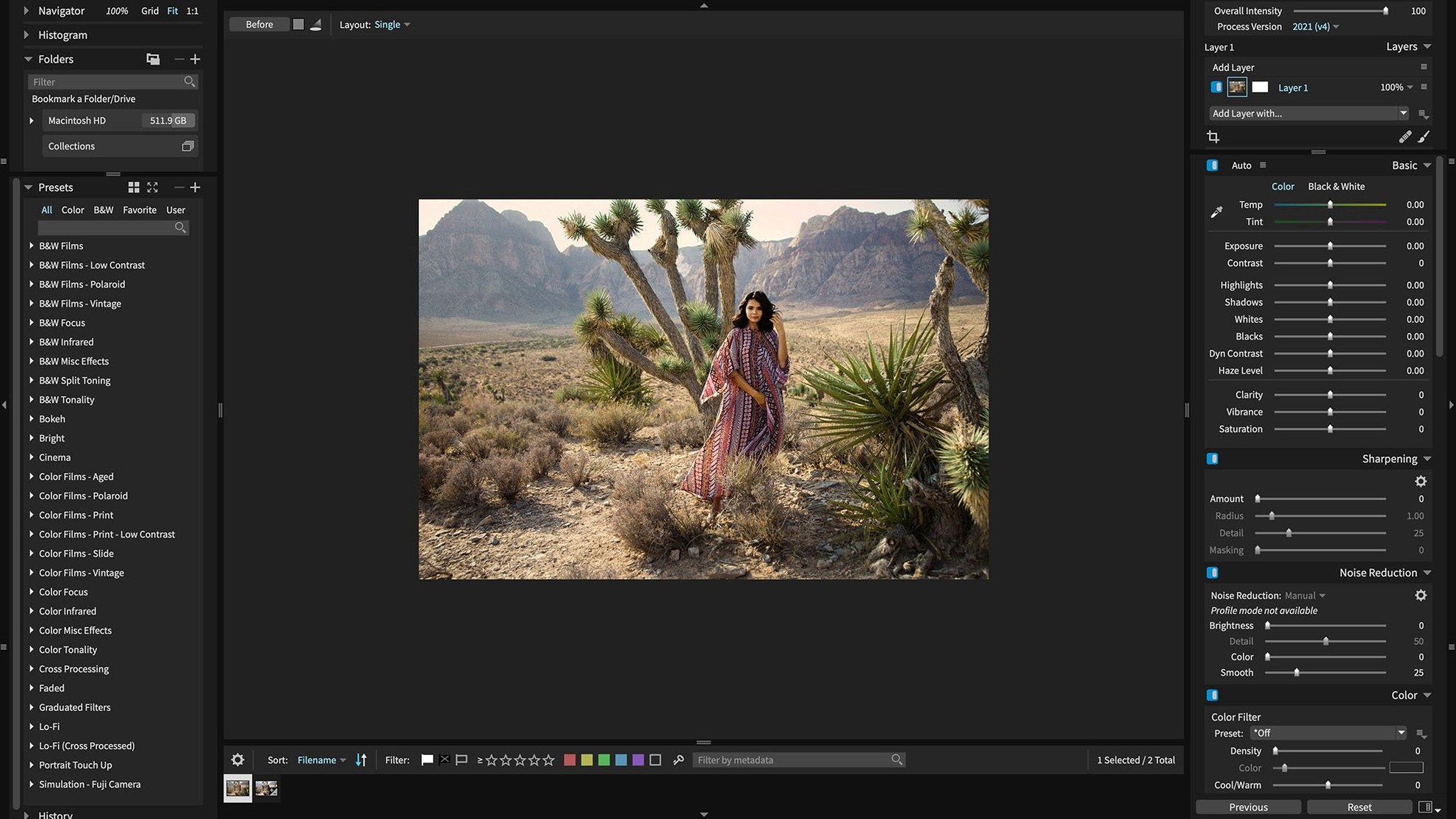
Version 7.3.0 adds support for HEIC photos from current iPhone models. The fix list for corrupt Sony A7 IV lossless compressed raw files landed in the same update.
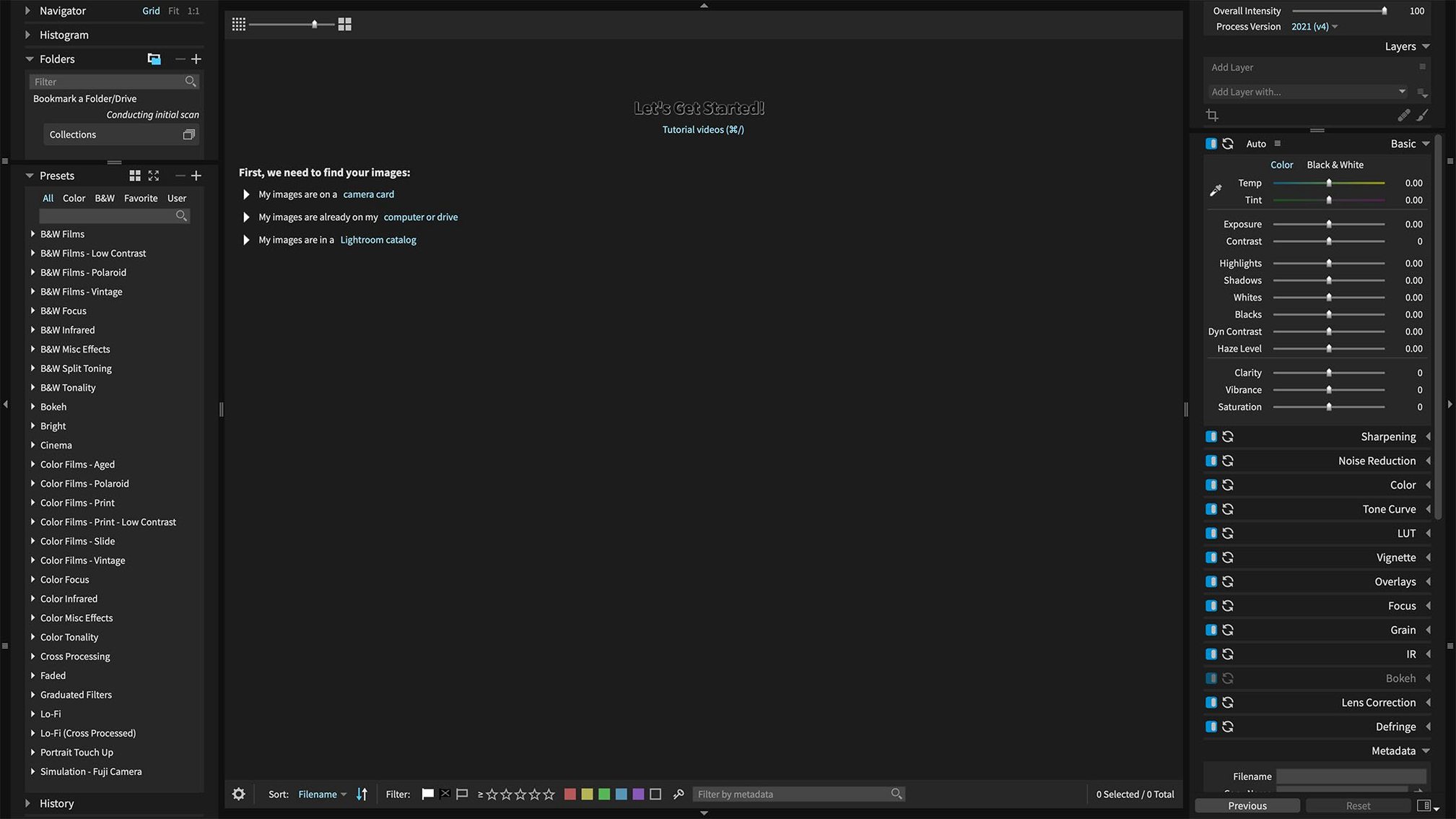
An editing session moves along predictable tracks. You organize on the left, adjust on the right. The app steps back when you need it to — plug it into Photoshop or Lightroom, make your mask, and the host carries the session. No sidecar files to manage.
Non-destructive RAW editing means every change can be undone. One click runs an automatic adjustment. Another click swaps a preset. Over 500 ship with the app, so you rarely start from zero. Black and white film presets work without crashing now.
workflow: black and white from raw
Open a folder of raw files. Pick one. The left panel shows your folder tree, nothing more.
Hit A for auto adjustment. Exposure X7 reads the raw data and sets a base tone. Most of the time it gets close. If not, undo and pull the exposure slider yourself.
Open the preset browser. Filter for film. Scroll until a Tri-X or HP5 variant catches your eye. Apply it. The preset stacks onto the auto adjustment. The grain pattern respects the raw resolution — it never looks pasted on.
Switch to the masking tab. Draw a rough mask over the face. Feather it by 12 px. Lift the shadows half a stop. No layers panel clutter; the mask sits inside the adjustment.
Export. The Quick Export menu remembers your folder and format. Ten seconds, done.
a retoucher's afternoon
A portrait photographer opens a session from yesterday's shoot. Two hundred frames, all raw. She tags the keepers with a single keystroke, then filters by tag. The grid shows only the frames worth her time.
She applies the same color preset to all selects in one pass. A smart collection gathers photos with the retouch keyword. She works through them one by one.
The 3D color mask isolates skin tones. She desaturates reds by a few points, nothing drastic. A second mask lifts the iris. The brush snaps to edges when she holds Option. She never leaves the app. No round-trip to Photoshop for this pass.
Two hours later the selects are done. She exports full-resolution TIFFs for the client and small JPEGs for her portfolio. The computer fan never spun up. GPU optimization keeps the preview fluid even with five masks on a 45-megapixel file.
GPU acceleration
- GPU acceleration. On by default, but confirm it under Preferences. The difference on Apple Silicon is immediate — sliders move in real time.
- Export presets. Build one for client delivery and one for web. The Quick Export crash is fixed in 7.3.0, so reorder them without worry.
- Preview quality. Drop it to Balanced when culling large shoots. You can switch back before fine edits.
- Auto adjustment behavior. Set it to respect the tone curve. Otherwise it overrides your baseline contrast on import.
Quick Export keeps your last preset order intact. It is a small thing, but it keeps the afternoon moving.