
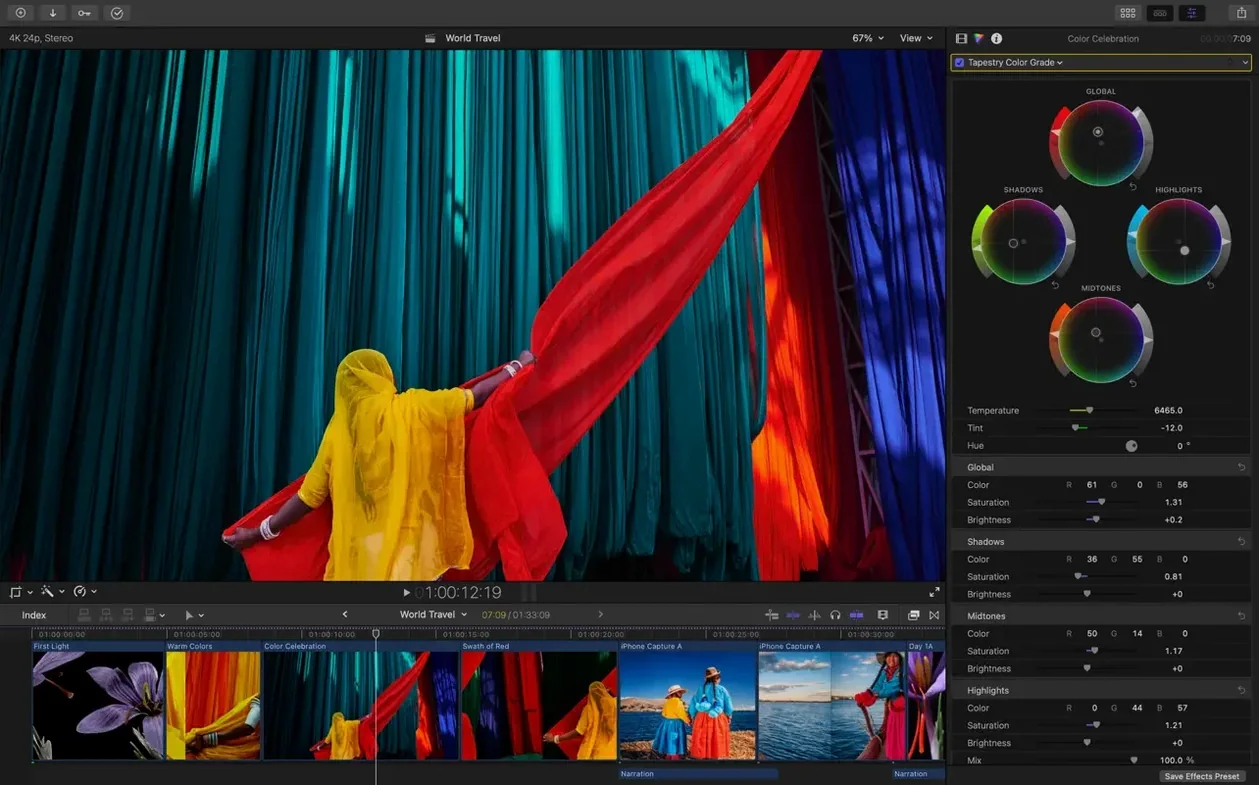
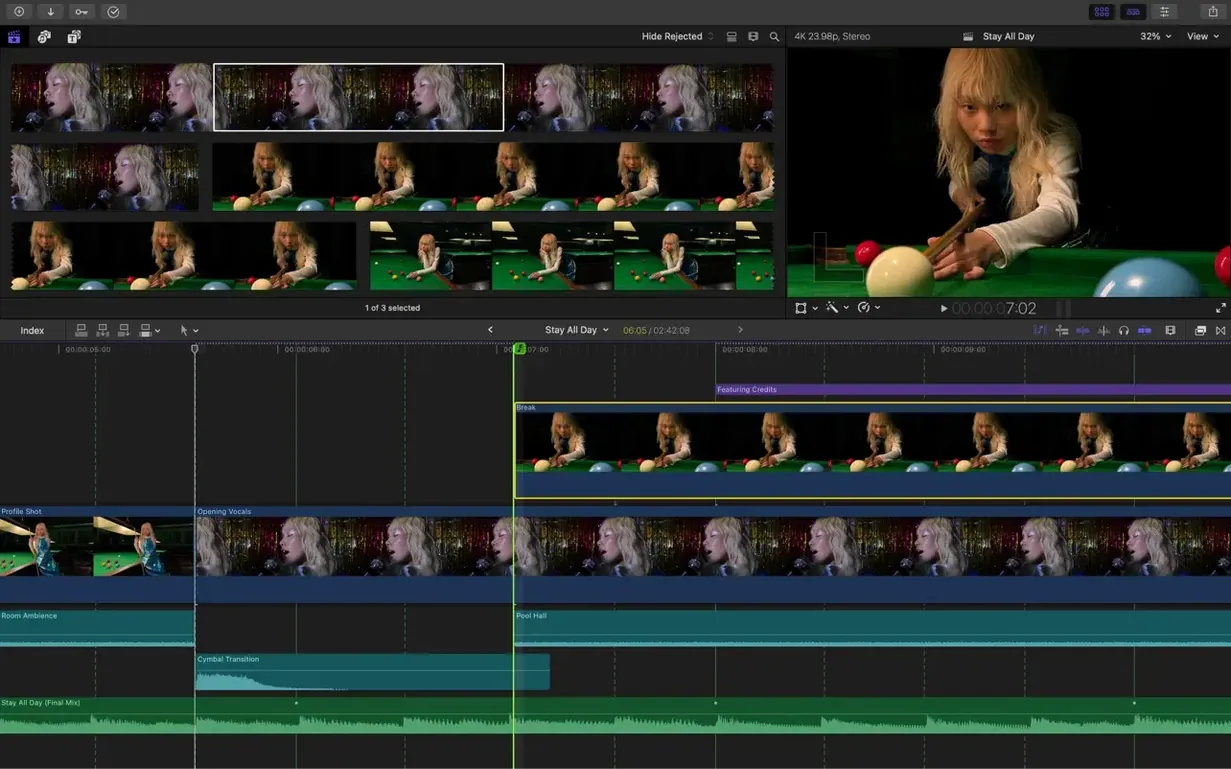
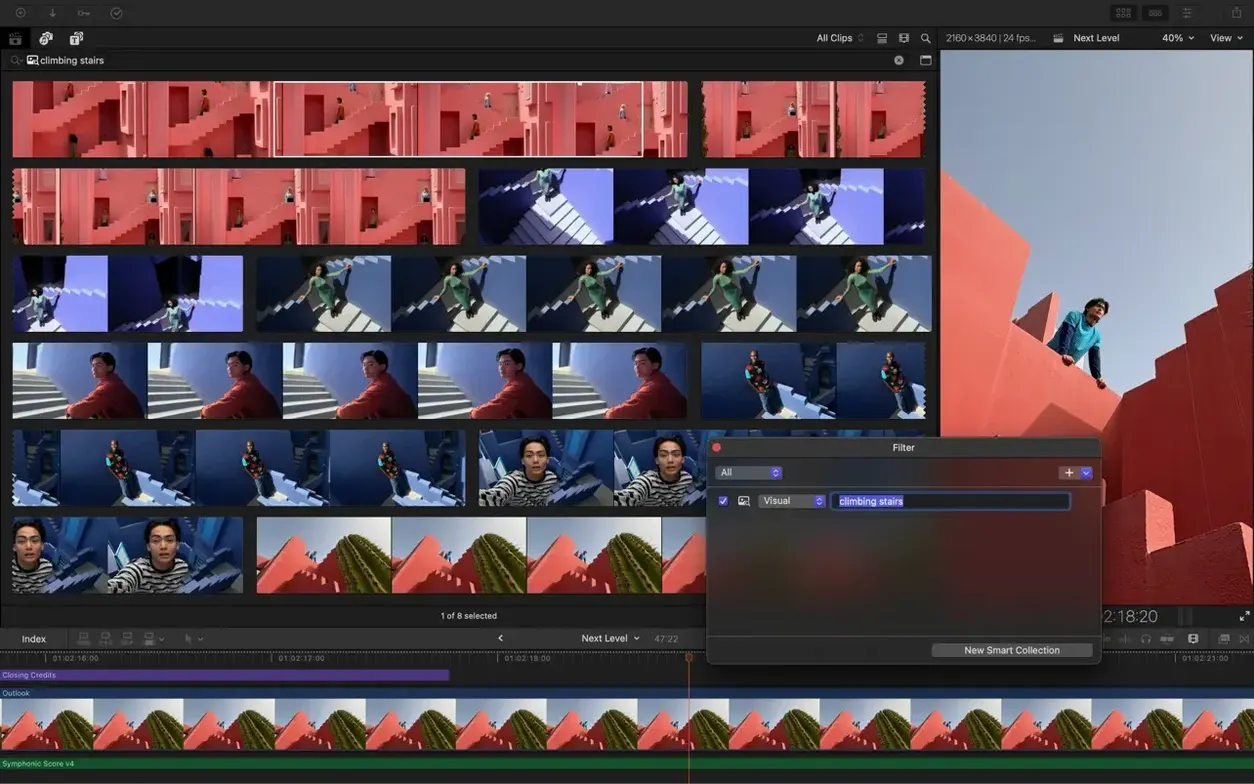
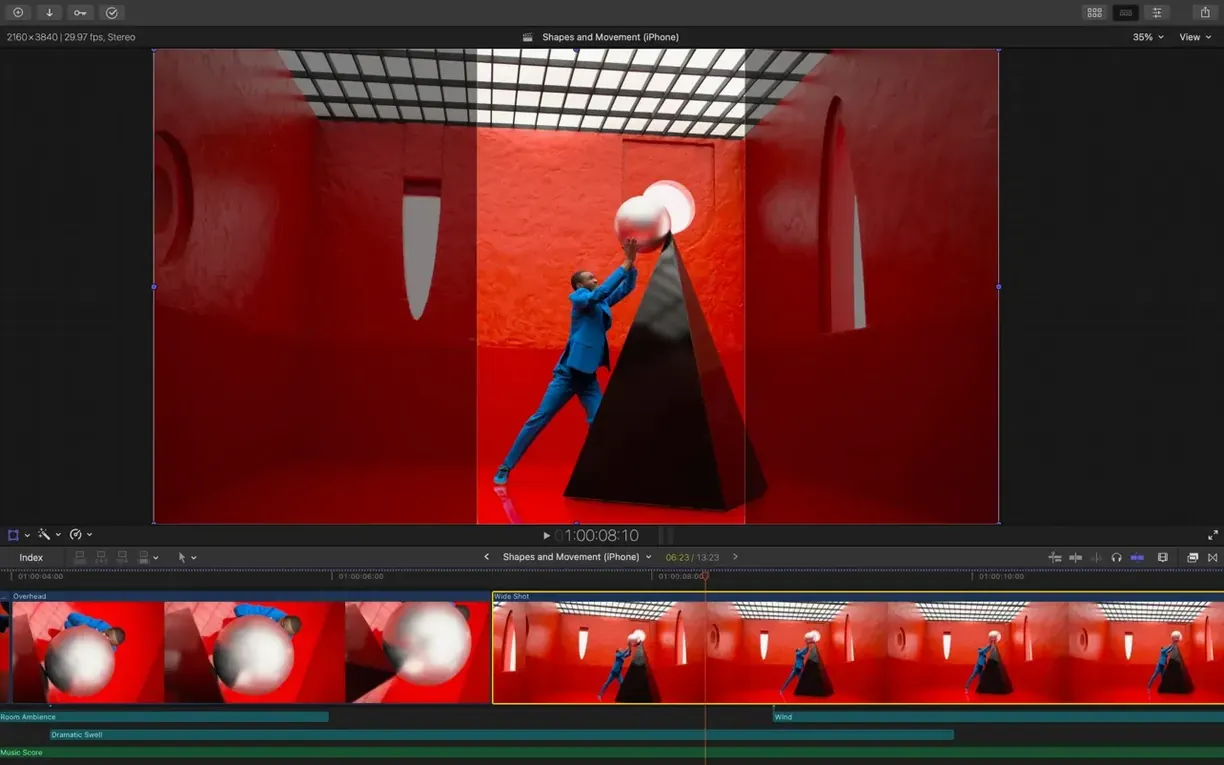
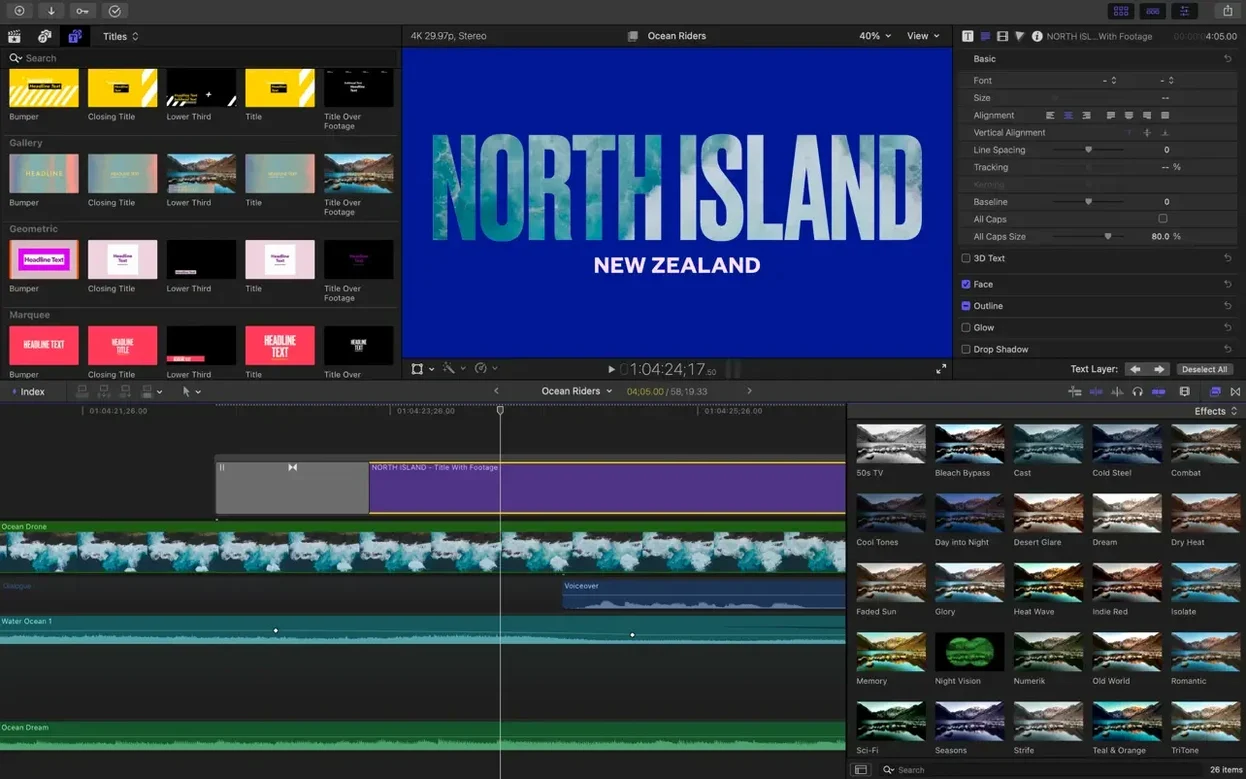
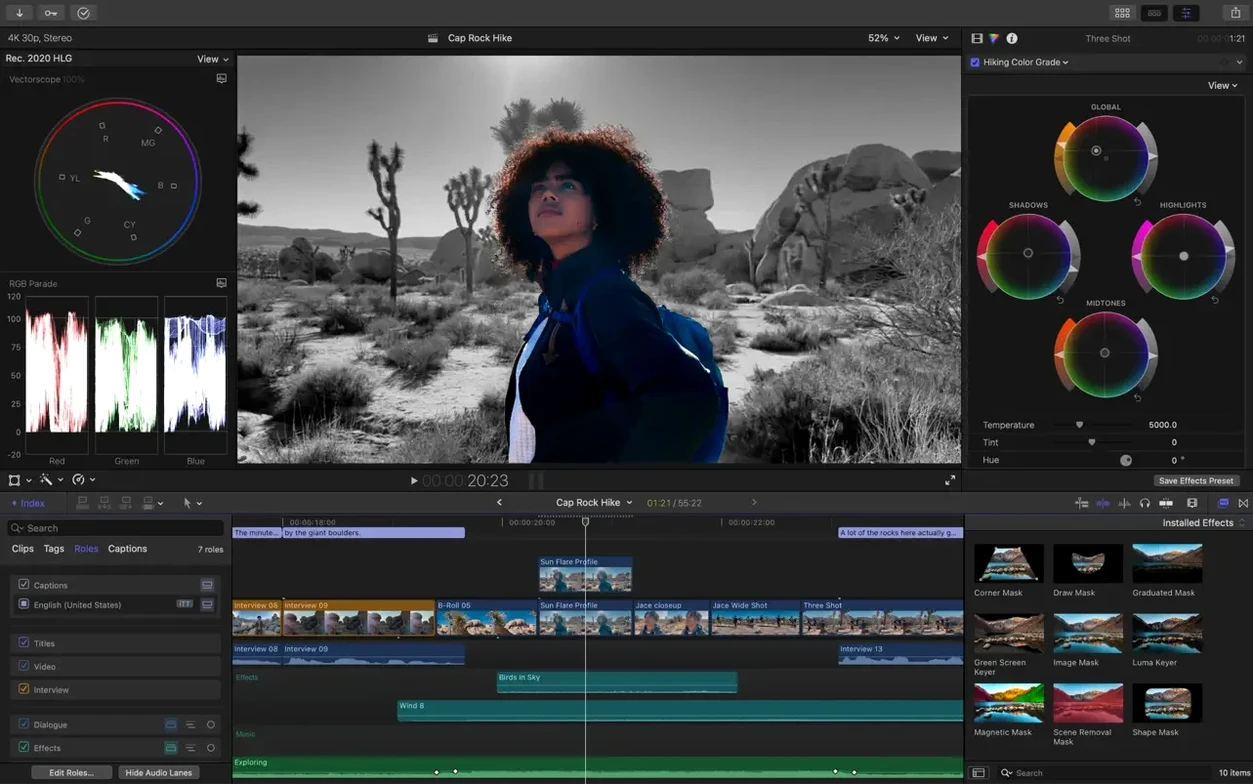
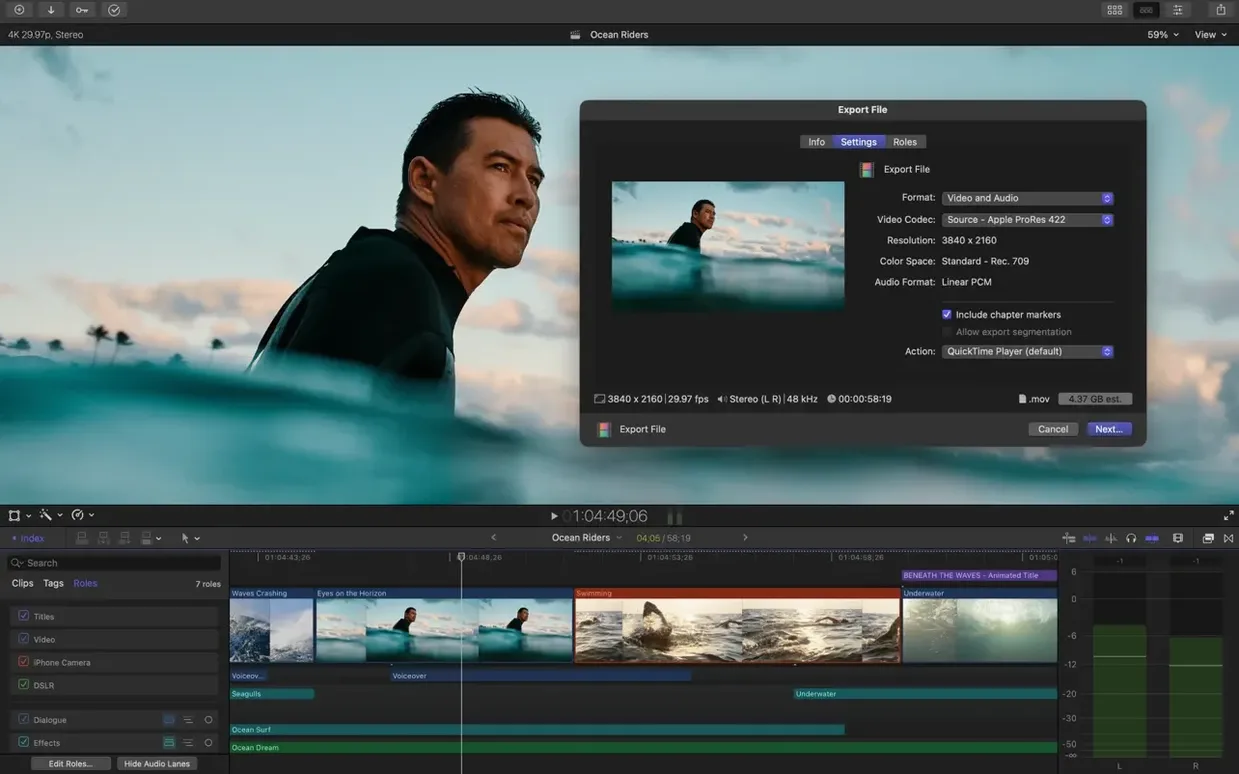
Auto Mask now isolates a person or object so you can grade just that part of the frame. Edit Detection takes a rendered file and splits it back into clips. Together with Generate Captions and Match Color, the 12.3 update sharpens tasks that used to pull you out of the timeline.
What arrived
Generate Captions builds subtitles inside the app. You control typeface, weight, and position without leaving the library. Auto Mask removes the need for rotoscoping on simple isolation jobs. Match Color balances footage across cameras and lighting setups in a few clicks. Edit Detection turns a flat export into editable segments, saving you from digging through backups.
Magnetic Core
The magnetic timeline, multicam syncing for up to 64 angles, and proxy workflows remain unchanged. Libraries still organize media the same way. XML import and export keep the door open to external color and audio suites. Smart Conform still handles square and vertical reframing. The foundation is the same app — faster in spots, quieter in others.
Timeline Friction
New editors often fight the magnetic timeline instead of letting it do the work. They insert gaps manually, drag clips apart to make room, and end up with a timeline full of tiny black placeholders. The position tool helps, but it is not the default for a reason.
Another early habit is storing everything in a single library. A few months of 4K footage later, the app slows down and the backup file becomes unwieldy. Smaller libraries per project keep things light.
Skipping proxy creation is the most common performance stumble. High-resolution codecs like ProRes 4444 or unoptimized HEVC will bring even a fast machine to a crawl. Creating proxy media at import costs a few minutes and saves hours of stuttering playback.
Solo Boost
Solo video creators who edit their own footage gain the most from the 12.3 additions. Auto Mask means they can brighten a face or mute a background without sending a clip to a compositor. Generate Captions puts subtitle work back in the same timeline, which cuts out a separate tool and an export roundtrip.
Multi-camera event editors live in the multicam angle viewer. Sixty-four angles synced by audio waveform means they can cut a panel discussion or concert film without external timecode. The role-based audio routing also matters here — dialogue, music, and effects stay separated for later delivery specs.
Colorists who finish in other apps still rely on XML roundtrips. Final Cut Pro handles the assembly, then exports a clean XML for DaVinci Resolve or Baselight. The new Match Color assists rough balance before the roundtrip, which means fewer surprises in the color suite.
Consider a documentary editor with footage from three cameras and poor field audio. They sync by waveform, assign audio roles, and cut an assembly in the magnetic timeline. A section of interview needs the speaker isolated against a busy street. Auto Mask selects the person; a quick curve pulls the face out of the shadows. Captions go on for festival submission specs. No roundtrip to a motion graphics app, no separate subtitle tool. One library, one timeline, done by evening.
Mask Jitter
Auto Mask works on clearly defined subjects. When the background is busy or the person overlaps with similar shapes, the mask jitters. The fix is to break the clip into shorter segments and reapply the mask where the frame is cleaner. Still not perfect — but better than manual keyframes.
Generate Captions can mishear specialized terms. Editors working in medical or legal fields often correct the transcript manually. Spending ten minutes on a custom vocabulary list before generating captions reduces corrections later.
Edit Detection splits clips at every cut point, including invisible transitions. A rendered file with cross-dissolves will produce dozens of micro-clips. Turning off the detection for transitions and running it only on hard cuts gives a cleaner result.
Library bloat is the slowest, quietest problem. Consolidating media and deleting unused render files from the File menu clears more space than expected. For editors searching download final cut pro and jumping straight into a project, this maintenance step is easy to skip and costly to ignore.