
One keystroke. That's what stands between you and the contents of any archive or folder.
macOS Quick Look handles files well. Folders and compressed archives, less so. This app closes the gap.
Good for
- Peeking inside ZIP and RAR files without unpacking them.
- Scanning project folders without opening Finder windows.
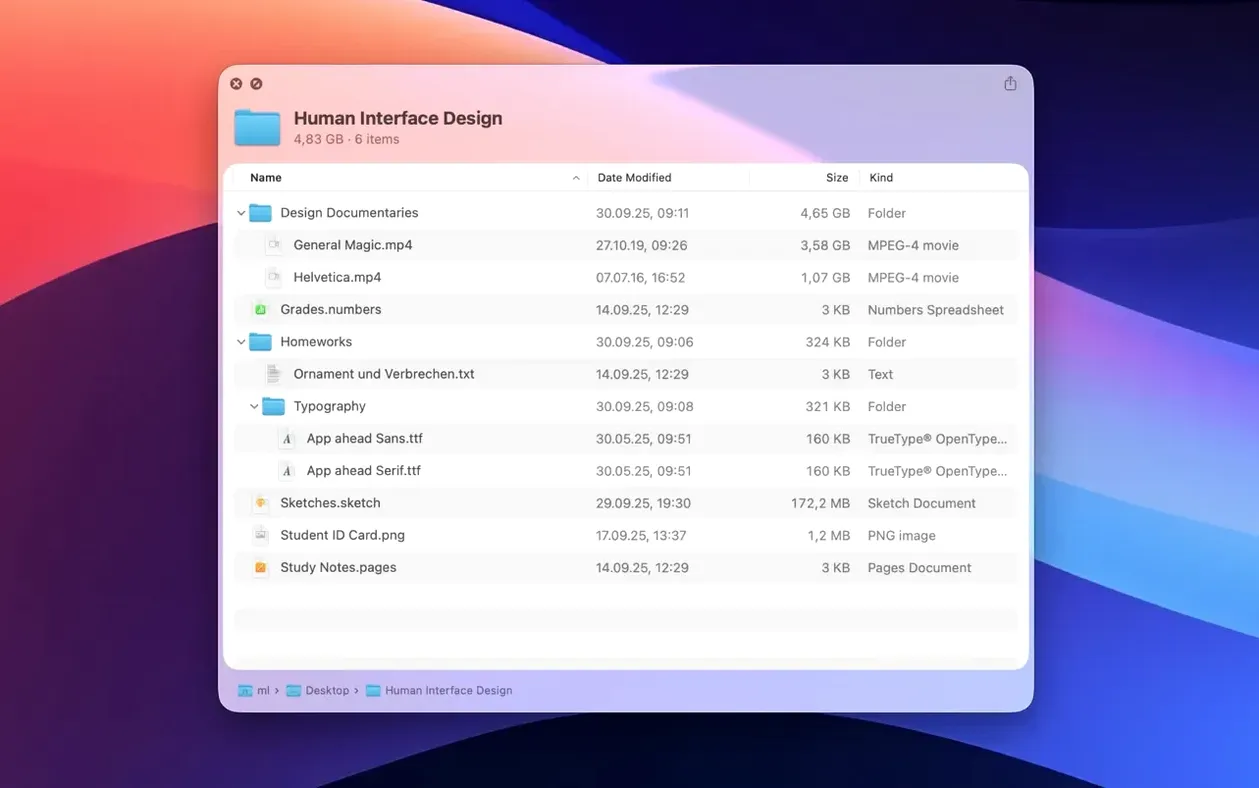
- Grid-view previews of folder contents.
Keep in mind
- Requires macOS 15.6 or newer.
- Interface supports nine languages, including English, German, Japanese and Simplified Chinese.
Alongside Finder
Folder Quick Look sits quietly inside the existing Space bar habit. No new window, no import step. You keep your Finder preferences, your tags, your sorting. The preview appears in the same place Quick Look always did.
It pairs naturally with column view. Selecting a folder in one column and pressing Space shows the contents without opening the folder itself. Moving between columns feels continuous.
Archives behave the same way. A ZIP from a colleague, a RAR from a client — Space shows what is inside. That moment of not unpacking things just to see them adds up over a week.
Preview limits
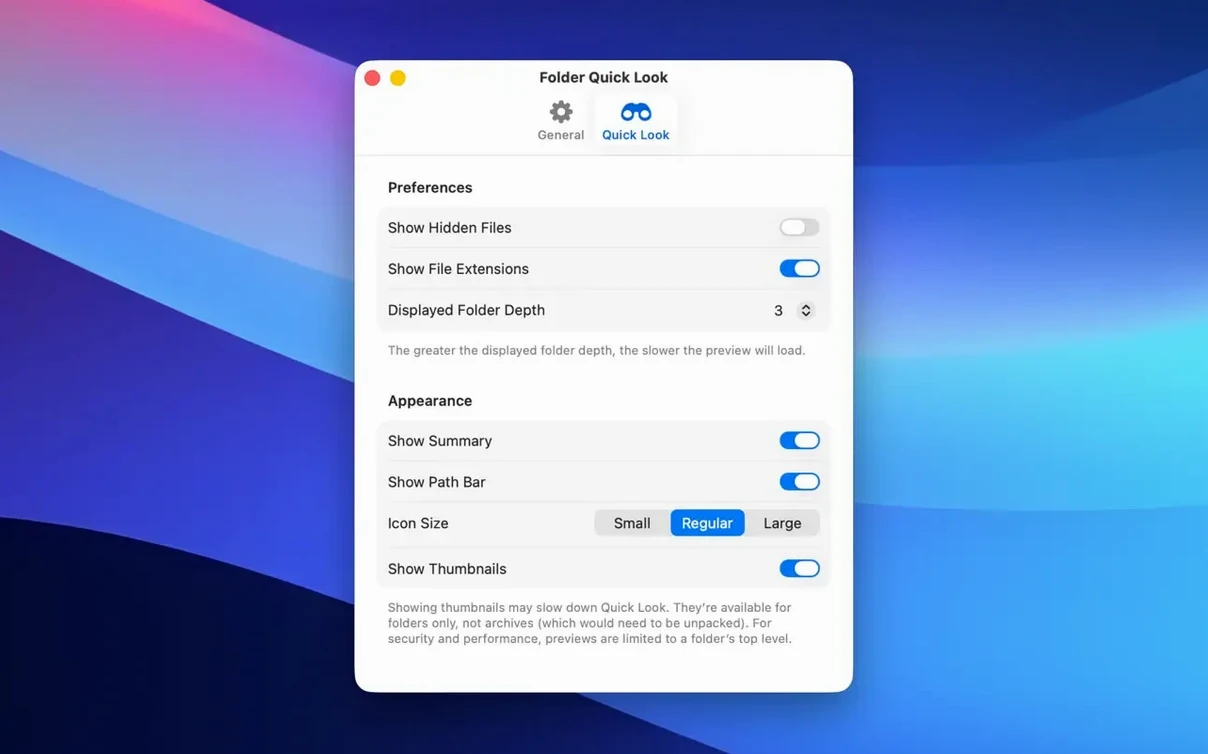
Most first-time problems come from expecting too much from the preview. The grid view shows file names, thumbnails where macOS can render them, and basic metadata. It does not open files inside the preview. Double-clicking a preview item does nothing.
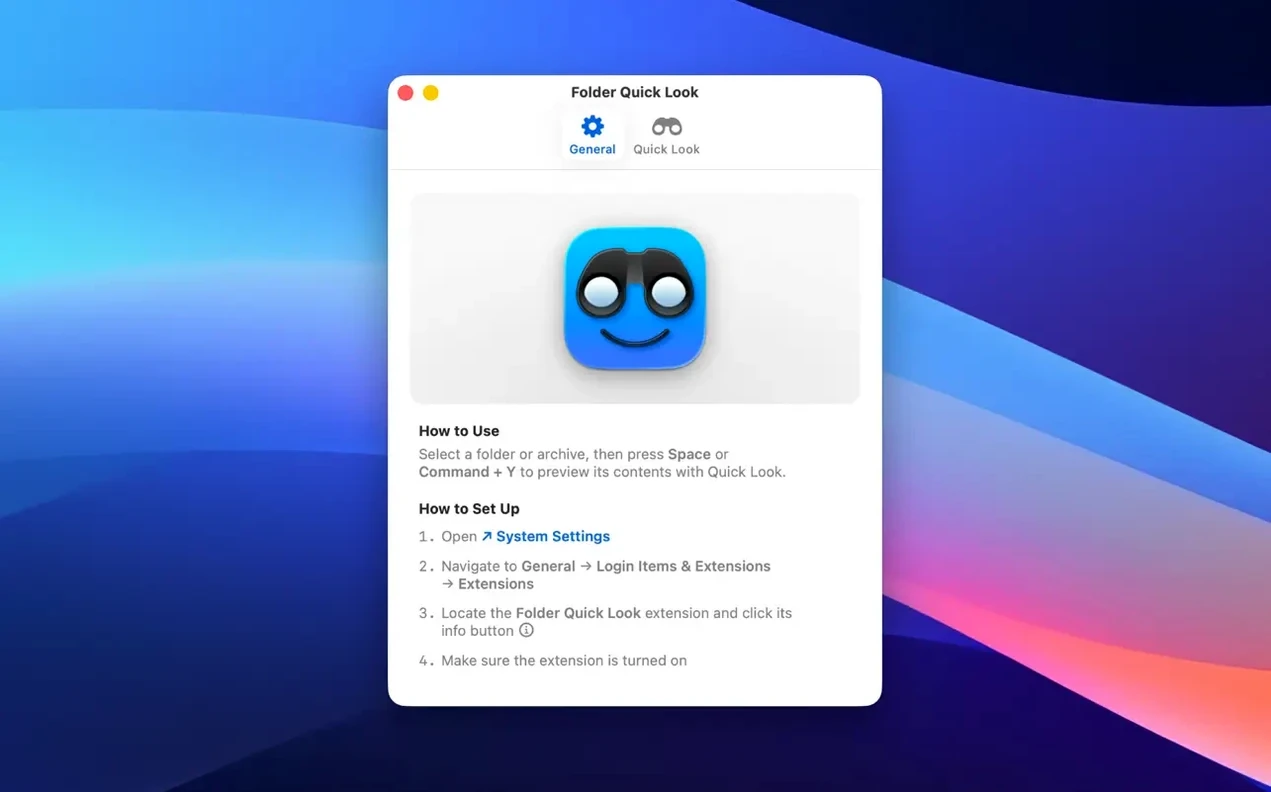
Another common mistake: launching the app and waiting for a window. Folder Quick Look has no traditional interface. After installation it works through Quick Look. If nothing appears when you press Space, check that the app has been opened once after copying to Applications.
People also forget that Quick Look previews folders only while they are selected in Finder. Selecting a folder inside an open window does not trigger it. The selection has to be in the file list, not the sidebar.