
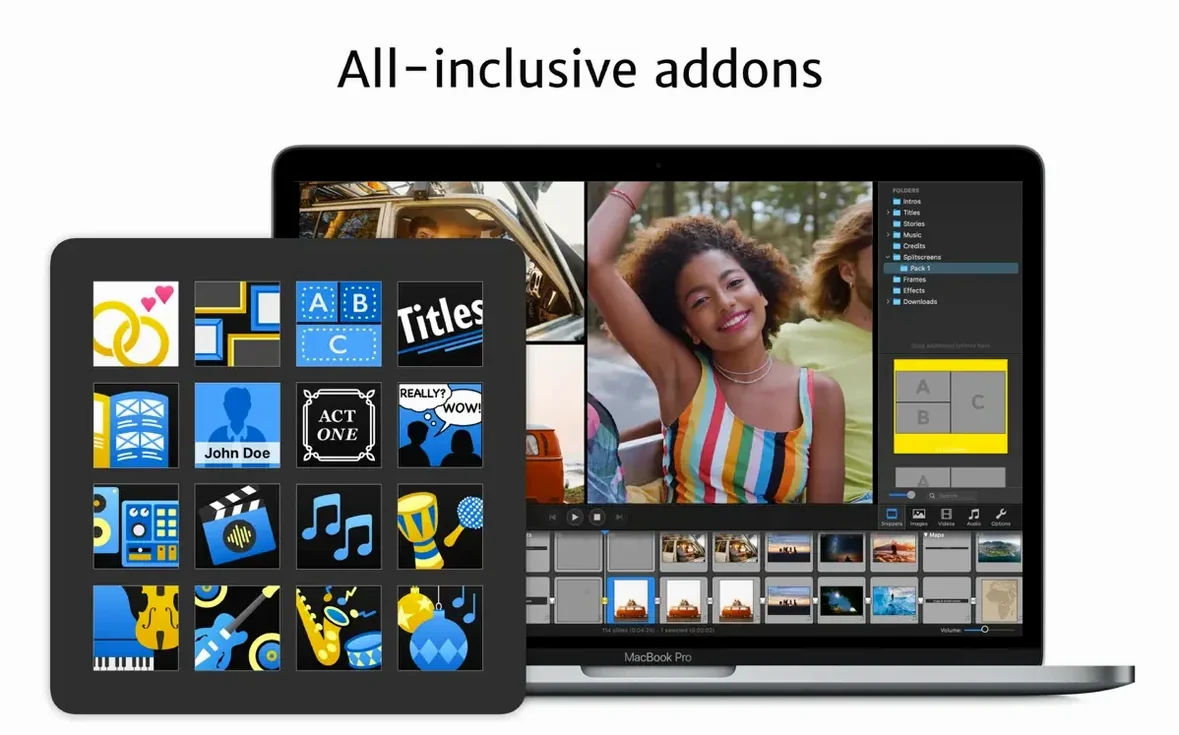
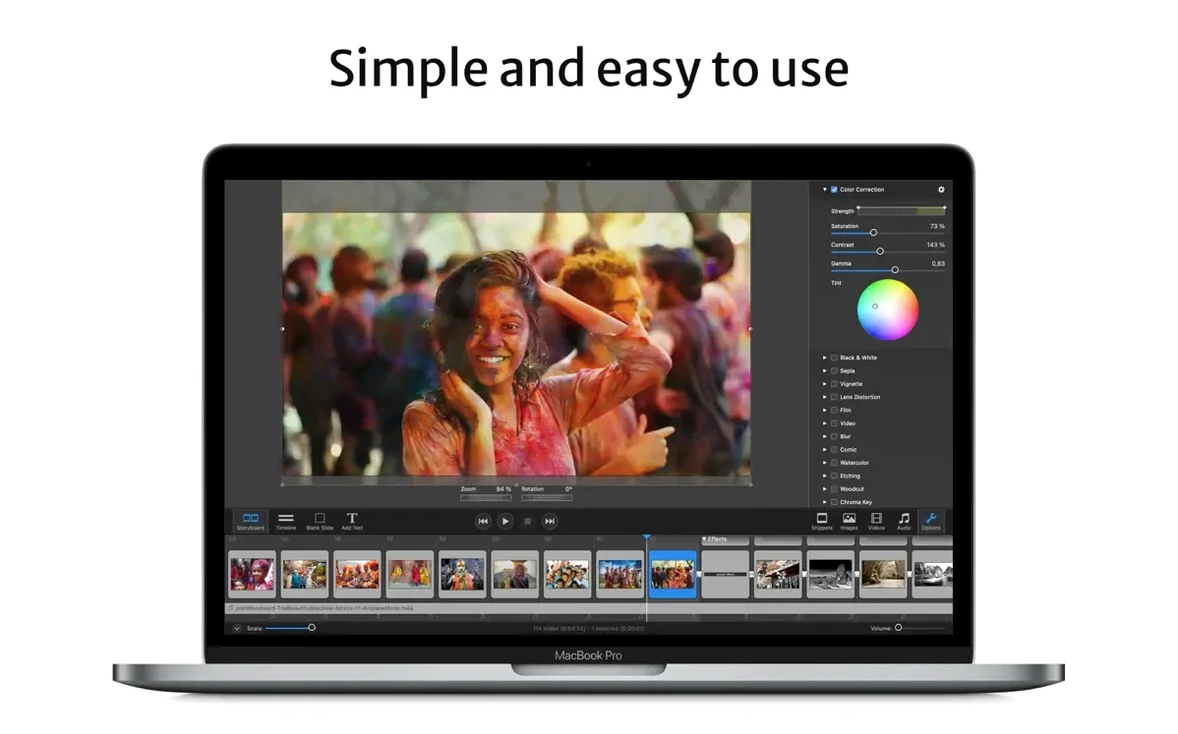
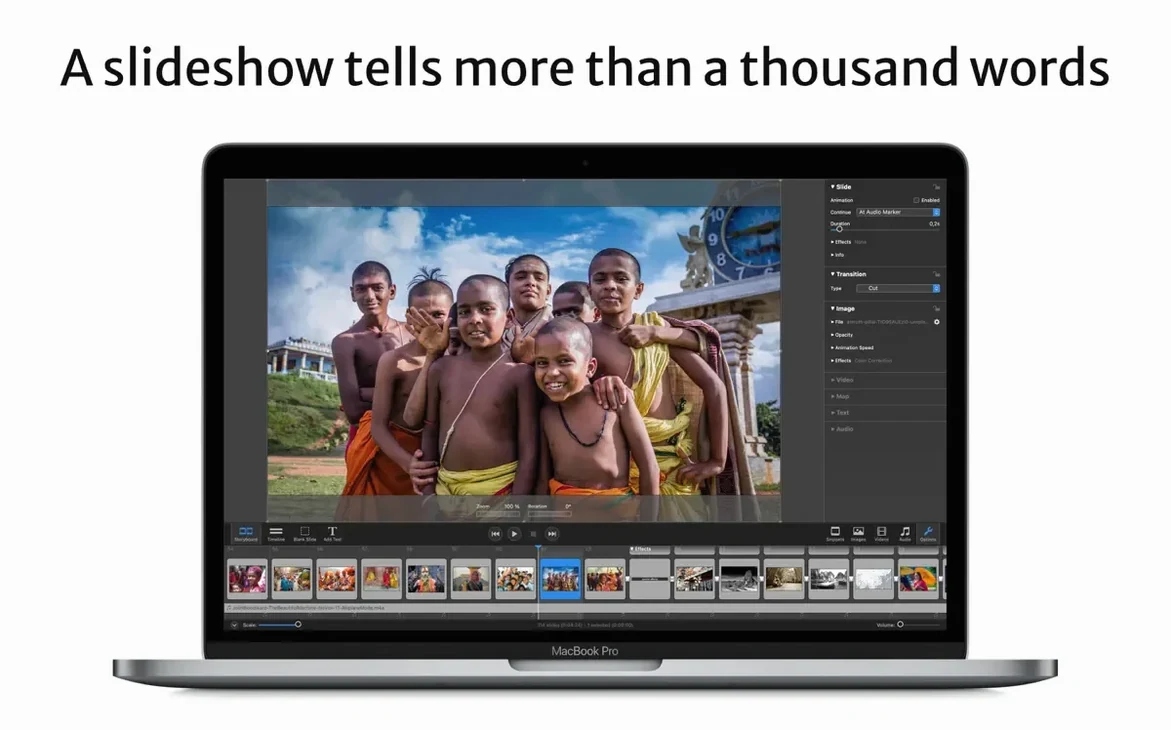
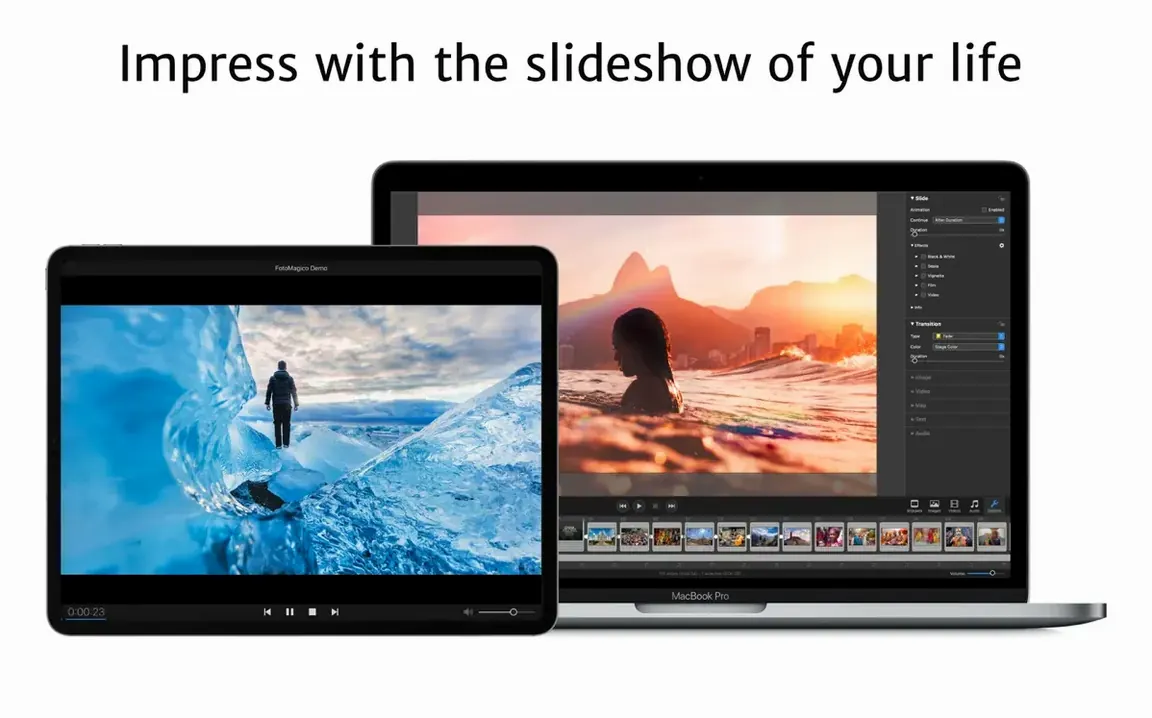
FotoMagico 6.10 runs on Apple Silicon and 64-bit Intel Macs with macOS 14 Sonoma or newer. It also works on iPad. The app is optimized for Apple Silicon and uses Metal, Swift, and SwiftUI.
One slideshow
Say you have a folder of photos from a trip. You want something to show on a large display without much fuss. Drag the photos in. Add transitions between slides. Add a watermark so the images stay yours. Export a version that plays on a computer without FotoMagico installed, and limit how many times it can be viewed before it expires.
Small details
The player's time and view limits help when you share drafts. Export works for HDTVs and high-resolution screens. If you edit in Final Cut, the plugin keeps things moving. FotoMagico 6.10 handles the quiet parts of a slideshow, so you can think about the photos.
A typical session starts not with the app, but with a folder. You open it, then drag the whole thing onto an empty stage. No import dialog. No spinning wheel. Images land as a sequence, and the timeline already shows them in order.
You pick a snippet — a pre-cut rhythm of slides and transitions. The stage resizes to match. You tap the spacebar. Full resolution. No render. You see the first slide appear on your display exactly as it will export. A small thing, but it means you spot a crooked horizon right away and fix it.
Next, a music bed. Drag it in. Trim the end so the last slide lands on the final chord. If you need a vertical cut for Instagram stories, you flip the preset and the whole show re-flows. Export it to the standalone player, set a view limit of three, and send it off. The recipient watches it twice and asks for more. That is the session.
Client previews
Photographers who deliver client previews get the most out of FotoMagico. The player expiry keeps drafts from circulating forever. Event producers who run slideshows on venue projectors rely on live playback without render stalls. Teachers and presenters who want a screensaver export for lobby displays also find a natural fit.
It is less suited to people who need manual keyframe tweaks for every motion path. The snippet system favors speed over deep timeline surgery. If you are comfortable with that trade, you will move fast.
Rough edges
One snag is the Gatekeeper step during install. After mounting the disk image, you run the Open Gatekeeper friendly script, press Enter in Terminal, then drag the app to Applications. If you skip the Terminal step, macOS blocks the launch. The fix is to repeat the script and try again.
Another occasional hitch involves snippets and unusual stage sizes. The 6.10 update improved aspect ratio matching, but a very wide custom stage may still need a manual tweak to the first slide's placement before the rest align. If the app quits unexpectedly on close, the 6.10 crash fix has resolved that for most setups.