
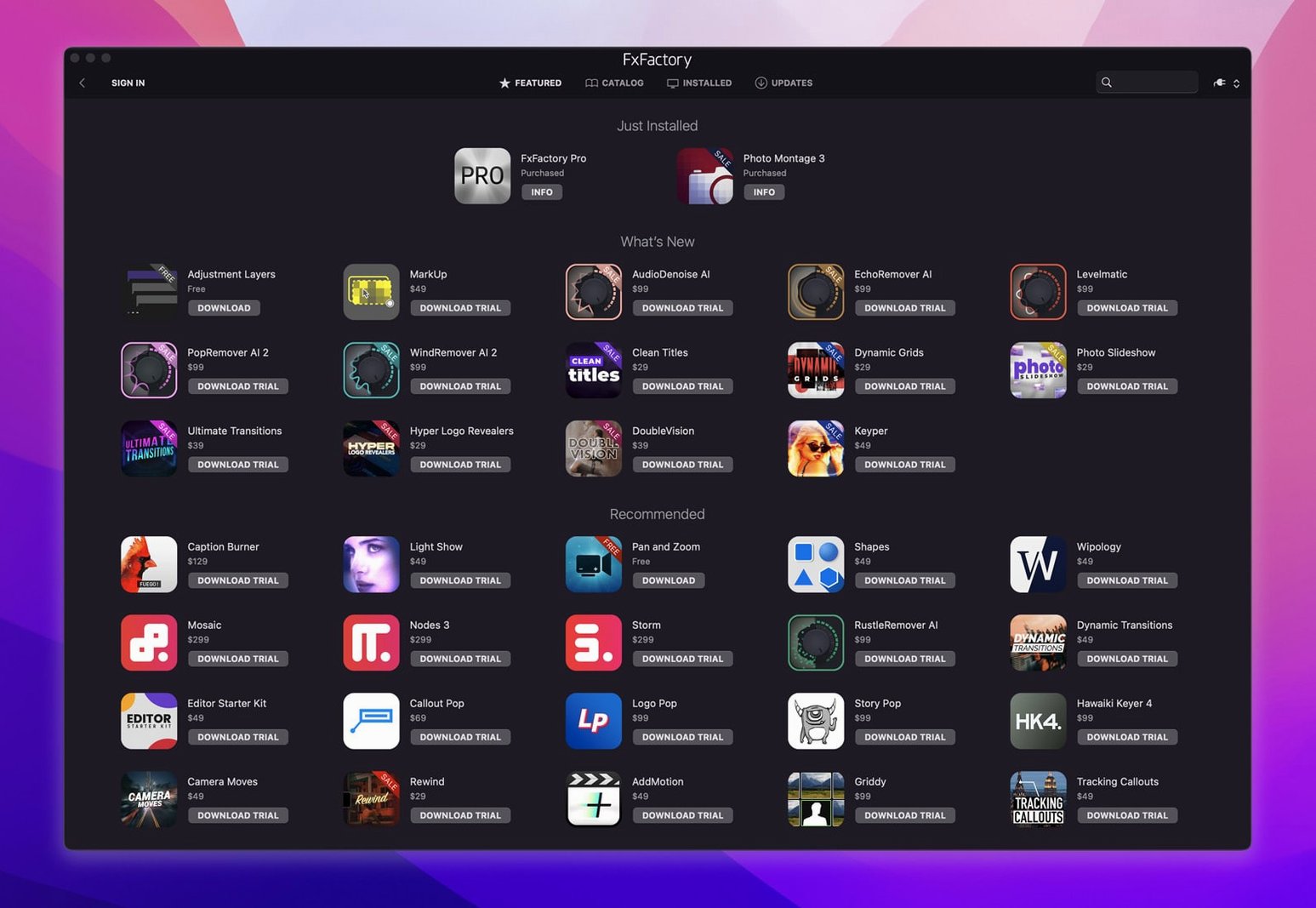
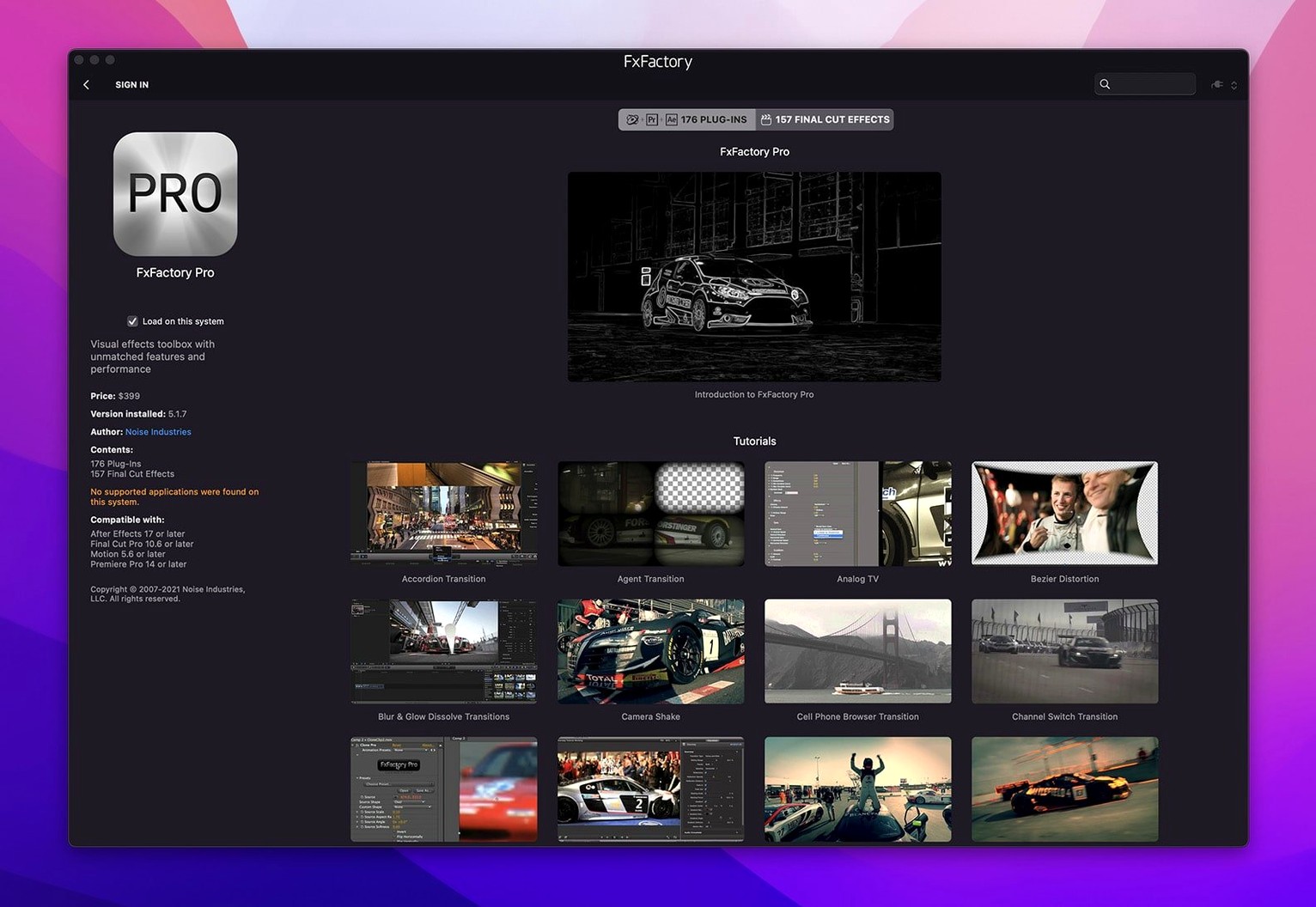
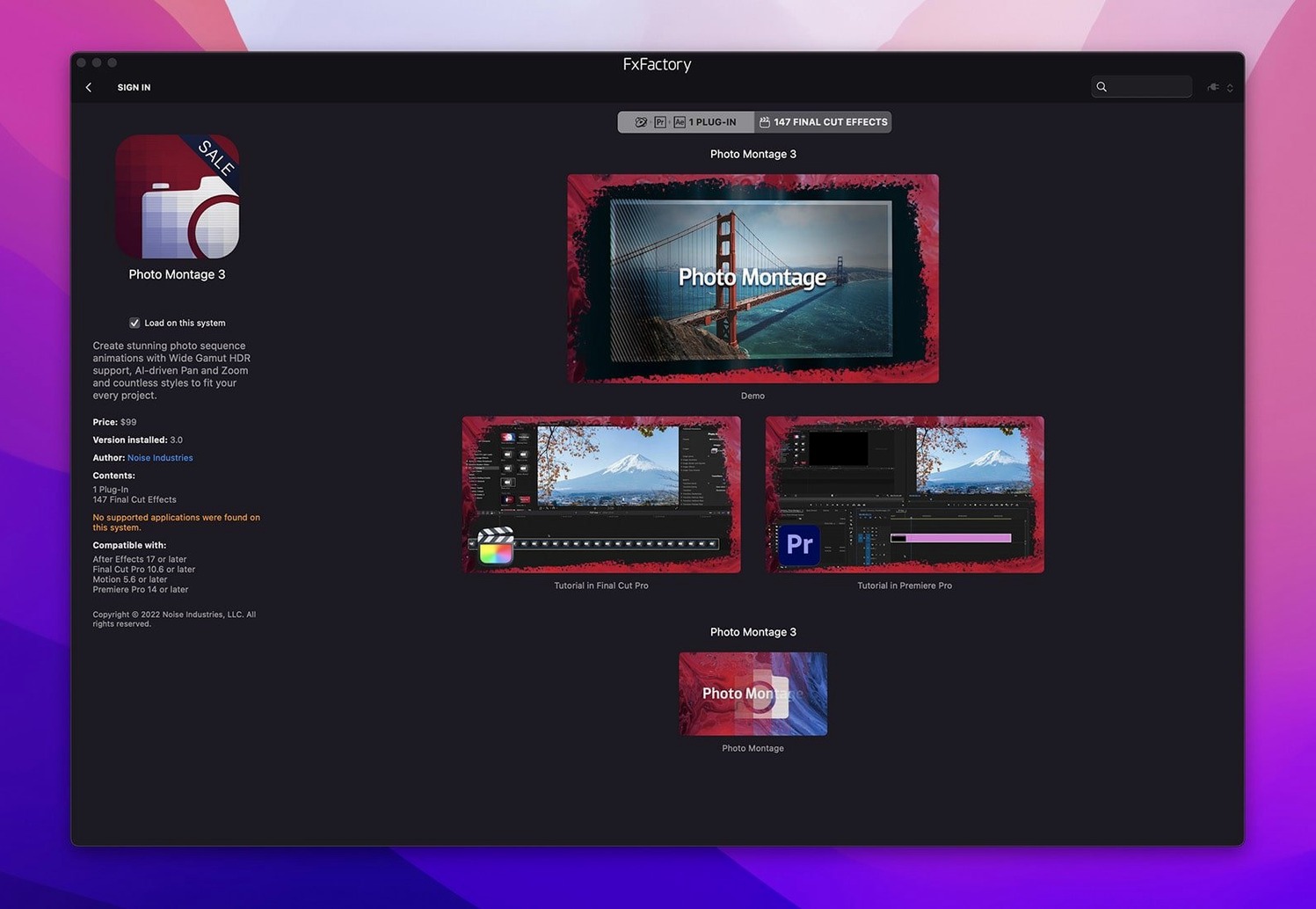
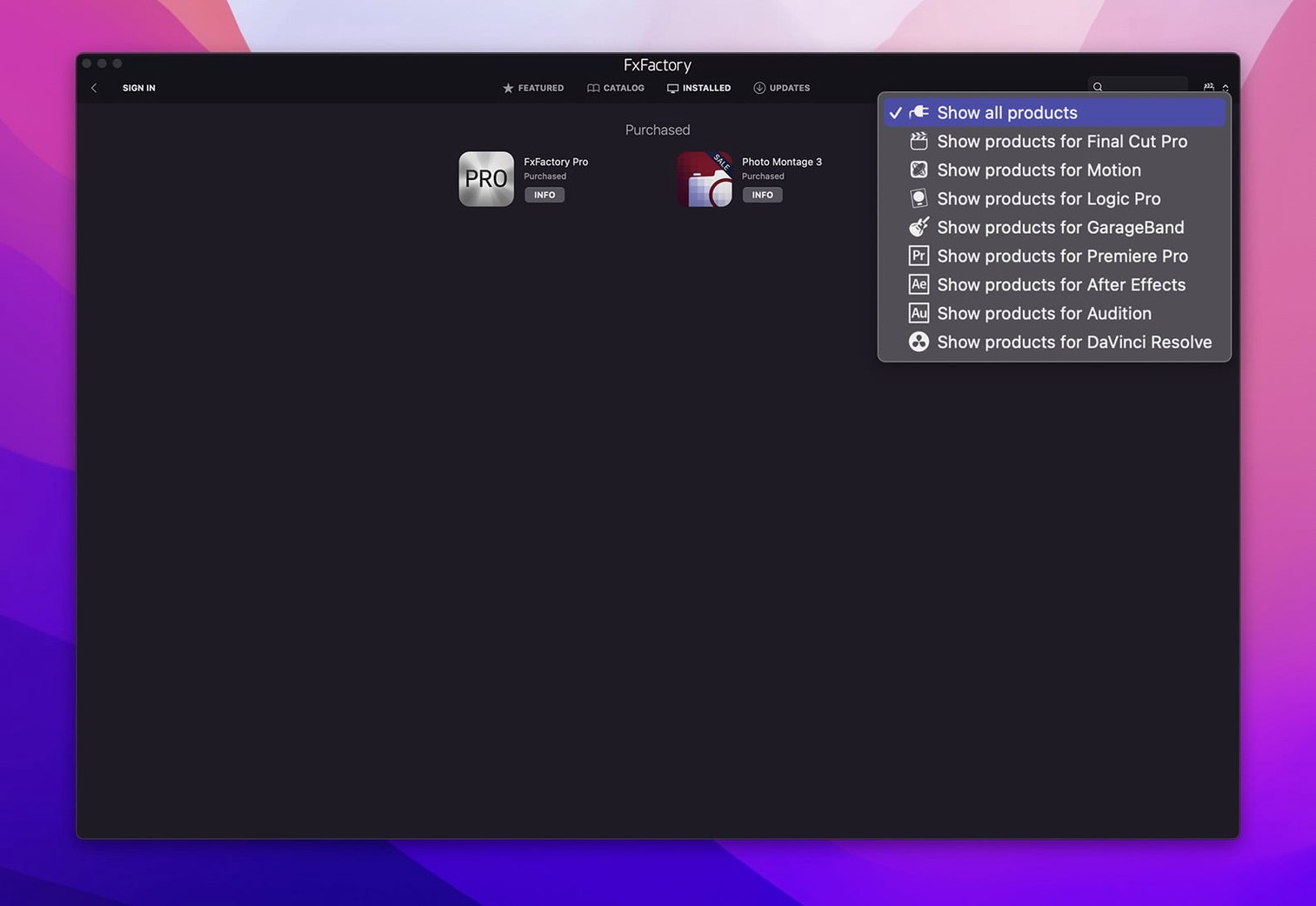
Version 9.0.5-8654 tightens the plugin management environment. Less flicker when browsing large effect libraries in the built-in interface. Smarter preview allocation on Apple Silicon.
Command structure
FxFactory Pro is not just a plugin collection. It is a management shell that connects installed effects to your host application. You decide what loads, what stays hidden, and what gets priority during render.
Cross-host logic
An effect configured in Motion behaves the same in Premiere. Parameter mappings stay intact. No re-keyframing when you move a project between hosts.
Preview pipeline
Compared to other plugin ecosystems, FxFactory holds a distinct position. mFlare and similar single-purpose bundles deliver effects but no management layer. You install, they appear. That’s fine for small setups. When you work across three hosts and thirty plugins, manual management becomes noise.
Red Giant’s Universe offers a unified interface, yet it stays inside its own catalog. FxFactory extends further. It manages free products, commercial products, and third-party packs from small developers who build on the FxPlug framework. You get a single window that handles registration, updates, and activation for everything. No separate installers per developer. No hunting through account pages.
MotionVFX packs are polished but Final Cut Pro–only. If you open a Premiere timeline, those effects vanish. FxFactory plugins travel with you. A glow effect purchased for Final Cut also works in After Effects and DaVinci Resolve, same parameter layout, same render behavior. That portability is rare at any level of the market.
Timeline rescue
You open Final Cut Pro with a rough cut of a two-minute promo. The timeline holds a mix of log footage and stock clips. Color is flat. Transitions are hard cuts. You need texture and depth before client review.
You launch FxFactory from the menu bar. The browser opens fast—no splash screen, no re-indexing. You type “film grain” into the search field. Three results appear. You click the first thumbnail. A full-resolution preview renders in under two seconds on an Apple Silicon machine. It matches the look you want.
You drag the effect onto a clip in the timeline. Final Cut registers it immediately. You adjust intensity with the on-screen control, then copy the effect to five similar clips. No lag. No progress wheel.
Next, you switch to Motion for a title sequence. You add a lens flare from the same FxFactory library. Parameter names match what you saw in Final Cut. You keyframe the brightness over twelve frames. Done.
You jump into After Effects for a short compositing shot. The same grain and flare plugins are waiting. You apply them to a pre-comp. Render preview: identical to what you saw in the other hosts. You export a ProRes master without disabling a single effect.
One-key favorites
A few details stay hidden until you settle into daily use. The browser lets you mark effects as favorites with a single key. Those favorites then appear in a dedicated category inside every host. You never scroll through the full list again.
Right-click any effect in the browser and choose “reveal in Finder.” The actual plugin file appears. Useful for troubleshooting or for copying presets to another machine.
Hold Option while dragging an effect onto a clip. It applies with default parameters, skipping any custom preset you last used. Saves time when you want a clean starting point.
The activation system remembers your registered products across macOS updates. No re-entering serial numbers after a point release. The “without SIP disabling” build keeps system integrity intact; the plugins run inside host sandboxes without workarounds.
One scenario
A documentary editor receives archival footage in mismatched formats. Some clips are 8-bit H.264. Others are 10-bit ProRes scans. The director wants a unified texture—a subtle halation and soft contrast curve—across all material.
She opens FxFactory, finds a halation plugin she registered months ago, and drags it onto a timeline clip in DaVinci Resolve. The effect respects the 10-bit pipeline. No banding in the highlights. She adjusts the spread and intensity, then saves a preset.
She applies the preset to thirty clips across the timeline. DaVinci Resolve holds steady. Later, she opens the same project on a MacBook Air for a remote review. The plugins load from the same FxFactory install. She tweaks the contrast curve in the hotel room. The render matches the studio machine perfectly.
The built-in browser renders thumbnails using the same engine as your timeline. What you see in the browser matches the final frame. No surprises.