A designer opens a working file in Illustrator, types a headline, and the spacing feels off. The capital 'W' drifts too far from the 'e'. Instead of kerning pairs in a layout app, the fix belongs in the font itself.
In the tool chain
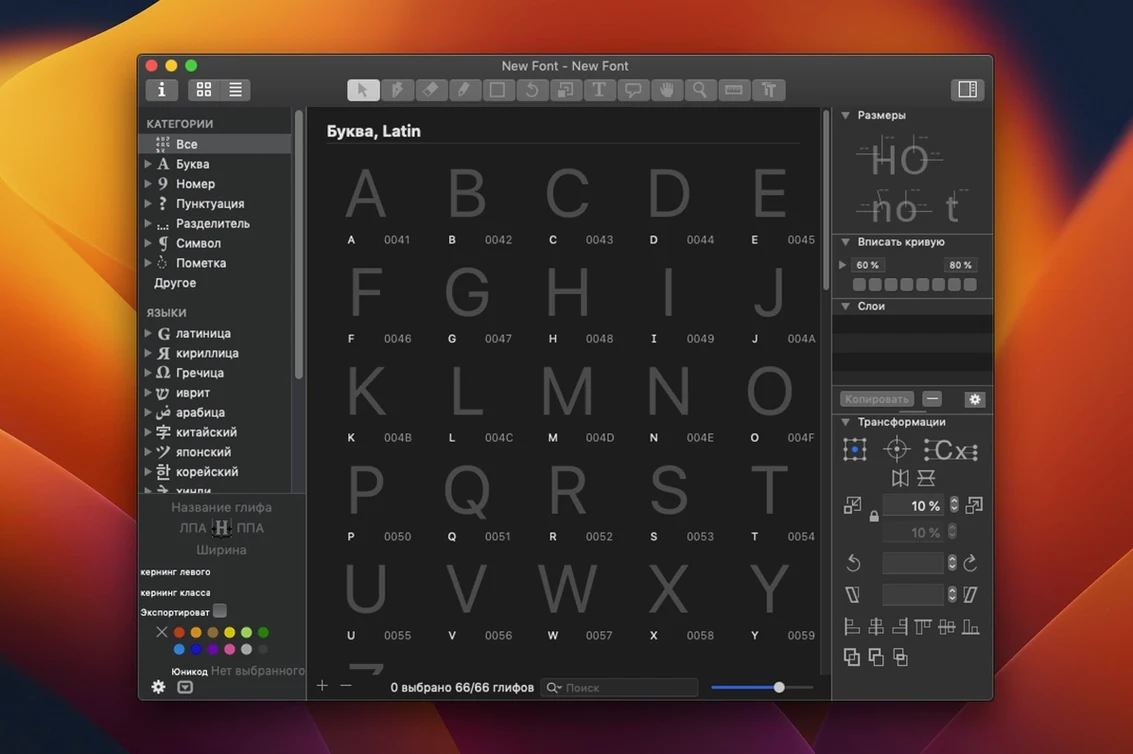
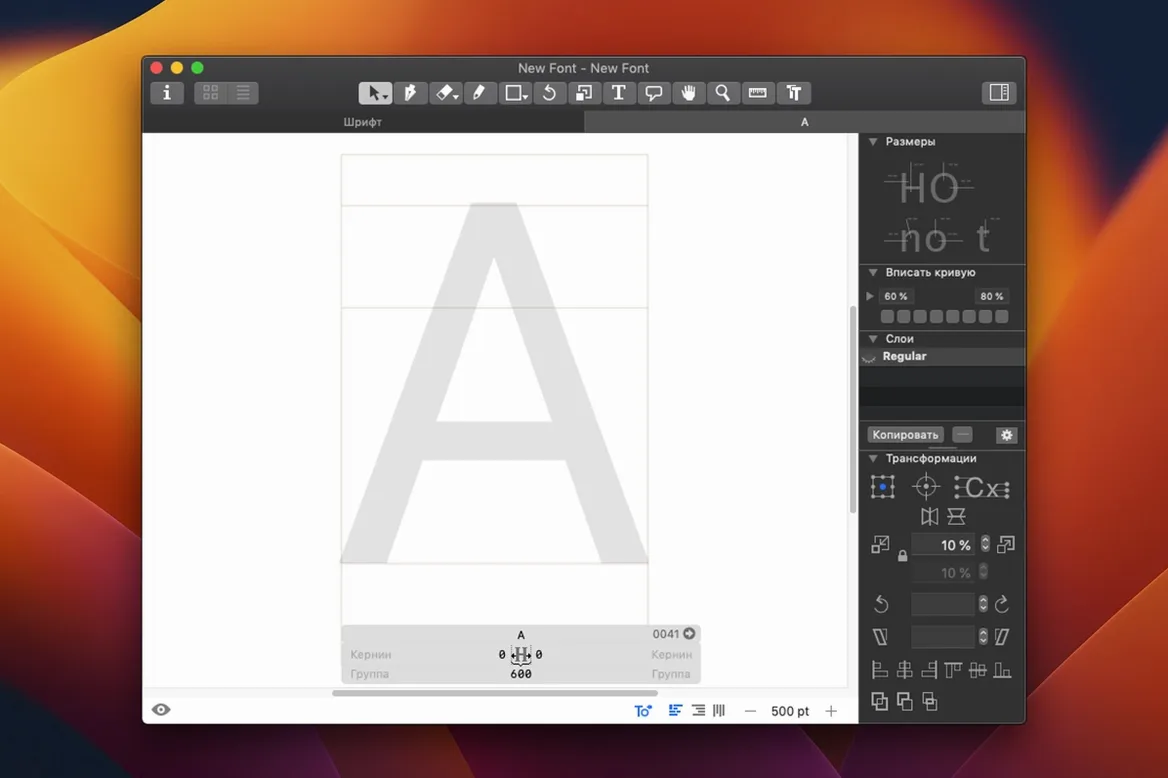
Glyphs sits between your sketches and the final OpenType file. It draws letters with the same pen tool logic you know, but the result is a production-ready .otf. Export a single glyph as SVG for a logo or as an SFSymbol for an app icon. The interface keeps only what you need for the task, no more.
Format and finish
The app works with existing fonts. Open one, adjust the sidebearings, add a missing diacritic, and save. It runs on Apple Silicon and Intel Macs with macOS 12. An interface module lets you extend it, so a repetitive spacing check becomes a single command. It speaks the same language as your other tools.
Glyphs stays quiet even when a file holds three masters and seven hundred glyphs. On an Apple Silicon Mac, switching between the tabbed editing view and a scripted interpolation test happens without a pause. Undo is deep and instant. The app rarely asks for a restart.
Memory use reflects the file, not the application. A simple two-weight family takes under three hundred megabytes. A complex variable font project with layered color glyphs pushes higher, but the footprint scales linearly. It does not surprise you with a sudden spike during export.
The auto-save system writes in the background. I have lost a minute of bezier adjustment once in three years. Stability on macOS 12 and later is uneventful, which is the best kind of stability for a tool you bill hours against.
Mid-word fix
Build 4.1.1 arrived quiet and fixed a handful of edge cases. The one I notice: contextual menu editing in the text preview now behaves when you switch scripts mid-word. A small thing that used to nudge the cursor wrong, now it lands where your eye expects.
Earlier in the 4.x line, the drawing tools gained variable font preview directly in the edit view. You drag a slider and the outline interpolates live. That changed how quickly you catch a kink between masters. What used to need a separate export and a browser test now happens in the same window. For anyone working with glyphs 3 free download workflows in the past, the jump to live interpolation feels like a door removed.
Pipeline owners
Type designers who draw original families get the full value. The tool follows their logic: draw, space, test, export. Nothing extra. Independent foundry owners live here because one license covers the whole pipeline from sketch to shipped .otf.
Graphic designers who occasionally open a font to fix a single glyph also benefit, but differently. They spend an afternoon with a glyphs free download mac setup, correct the ampersand that always bothered them, and close it. The interface does not punish that sporadic use. Tools stay where you left them.
Educators teaching type design pick Glyphs because the drawing model is close to Illustrator. Students who search for a glyphs crack often discover the app is approachable and runs smoothly if you allow it through macOS Gatekeeper first. The learning curve is honest: the first glyph takes an hour, the tenth takes five minutes.