
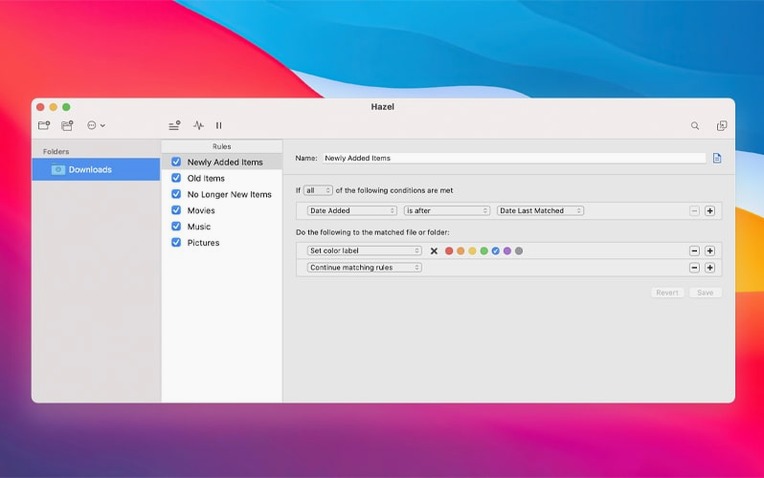
Hazel is a preference pane that watches folders and acts on files the moment they match rules you set.
Sort
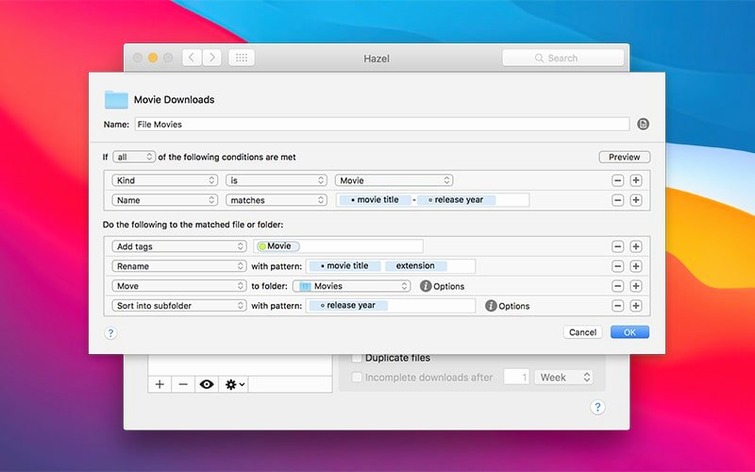
Drop a file into a watched folder and Hazel moves it to a themed subfolder based on name, date, or kind. No dragging, no remembering.
Clean
Tell it to tidy your desktop on a schedule. Old screenshots, stray downloads — cleared away without a thought.
Back up
Overlooked shortcuts
Hold Option while clicking a rule’s status icon to force-run just that rule. Useful when you tweak a condition and want instant feedback.
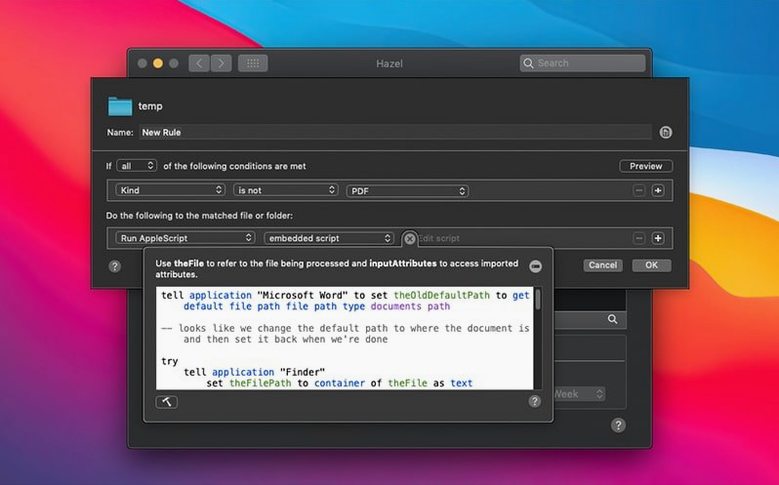
The Preview button, tucked at the bottom of the rule editor, shows exactly which files would match — before anything moves. A good habit before trusting a new pattern.
Right-click any file in a watched folder and choose Hazel: Run Rules from the Services menu. No need to open the pane.
Live With One Rule
Start small. Pick one folder — the desktop or downloads — and write a single rule. A rule that renames screenshots by date or pushes PDFs to a subfolder. Live with it for a day before adding more.
Use the Log pane often. Early rules fail in quiet ways: a typo in an extension, a date pattern that doesn’t match. The log shows what fired and what didn’t.
Name your folders before you point Hazel at them. A “To sort” folder with subfolders like Images, Receipts, Music gives you clear targets. Rules become shorter when the destination already makes sense.
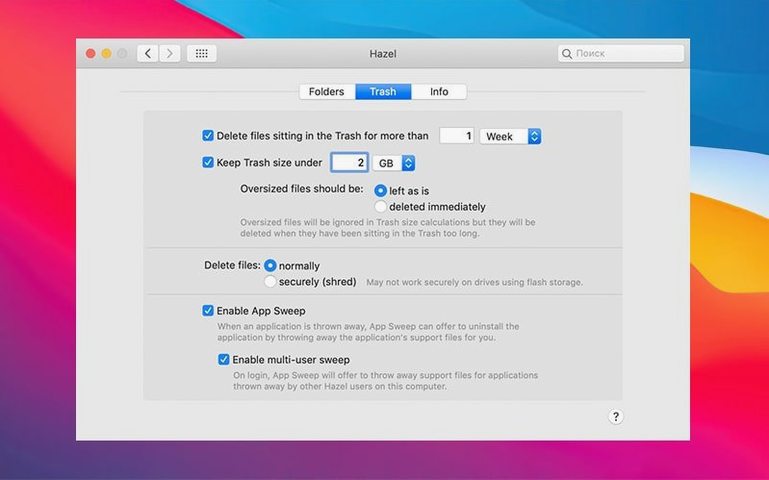
Let the trash management feature wait. Learning Hazel’s rhythm matters more than aggressive cleanup. Turn it on after you trust your rules.
Add a note to a filename and Hazel copies it to a backup location. Simple insurance, zero effort.