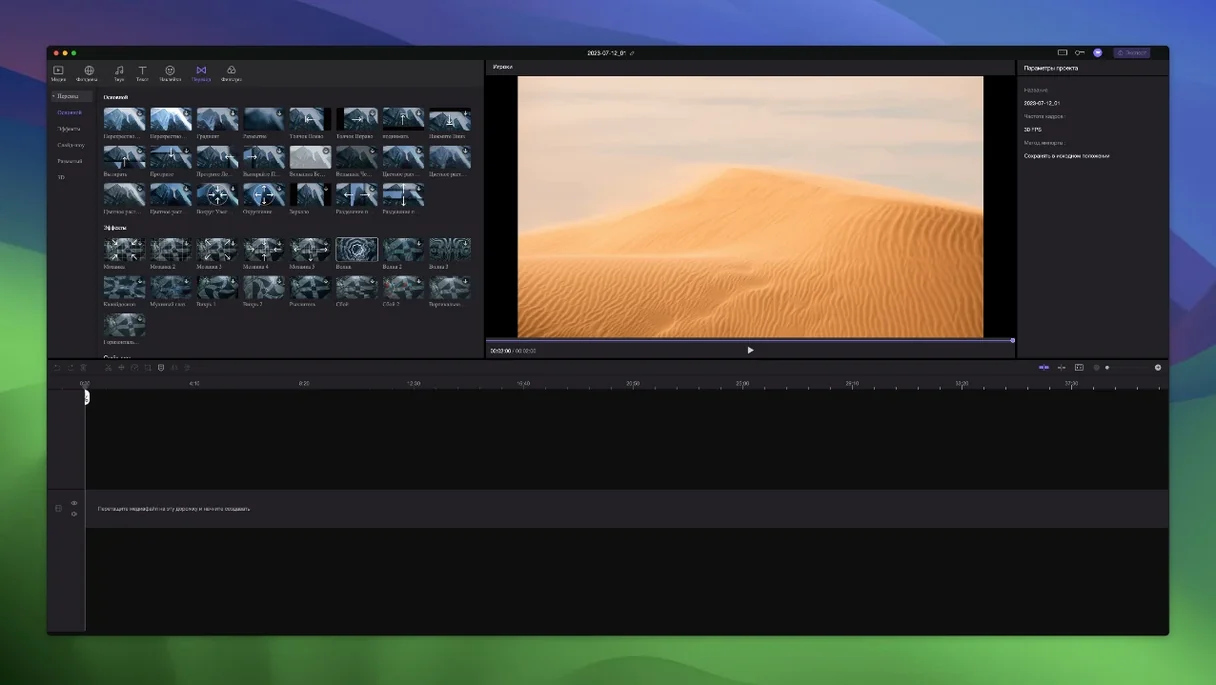
If iMovie feels a little thin, Edimakor sits one step beyond it. Not a full pro timeline, but not a single-track toy either.
Sync drag
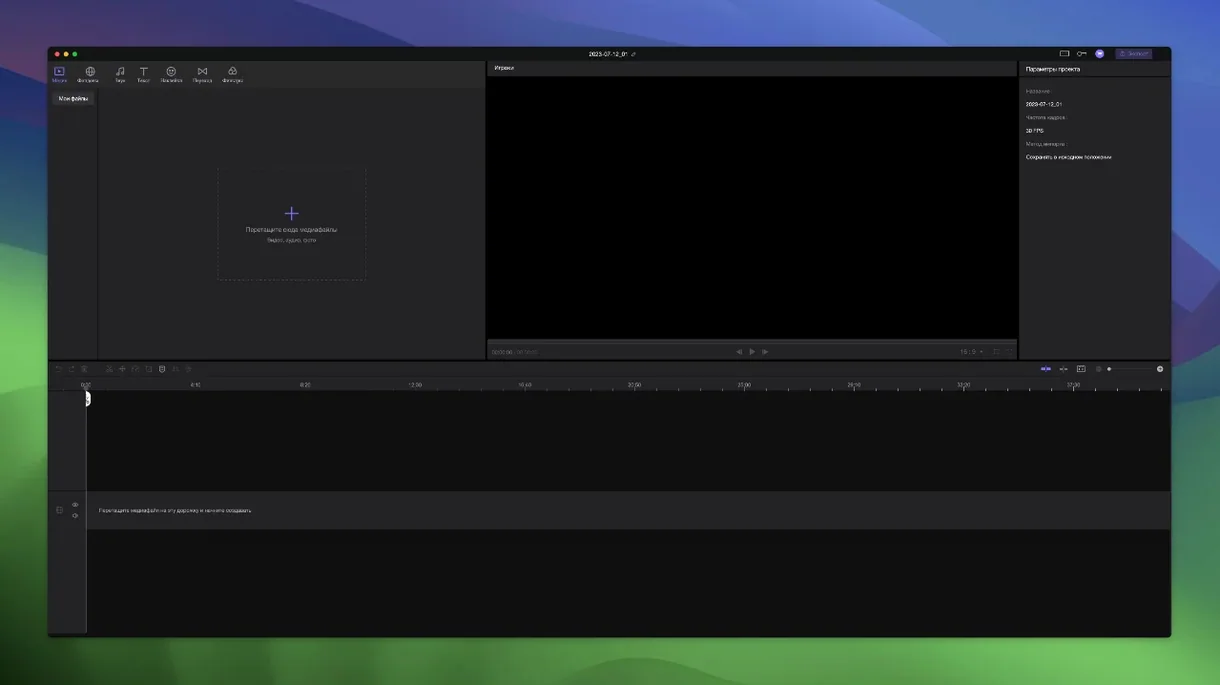
Trimming, merging, and multi-track work. All materials shift together when you drag the main video, so basic pacing stays fast.
Where does the AI come in?
It handles tasks like auto-subtitles and object removal. Simple prompts do the heavy lifting without learning a new tool.
Beginner marketers
Magnetic timeline
Elements from other tracks attach to the main video automatically. Drag the primary clip and everything follows. No lock toggles, no grouped selections to manage.
Timeline positioning is precise down to a single frame. The cursor snaps where you need it, which matters more than it sounds when you align cuts to music or dialogue.
Unlimited tracks. In practice this means you stop counting and just add another layer for a watermark, a correction overlay, or a sound bed. The timeline scrolls vertically without complaint.
QuickTime friendly
Edimakor reads and writes formats that QuickTime understands, so previews in Finder work without a separate player. Drag a rendered clip into a Messages thread or a Keynote slide — no transcoding detour first.
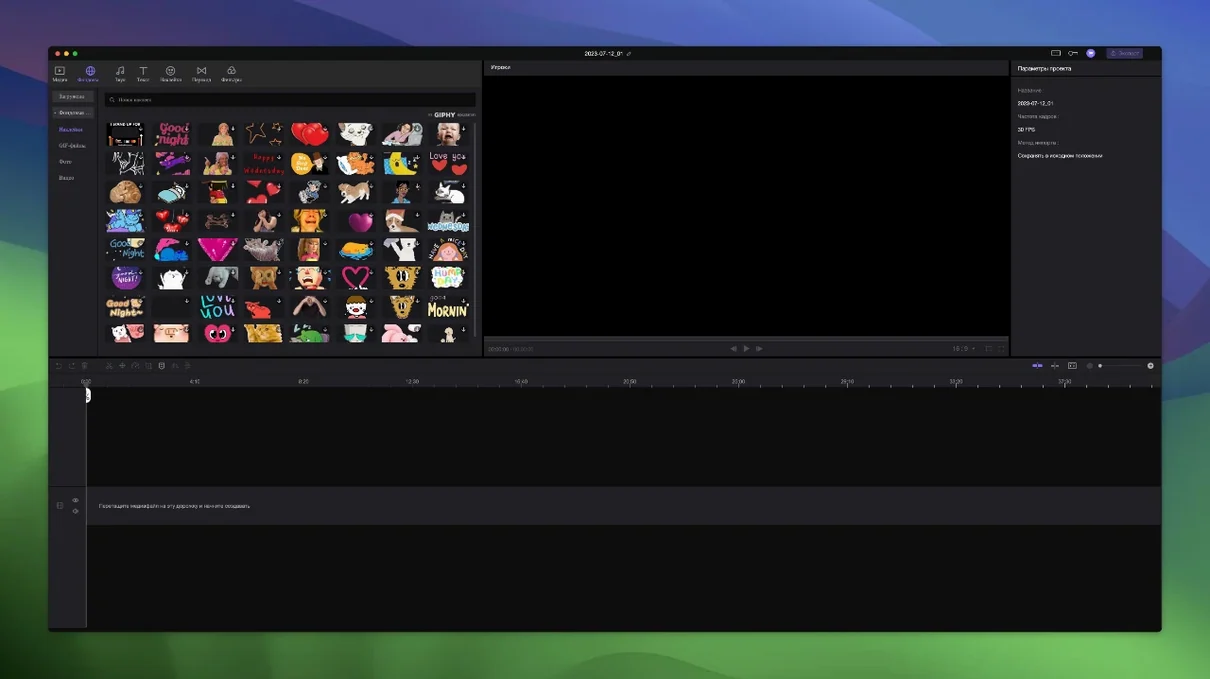
Stickers and transition packs are built in, not downloaded separately. They sit in the sidebar ready to drop, which means one less folder of third-party assets to track down. The library is modest, but it loads instantly.
The interface respects macOS conventions: standard open and save dialogs, native text fields, and a menu bar that doesn't hide itself. If you use Mission Control to swipe between spaces, Edimakor stays where you left it.
Frame drift fixed
Version 2.6.0 tightened the track attachment logic. Previously, linked elements could drift by a frame on complex timelines; now they stay locked. The difference is invisible until you scrub through a dense edit and nothing is out of place.
Performance on Intel machines improved, particularly during scrubbing. The timeline used to hesitate after a dozen tracks with effects applied. The current build handles that load without dropping frames.
Language coverage expanded. You can switch the interface to any of sixteen languages from preferences — no region-locked builds, no separate installers. The translation set includes Russian, Arabic, Hindi, and both Chinese scripts, among others.
A small convenience: the Gatekeeper bypass is a single Terminal prompt during install. Paste one line, press Enter, and the app opens. TNT builds keep the activation clean without background daemons. Users who grab an edimakor crack or a hitpaw edimakor torrent can run the same bypass if the packaged version hasn't already handled it.
Someone making explainers, social cuts, or cleanups who wants AI shortcuts inside a familiar track layout.