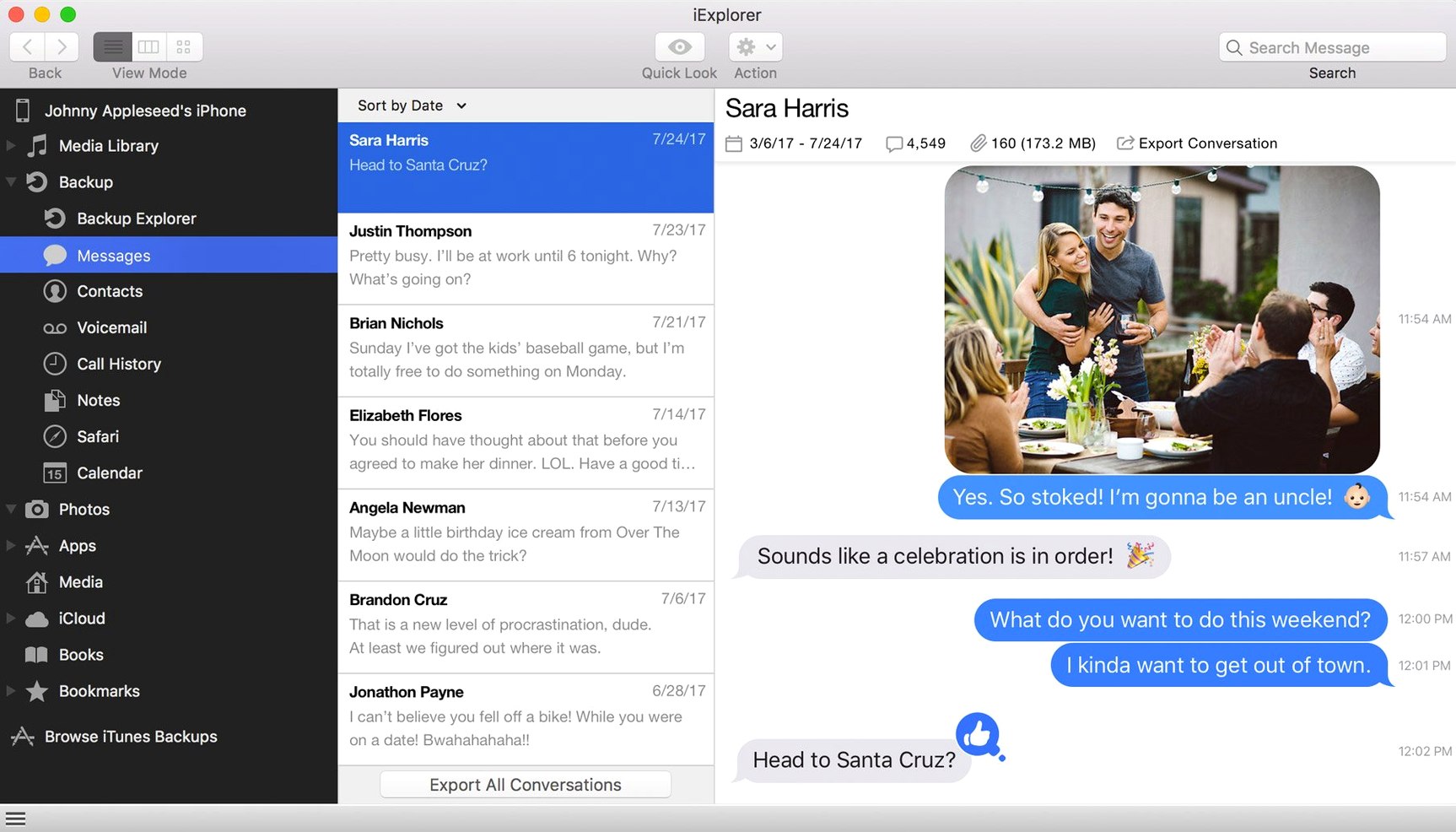
It runs on any Mac from macOS 10.10 forward, on Intel hardware. iTunes needs to be present.
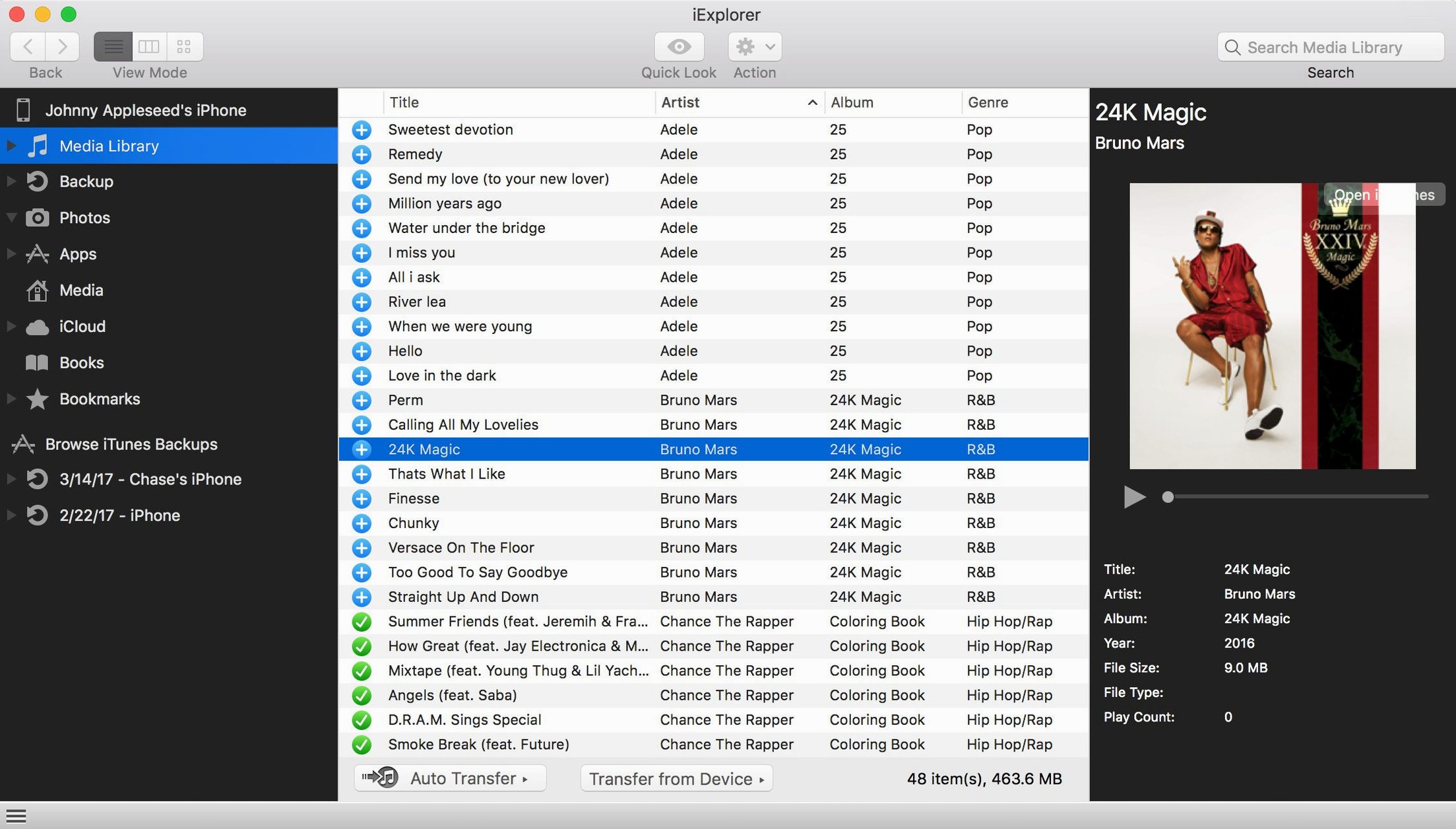
Version 4.6.0 brings one change: improved compatibility with iOS 16. The rest is what iExplorer has always done well. It lets you browse a connected iPhone or iPad like a disk, moving photos, files, and text messages to your Mac without iTunes as a gatekeeper.
You can open old backups stored on the computer, peek at app data, and look through what iCloud holds. The device mounts plainly. No jailbreak required.
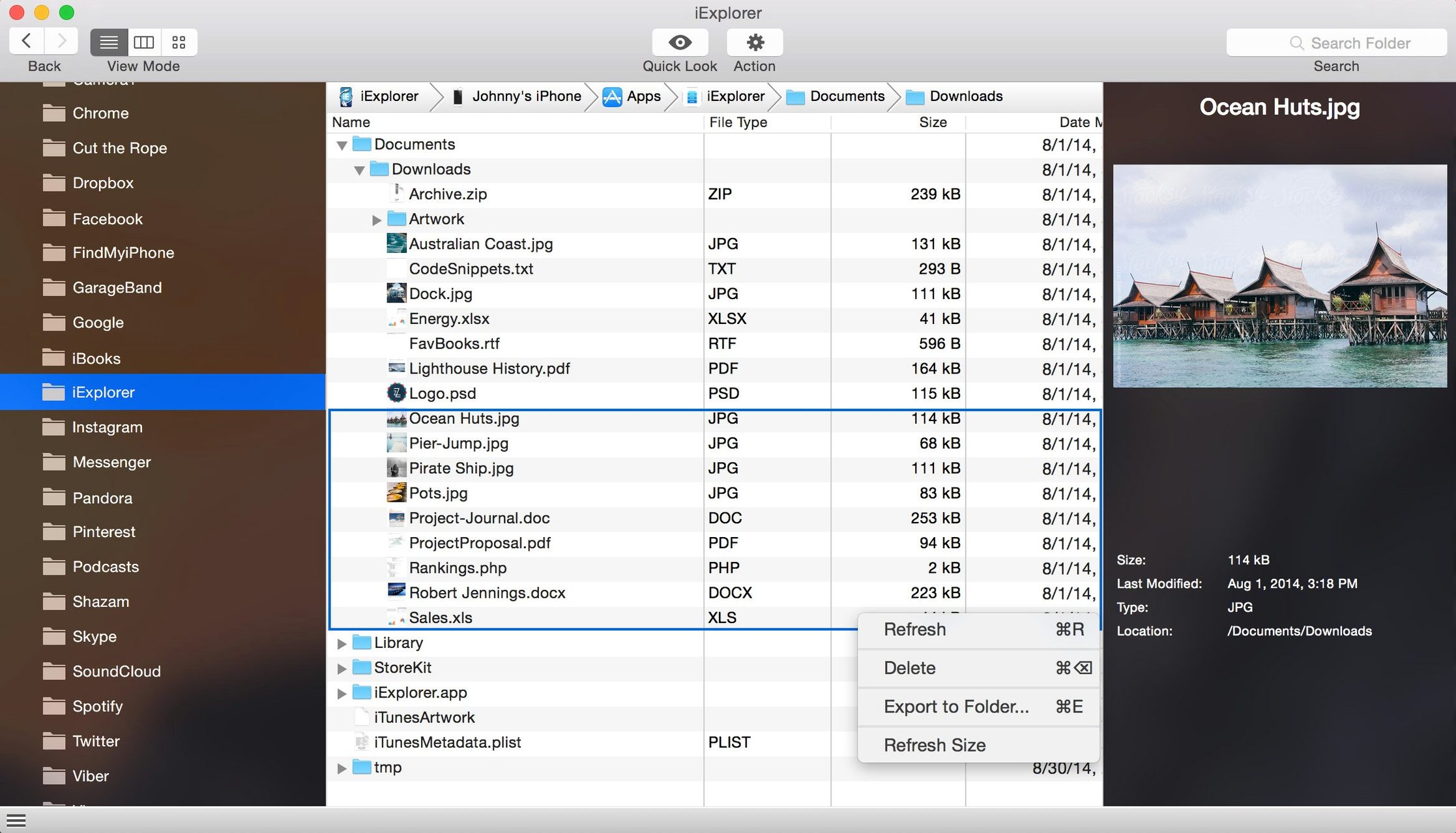
Desktop drag-drop
Drag a folder from the desktop onto a device in the sidebar. iExplorer copies it in place, no extra dialog.
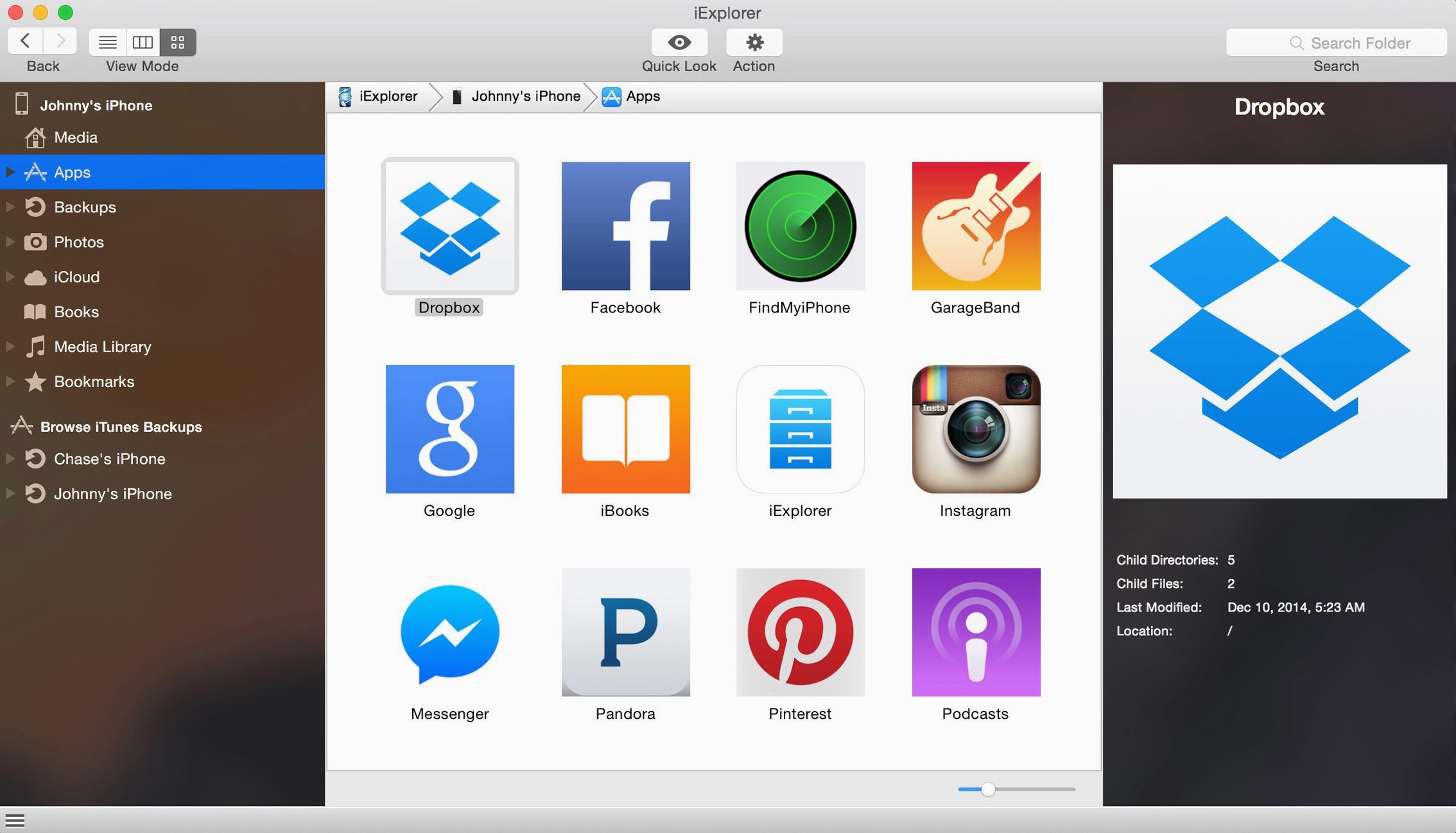
Right-click any app name and choose View Contents. That skips the drill-down through the main window.
The search box in the toolbar filters across files, contacts, and messages at once. Typing a partial phone number pulls up the thread. Typing a file extension isolates documents fast.
Sometimes people look for an iExplorer Mac crack or an iExplorer torrent and miss what the app already does plainly. The disk mount feature turns the device into a folder on the Desktop. You can open it, drag out photos, drop in a PDF. Finder handles the rest.
Weekend photo pull
You plug in an iPhone. The device name appears in the left panel. You select Photos. Thumbnails fill the main area. A few taps on the keyboard select the ones from last weekend. You drag them to a folder on the Mac.
Next you click Messages. A conversation list slides open. You find the thread with the address you need. Export it as a PDF. The export dialog is one click, one save location.
Then you open an old backup. iExplorer loads it like a device that is not physically there. You pull out a voice memo you thought was lost. You close the backup, eject the phone, and everything is where you put it.
Device not seen
A common hiccup: the device does not appear. Almost always, iTunes was not opened first. Launch iTunes, let it see the device, then open iExplorer.
Another: backups look empty. You need to wait for the app to finish reading the backup folder, especially large ones. The spinner in the status bar tells you it is working.
If an app’s files do not show, check the device. Some apps lock their sandbox. iExplorer can only browse what the system exposes. No jailbreak means no back door.
People chasing an iexplorer full download sometimes land on an old version. Version 4.6.0 needs iTunes, even on newer macOS. Without it, the connection stays silent. Install iTunes, restart the app, and the device shows up.
It is a quieter way to get things off a device.