
A single installer. That's what you download now. JetBrains has merged the separate Community and Ultimate editions into one unified product.
What does it replace?
The old split is gone. You get a single IntelliJ IDEA that adapts based on your license. Less to manage.
Quiet analysis
Its version control integration sits quietly next to your existing Git client. The real-time code analysis runs while you edit, catching issues before you commit. It doesn't demand a separate workflow.
What gets out of the way?
Smart code completion and refactorings handle the typing so your mind stays on the logic. The recent fixes target IDE freezes and debug mode unresponsiveness—less waiting, more building.
It also respects macOS conventions that other JetBrains IDEs share. Keyboard shortcuts follow the same muscle memory as WebStorm or Rider. Project windows restore to the same Spaces you left them in. The editor handles Java string literals with injected language fragments — SQL, JPQL, HTML, JavaScript — so you don't switch windows to check a query or a snippet.
The single-installer model means one Toolbox App entry, one set of shell scripts, one command-line launcher. If you keep the Toolbox App running, it quietly updates the IDE in the background between sessions.
Let indexing finish
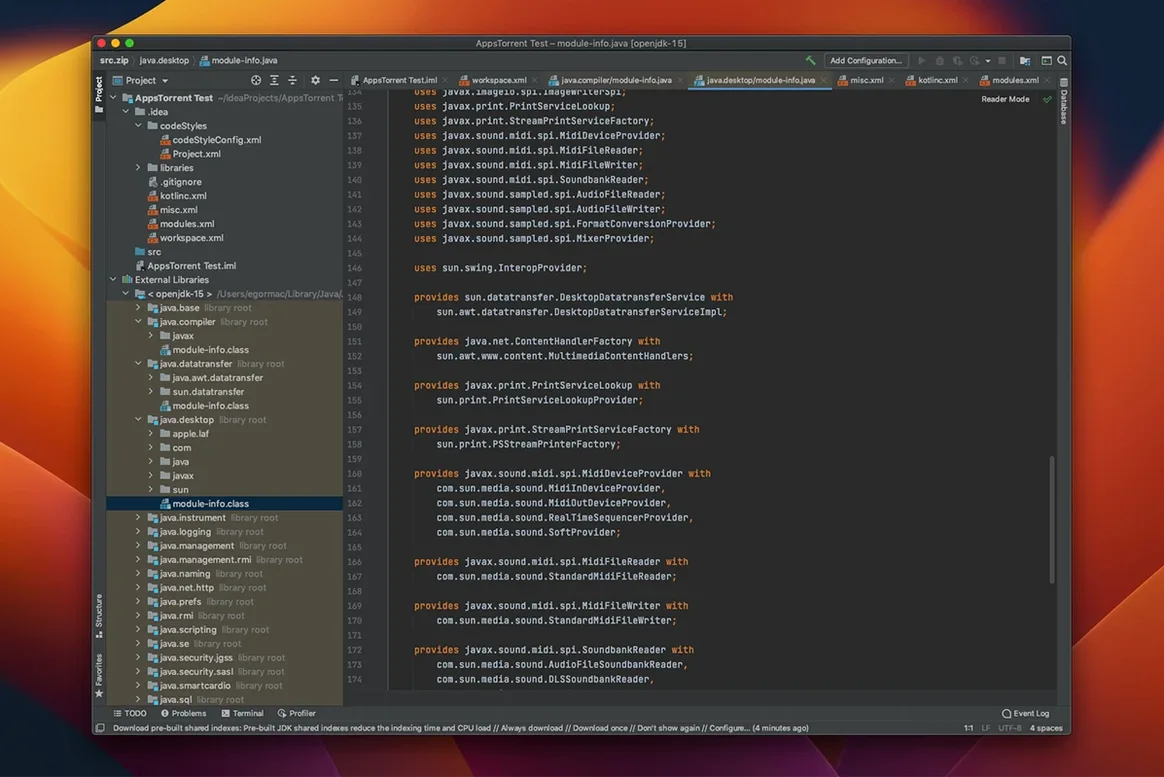
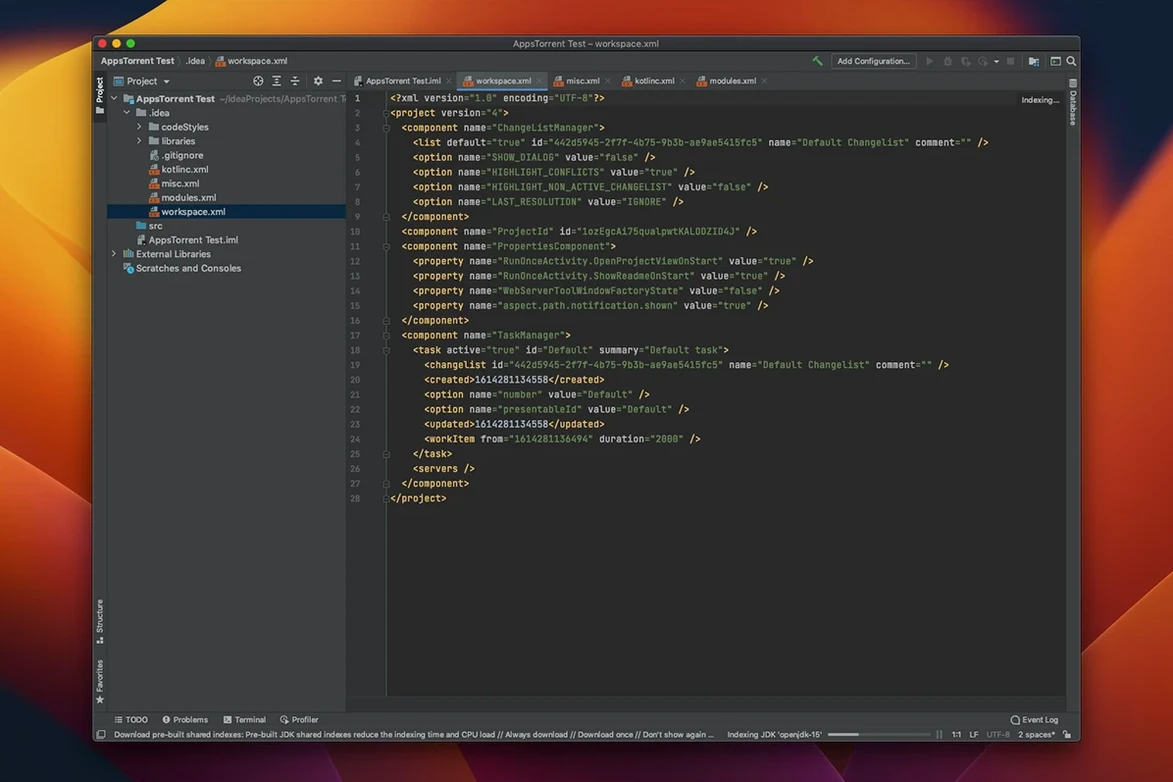
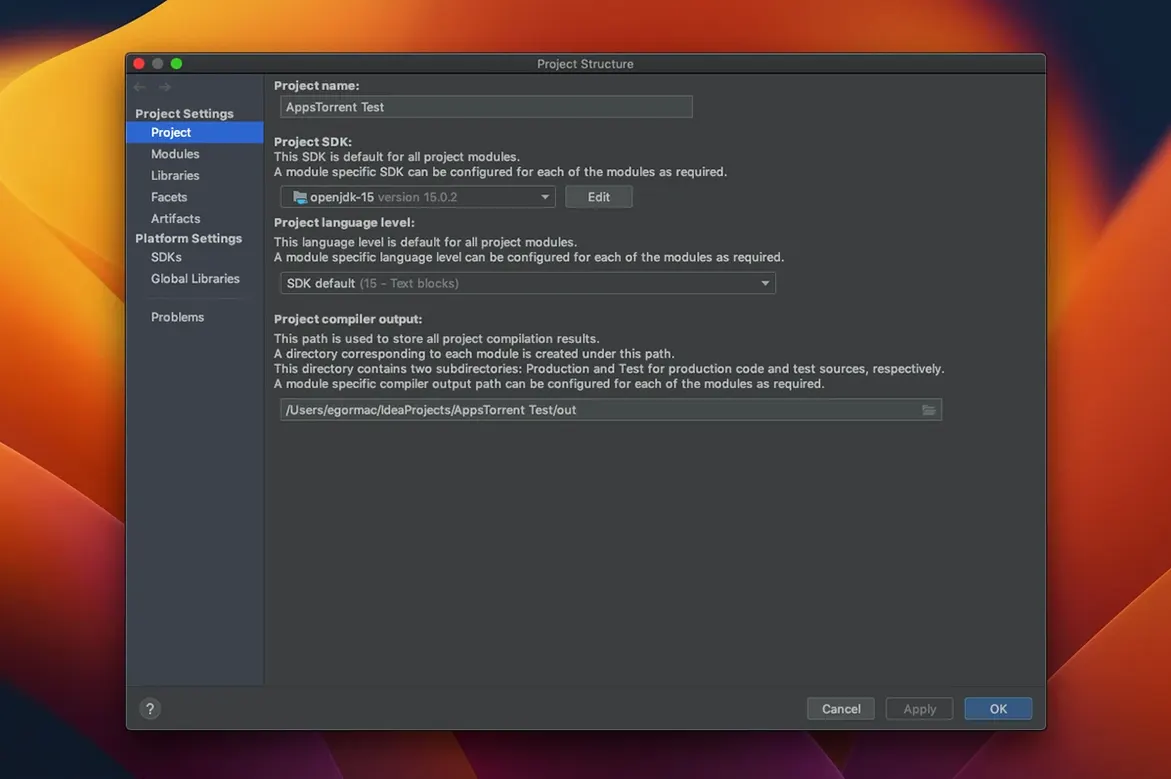
Let the index finish. On first launch, IntelliJ scans your JDKs and builds its internal cache. The fan might spin. Wait for the indexing progress bar to disappear before you start refactoring.
Disable plugins you don't need. The unified installer ships with everything. Open Preferences → Plugins and turn off the language packs and framework integrations you won't touch this week. Fewer plugins mean fewer things to index.
Map the version control shortcuts you actually use. If you already work in a terminal with Git, try VCS → Enable Version Control Integration on a test project first. See the diff viewer, the local history panel, the shelf. Find what replaces your current flow before committing to it.
Open a Java file with a SQL string and press Alt+Enter on the string. IntelliJ offers to inject the language. Accept it. You'll get syntax highlighting and completion inside the string immediately. That one gesture changes how you write embedded queries.
If you're moving from a lighter editor, the IDE can feel heavy. Give it a day. Once the index settles and you've trimmed the plugins, the pauses mostly disappear.