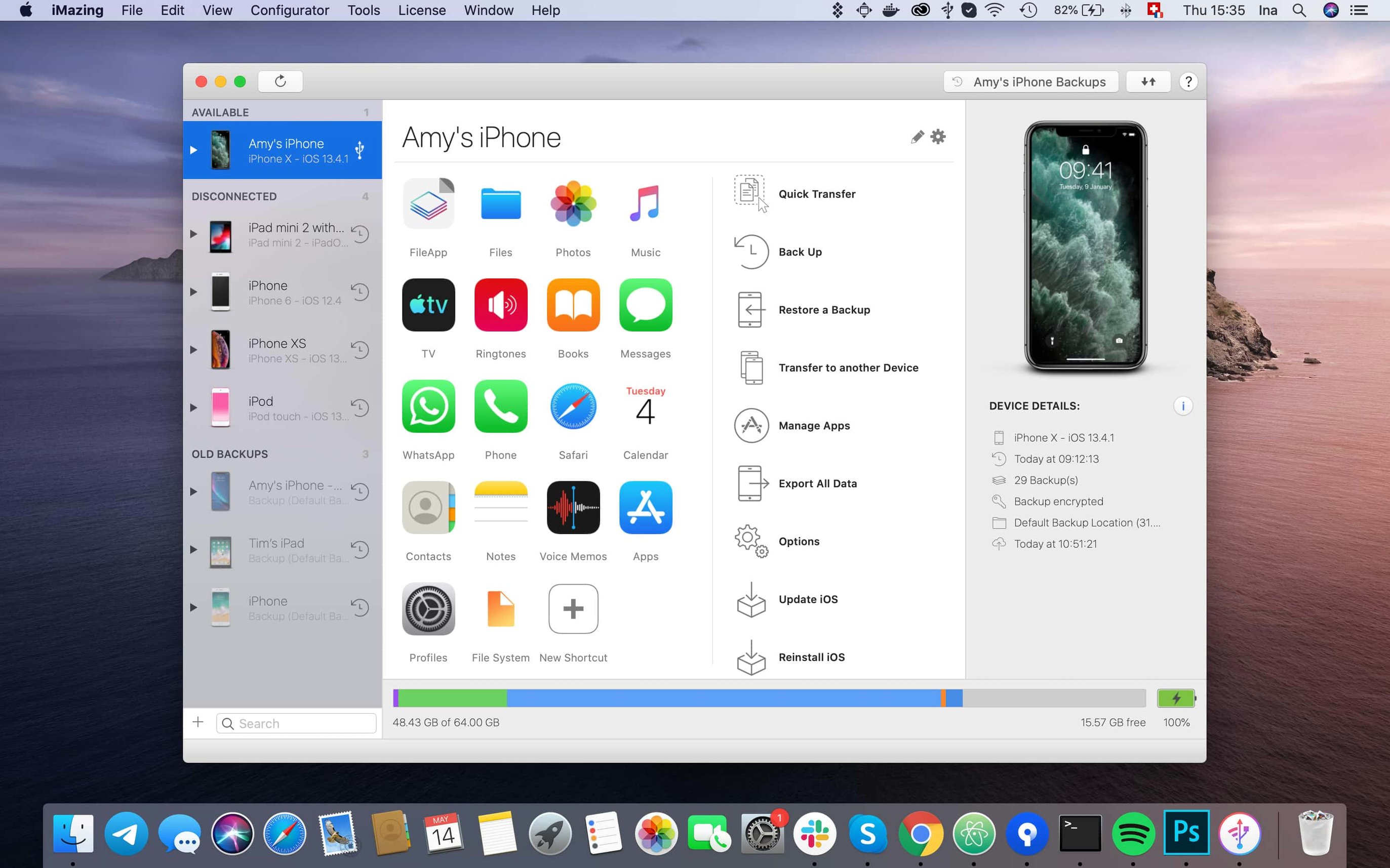
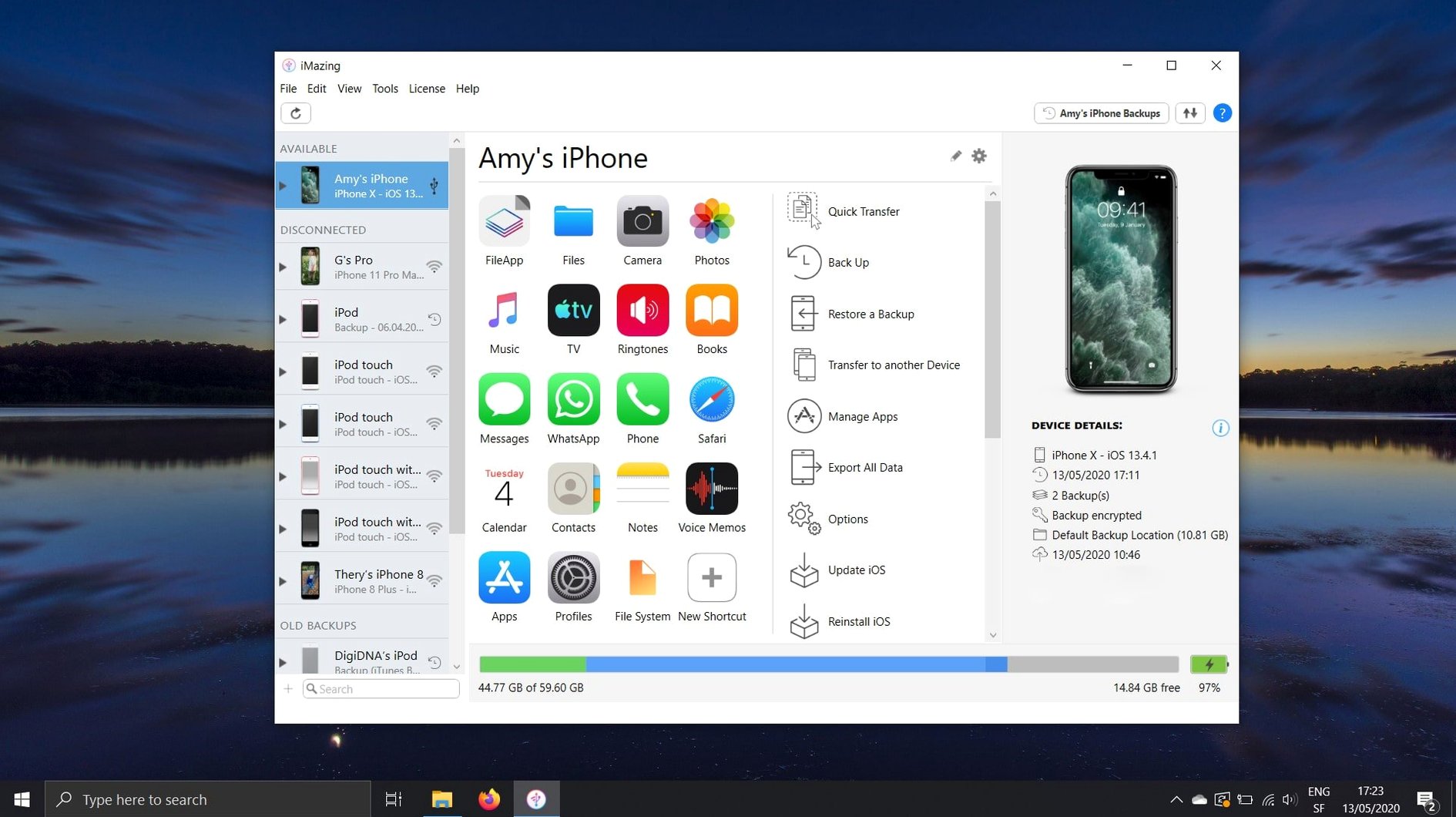
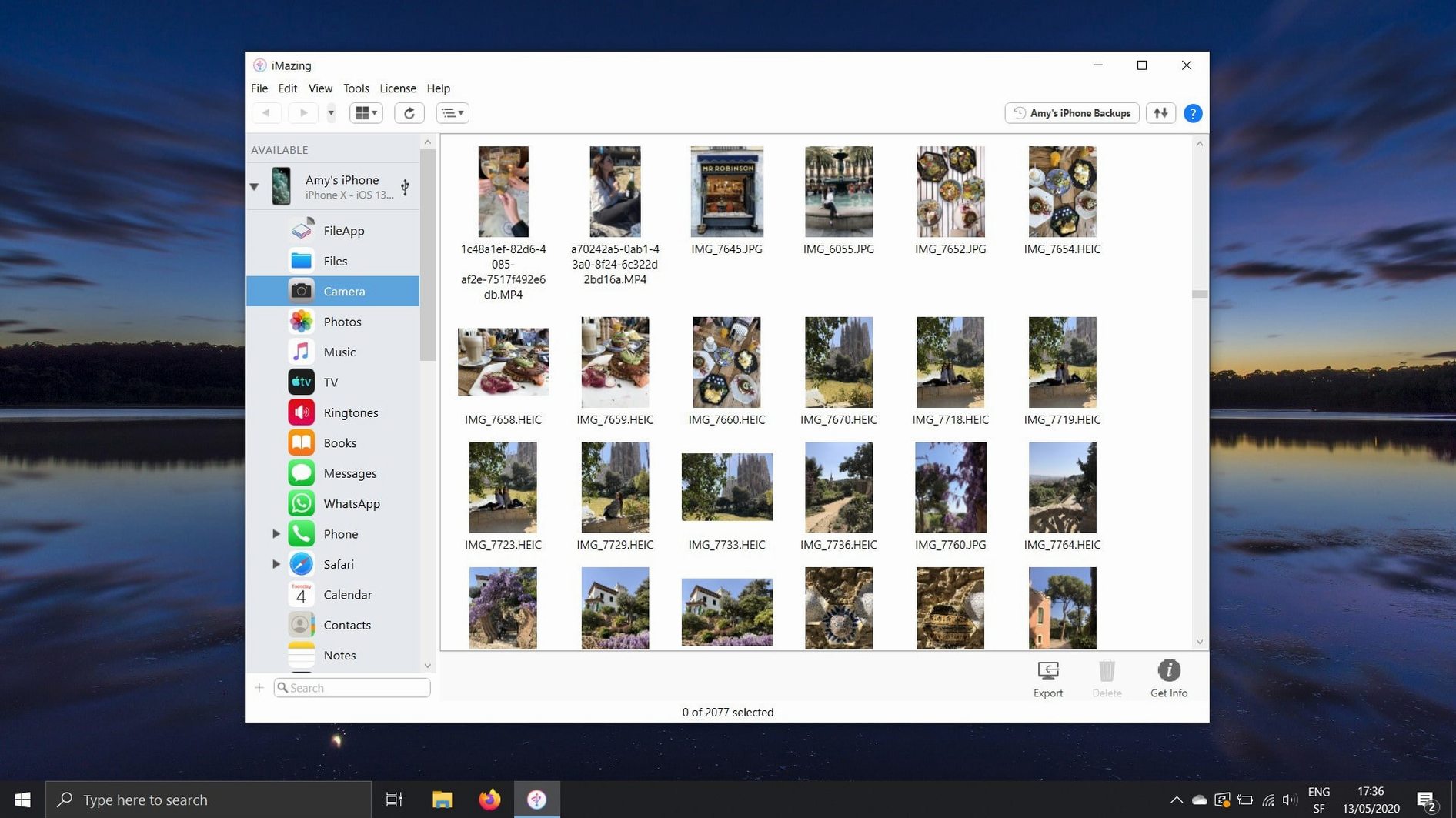
Think of iTunes. Now remove the store, the sync restrictions, and the single-library limit. What remains is a direct line to your device. iMazing fills that space.
Local transfers
- Copies music and media between a Mac and an iPhone or iPad, no iTunes involved
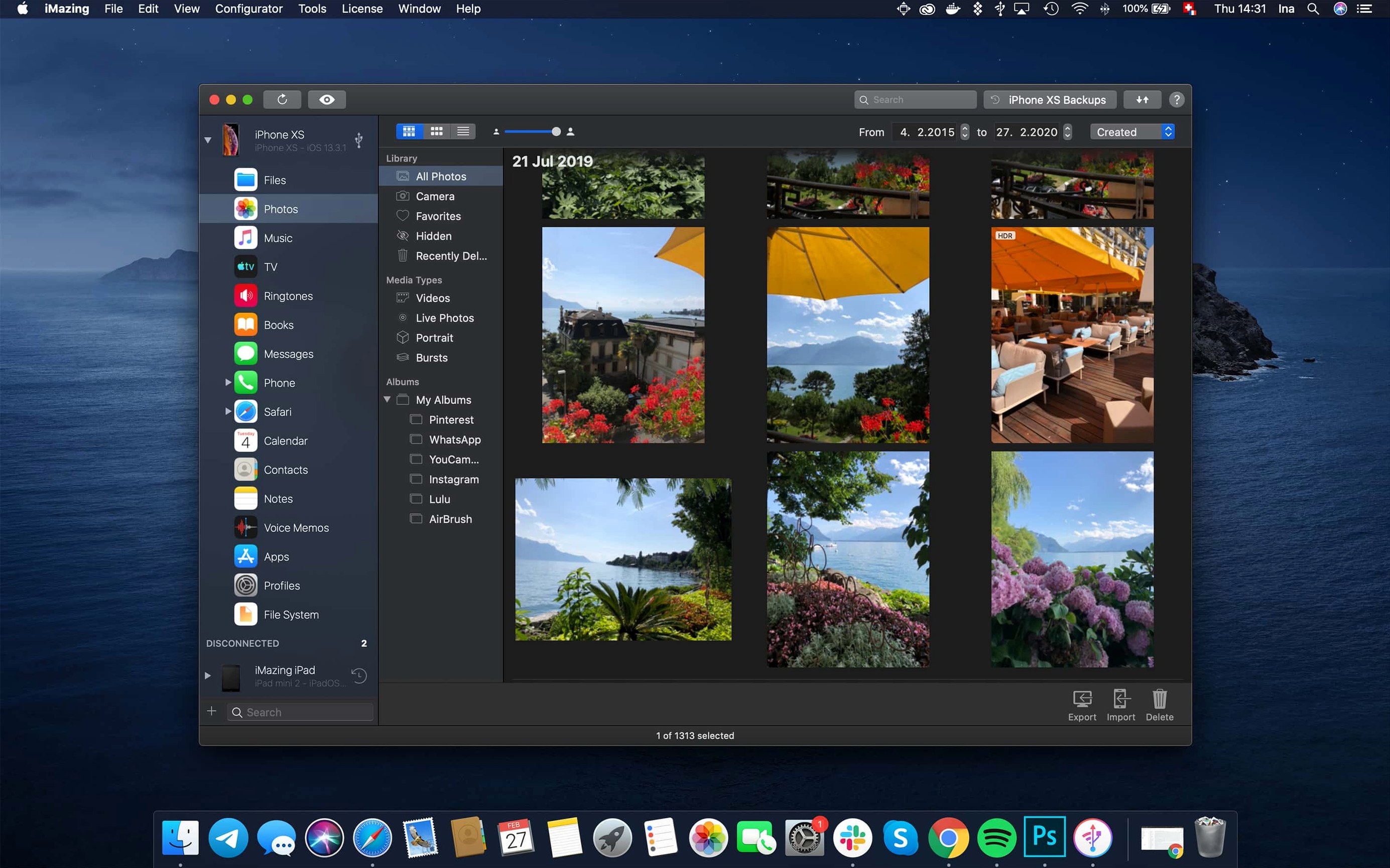
- Exports photos and videos locally, bypassing iCloud
- Transfers voice memos, messages, and Safari bookmarks straight to a computer
- Creates backups and lets you browse or restore files from them, even encrypted ones
- Imports ePub and PDF books into Apple Books, or exports them back out
More than a backup tool
You can use an iOS device as a plain flash drive. Calendars export as ICS or CSV files. A shared app container now lives inside .imazingapp files from backups. It is a utility that treats the device as a disk, not a managed accessory.
Some people download iMazing and treat it like a spare key—used only when something goes wrong. That works. But a different set of users extracts more from it daily. Power users who keep encrypted backup archives off-cloud. Developers who need to inspect shared app group containers or export unified logs without Xcode. People who move between Android and iOS and want a clean path for messages and contacts without syncing everything to a cloud they would rather not use. Small business owners with a single Mac and several iPhones to manage, who need a plain list of call logs as CSV files. If you have ever said, “I just want this one folder on my phone,” you are in its audience.
It also suits anyone who has looked at Finder’s music tab and felt the old iTunes handcuffs tighten. iMazing does not care about library ownership. It copies tracks in both directions. Drag a folder of MP3s onto a device, done. Grab a voice memo you recorded three years ago, drag it to your desktop. No import wizard, no sync warning. The device becomes a drive with a music folder. That alone removes a daily friction for people who still keep local collections.
Nearby alternatives
Finder and Apple Devices on newer macOS versions handle wired backups and basic iOS file transfers. They work. They also stay locked to Apple’s rules. No message export. No call log CSV. No browsing backup contents file by file. Finder is a corridor; iMazing opens the doors along it.
AnyTrans aims for a similar breadth. It offers media transfer, app management, and backup browsing. The interface leans more colorful, more wizard-driven. iMazing keeps a stricter, single-window layout. Fewer prompts. For someone who wants to see the file system and act, iMazing gets out of the way faster. For someone who wants a guided tour with big icons, AnyTrans may feel friendlier.
iExplorer covers a narrower slice—media, messages, and some file access. It does not match iMazing on backup modification or app container exports. If you only need to pull photos and texts from an old backup once a year, iExplorer is lighter. If you intend to keep regular, wireless, automatic backups with fine-grained restore options, iMazing is the tool you leave running.
Export app groups
A few gestures are easy to overlook. Right-click any backup in the sidebar to export it as an editable folder. That folder includes shared app group containers, something recent builds now preserve inside .imazingapp files. If you have ever needed to pull a specific preference plist from an encrypted backup, this is the path.
When viewing messages, select a conversation and press Cmd-E to export it as PDF. Attachments can be dragged directly from the conversation pane to a Finder window. No menu needed. In the photos view, Cmd-A selects everything; drag the selection to a desktop folder and iMazing preserves Live Photo components as separate HEIC and MOV pairs.
The unified logs view, added recently, is a developer-minded corner. You can now export a complete log archive straight from that window. If you are troubleshooting an app crash on a test device, this cuts out the dance with Console.app and device tethering.
Wi-Fi pairing
After dragging the disk image and moving the app into Applications, launch it once with the device connected via cable. That first wired pairing establishes trust. After that, enable Wi-Fi in the device overview. The app will appear as a destination for automatic wireless backups. Schedule one for a quiet hour. Let it complete once, then browse the backup contents. Knowing what a full snapshot looks like makes later partial restores feel less like guesswork.
Take ten minutes to set up the message export path. Pick a folder on your Mac, export one conversation as PDF, and confirm it opens cleanly. If you keep call logs for work, export them as CSV now so you understand the column layout. Being familiar before you need the data is worth more than any feature list. If you search for something like iMazing crack for Mac later, you will already know whether the app fits your table. The tool rewards early familiarity.
Turn off any cloud photo sync temporarily and pull a test batch of images through a cable connection. Compare the file dates. iMazing preserves original timestamps, which iCloud sometimes rewrites. If archive fidelity matters to your photo library, this is the moment to notice it.