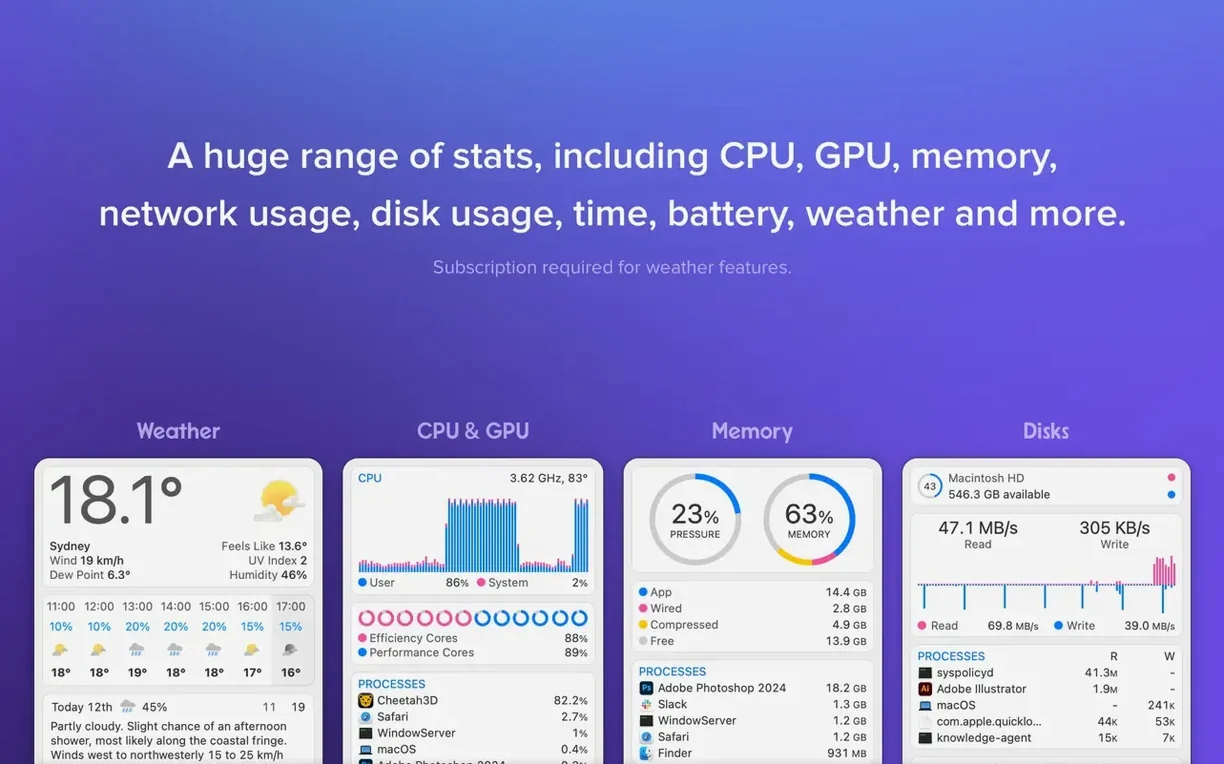
iStat Menus is a menu bar monitor that shows what your Mac is doing right now.
macOS 11 or later — Requires Big Sur or newer.
Apple Silicon / Intel — Runs natively on both architectures.
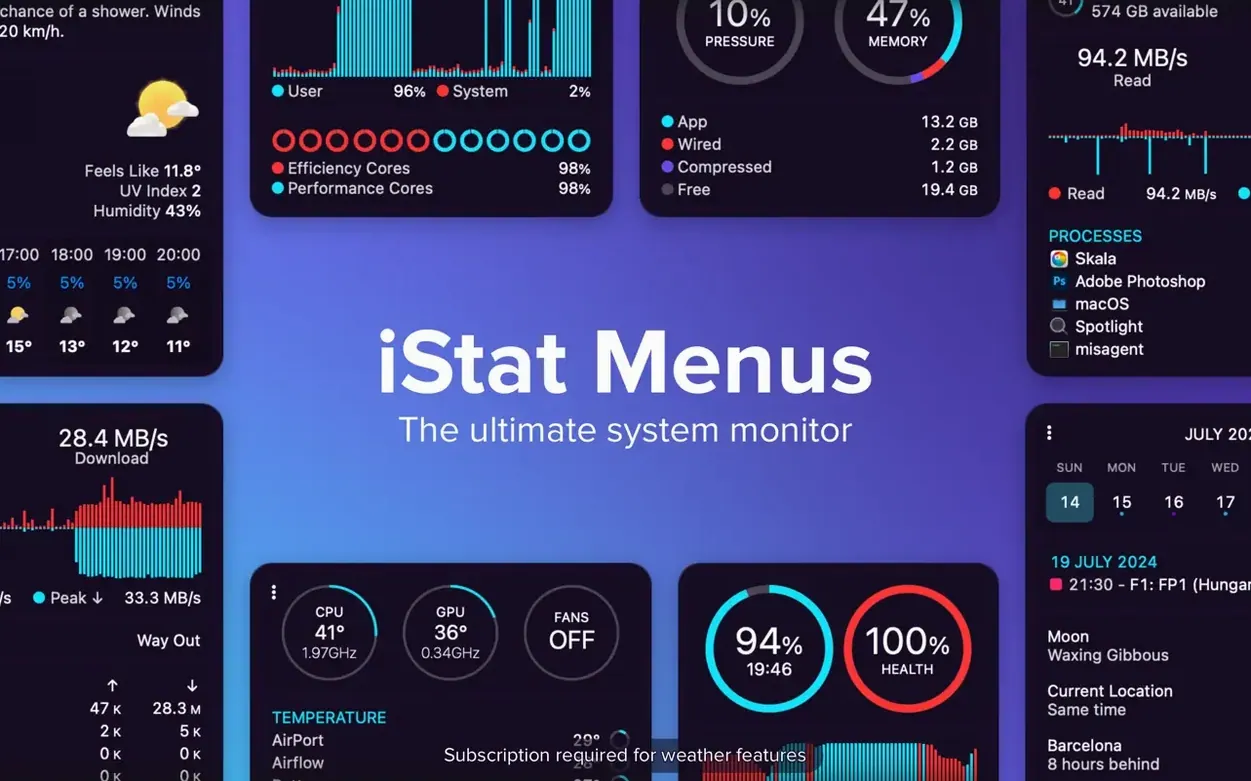
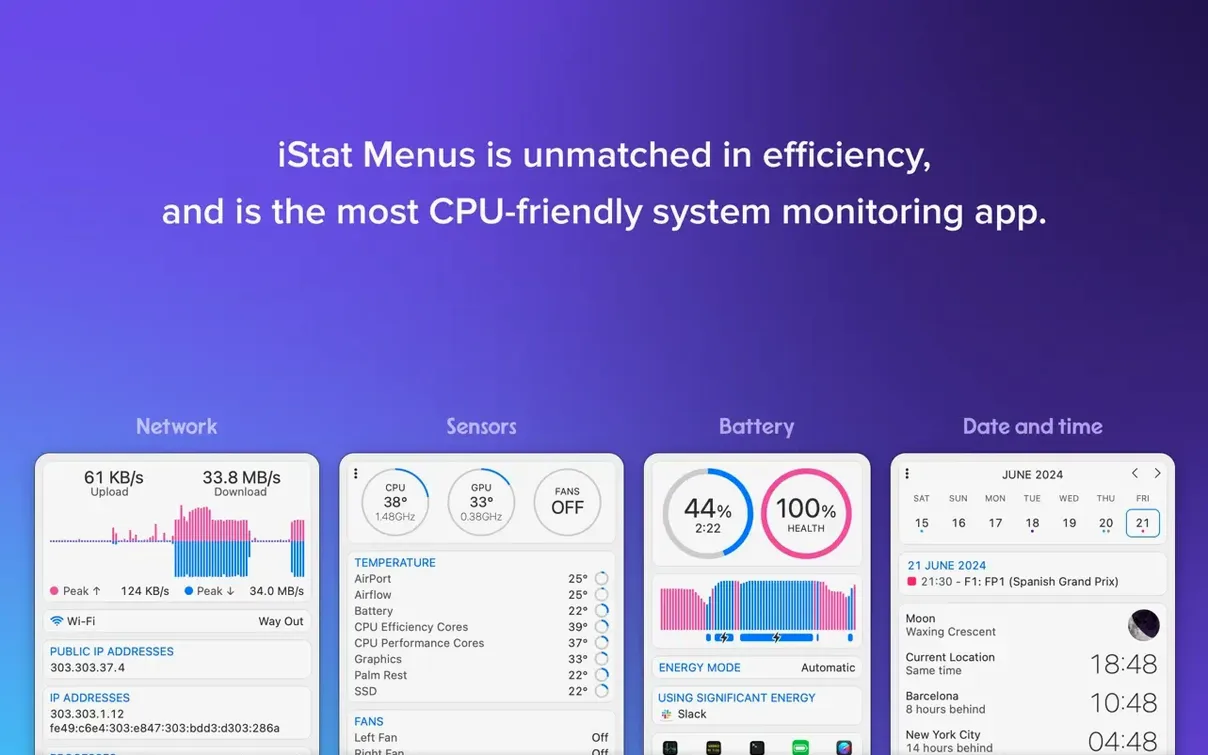
What you get — Real-time CPU load and activity. Memory shown as pie or line charts. Disk usage, read/write indicators, and S.M.A.R.T. status. Temperatures, power sources, fan speeds, current, and voltage. Set fan rules when running on battery.
A weather forecast with moon phases, wind speed, and dew point. World time with sunrise and sunset. The new Astronomy item adds seeing and cloud cover forecasts.
Throttling dashboard
System administrators who manage fleets of Macs. The menu bar becomes a dashboard that never hides behind a window. One glance confirms whether a machine is throttling, swapping, or saturating a network link.
Developers running local servers, Docker containers, or Xcode builds. iStat Menus shows which process is eating CPU without launching Activity Monitor. That matters during a compile.
Video editors and photographers who push hardware hard. Fan speeds, GPU load, and disk throughput sit in the bar. You notice an overheating pattern before a render fails.
Anyone who travels with a MacBook. Battery health, charge cycles, and power draw are visible. Set a fan rule that kicks in on battery alone.
Menu bar Activity Monitor
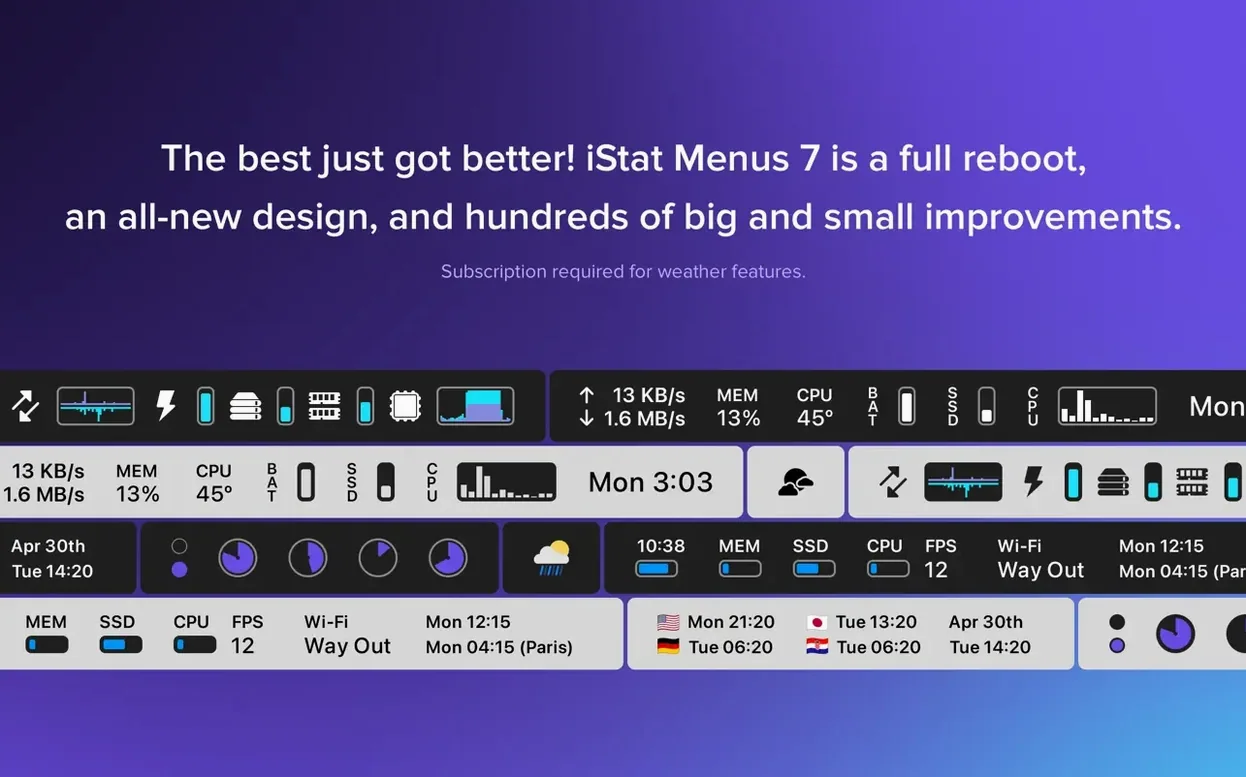
iStat Menus replaces frequent trips to Activity Monitor. It fills a gap macOS leaves open — quick system insight without a window. The menu items work like native clock widgets; they feel part of the OS.
Weather and world time live alongside hardware stats. You check CPU temperature and Berlin time in the same bar. The new Astronomy conditions slot into a stargazer’s planning routine.
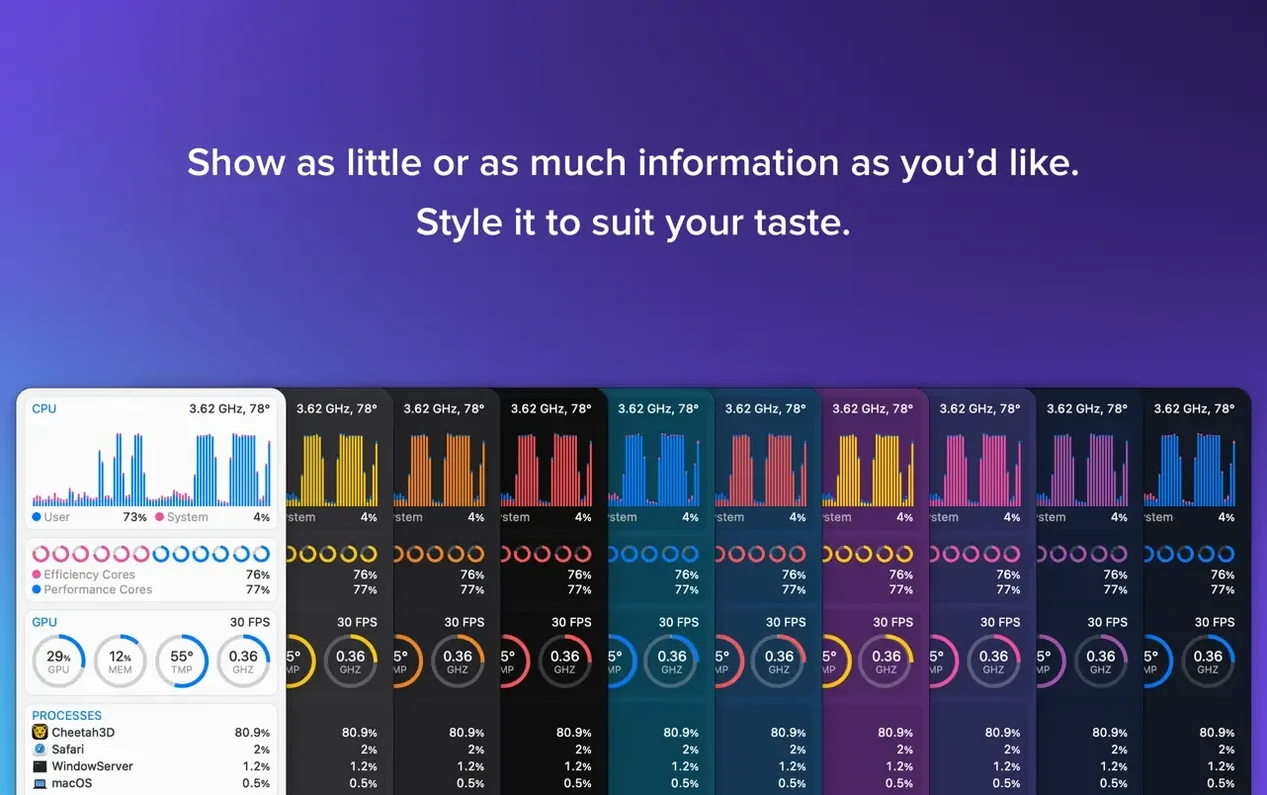
Third-party tools like keyboard launchers or window managers sit beside it. iStat Menus does not interfere. Its helper runs lean. The app respects Dark Mode and auto-switches with the system.
Next to the others
Stats is open source and free. It covers similar meters — CPU, GPU, memory, network, battery — in a clean menu bar panel. But it lacks weather, fan control, and the deep customization iStat Menus offers. Stats works well for a quick readout; it does not replace a sensor toolkit.
MenuMeters carries nostalgia. Originally for older macOS, it has an unofficial port for modern systems. It draws CPU, disk, and network in the bar. The interface feels dated. No weather, no astronomy, no fan rules. It suits minimalists who want three simple graphs and nothing else.
Sensei overlaps in hardware monitoring but leans toward system cleaning and disk analysis. Its menu bar is a sidebar, not a row of live icons. Sensei suits people who also want to manage launch agents and free storage. iStat Menus stays narrower: watch, decide, act — all from the bar.
Dark Mode support throughout. Some stats require the iStat Menus Helper.