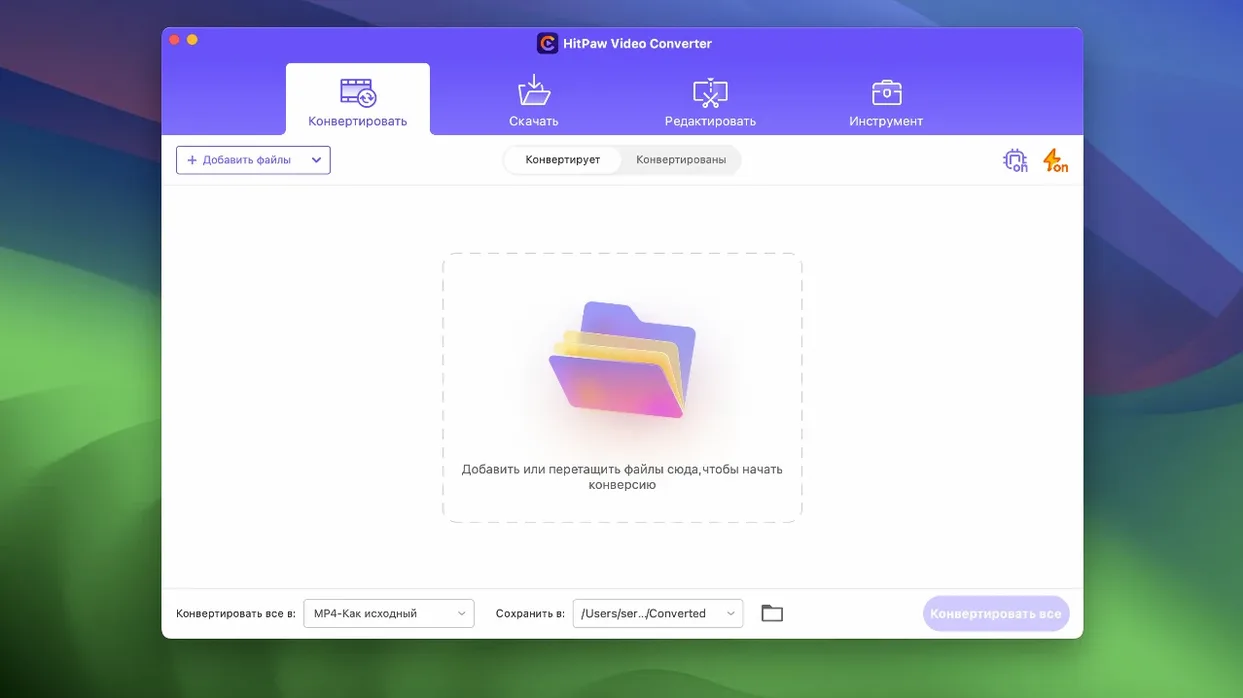
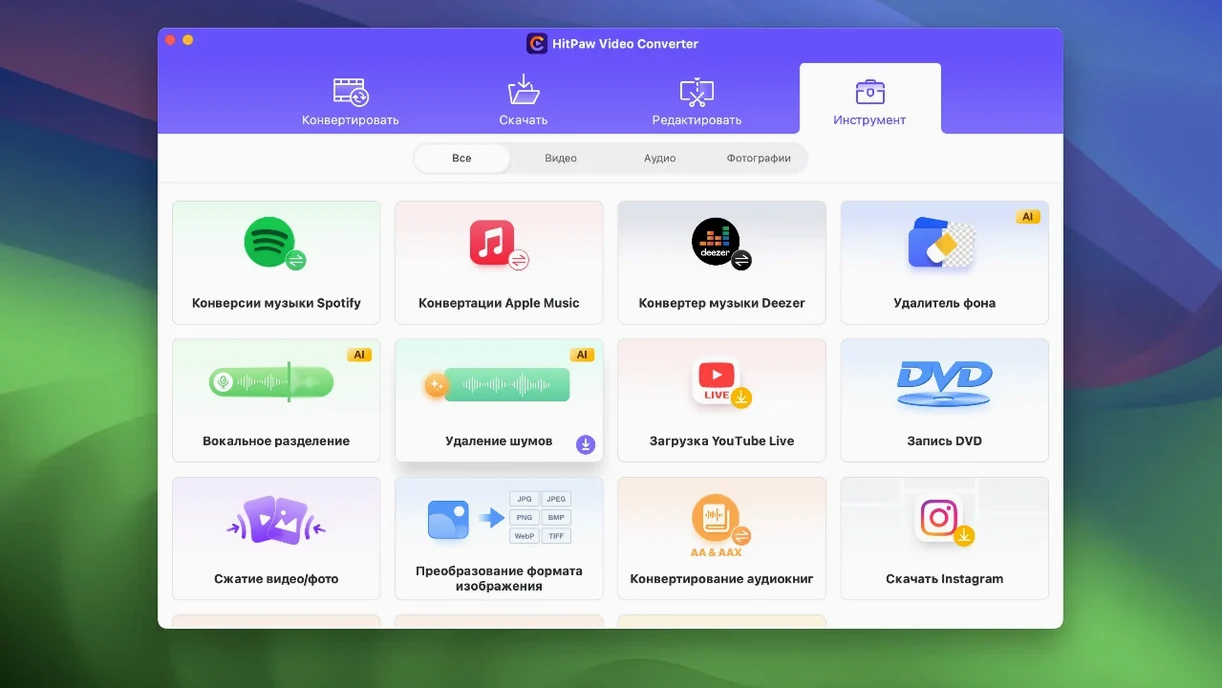
If you keep a copy of VLC around for the odd file nothing else will open, HitPaw Video Converter is a bit like that for everything else you do with video. It is the one tool you open when a file is the wrong format, too large, or stuck on a website.
- Convert between advanced codecs including VP9, ProRes, and Opus.
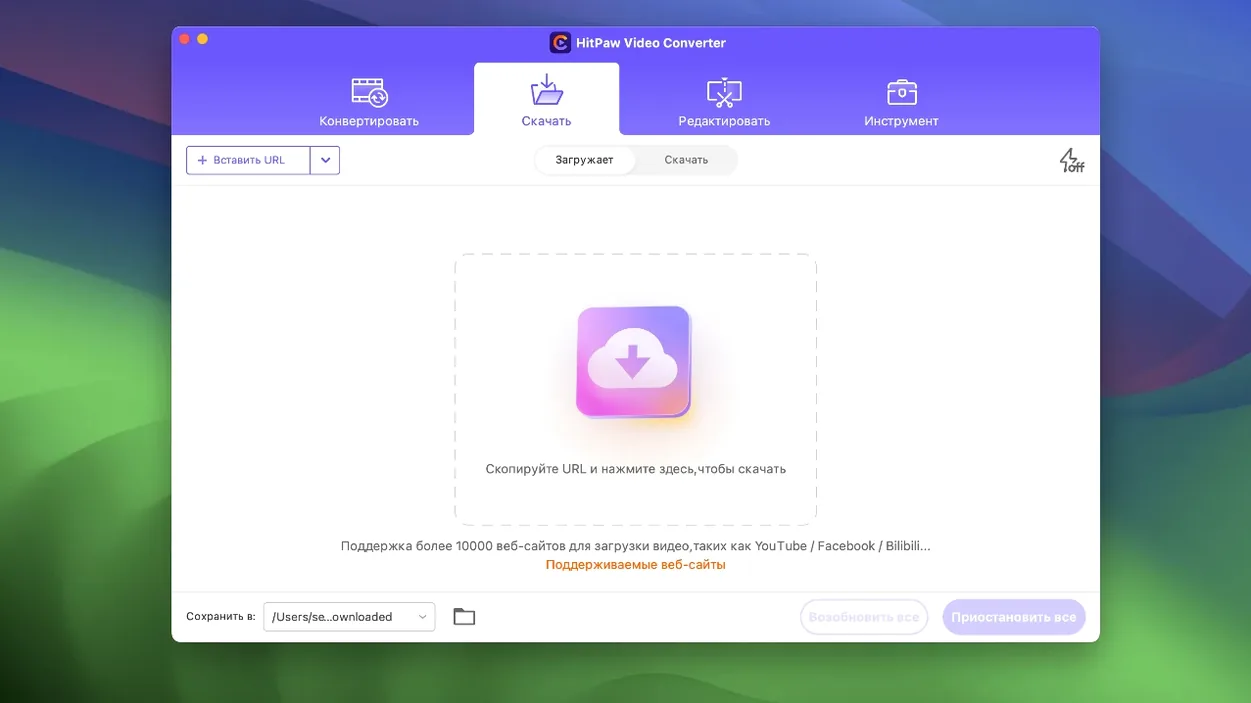
- Grab video and audio from over 10,000 websites.
- Download tracks from Apple Music, Spotify, and Deezer.
- Compress large files with the newly optimized compression module.
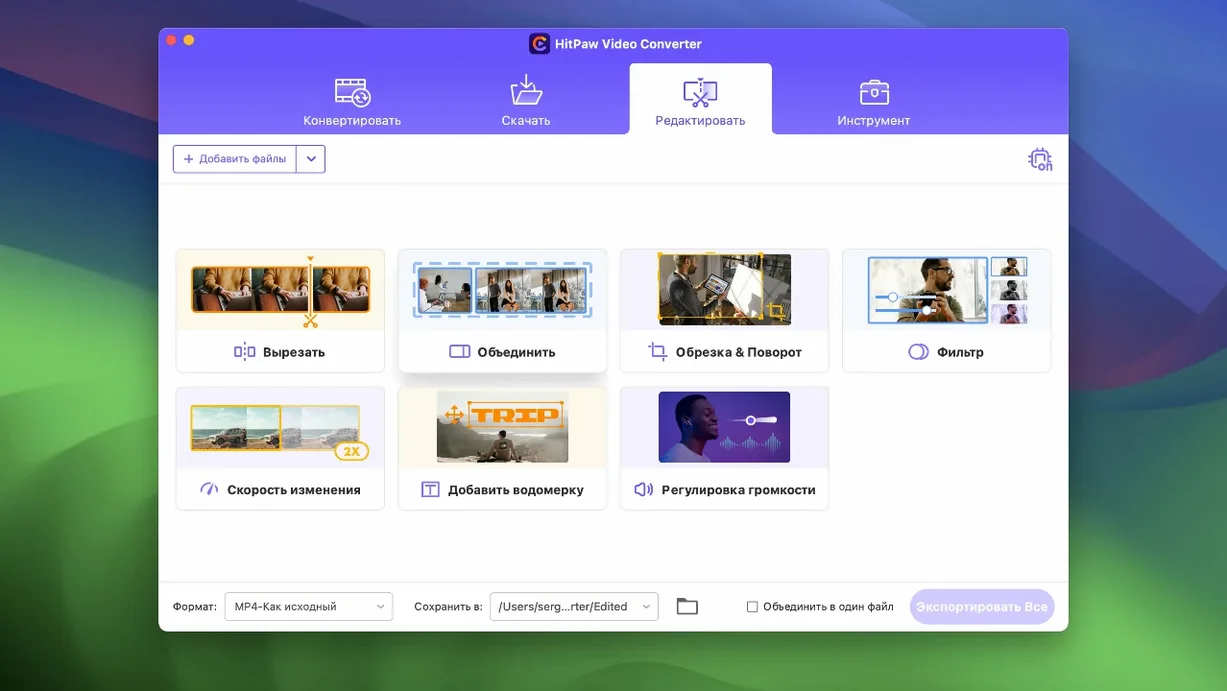
- Edit clips with built-in tools including an auto reframe feature.
The app speaks your language—16 of them, from Arabic to Hindi to Portuguese. It runs on Intel Macs with macOS 10.15 or later. A quiet workhorse that covers the video tasks you actually face.
Daily multi-source handlers
People who handle video from different sources every day. A freelancer pulling client footage from a dozen platforms, each in a different wrapper. Someone archiving an old DVD collection before the discs degrade. The person who rips a lecture from YouTube to watch offline on a train. These are not one-off needs—they are Tuesday.
If you already keep HandBrake, yt-dlp, and a separate audio converter around, you likely have too many tools. One install cleans up that clutter. The hitpaw video converter mac download shrinks a small toolbox into a single dock icon.
Shrink without artifacts
Start with compression. Drop a large MP4 into the window and try the updated module. On an older Intel Mac, the difference is immediate—files shrink noticeably without obvious artifacts. Then pick one website you visit often, paste a link, and save a clip for offline use. That single workflow pays for the first hour.
Next, open the editor and test auto reframe on a vertical phone video someone sent you. It crops sensibly. You will rarely need to open a dedicated editor for quick trims or format shifts after this.
Resist the urge to convert everything at once. Test three formats you actually reuse—say MKV, ProRes, and MP3—and learn how the presets behave. The app rewards a short exploration period.
Lean batch runner
Batch conversions run fast, even on a machine with only 8 GB of RAM. The x86 build stays lean; no background processes linger after you close the window. I have left it running a 40-minute download and a queue of ten ProRes conversions simultaneously without beachballing.
Stability holds up well across long sessions. Version 4.5.0 fixes the small editor glitches that used to appear when switching between modules. The interface draws quickly, and the progress bar is honest—what you see is what you get. Fans spin up during heavy GPU-accelerated encodes, but that is expected on Intel hardware. For a daily driver on macOS 10.15 or later, it earns its place.