
You know the feeling after Spotlight shows you files scattered everywhere. Gemini 2 steps in from there, finding the duplicates and similar files that eat up your drive. But first, your Mac needs to meet its terms.
High Sierra floor
macOS 10.13 High Sierra or later. The support page confirms full support from that point onward.
Intel only
No. The app is built for x86 64-bit Intel Macs only.
Smart Select trap
One common misstep is treating the scan result as a final invoice. People open Gemini 2, see a large number flagged by Smart Select, and delete everything in one click. The algorithm learns from past choices, but it does not read minds. A folder of project exports might contain intentional duplicates for backup purposes. A Photos library may hold two versions of a portrait — one edited, one raw — that the app marks as similar. Rushing past the review stage turns a cleanup tool into a shredder.
Another early habit: scanning only the obvious folders. Desktop and Downloads get all the attention while the user’s Library folder goes untouched. That is where caches write duplicate copies, where virtual machine bundles leave snapshots, and where mail attachments get saved twice. A full-disk scan, left to run while a coffee is made, finds the bulk that shortcuts miss.
A quieter mistake is ignoring the Recently Deleted area after a session. Restoring a file from there is straightforward, but only for a limited time. Closing the app and forgetting it for a week can mean losing a file someone later realizes they needed.
System safe
Most people want to know if the app touches system files. It does not. Gemini 2 stays within user-facing directories and libraries; it will not flag items inside the System folder or propose removing anything that would break macOS.
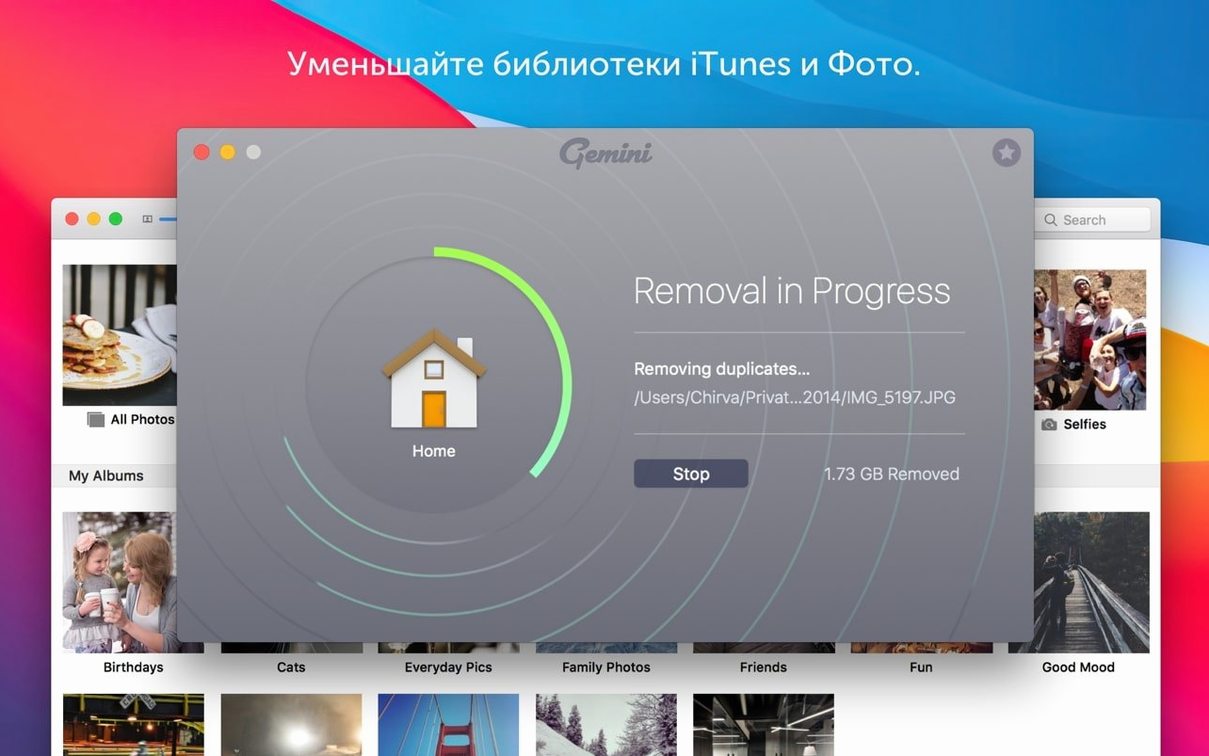
Another frequent question is about external drives. The app scans any connected volume, provided it is mounted and writable. Network drives work too, though the scan time stretches with latency. People often ask whether deleting duplicates inside a Photos or iTunes library will corrupt the database. The answer is no, as long as the library is closed during the scan. Gemini 2 reads the file records and flags copies stored outside the managed library structure, leaving the database itself untouched.
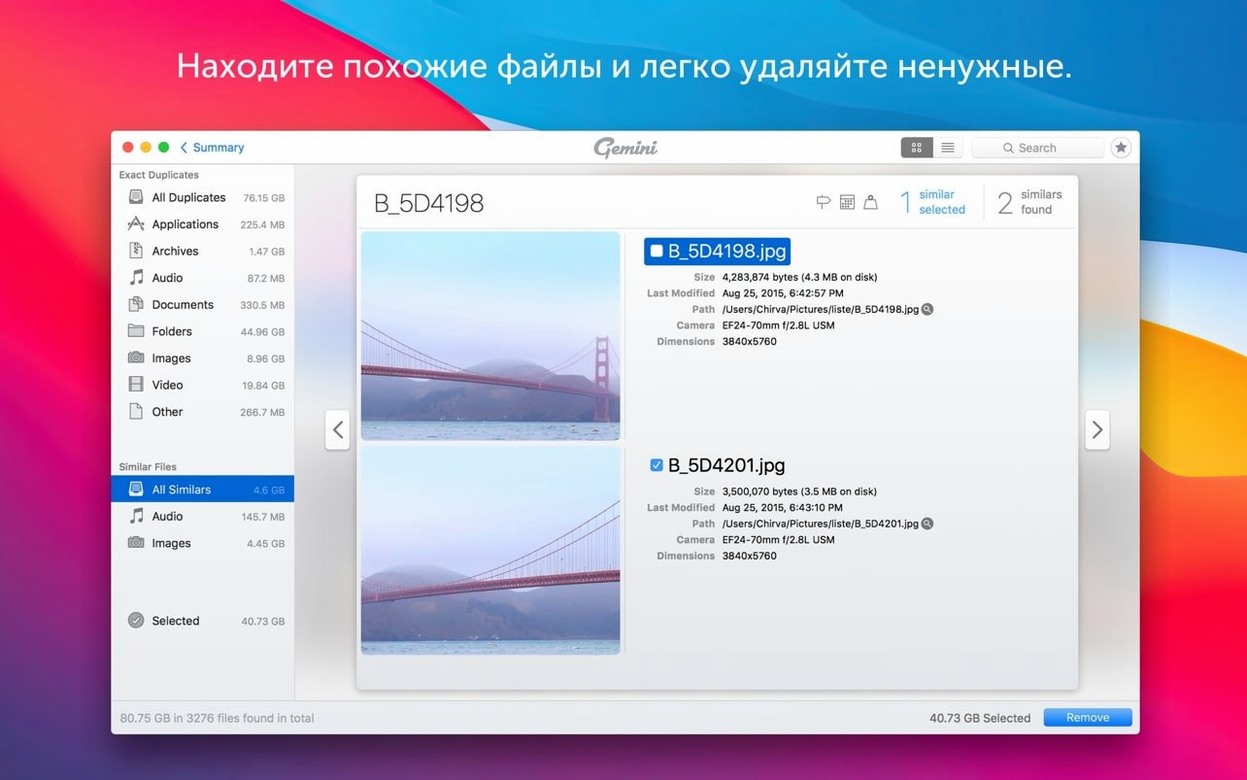
Some ask about the difference between duplicate and similar files. Duplicates are exact copies, down to the hash. Similar files share enough visual or structural traits to be grouped together — slightly different image resolutions, a duplicate video rendered at a different bitrate. The interface separates these groups clearly, but the first time someone sees a similar group they sometimes pause. That hesitation is healthy. It forces a closer look.
Red sliver
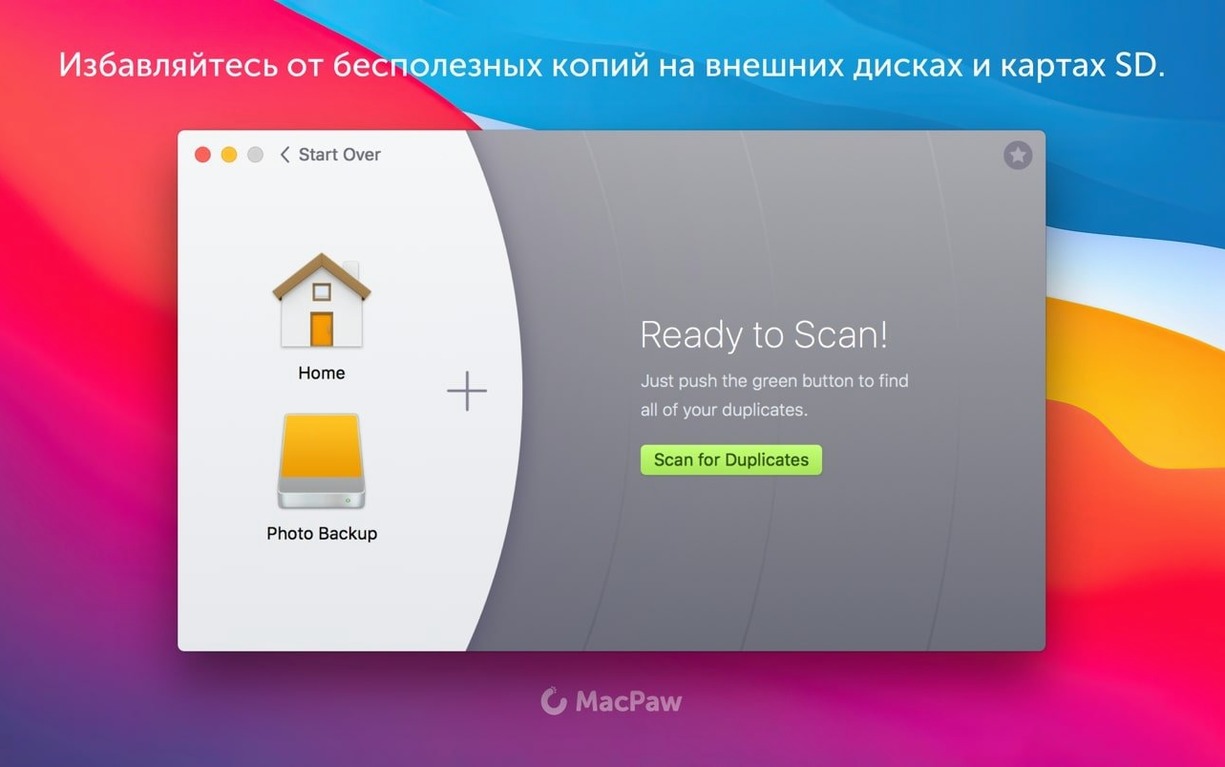
You notice the MacBook fan spinning early in the afternoon. A quick glance at the storage bar shows a red sliver. You open Gemini 2. The main window is plain: a large scan button and a sidebar for choosing locations.
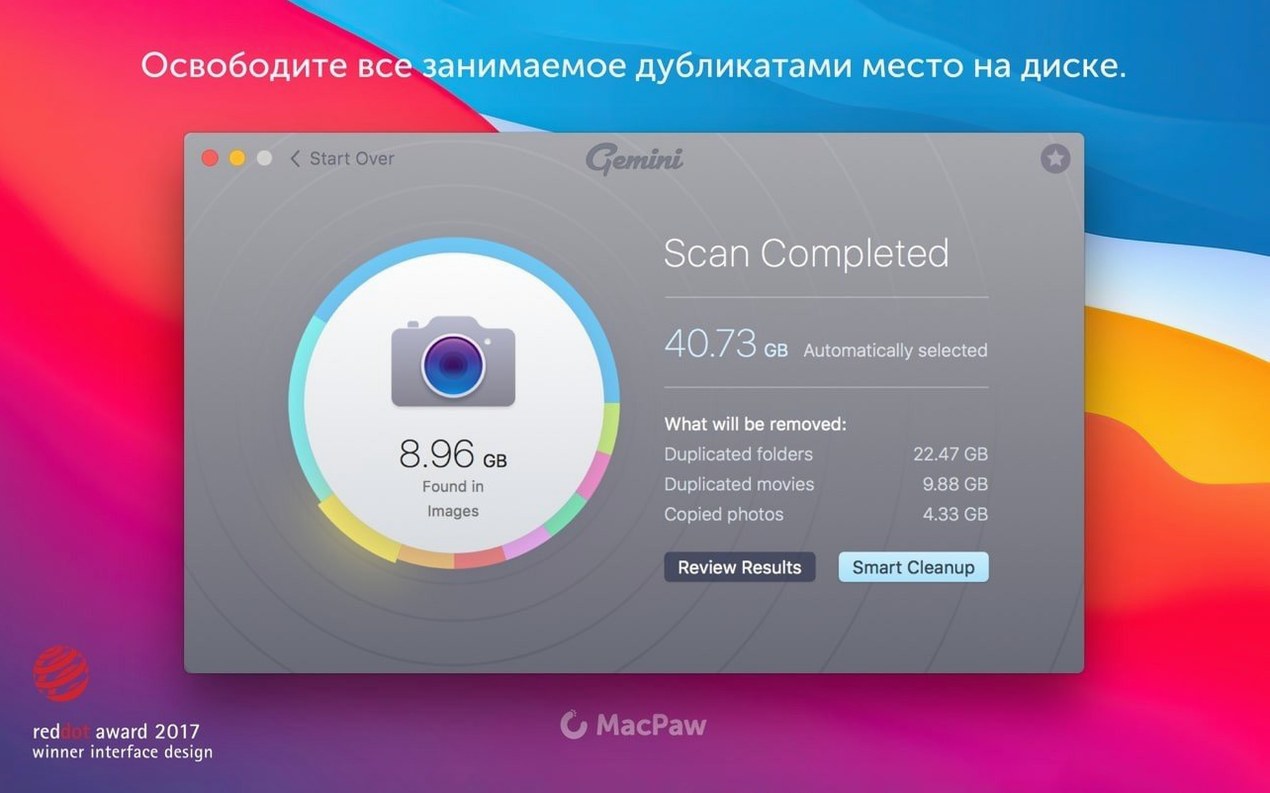
You select the entire internal drive and click Scan. The app walks the directory tree without fanfare. While it works, you tidy a desk drawer. Fifteen minutes later a chime sounds. The window now shows a list of groups — images first, then music, then folders.
You start with images. The Smart Select checkmarks are already placed. You scroll through groups, tapping the spacebar to preview files. One group stops you: six copies of a product shot, scattered across three project folders. You uncheck four, keeping one in each project. Another group holds raw files and their JPEG exports. You uncheck the raws — the client files are due that evening and you want the originals safe.
You move to audio. A folder of royalty-free samples appears twice, once in your music library and once in a design project. Smart Select wants to keep the library copy. You agree. A few clicks later, the review is done. You hit Remove and the files shift to Recently Deleted. The storage bar breathes a little. You close the lid and step out for air.
Images, music, videos, and folders. It scans iTunes, Photos, and your other directories, then preselects files safe to delete.