
Open old files
FontLab reads AI, EPS, TIFF, BMP. It opens ASCII/Unix Type 1 and TrueType AAT fonts without conversion. Nothing gets left behind.
Edit without hesitation
Over 200 undo levels mean you can experiment freely. Batch-transform glyphs across an entire family in one move. The vector drawing tools stay out of your way.
Set up the workspace
Editable code pages and encodings let you match the environment the font will live in. You see exactly what ships.
Ship the family
Draw one master, check spacing and kerning in context, then export the whole family as OpenType or variable fonts. Version 8.4 runs on Intel Macs with macOS 10.14 or later, and the interface is in English.
Scanned sketch
Start with a scanned sketch. Drag the TIFF into the background layer of the capital A. Set the cap height once, and every new glyph snaps to it.
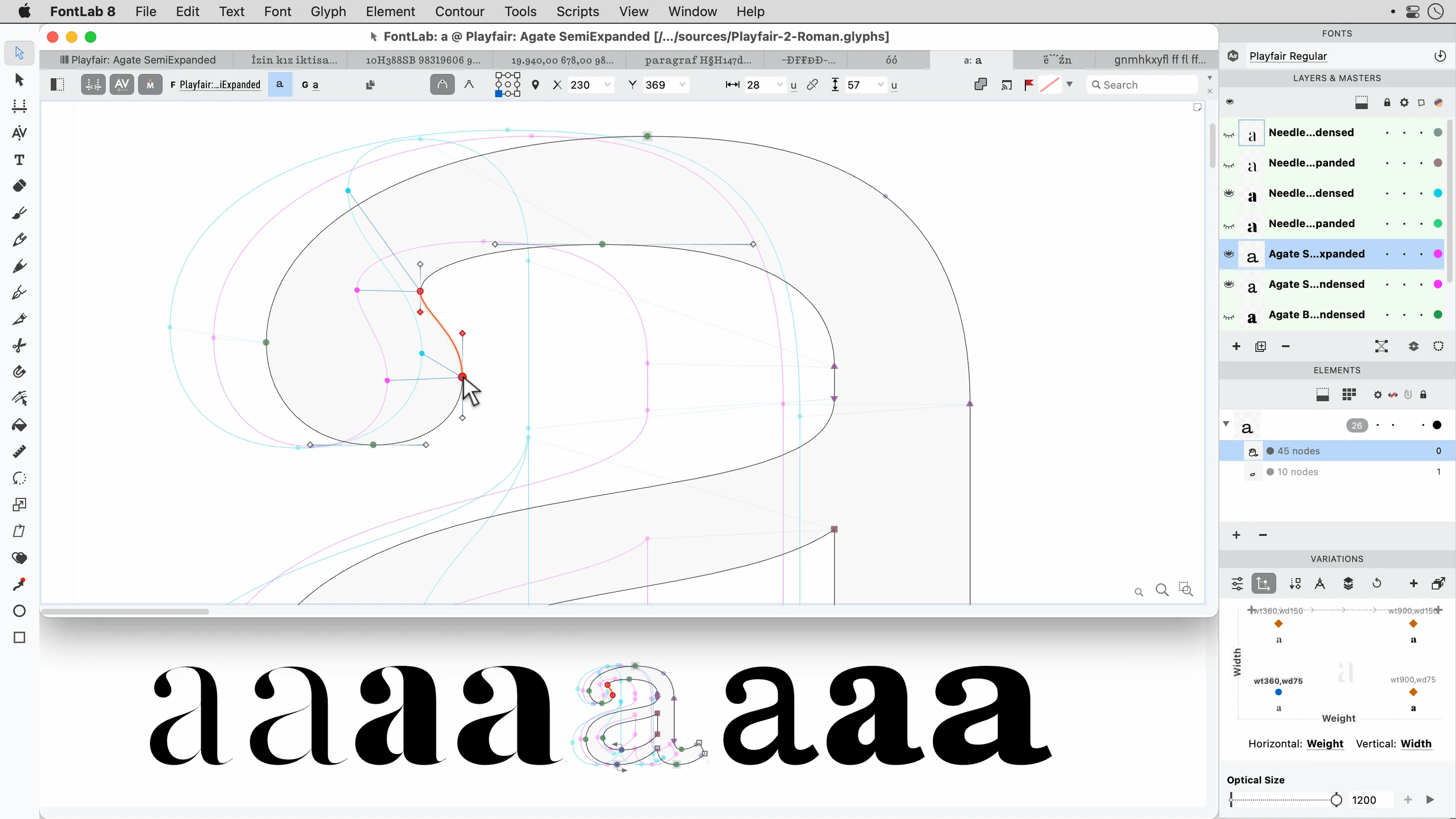
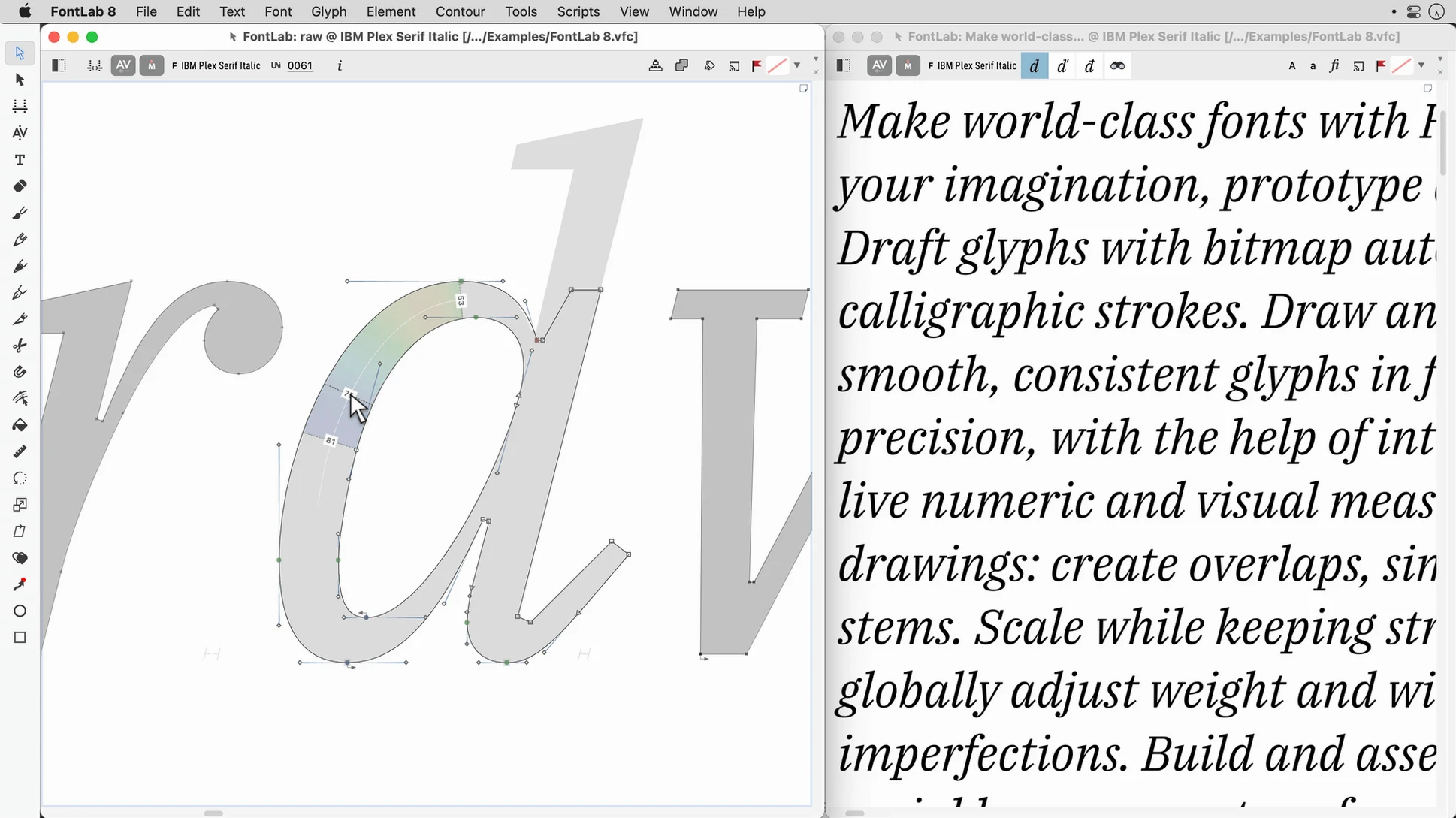
Trace the outline with the pen tool. The handles stay clean. You adjust a curve, and the preview window on the right updates without a prompt.
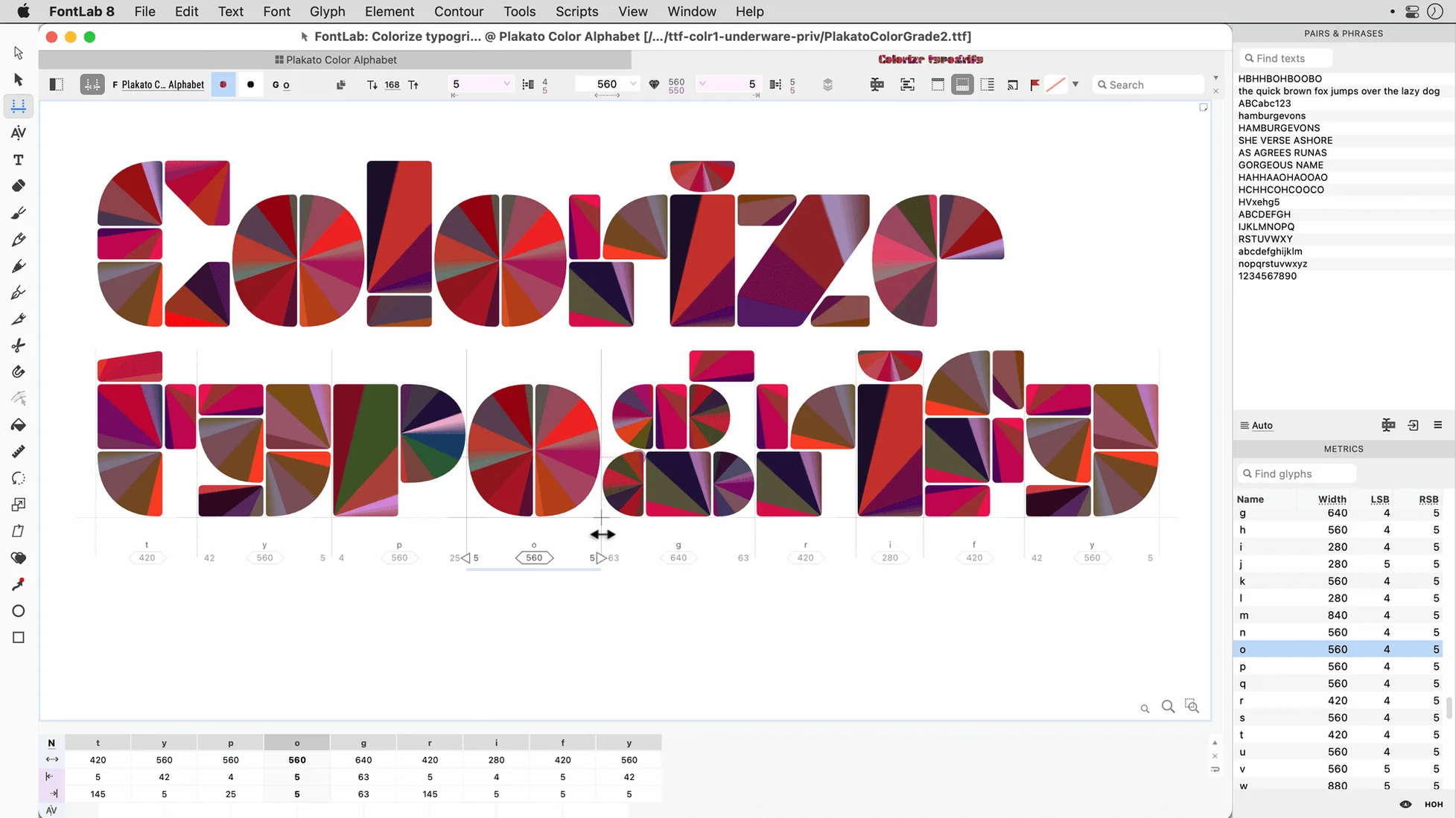
Copy the A to the B. Delete the crossbar, redraw the bowls from two circles. Drag the sidebearings into place. The spacing window shows the rhythm before you ask it to.
Then the lowercase. A dozen glyphs in, you notice the o feels heavy. Select all ovals, change one weight parameter, watch the family update. No export needed to see the result.
Last step: open the font viewer. Type a pangram. Scroll through sizes. Everything you changed today is there, and undo still remembers this morning.
Silent memory
FontLab starts fast and stays quiet. On an Intel Mac it uses memory carefully; I keep it open alongside a browser and a layout app without hearing the fans spin up.
Complex projects with hundreds of glyphs scroll smoothly. Batch operations finish in seconds, not minutes. The 200-level undo never slows the pointer.
Auto-save works in the background. A crash is rare, and when one happens the recovery file opens with your last few edits intact.
Lock your UPM
Set your default units per em before the first glyph. It locks every measurement afterward.
Turn on the metrics preview if it is off. Kerning and spacing decisions need the live view.
Map the shortcut for Contour > Correct Path Direction. You will use it constantly.
Set the export folder once in preferences. Your finished fonts should collect in the same place every time, not scatter across recent folders.