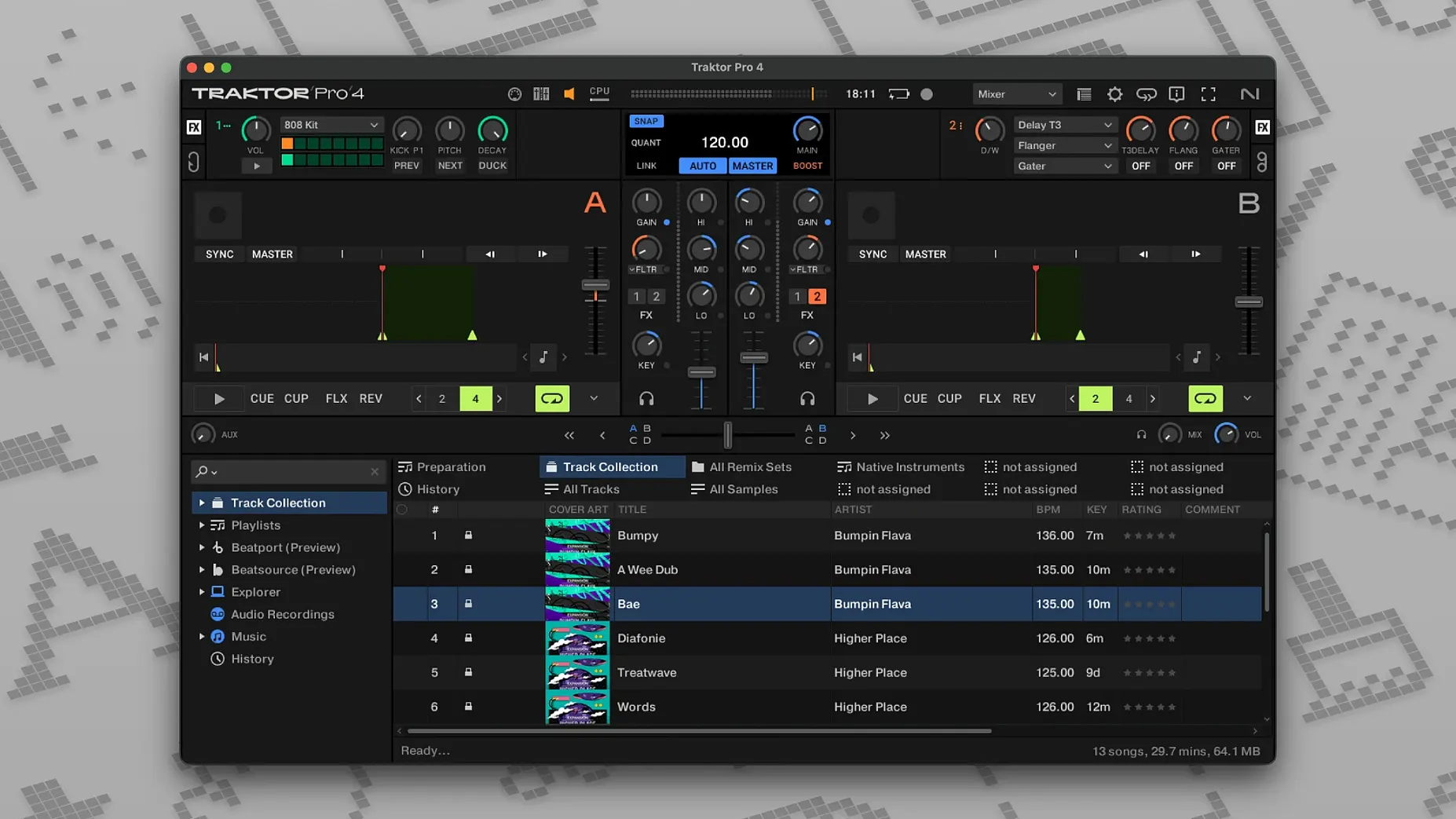
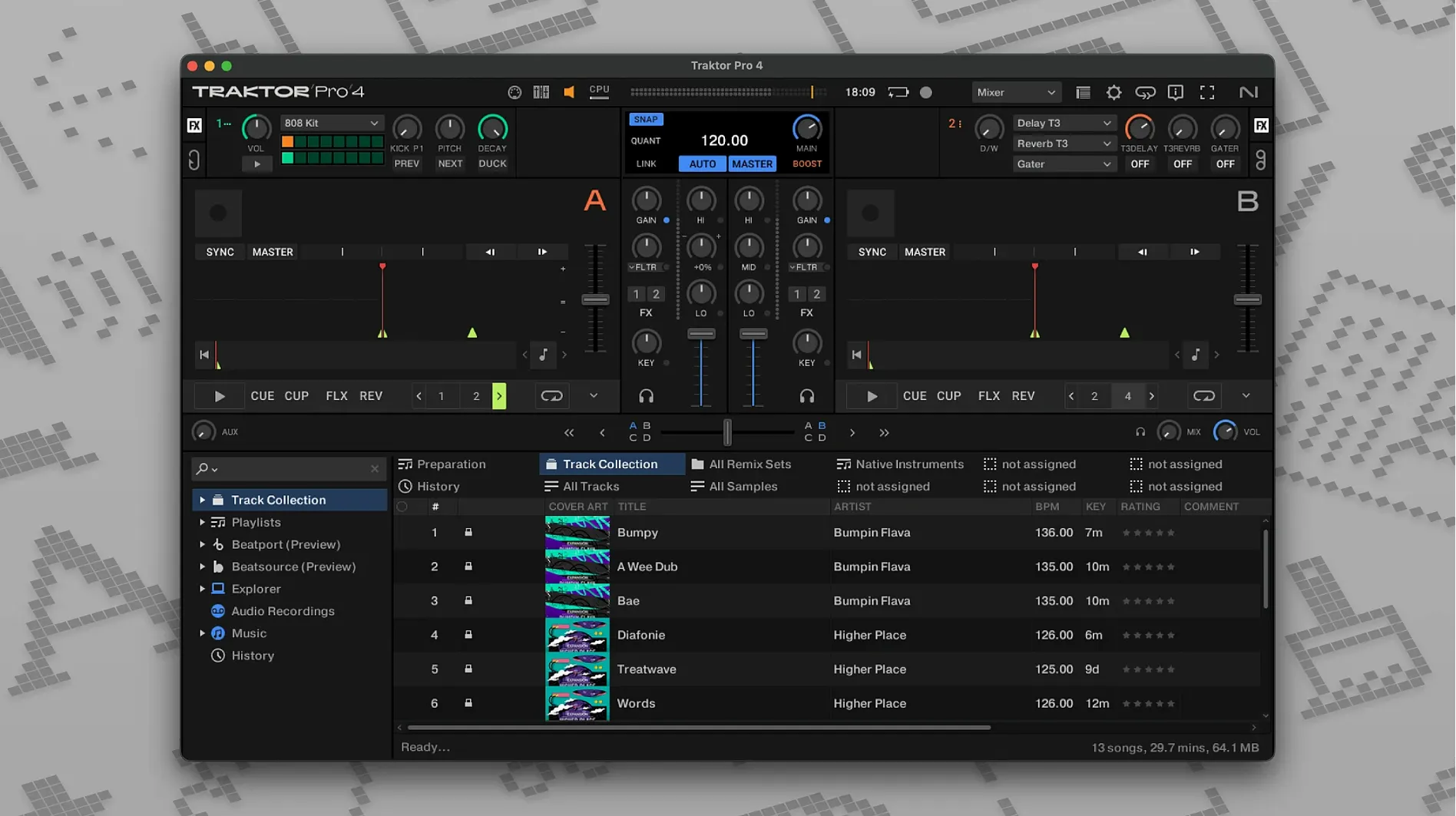
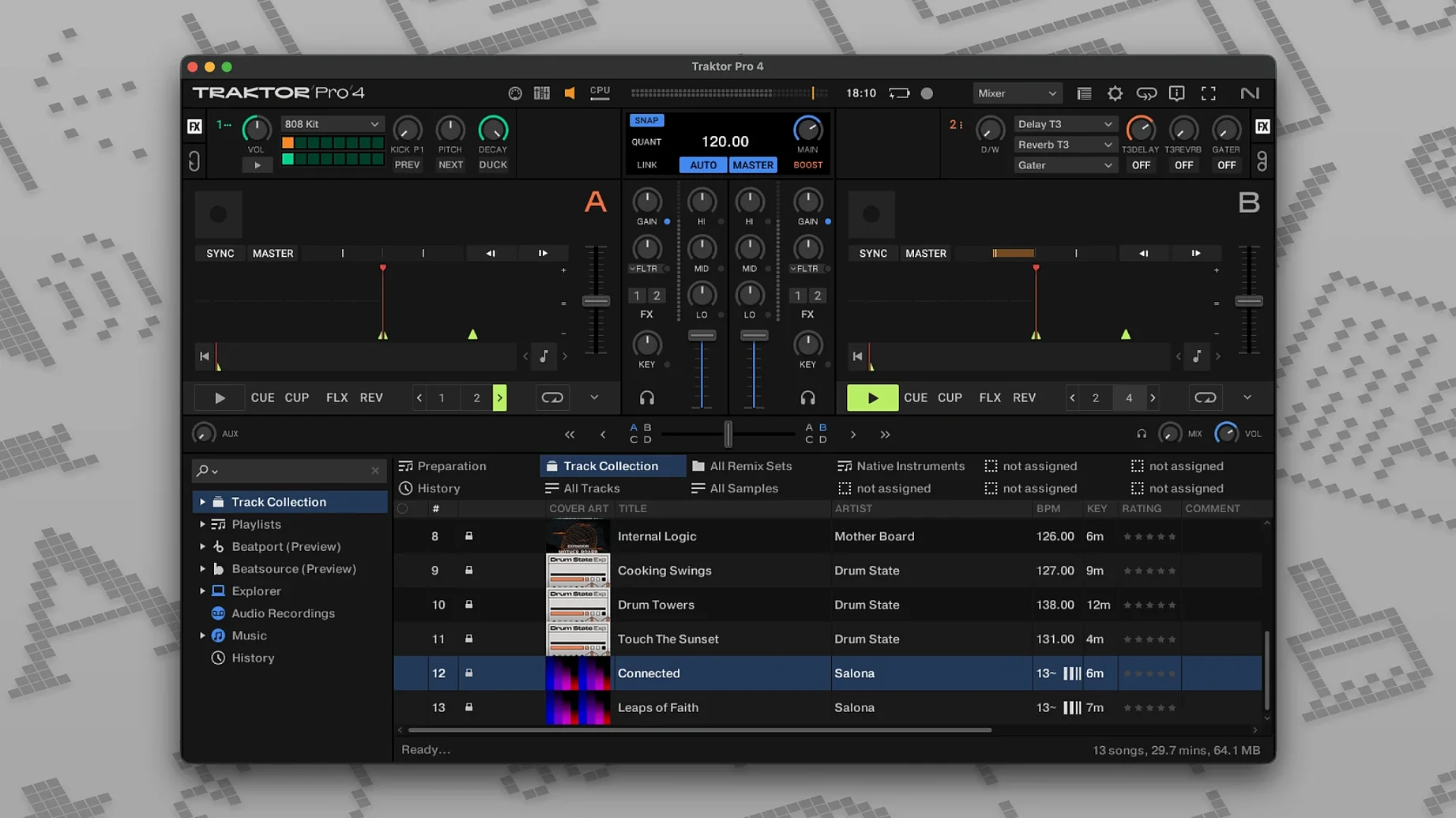
Bedroom DJs, club residents, producers testing transitions. The people who open Traktor Pro tend to want control without clutter.
A first session should feel immediate. Here is a short path.
- Load a track into Deck A. Drag from your collection or pull something from Beatport streaming.
- Engage stem separation on that track. Isolate the drums. Let them run alone for a few bars.
- Load a second track into Deck B. Bring in its bassline underneath the isolated drums from Deck A.
- Toggle the crossfader slowly. Listen to how the two elements occupy different space.
- Tap Sync once. Watch the waveforms lock. Then turn it off and nudge the jog to feel the drift before you correct it.
Four decks sit waiting. Most days, two are enough. The rest is there when you need a third kick drum or an acapella floating above everything.
macOS integration
Traktor Pro inherits whatever audio device macOS sees. Plug in an external interface, and the routing options appear without a restart. The same goes for MIDI controllers — connect one, open Preferences, and the mapping panel lights up with recognizable port names.
iTunes tags come across during library import. If you spent years rating tracks in Music, those stars survive the move. ID3 edits made inside Traktor write back to the files, so other apps see the changes too.
OSC and MIDI Clock sync let Ableton Live or a hardware sequencer follow your tempo. It is not flashy. It just works, and it stays tight across long transitions.
Default shortcuts
Resist the urge to remap everything on day one. The default keyboard shortcuts cover cue points, looping, and deck focus. Learn those first. You will discover which three or four actions you actually use before midnight.
Set your recording path early. Preferences > Mix Recorder. Point it somewhere you will remember. The first time you nail a transition, you will want that WAV file.
Sort your collection by import date. Play the twenty newest tracks. Flag the ones that mix well together. Do this before you organize by genre or key. A small, familiar pool teaches your hands faster than a full library.
Compared to others
Serato DJ Pro prioritizes a clean waveform view and tight hardware integration with Pioneer mixers. Its library management feels closer to iTunes. Traktor counters with stem separation and Remix Decks — tools Serato does not offer in the same form.
rekordbox is the obvious choice if you move between club CDJs and a laptop. Its export workflow to USB sticks is unmatched. But on a laptop alone, rekordbox feels heavier. Traktor loads faster and leaves more CPU headroom for four-deck layering.
VirtualDJ packs an enormous feature set — video mixing, karaoke, real-time stem separation that predates Traktor's. The trade-off is interface density. Traktor Pro keeps the screen calmer, which matters during a three-hour set when your eyes are tired.
A remix deck workflow
You have a vocal hook from an old soul record. You want it rideable across three tracks without touching the original file.
Load a Remix Deck into Deck C. Drag the vocal sample onto the first slot. Set its trigger mode to Loop. Assign a MIDI pad to that slot — any pad on a Kontrol unit or a generic grid controller.
Now load a beat into Deck A. Bring the Remix Deck volume up slowly. Tap the pad on the downbeat. The vocal loops in time because Remix Deck slots inherit the master clock.
Load a second beat into Deck B. While Deck A plays, trigger the vocal from Deck C and nudge the Remix Deck's pitch up two semitones. The same sample sounds tense over the new beat. Drop the pitch back down as you crossfade to Deck B.
By the time you load Deck D with a deep sub-bass track, that single vocal sample has become a thread through three different energies. No extra software. No audio editor open in the background.
Some people search for traktor 3 torrent or traktor torrent mac when they want to test this workflow before committing. Others look for traktor 3 mac torrent or traktor pro 3 full mac to revisit the earlier version. A few hunt for traktor pro 4 free download out of curiosity about what changed. Whatever draws you in, the Remix Deck alone rewards the time spent learning it.