
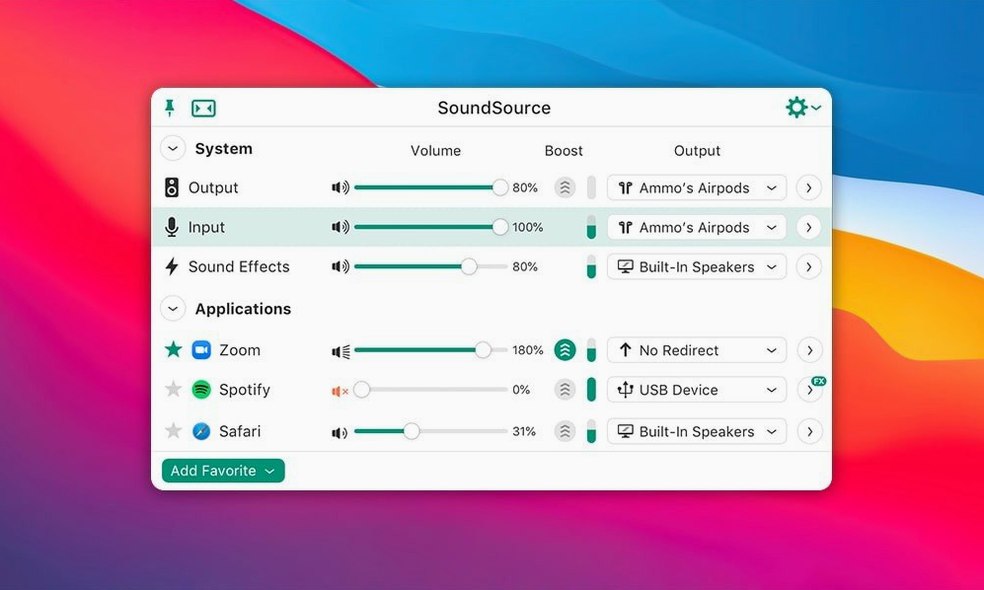
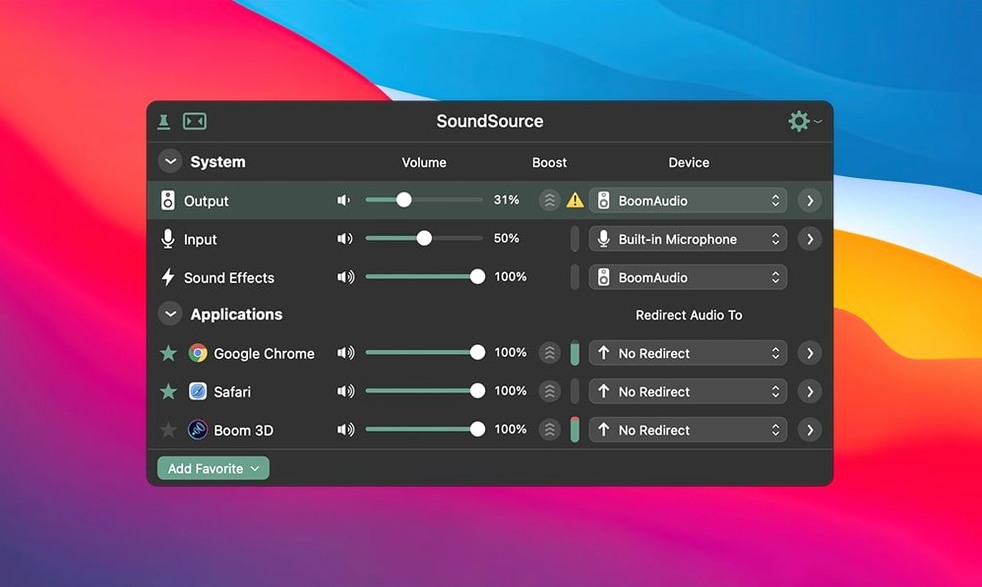
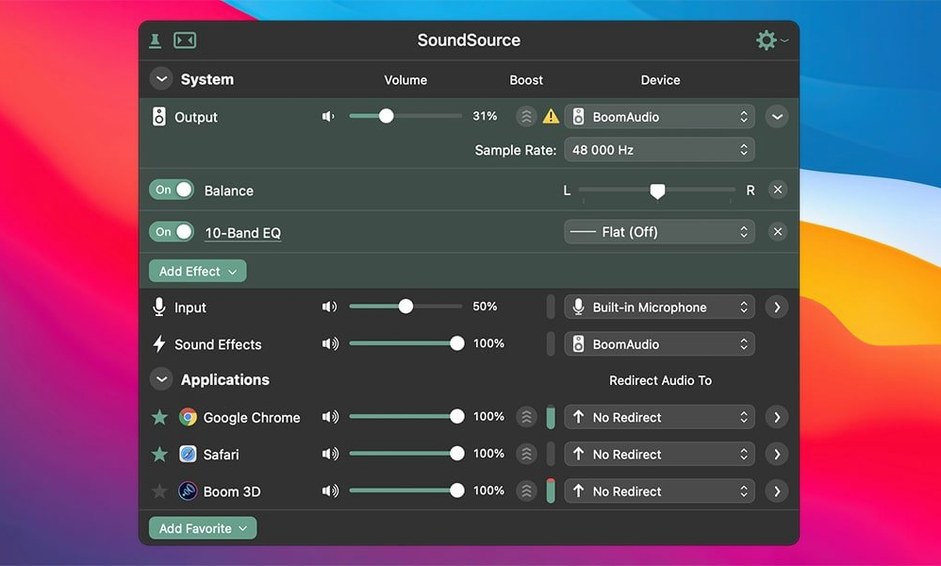
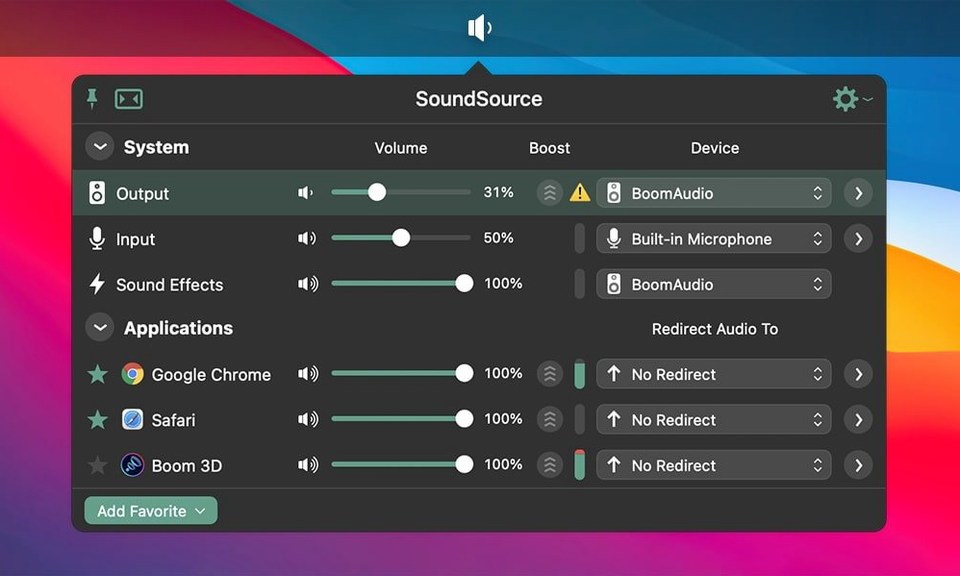
Per-app volume. That alone earns it a place in the menu bar.
Will it run?
SoundSource 6 needs macOS 15 or later, Apple silicon or Intel.
Routing
Send any app to any output, or make an Output Group to play on several devices at once. Saved setups come back with one click.
Effects
Recent fixes
Version 6.1.4 is a maintenance release. The ARK plugin moves to 13.5.4. Nothing you see, but everything underneath stays reliable.
macOS 27 brought two Bluetooth bugs. One crash when a device rejected a buffer size. One set of output stutters. Both are gone now.
For everyday use, this means fewer interruptions when you put on headphones or switch to a Bluetooth speaker.
Alternatives
macOS has its own audio MIDI setup, buried in a utility folder. It handles routing but offers no per-app volume, no effects, and no menu bar presence. You open it, you configure, you close it. It works but asks for patience.
Background Music is a free open-source option. It does per-app volume and auto-pause on audio output. It lacks effects, output groups, and the polish of a commercial tool. Updates are sparse.
Loopback, also from Rogue Amoeba, routes audio between apps with surgical precision. SoundSource overlaps on routing but focuses on quick access and daily adjustments. Loopback is for building permanent virtual devices. SoundSource is for changing things mid-morning.
Login shortcut habit
Set it to launch at login. That checkbox is inside the app preferences.
Next, assign keyboard shortcuts for the two actions you reach for most. Mute the system. Switch to headphones. Your fingers remember faster than your mouse.
Spend ten minutes with the per-app list. Notice which apps play sound unexpectedly. Drop their volume to zero. You gain back a calmer desktop.
Make one Output Group. Even if it is just your Mac speakers and an AirPlay device in the next room. Save it. Switch to it when you move around. The habit forms quickly.
Built-in or AU effects on one app or the whole system.