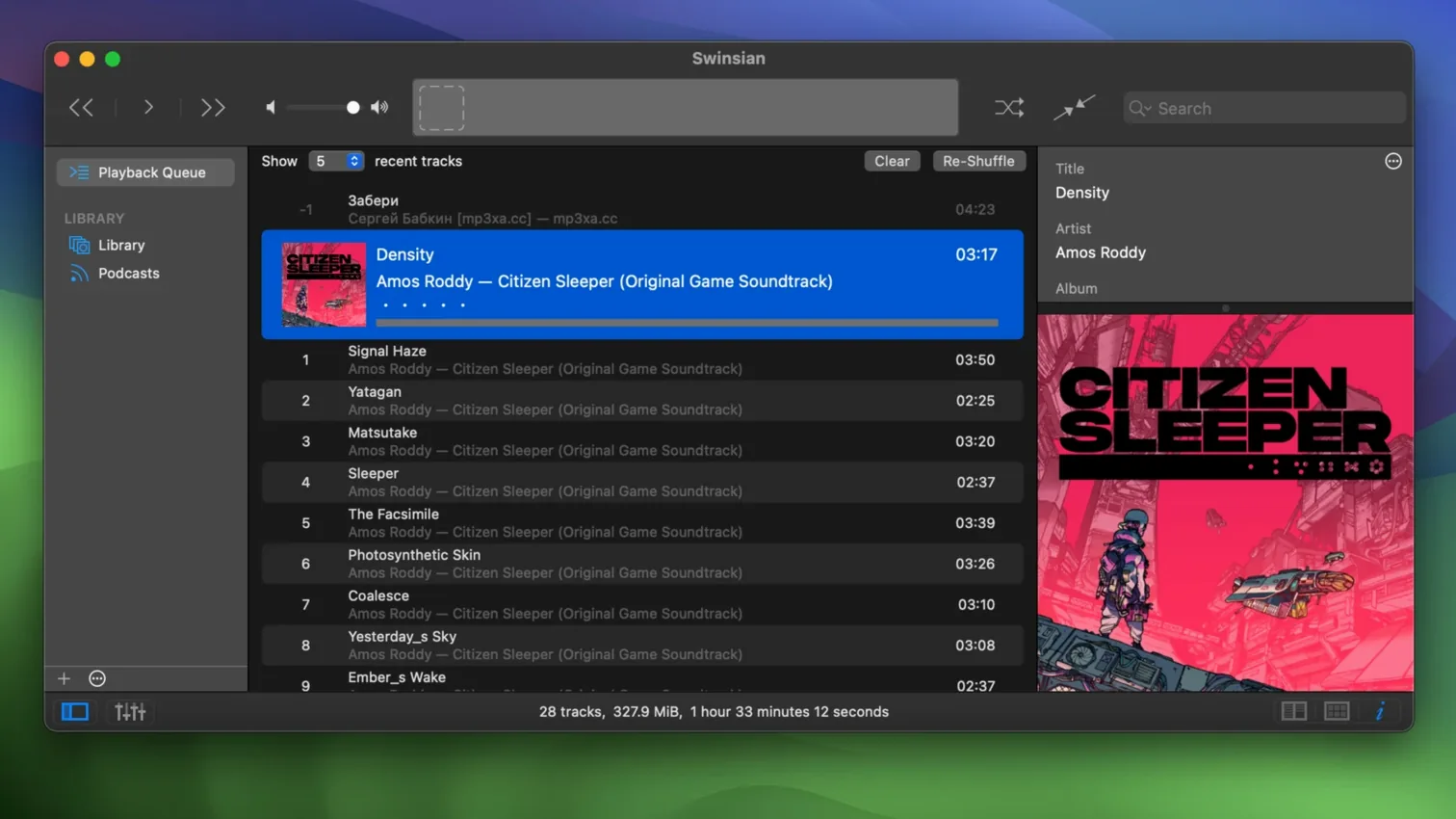
iTunes became a storefront. The Music app chases subscriptions. Swinsian removes all that. It plays the files you already have, watches folders for new ones, and stays fast no matter how large your library grows.
Will it run
Swinsian 3.0.8 asks for macOS 10.13 or newer. It runs natively on both Intel and Apple Silicon Macs. No special graphics hardware, no online accounts. Just a clean, responsive player that handles FLAC, MP3, AAC, ALAC, Ogg Vorbis, WMA, WAV, Opus, and several other formats without conversion.
Folder watching
Folder watching means you never import manually. Drop files into a watched folder and they appear. The tag editor handles find-and-replace with regular expressions. Smart playlists, global keyboard shortcuts, and AppleScript control let you shape the player to your habits. Library statistics sit quietly in the sidebar. The app itself is straightforward and complete.
The people who benefit most are those with large, carefully tagged local libraries. If your collection lives on an external drive and you refuse to let a streaming service decide what disappears next month, Swinsian fits. It also suits anyone who edits metadata obsessively—the regex-powered tag tools reward precision.
Quirks
A few things trip people up. Folder watching expects a stable path; if your drive mounts under a different name, the watcher loses track. Fix it by re-selecting the folder in preferences. Large FLAC imports can feel slow when the art fetcher runs at the same time. Turn off auto-artwork in settings, import, then turn it back on. The interface defaults to compact text. Users on high-resolution displays sometimes miss the hidden larger-text option, which lives outside the main preferences and requires a terminal command to enable.
Drop and play
You mount an external drive with a fresh batch of FLAC albums. Swinsian is already watching /Volumes/Music/incoming. You drop the folders in. Within seconds the tracks populate the library, reading embedded cue sheets where they exist. You select everything new and open the tag editor. A regex find-and-replace standardizes the genre field across forty tracks in one pass. Album art trickles in from the fetcher. You switch to the art grid, adjust the label fields to show year and bit depth, and scan for duplicates to clean up an old best-of compilation that overlapped with full albums. A smart playlist gathers everything added today. You hit play, switch the equalizer to a 31-band setting, and minimize the window. The playback notification confirms the track. Last.fm scrobbles it without a prompt.