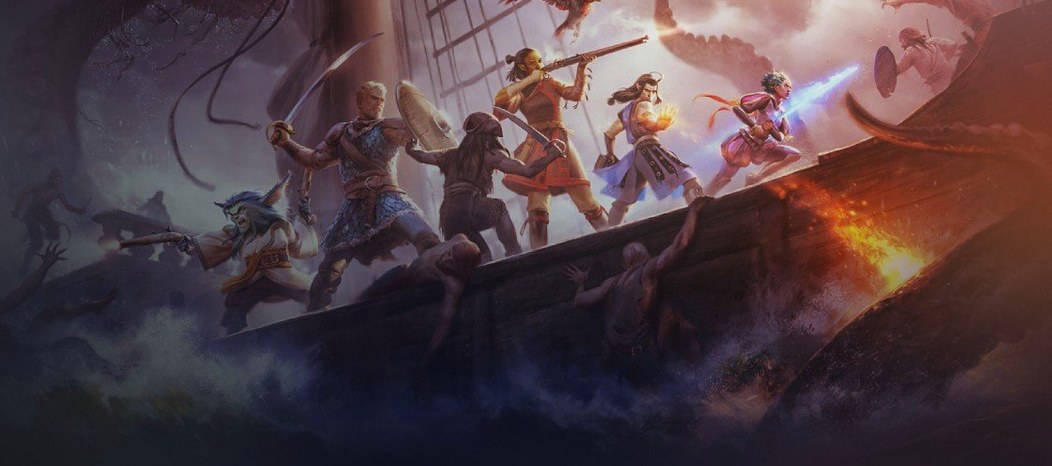
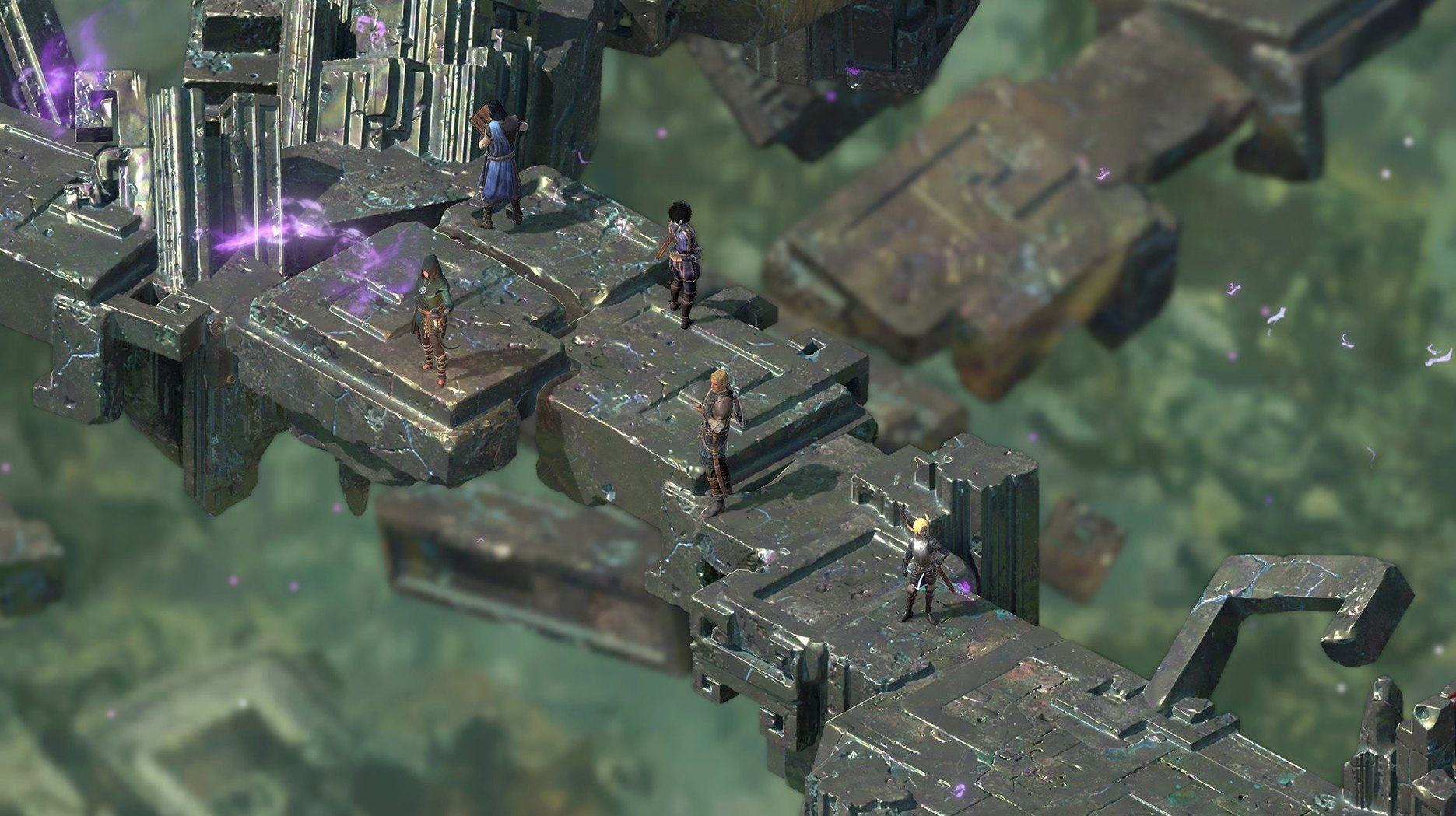
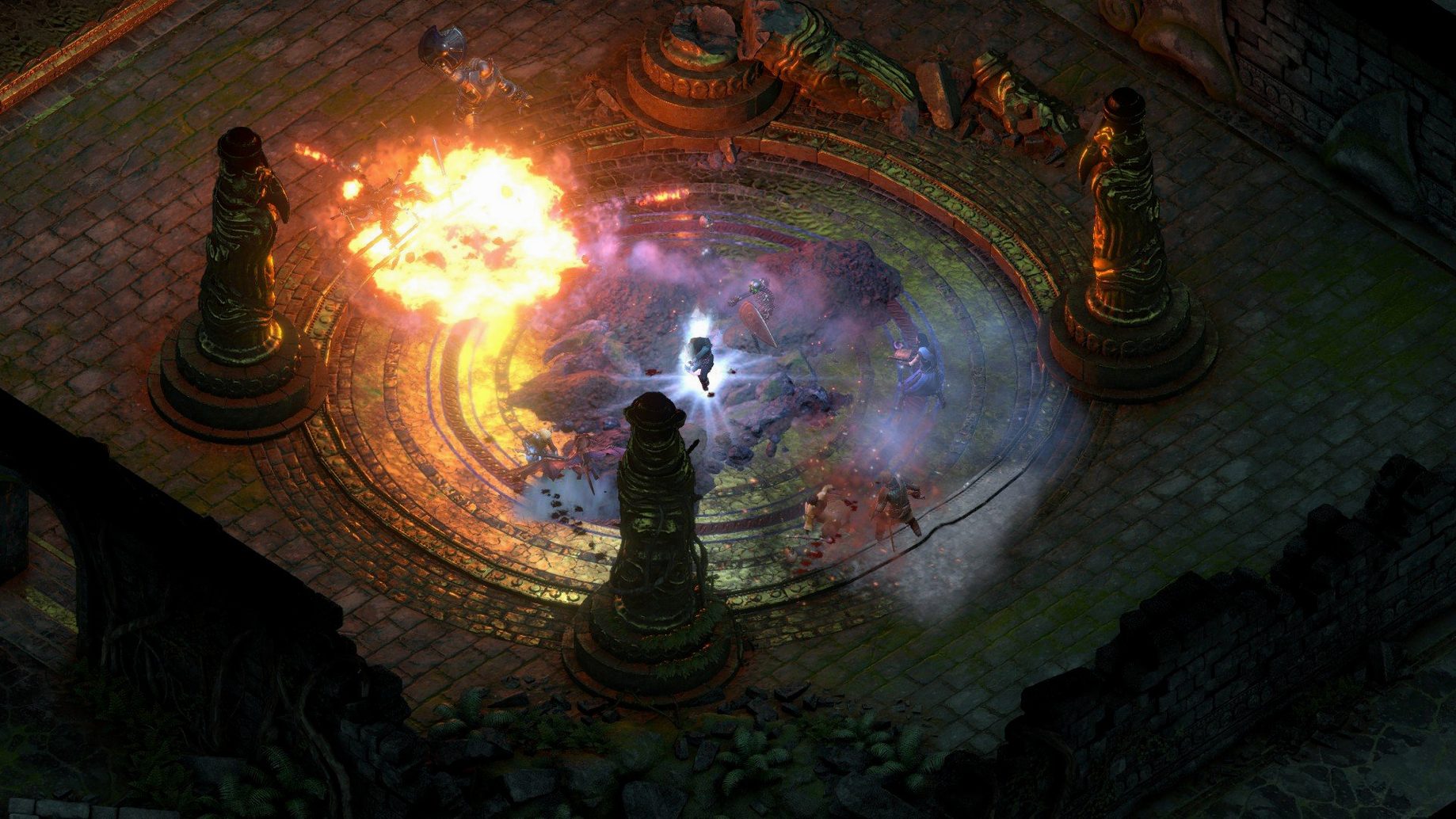
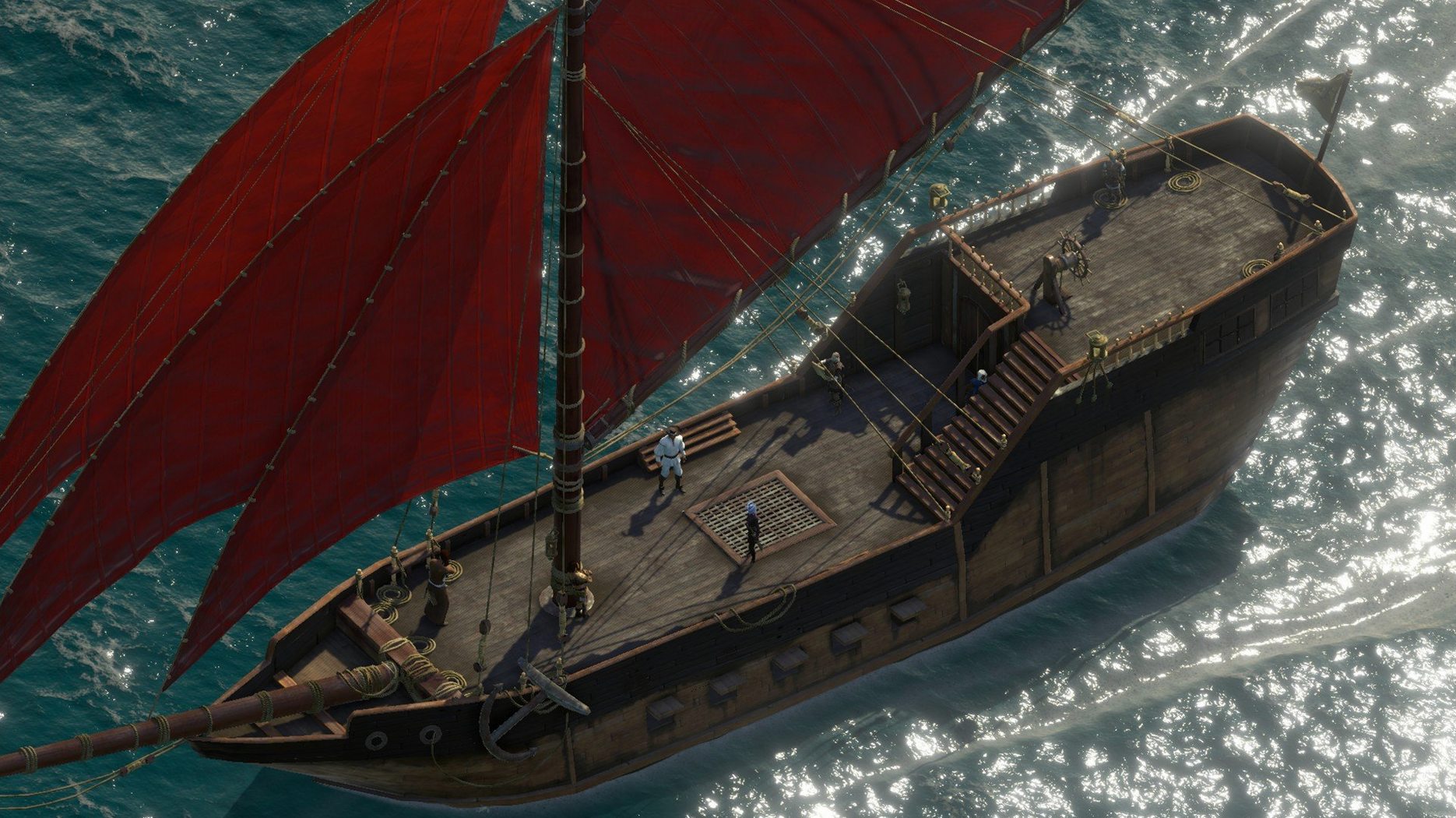
A galleon cuts through open water. On deck, your party stands ready. Boarding ropes fly, a gap closes, and the fight shifts from cannon fire to spell and steel. You pause, issue commands, unpause. The battle plays out in seconds.
The loop
- Navigate an uncharted archipelago by ship, choosing your heading on a parchment map
- Resolve disputes between rival factions, gods, and old companions
- Engage in tactical real-time-with-pause combat, positioning party members and timing abilities
What matters
Deadfire is an open-world sequel that trades the first game's gloom for island sun and colonial tension. You chase a rogue god across the Deadfire, but most hours are spent on crew morale, ship upgrades, and deciding which faction deserves your allegiance. Combat is layered but readable. The writing is sharp, often funny, and the game commits to your choices.
Most questions before installing come down to two things: whether the Mac build behaves, and how much time it asks for. The game runs as a 64-bit Intel build. On an M1 MacBook Air with macOS Sequoia, it starts and plays. Expect the first launch to take a while — the engine loads a lot before the menu appears. That is normal, not a freeze.
Save files carry over from Pillars of Eternity, but only partially. Deadfire reads your choices and shapes the world around them. A fresh start is fine too. Nothing is locked behind an old save.
Black screen wait
The long startup confuses people. Give it time. If the screen stays black, wait a little longer before quitting.
Some players miss the turn-based mode added in patch 5.0. It sits behind a toggle at game start. Once chosen, it stays for that run.
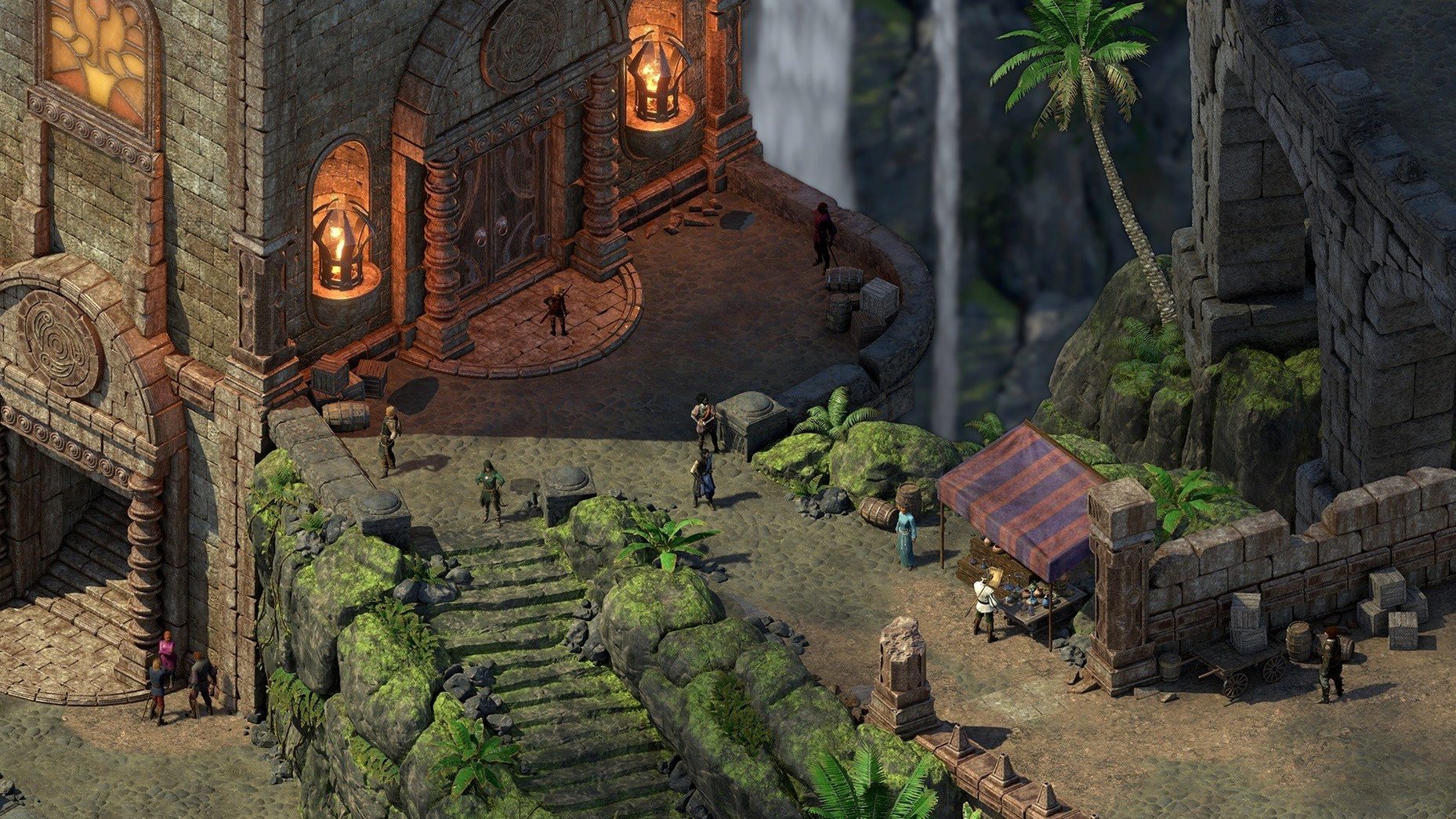
If text looks small on a Retina display, check the in-game resolution settings before touching anything else. The hand-painted backgrounds scale better at native resolution.
Searching for pillars of eternity ii deadfire macos free often leads people here expecting a trimmed build. This is the complete game, DRM-free, no launcher required after install.