
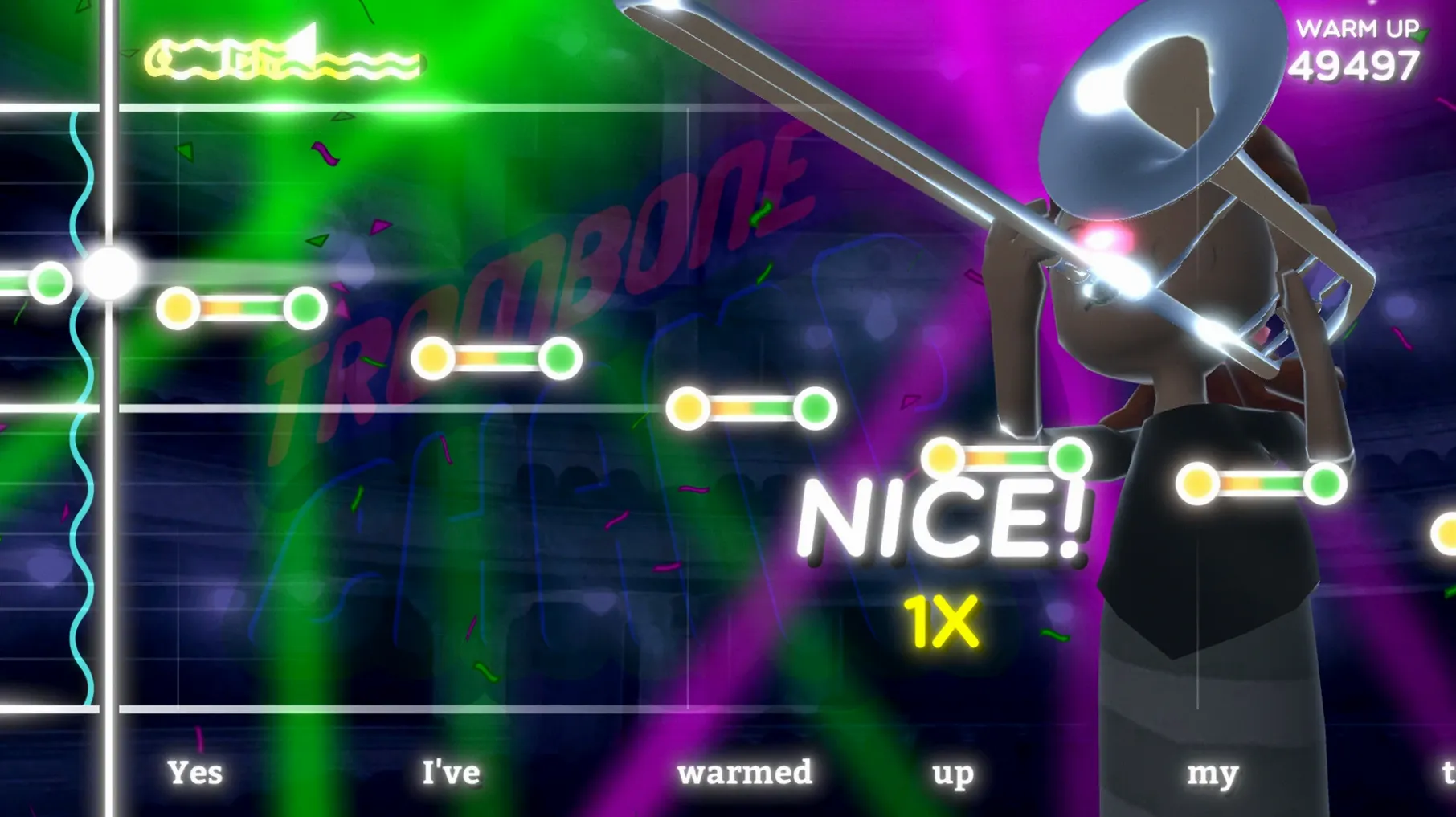
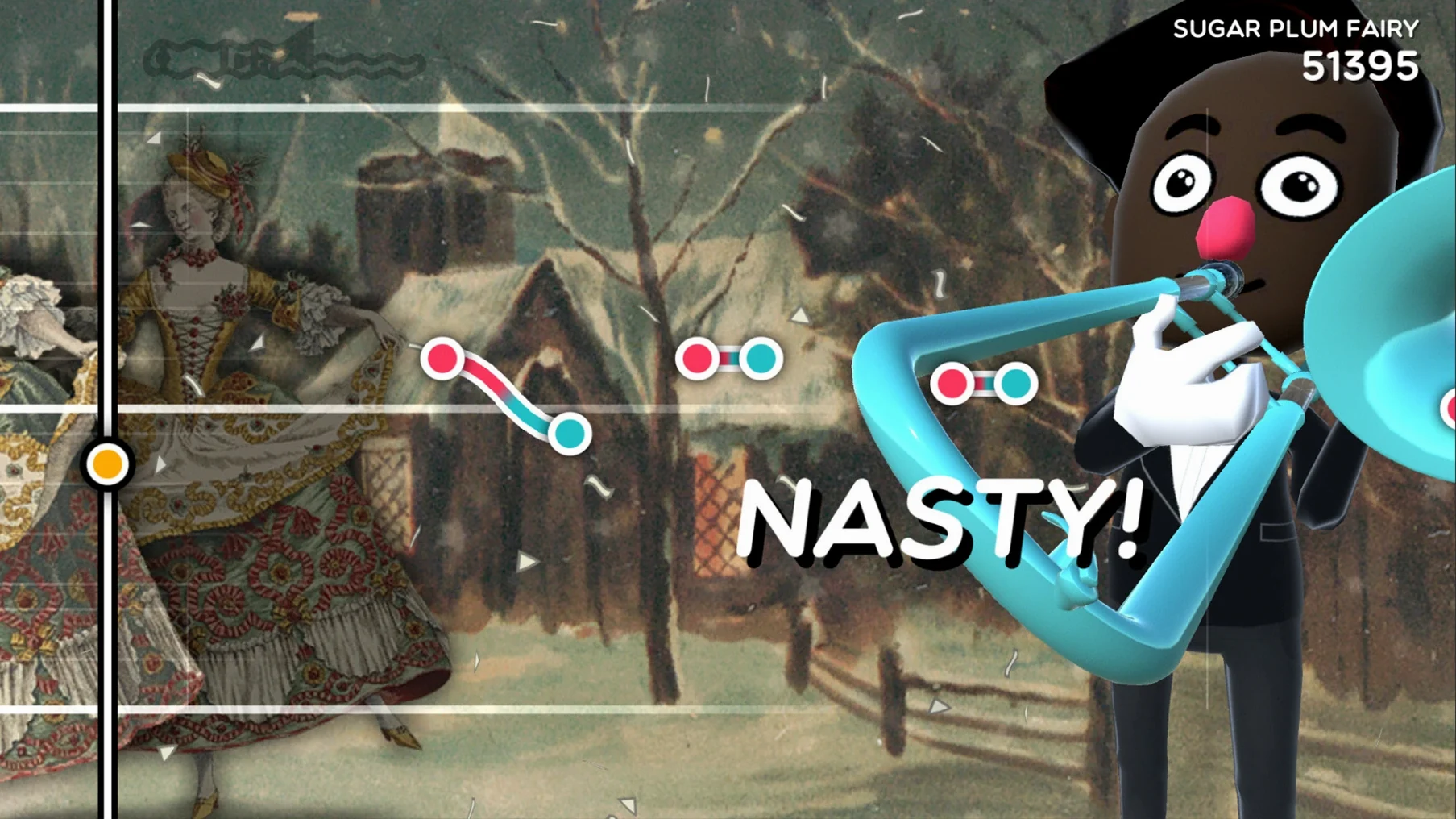
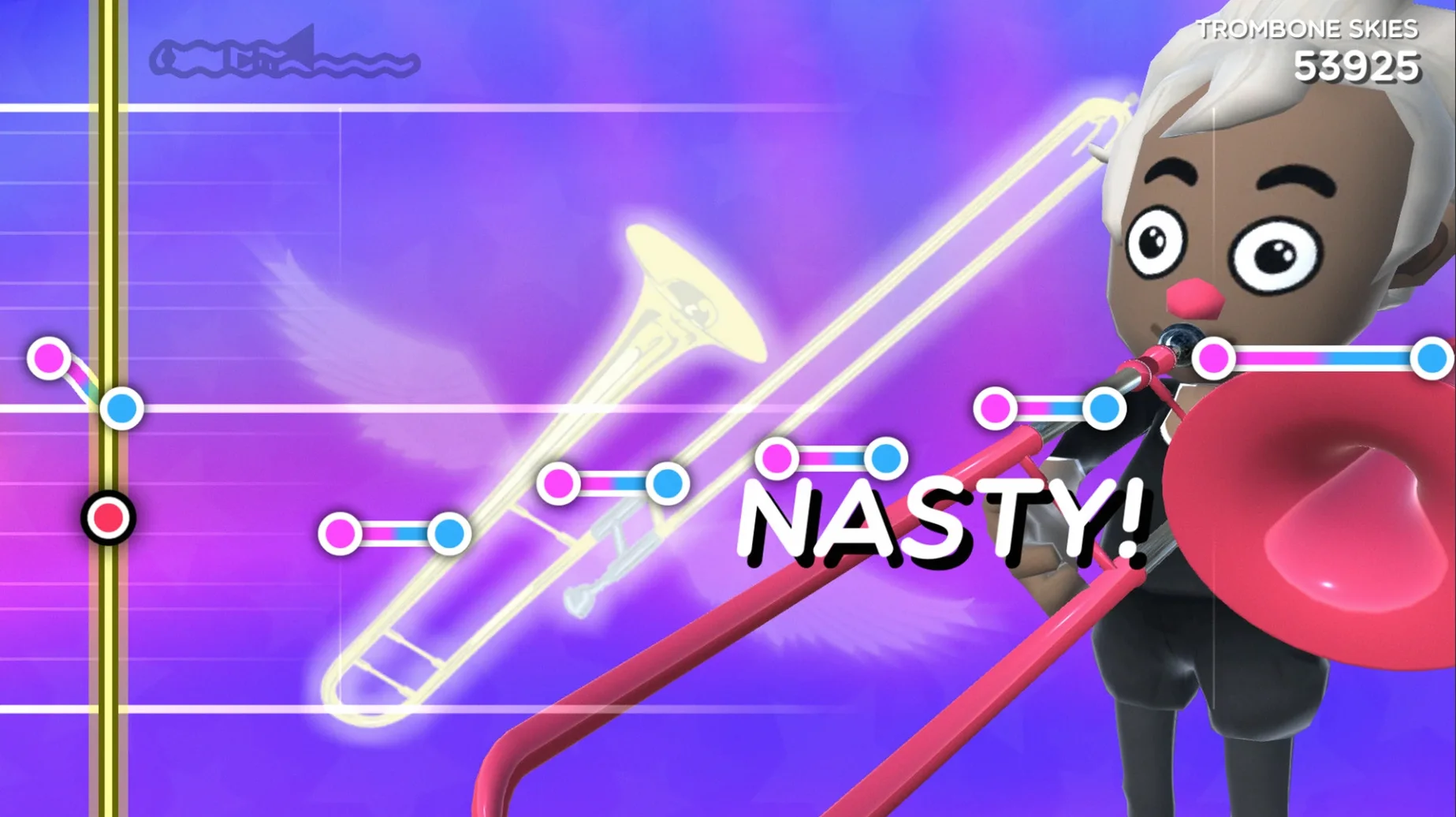
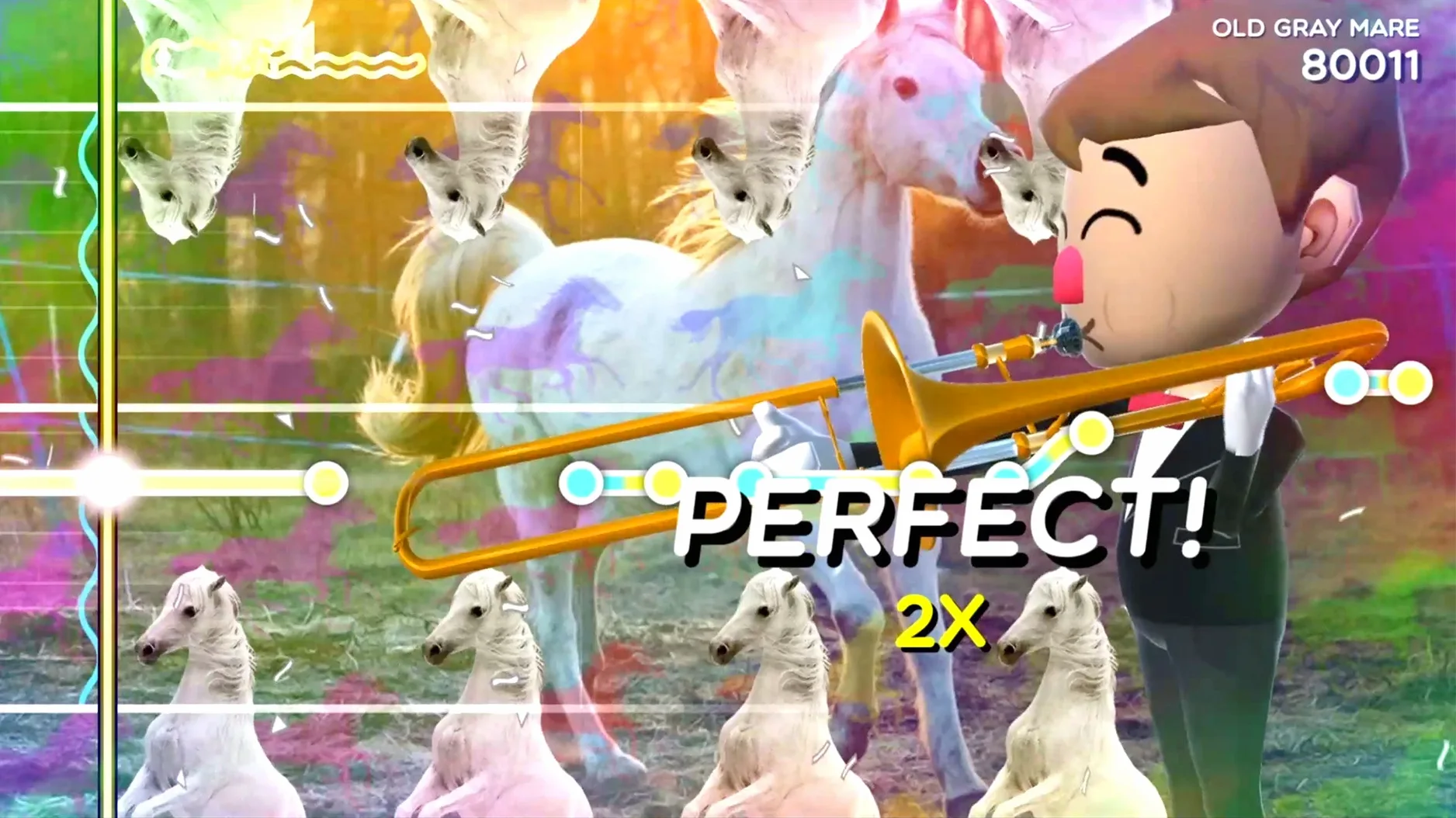
Rhythm games take themselves too seriously. Trombone Champ removes the precision pretense and hands you a wobbly, hilarious brass instrument instead.
Slide — mouse movement controls pitch and position.
Toot — any button press sounds a note.
Tracking — a visual indicator shows how close you are to the target pitch.
Music — hymns, marches, classical, electronic, and folk. Over 60 tracks.
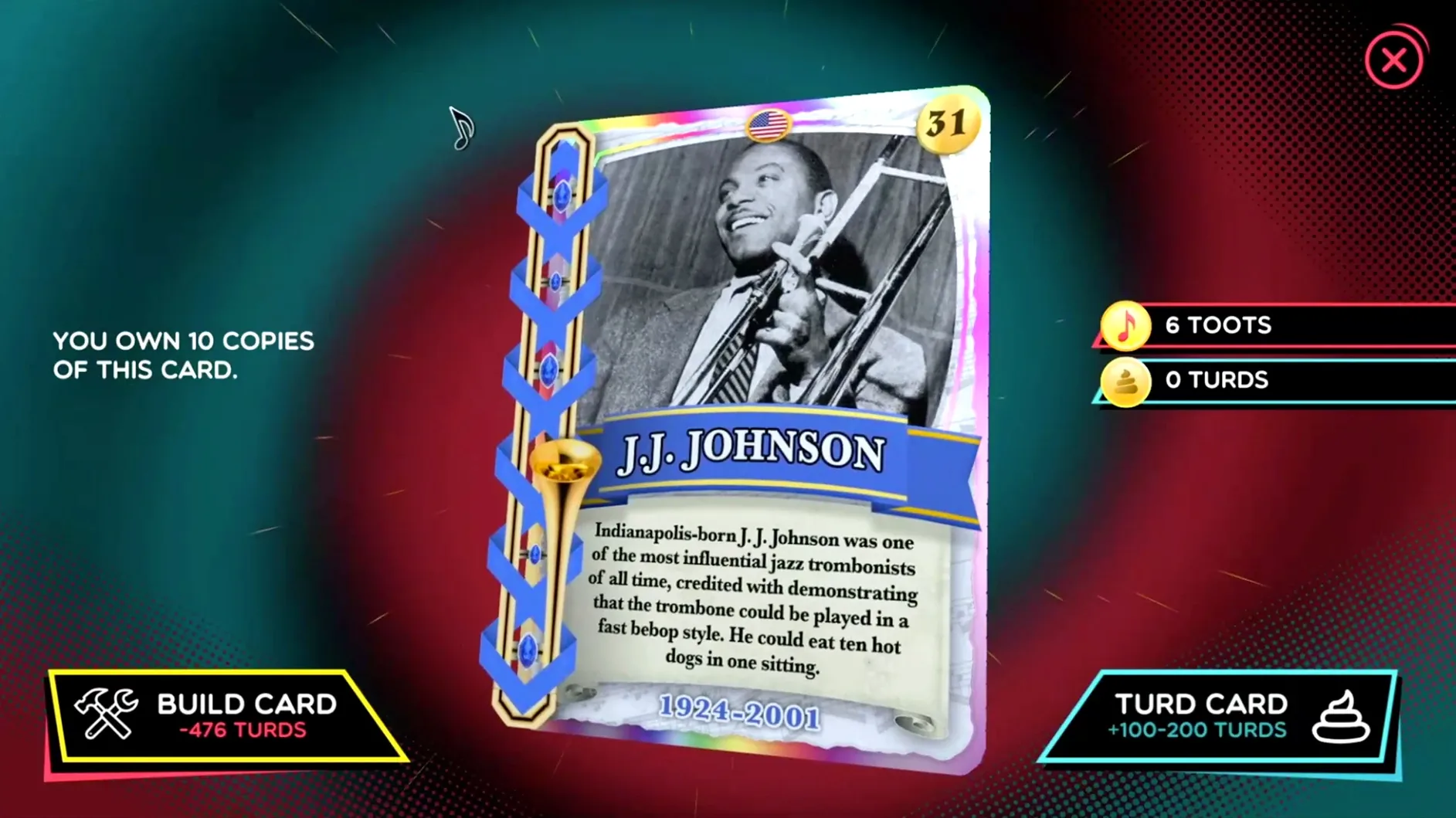
Cards — 50 Tromboner cards to collect.
It runs natively on Apple Silicon and Intel Macs. Performance on an M4 Mac mini is smooth, no fanfare needed. The game loads from Launchpad after a simple drag-and-drop install.
A short session
Open the game and pick a track you already know. Not because it is easy. Because knowing the melody lets you hear where your slide is wrong.
Start with the mouse still. Press a key and hold the note before the first target appears. Move the slide in small steps, not long sweeps. Watch the tracking indicator more than the notes.
Miss a phrase. Let it go. The game rewards recovery more than perfection. After two or three runs, switch to Freeplay and hold long tones against a single backing track. That is where your ear learns the slide positions.
Collect a Tromboner card when one drops. Check the collection. Then close the game before the session becomes a grind.
Lost Focus
Notes do not sound. Usually the window lost focus. Click the game window once, then press any key.
The slide feels too jumpy. Lower the mouse sensitivity in your system settings before launching. Some players prefer a smaller mouse pad for shorter, more controlled movements.
Pitch drifts even when the mouse is still. This is intentional. The trombone is not a piano. Learn the small corrections instead of fighting them.
The game does not launch after copying. Eject the disk image, then open the app from Applications, not from the mounted volume. Launchpad works after the first successful run.
The trombone champ mac full version includes everything on first install. No unlocks, no extra downloads.