You begin a new Imperator Augustus campaign in 42 BCE. The map zooms in on Italia. Your generals need orders, your cities need grain, and a rival faction is marching two stacks toward your border. The turn button is waiting.
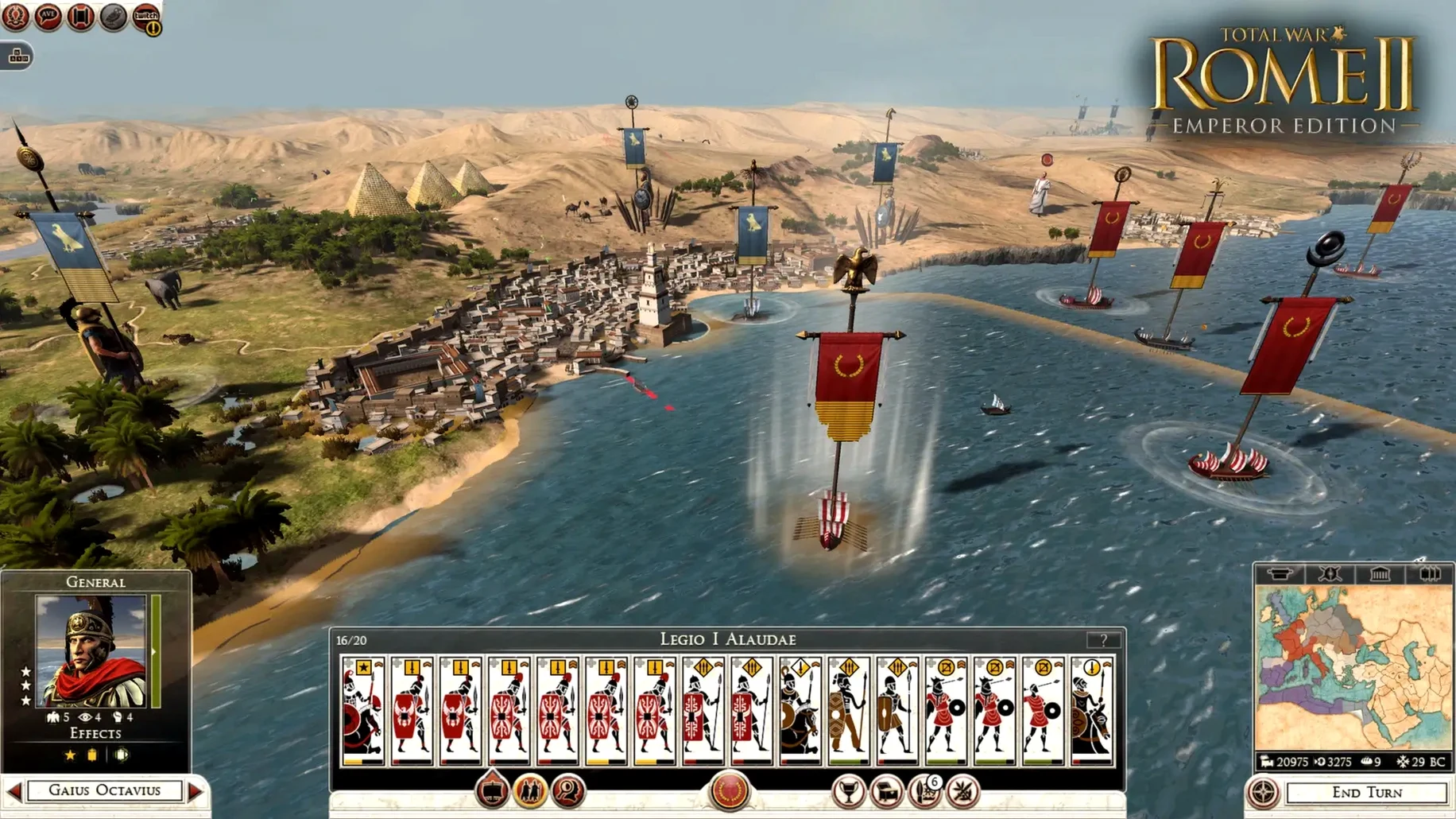
Press it, and the world moves. Armies shift, trade routes update, political intrigues unfold. The campaign layer is a slow, careful board game. You manage provinces, research technologies, and move pieces across Gaul, Africa, and Asia Minor.
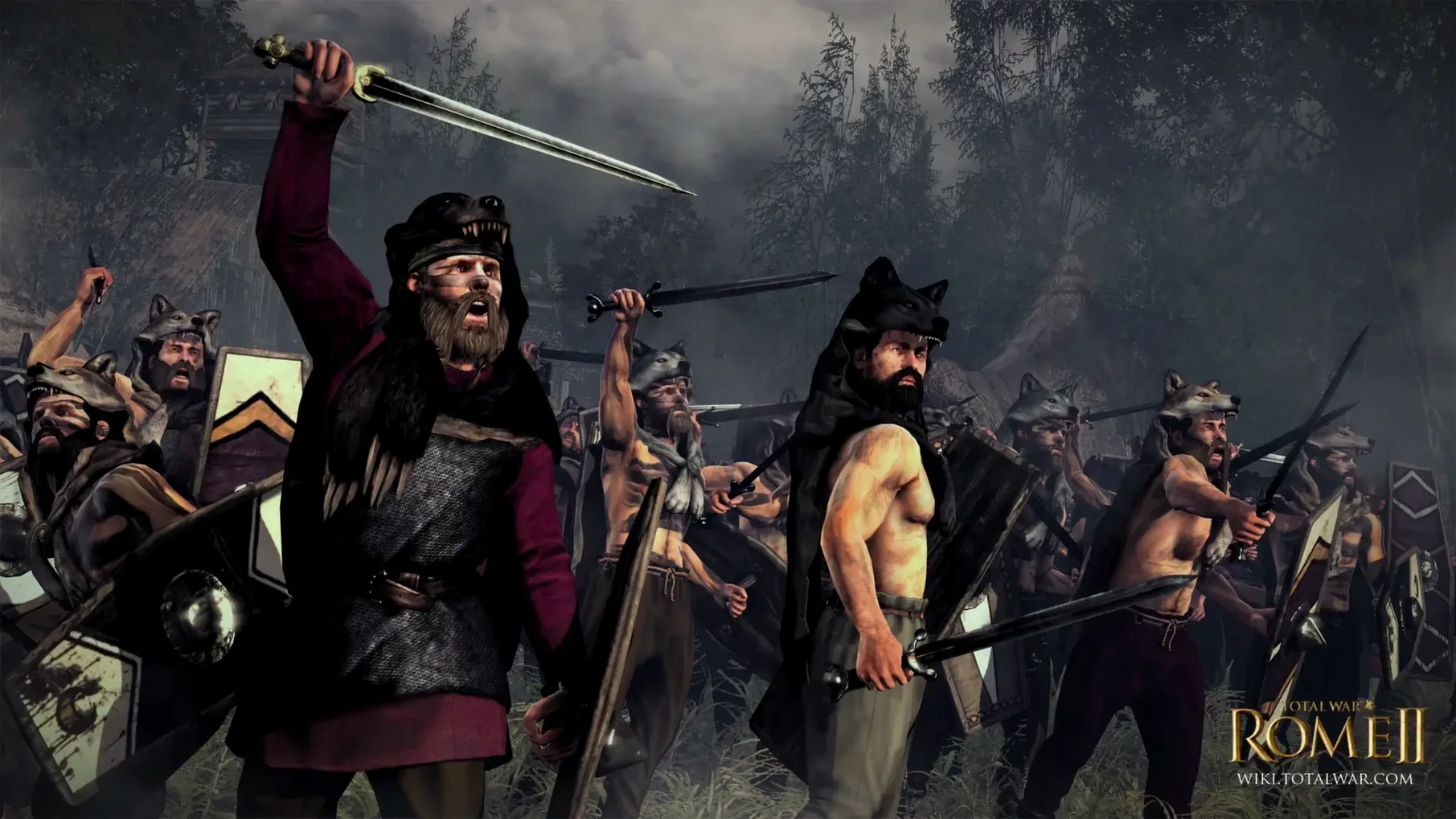
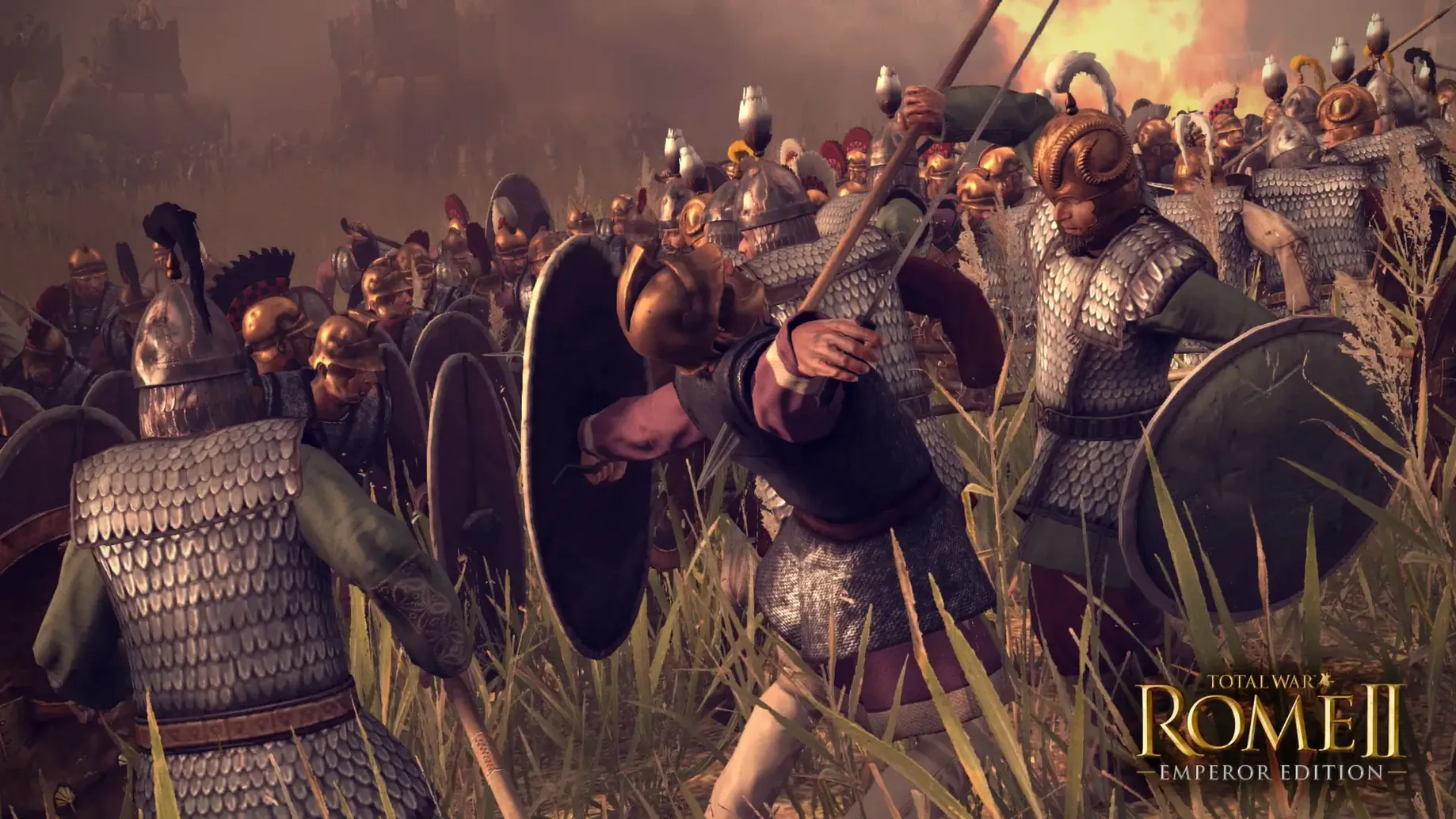
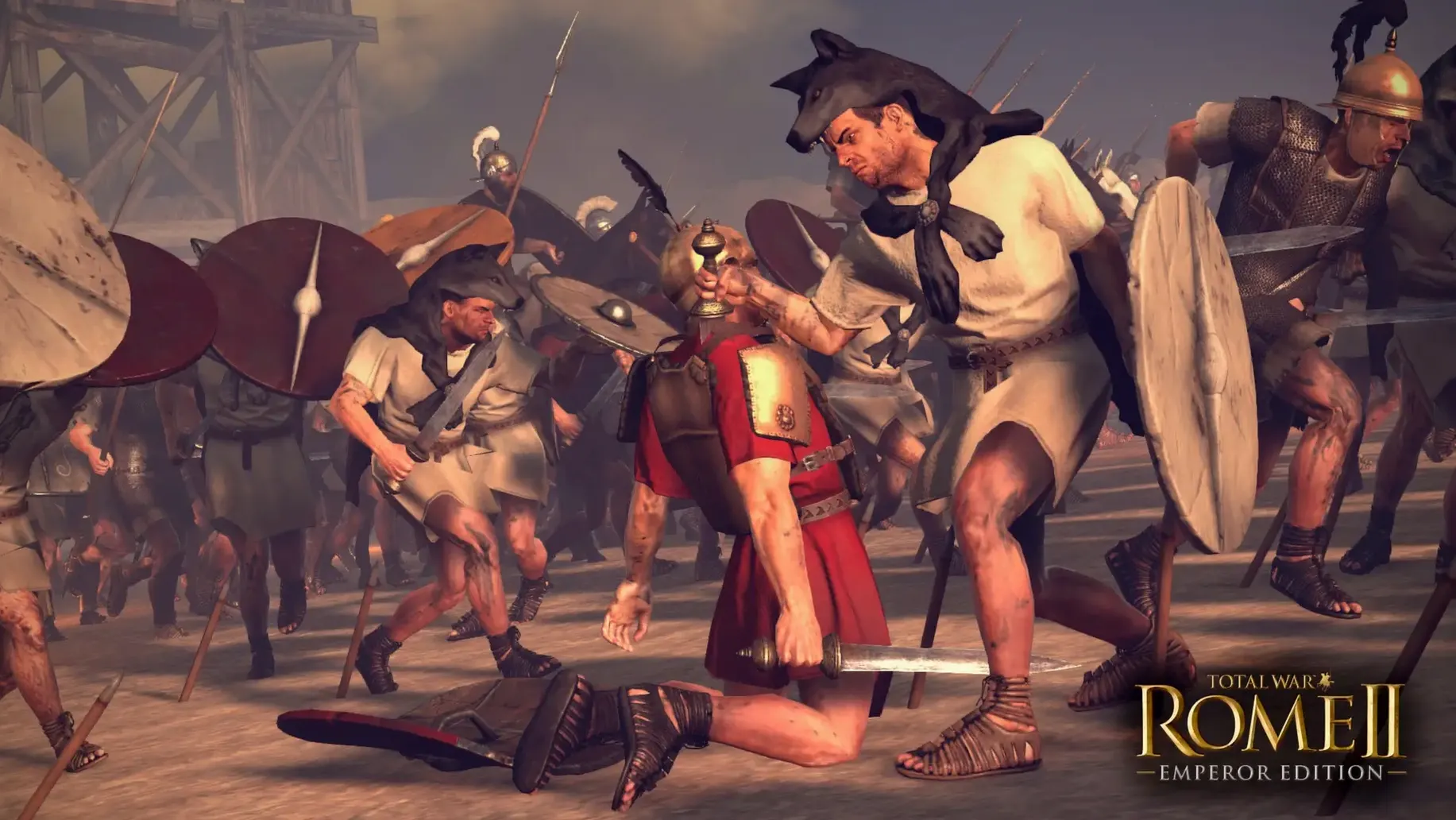
When two armies collide, the game switches. Suddenly you are on a hillside, placing cohorts. You drag formations, check the terrain slope, and wait for the right moment to charge. The real-time battles are short, loud, and punishing. A single cavalry flank can break an entire line.
Patience pays
Players who enjoy losing an afternoon to a single decision. One more turn becomes three hours because Carthage declared war and your best general just died of old age at forty-four.
The campaign rewards patience. If you like studying a tech tree while your coffee cools, this is your game. Diplomacy is brittle. Trade agreements collapse when a neutral faction decides your border province looks tempting. You learn to keep one legion near the capital at all times.
History fans get a particular pleasure here. The Imperator Augustus campaign opens right after Caesar's fall. Lepidus, Octavian, Antony — each holds a piece of the map and distrusts the other two. Playing as Octavian, you face choices that echo the sources. Consolidate power slowly or gamble on a march toward Rome.
Russian crash fix
The most common issue is a crash when switching interface languages. The Russian text triggers it reliably on some machines. The fix is quick: open NemirtingasSteamEmu.json inside the Config folder and set the language back to English. The game stabilises immediately.
Another snag: the 50 GB install catches people off guard. The disk image mounts cleanly, but dragging the app to Applications takes time. Let it finish before you open Launchpad. A partial copy will fail silently.
On M1 Macs with the 7-core GPU, large siege battles can stutter when fire spreads across wooden walls. Dropping unit detail one notch smooths things out without losing much visual clarity. The port holds steady at 30 fps on most configurations, but the game was built for older silicon.
Then the field empties. You return to the map. The turn button is waiting again.