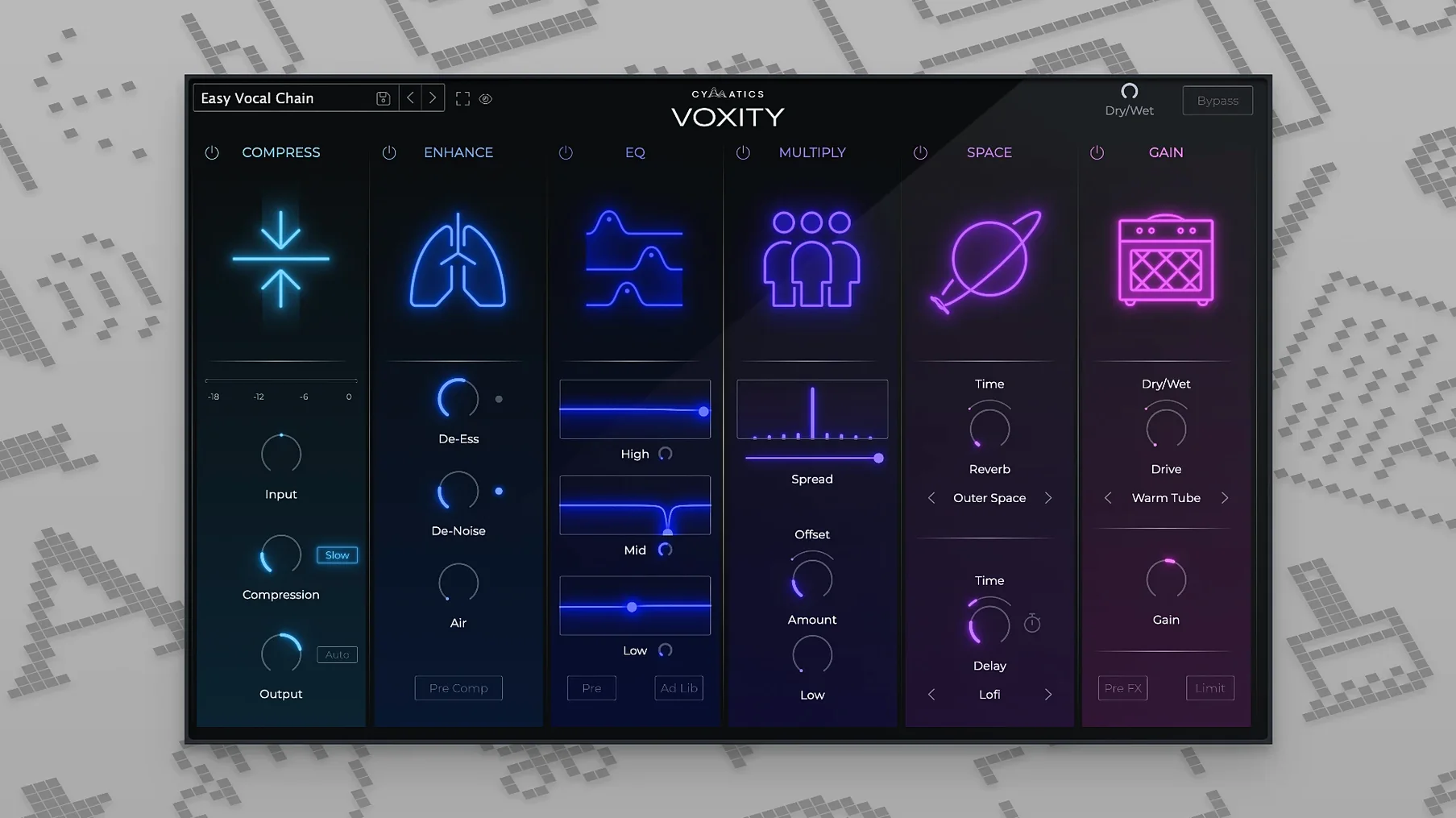
One plugin, four knobs. Voxity sits on the insert track or a parallel bus and handles what usually takes a small chain: presence, body, noise gating and dynamic levelling.
- Brightness and depth shaping without hunting for an exciter and a body EQ
- Volume levelling that rides the input so the vocal stays forward
- Harsh-frequency and breath reduction in one simple control
- Parallel processing on a send for blending weight behind the dry track
- Works on macOS 10.14 and later, Intel or Apple Silicon, in any 64-bit host
It is not a box of modules. It is a short signal path tuned for one source. Drop it on a bus and push a little air and weight into a verse without touching the channel strip.
Most vocal channel strips try to do everything. Voxity does not. It competes with tools like iZotope Nectar and Waves Vocal Rider, but the approach is narrower. Nectar gives you modules—compressors, de-essers, EQs, harmonizers—and you build a chain. Powerful, but heavy. Vocal Rider automates level riding and nothing else. Voxity sits in the middle: four controls that cover the same ground as a five-plugin insert stack, minus the decision fatigue.
Where Nectar rewards tweaking, Voxity rewards speed. You do not audition compressor models or set crossover points. You turn Width until the vocal sits outside the center without sounding hollow. You pull back Harshness until sibilance recedes. That trade-off—control versus immediacy—is the real difference.
Compared to Vocal Rider, Voxity adds tone-shaping and spatial widening that Rider leaves to other plugins. Rider is transparent. Voxity is colored on purpose. The saturation is subtle, but it is there, especially when Depth and Brightness work together on a thin recording.
Against something like Antares Vocal EQ, which learns a target curve and applies it dynamically, Voxity feels more like a hardware channel: a few sweet spots you learn by ear. No analysis, no target matching. Just turn the knob.
In the chain
Voxity works best early in the signal path, after corrective EQ but before compression. The levelling rides the input so the compressor sees a steadier signal. That means less gain reduction and fewer artifacts downstream.
On a parallel bus, it becomes a different tool. Send the dry vocal to an aux with Voxity set wide and bright, then blend it under the main track. The result is presence that does not fight the center image. This pairs well with a bus compressor like Kotelnikov or the built-in Glue Compressor in Live—just a touch, long attack, to let the widened signal breathe.
It also integrates cleanly with macOS features. The AU version loads in Logic’s selection-based processing, so you can apply Width and Depth to a single phrase without automating. In Luna or GarageBand, where insert slots are limited, collapsing four processes into one slot matters more. And on Apple Silicon, the plugin runs natively, so a session full of Voxity instances stays light.
Trim pitfalls
Two defaults worth changing immediately. First, the Output knob is not a makeup gain—it trims the post-processing level. On a parallel bus, keep it at unity and adjust the send fader instead. You will keep more headroom and avoid clipping the aux return.
Second, the Harshness control is gentler than it sounds. At low values it acts like a dynamic shelf, not a static cut. Crank it past 50 percent only if the source was recorded with a bright condenser and no pop filter. For most home recordings, 20 to 30 percent is enough to tame sibilance without dulling the top end.
If the vocal feels over-processed, bypass Depth first. Depth adds harmonic weight that can stack up fast across doubled takes. Brightness, on its own, often does enough to lift a vocal out of a dense mix without mud.