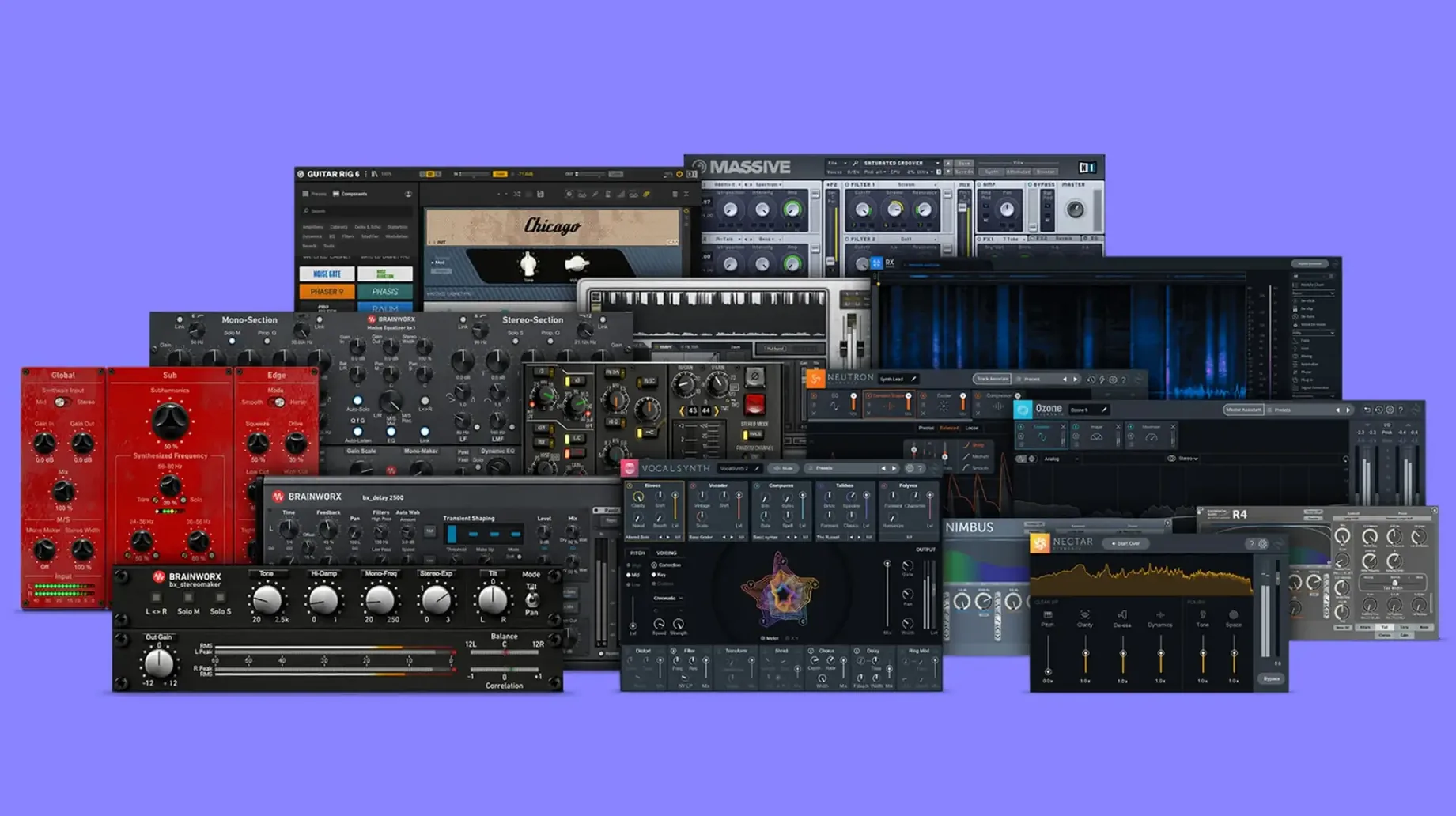
Mixing engineers who reach for specific console color, not a preset pack.
Start with the bx_console SSL 4000 E. Set the gate, shape the compressor, push the EQ the way the desk expects.
Move parallel compression to bx_glue. It tightens a drum bus without blurring transients.
Swap amp tone with bx_bassdude. Direct bass sits in the pocket faster than re-amping.
Run bx_rockrack V3 for guitar character that responds to playing dynamics, not just gain.
Finish with bx_console AMEK 200 on the mix bus. Broad, musical control that opens the stereo field without phase tricks.
Crash fixes
Version 2025.06.16 Fix is a maintenance update. No new plugins, no feature rewrites. It addresses stability on recent macOS builds and resolves a few crash-on-scan edge cases that affected some hosts. The installer no longer leaves orphaned preferences when you skip optional components.
Everyday use improves in one quiet way: plugin scanning is faster. A session with forty Brainworx instances loads without the pause that the previous build sometimes introduced. That matters more than a new feature. Nobody wants to wait for a console strip to wake up.
Apple Silicon support is native. Intel Macs stay on the same build, same path. No split installers, no Rosetta fallback.
Selective install
Does the bundle install everything at once? The disk image includes the full set. Run the installer and it places all included plugins in the standard component and VST folders. You can deselect individual plugins during installation if you prefer a leaner setup.
Will old sessions recall correctly? The update preserves plugin IDs. Projects that used earlier Brainworx builds open without mismatch warnings. Parameter mapping is unchanged. If you rely on bx_console SSL 4000 E on a mix bus, it comes back with the same gain structure.
Does it overlap with the Plugin Alliance bundle? This is a Brainworx-specific subset. If you already own the full plugin alliance bundle mac catalog, check which Brainworx titles you have. This bundle focuses on console emulations and analog-modeled processors without duplicating every developer in the wider package.
Is activation complex? The prepared build removes activation steps. Mount the image, run the installer, open your DAW. No license manager, no cloud login.
A mastering chain, start to finish
Open a finished mix. Insert bx_console AMEK 200 first. Engage the Transient Designer lightly — just enough to sharpen snare attack without pulling up hi-hat bleed. Set the Glue compressor to 1.5:1, threshold catching two to three decibels on the loudest passages. Leave the limiter off.
Next, insert bx_digital V3. Switch to Mid/Side mode. Apply a half-decibel shelf at 10 kHz on the side channel. This widens without moving the center image. Roll off side lows below 100 Hz to tighten the stereo low end. On the mid channel, a gentle dip around 300 Hz cleans mud from the vocal and bass relationship.
Follow with bx_townhouse Buss Compressor. Feed it the entire mix. Attack at 10 ms, release on auto, ratio 2:1. Drive it until the gain reduction needle moves with the kick drum. The compressor adds glue and a slight mid-forward push that flatters dense arrangements.
Place bx_masterdesk Pro last. Use the EQ to add a broad 0.5 dB lift at 2.5 kHz for presence. Engage the Foundation processor set to subtle — it tightens low end translation to small speakers. The limiter handles final peak control. Push input until the loudest sections touch -8 LUFS short-term. Let the limiter catch the rest.
Listen on three sources. The chain should sound like the mix, only finished. If something grabs attention, bypass bx_townhouse and check whether the AMEK compressor is doing too much work.
These are tools for decisions, not exploration.