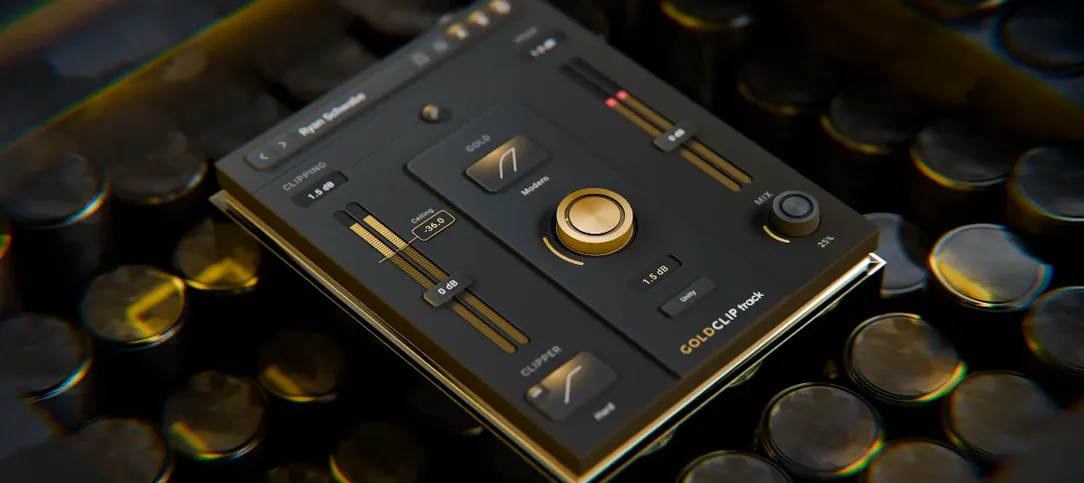
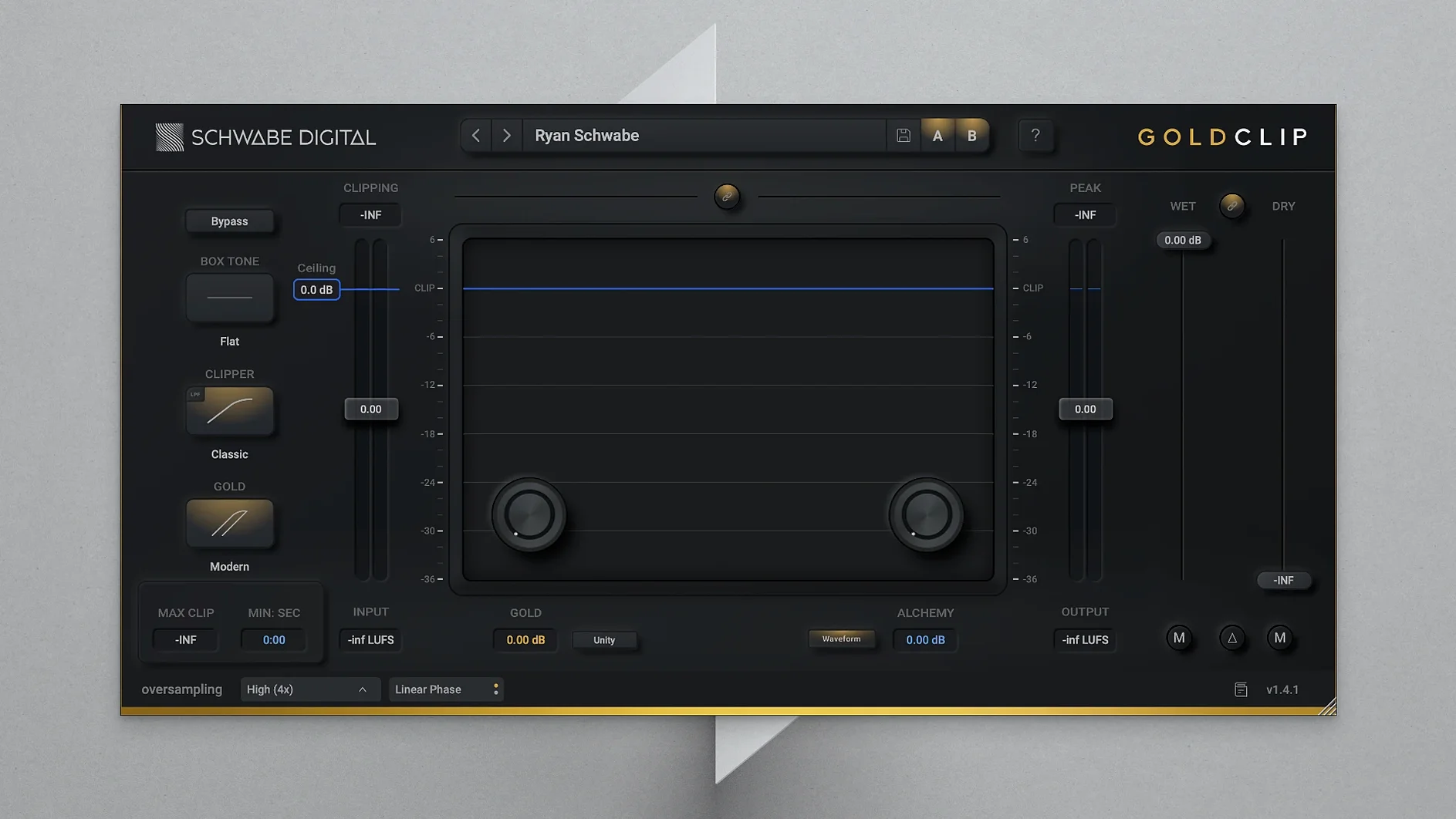
ALCHEMY targets the top end. It contours high frequencies so the track feels open without becoming brittle as you push it forward. It's a shaping tool, not a simple shelf.
GOLD is where the weight lives. This mode adds soft saturation and a warmth that wraps around the transient instead of smearing it. The effect is almost like the signal relaxing into itself.
Together they feed a central clipper that catches peaks. Loudness comes up. Density builds. Harshness stays out of the picture.
Noon to presence
Leave GOLD at noon. Walk ALCHEMY up slowly while the track plays at full level. The moment it feels like presence rather than added top is where you stop.
Then push the clipper until the first two or three dB of gain reduction show steadily. Listen for what disappears — usually the sharpest transients — not what appears. A quiet monitoring level helps here.
Bypass often in the first hour. Not to A/B settings. To reset your ears to what the track actually sounds like before Gold Clip taught them to expect density. You will overshoot less.
Late-stage peak catch
Gold Clip works best late in the chain. After compression, before the final limiter.
If your limiter is struggling with stray peaks, let Gold Clip catch them first. The limiter can then handle overall loudness without reacting to every snare hit. You will hear less pumping.
On macOS, drag an instance onto the master bus and another onto a drum group. Clip the drums separately, then let the master instance handle what remains. The separation keeps the low end clean.
For quick referencing, assign a key command in your DAW to bypass all Gold Clip instances at once. With the track loud and dense, toggling them off reveals exactly what the plugin is doing — and whether it is too much.
It also pairs well with tools like schwabe digital gold clip macos free metering plug-ins. Watching crest factor drop while the perceived loudness stays musical is a fast way to build trust in the settings.
It turns a track solid without that carved-by-distortion edge.