
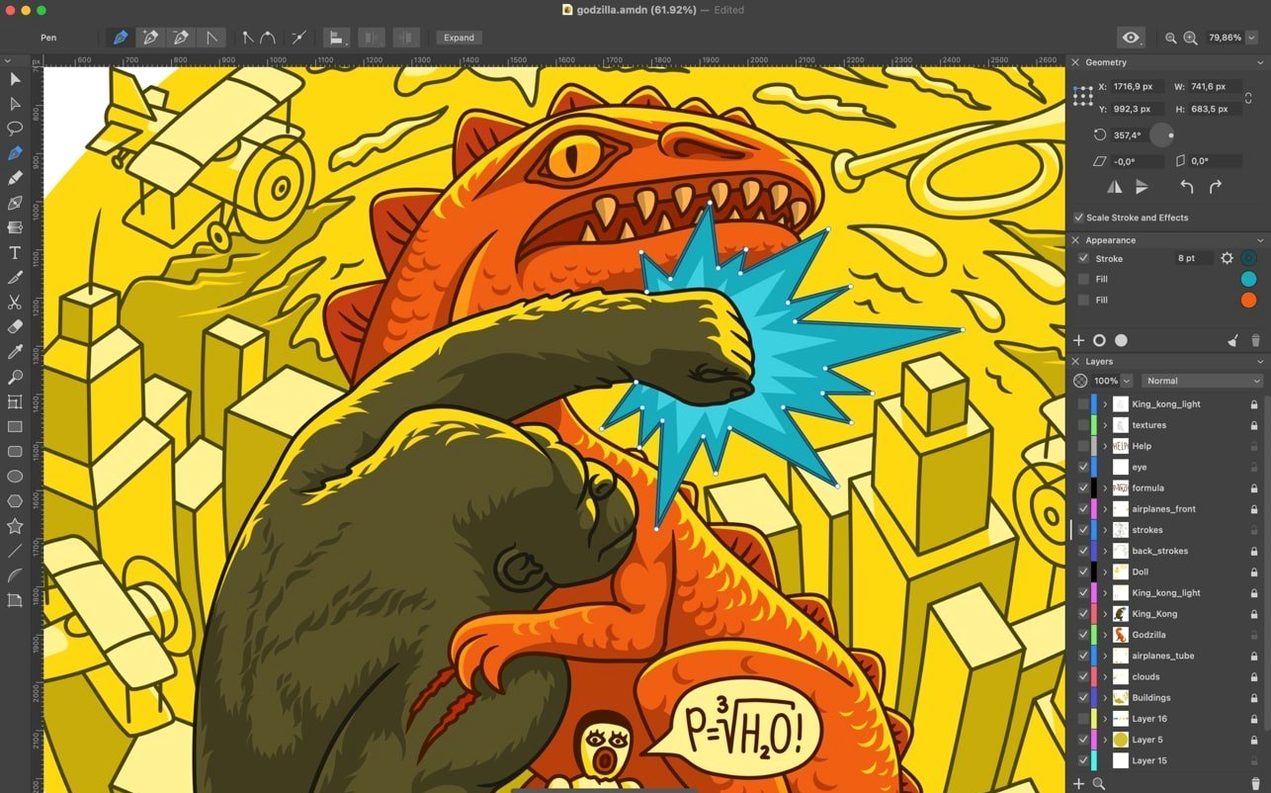
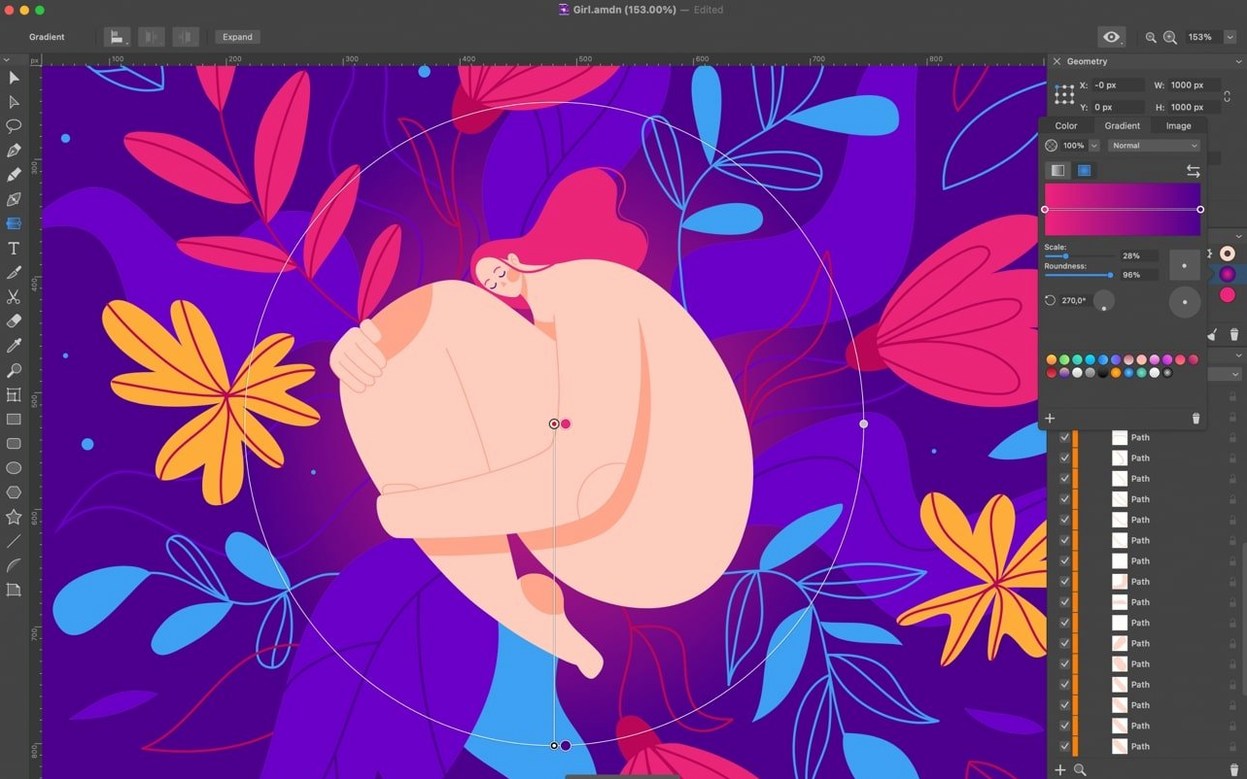
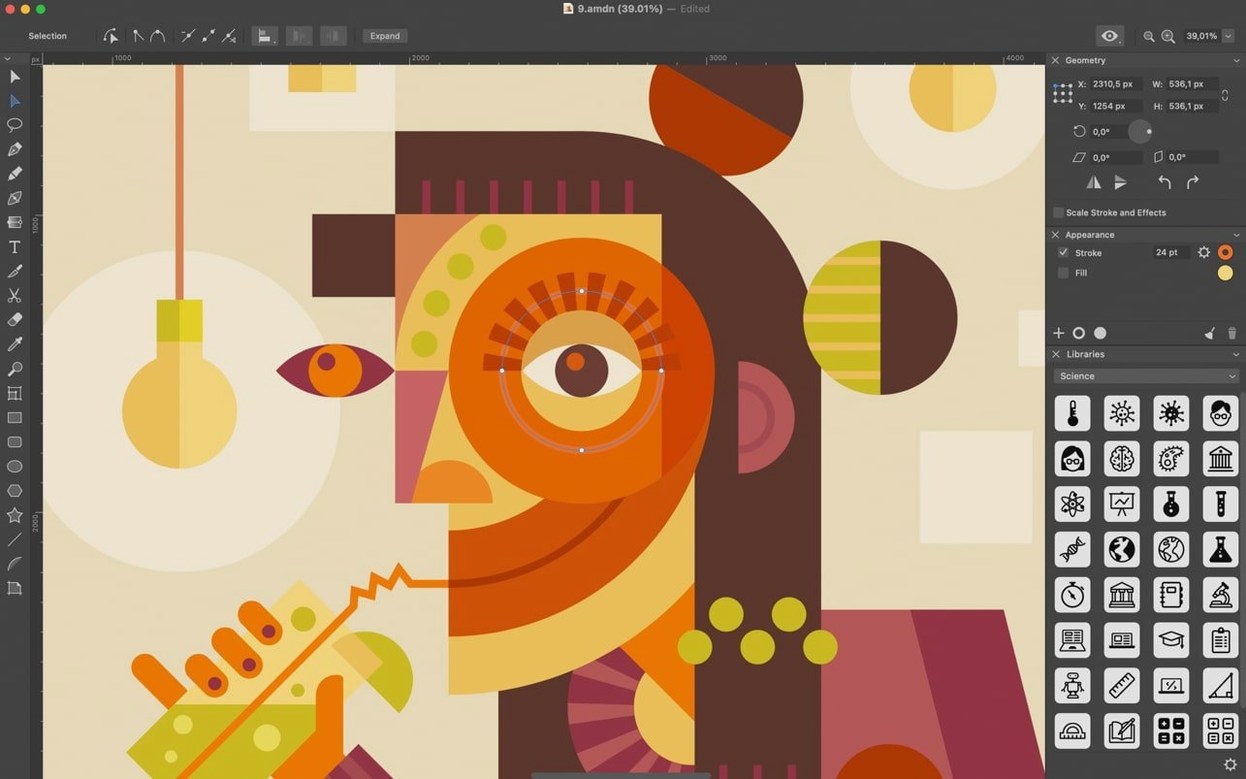
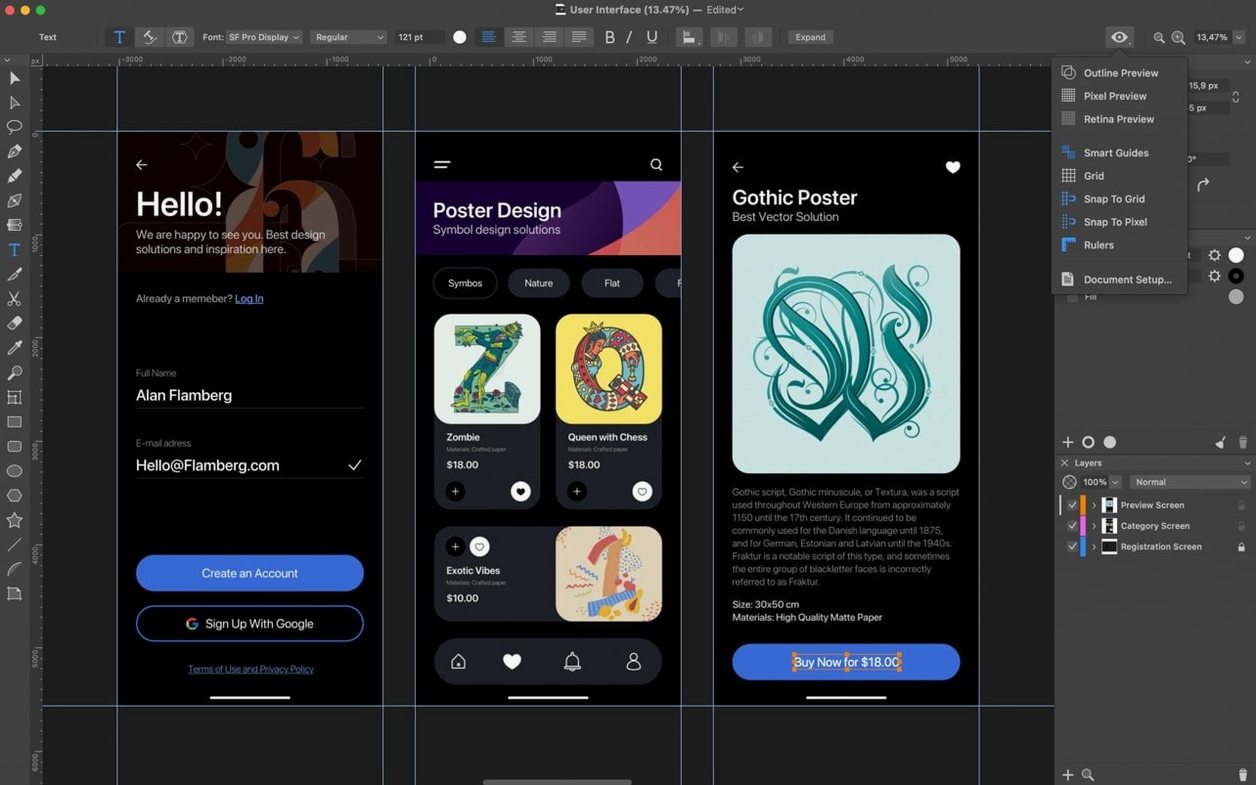
Version 1.8.3 makes the Eraser tool cleaner and keeps text work more stable. Small fixes, but they show where Amadine is headed.
- Start with a rough sketch of a coffee cup in pencil. Import it as a bitmap and trace over it with the pen tool.
- Boolean operations shape the cup body. Subtract gives the handle its opening. Intersect keeps the saucer edge.
- Anchor points switch from smooth to corner where the cup meets the rim. The curve settles.
- Symmetry can wait. Duplicate the leaf shape, rotate it, and group the two sides into one motif.
- Export as SVG with the background set to transparent, ready for a packaging label.
From there, the same file can move to the iPad version through iCloud Drive and keep its layers. What started as a sketch becomes a finished mark.
A first mistake is skipping the View modes. Without the pixel grid visible, edges that look smooth on a Retina display turn fuzzy in raster exports. Switch it on early.
Another: people drag the Knife tool across a compound shape and expect a clean cut. It slices through the topmost path only. Hold Option to cut through every overlapping shape beneath the blade.
Beginners also stack multiple strokes on one object without setting their order inside the Appearance panel. The bottom stroke sits behind the fill by default. Drag it above to make it visible.
Uneven Offset
The Offset Path tool sometimes produces a result that looks ballooned on one side. This happens when the original path has uneven anchor spacing. Run Simplify first — version 1.8.3 shows point counts accurately in the dialog, so you can judge the reduction before committing.
Vectorizing a bitmap can stall on images with soft gradients. The tracer works best on high-contrast line art. For photos, reduce the bitmap to two or three flat tones in an external editor beforehand.
When moving files between desktop and iPad via iCloud Drive, fonts occasionally fall back. Embed the type as outlines before transferring, or keep the working file on one device until the text is final.