Three scan types. One set of decisions.
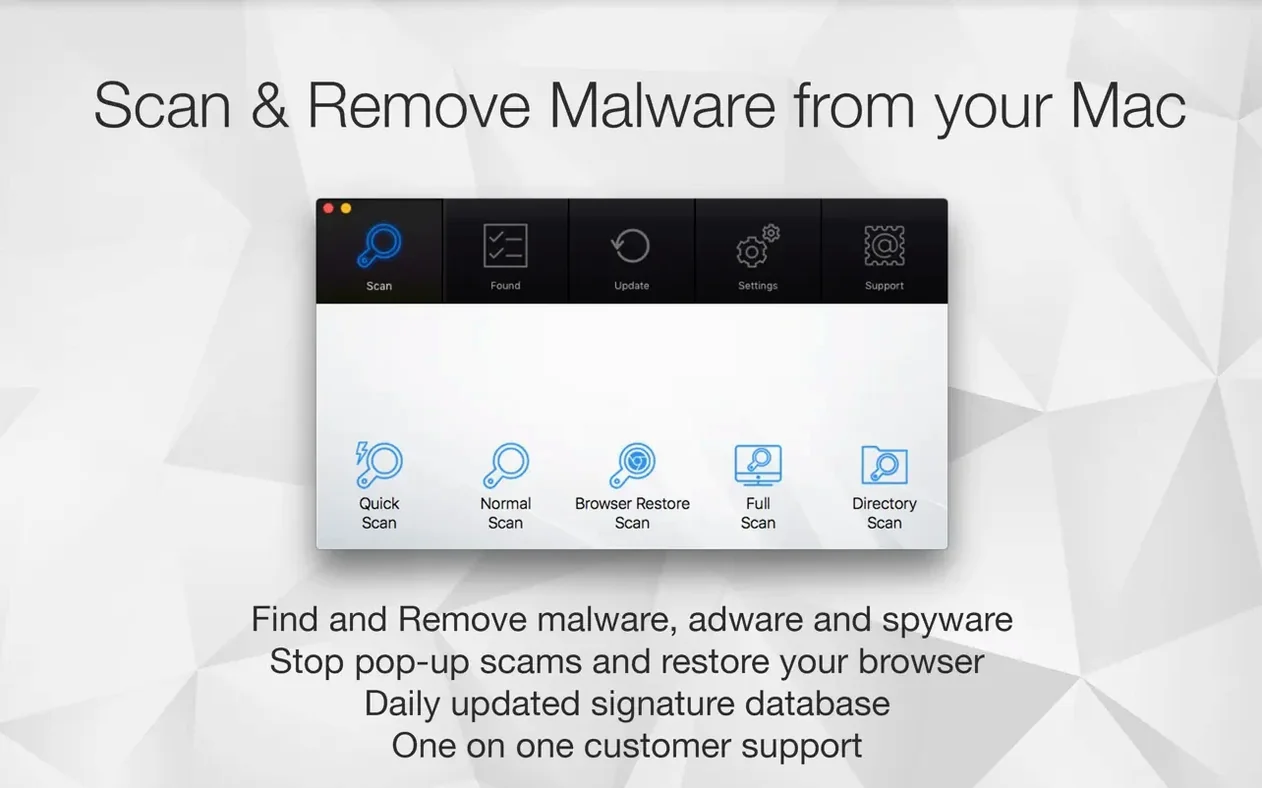
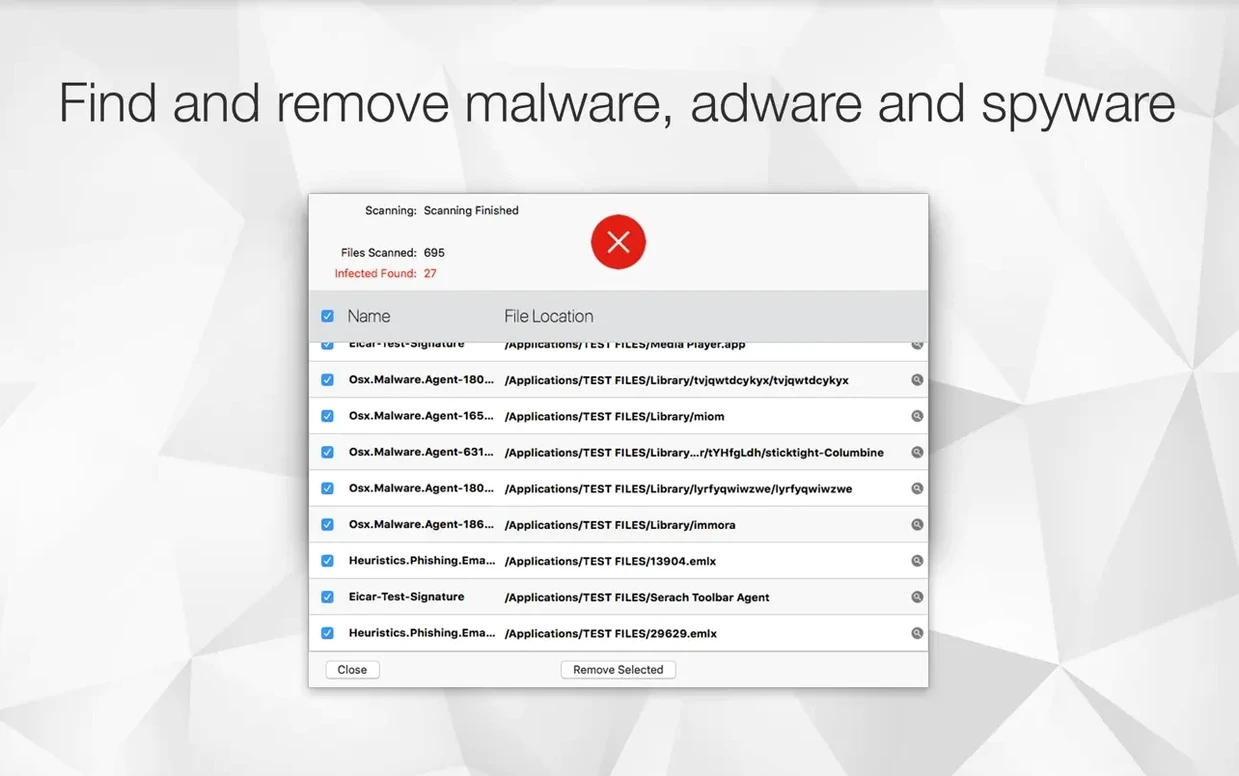
Antivirus Zap removes malware and adware already sitting on your Mac. The scan finds threats, suspicious files, and browser residue that standard cleaners miss. You decide what stays and what goes.
Finer controls
- Schedule scans once or several times a day without opening the app
- Trigger scans from Finder or Apple Shortcuts
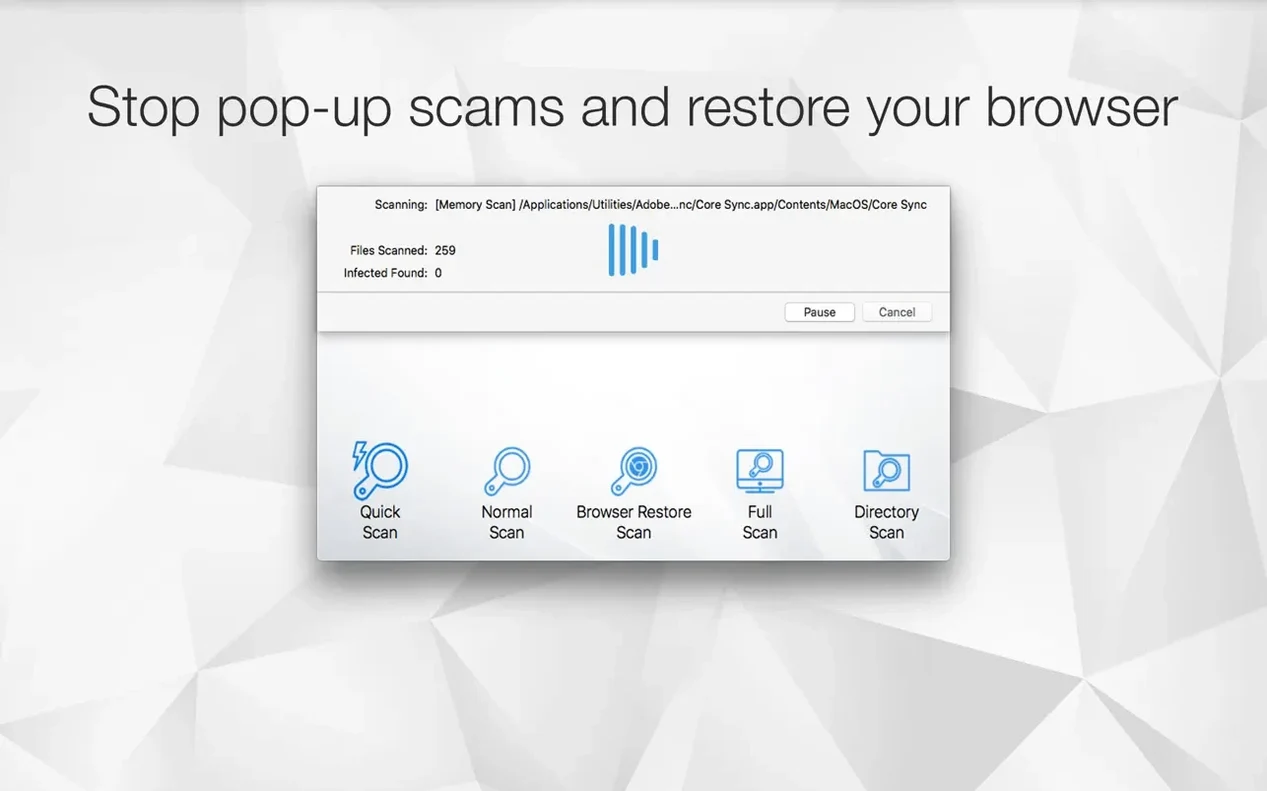
- Run a Browser Restore Scan to strip cookies, extensions, and caches
Format tools
Beyond malware, the app converts HEIC, TIFF, and MOV files into more common formats. Drag a video in to compress it. Drag an image in to optimize it. Two utilities that sit quietly beside the scanner, ready when you need them.
Workflow: check a download
A file arrives from a forum link. Before opening it, right-click in Finder and choose the Antivirus Zap service. The quick scan runs in under ten seconds.
When the result lands clean, the file goes to its folder. When it flags something, you quarantine it without ever clicking the file itself.
After, open the app and run a Browser Restore Scan. It clears the cookies and cached scripts that the download site left behind. Three steps, finish to finish.
Drag-to-scan
A few things that stay invisible until you need them.
Drag a suspicious folder onto the Dock icon — scan starts immediately, no window navigation. The antivirus zap mac integration with Finder is just as quick: select items, two-finger click, run the service.
When you schedule a scan, the app stays silent in the background. No alerts, no dock bounce. Bad news appears only in the results list, waiting for your next look.
Video compression honors the original file name and adds a small suffix. You will not find a file called "export-optimized-final-v2.mp4" in your folder. Image optimization keeps the same dimensions but strips hidden metadata. Drag, drop, done.
Dropshare users get one more quiet link: convert a file, then send it straight from the app without opening another window.
Change these first
Open Preferences before the first scan.
Set the default scan depth. The deeper the scan, the more CPU it asks for. Quick scan catches most things; reserve full depth for a weekly check.
Pick a scan schedule that matches how often new files arrive. Once at midday covers most casual use. People who test software regularly might set three scans, spaced out.
Turn off automatic image optimization if you work with print files. The stripper removes color profiles and EXIF data that a designer may need later.
When you search for antivirus zap mac torrent files or similar unverified downloads, the Browser Restore Scan becomes essential. Enable it as a post-scan default. That way, every scan also checks browser state — no extra click.
A small set of tools for people who prefer it that way.