
Alcove is what Bartender did for menu bar icons, but for the notch itself—tidying what pops into view and giving it a clear interactive purpose.
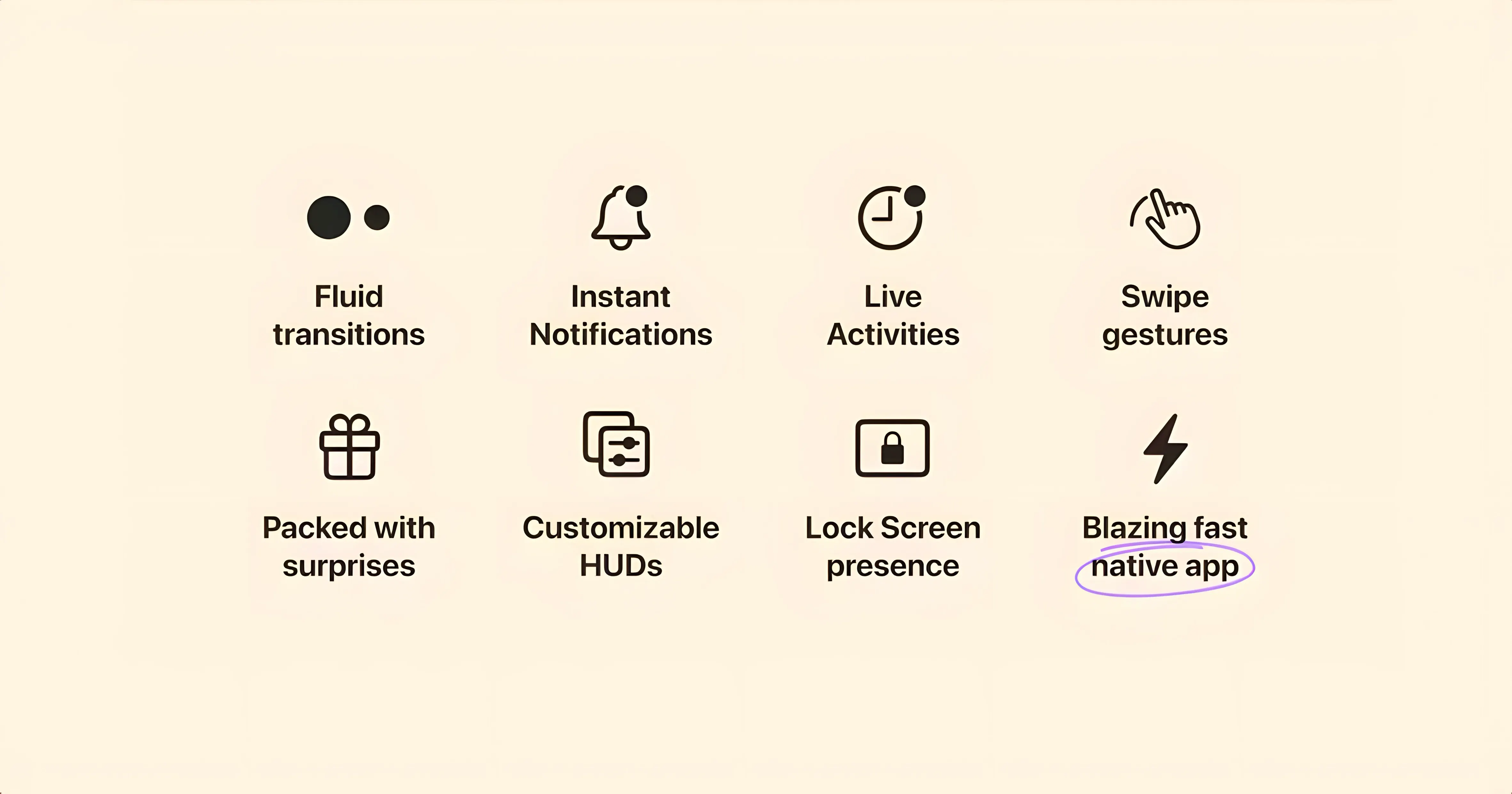
System HUD replacement — The stock volume and brightness overlays vanish. Alcove draws compact, notch-hugging indicators that respond to key presses without covering your work.
Event-driven presence — Actions appear only when they matter. Plug in a charger, switch audio output, or trigger a media key, and the island lights up briefly, then recedes.
Trigger overload
New users often enable every available trigger at once. The notch becomes a parade of fleeting actions, and nothing feels intentional.
Trim the list to three or four. Charging status, Now Playing, and volume make a calm, useful set.
Another common misstep: leaving automatic updates on. The developer recommends switching them off after the first launch. Ignore that, and you risk unexpected behavior when macOS point releases land.
Some people also expect Alcove to mirror every iOS Dynamic Island feature. It does not. Live Activities from iOS apps do not magically appear—only what Alcove itself surfaces shows up.
Menu bar coexistence
Does it interfere with the menu bar? No. Alcove uses the notch area, not the menu bar strip. Apps that hide menu bar icons, like Bartender, coexist without conflict.
Will battery life suffer? Negligibly. The app listens for system events and animates briefly. It does not poll continuously or keep the GPU awake.
Can I reposition it on a notchless Mac? Yes. Alcove places the capsule at the top center of the display even without a physical notch. It looks clean on an iMac or Studio Display.
Does it work with external monitors? Only on the primary display. The island stays on the built-in screen of a MacBook or the main monitor of a desktop Mac.
HUDs versus hub
Alcove and MediaMate. MediaMate replaces the volume and brightness HUDs with minimal sliders, similar to Alcove. The difference is scope: MediaMate stops there. Alcove adds event actions—charging, audio routing, Now Playing—all in the same notch-bound capsule. If you want just HUD replacement, MediaMate is simpler. If you want the notch to react to more of your day, Alcove goes further.
Alcove and NotchNook. NotchNook turns the notch into a tiny dashboard with widgets and shortcuts. It wants you to interact. Alcove is quieter. It surfaces what is happening, then gets out of the way. Power users who want persistent controls often lean toward NotchNook. People who prefer the notch to stay empty until it has a reason to speak choose Alcove.
Alcove and vanilla macOS. Stock macOS shows HUDs that float in the middle of the screen and offers no notch-aware feedback. Alcove pulls those same signals—volume, brightness, media—into one place at the top edge. The gain is not new features; it is less visual noise and faster recognition because the capsule always appears where your eyes already rest.
Those searching for an alcove torrent or an alcove mac cracked build are often on an older macOS release. Version 1.7.9 needs macOS 14, and reports of Alcove 1.7.9 failing on Ventura usually trace back to a mismatch. An alcove mac free listing that promises compatibility with older systems is worth verifying against the build number. The same goes for an alcove free package floating without a version number—check the build before trusting it.
Architecture support — Runs natively on Apple Silicon and Intel Macs, so one build covers both without Rosetta translation.