
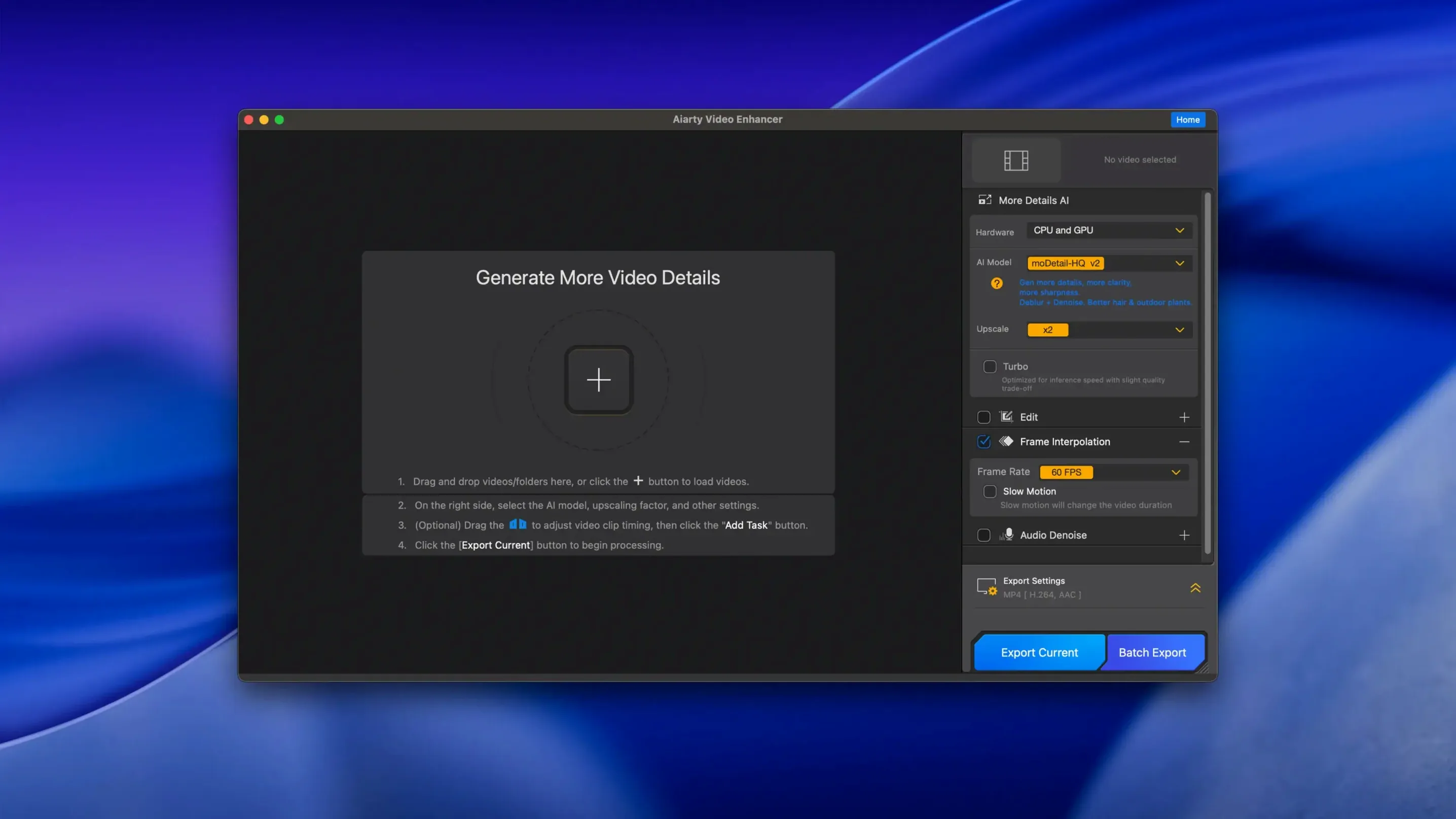
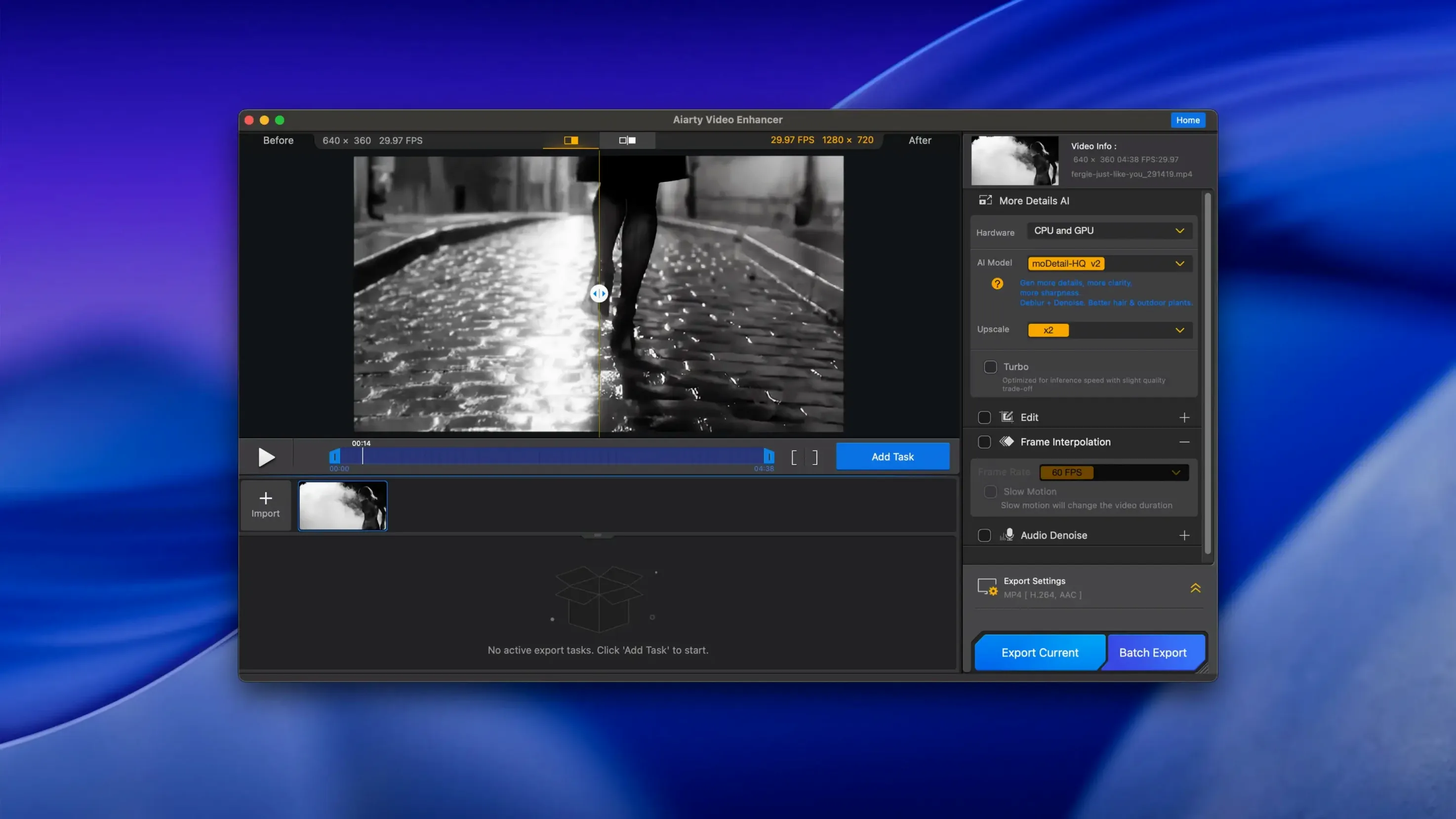
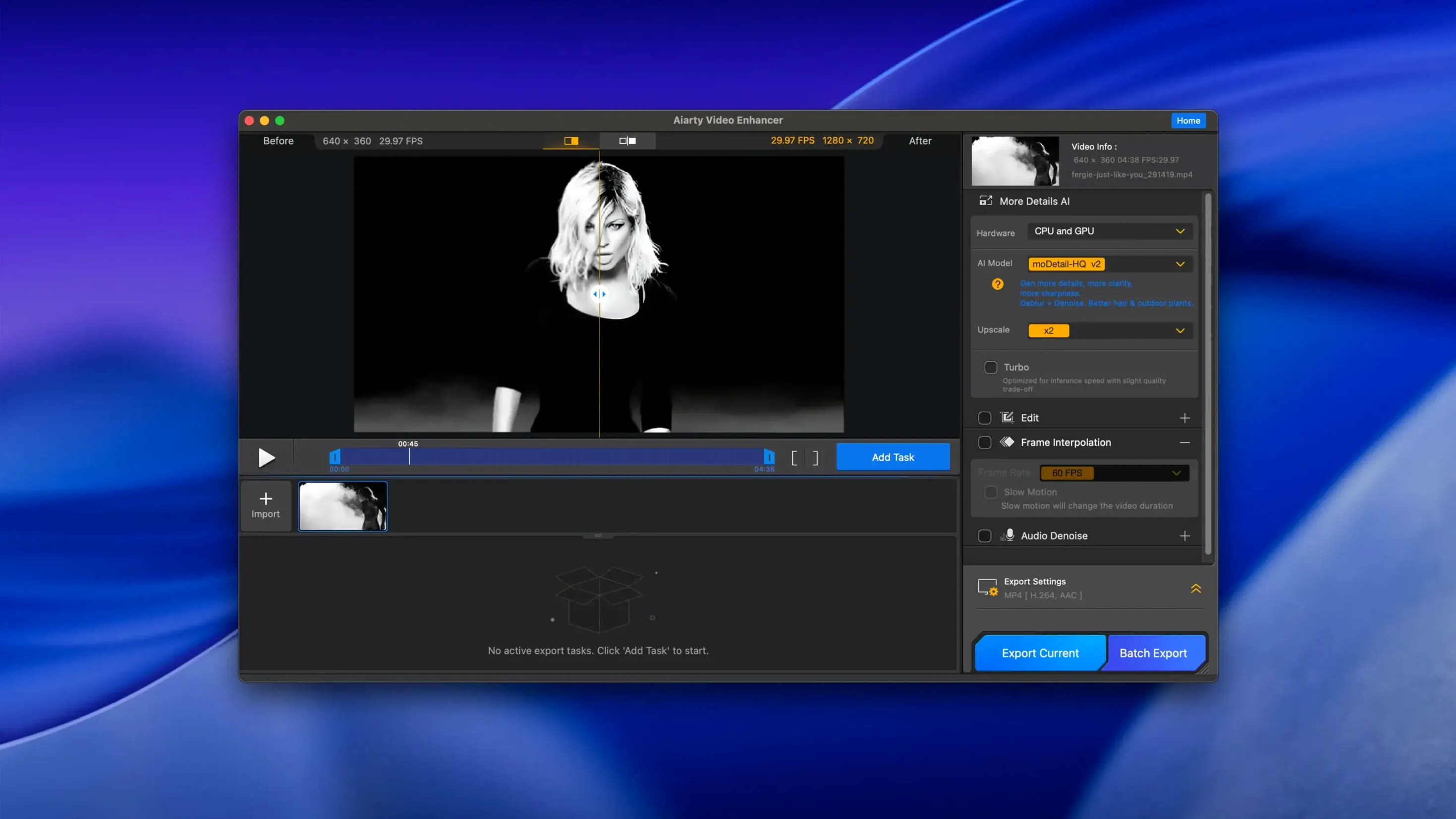
Think of it as the video counterpart to Aiarty’s image enhancer. A separate desktop tool built for one job: turning rough, noisy footage into clean, detailed 4K.
Detail and noise
Three problems, one pass. The AI models remove blur, suppress grain, and upscale resolution. Damaged or low-res clips come out looking deliberate, not salvaged.
Audio cleanup
The Audio Denoise module strips background hum and lifts voice clarity. One click. No separate audio editor required. Version 3.8 added MKV support and resumable exports, so long renders don’t start over after an interruption.
Small things you miss until you don’t. The export queue remembers its state across restarts — not just after a crash, but after a normal quit. Close the app, reopen tomorrow, your place is held. Export presets are duplicatable. Right-click any preset, duplicate, tweak. You can build a small library for different output targets without starting from scratch each time.
Drag-and-drop works everywhere it should. Drop a folder and the app pulls out every readable video file. On Intel Macs with a supported GPU, hold Option while launching to force the discrete GPU if you have dual graphics. A minor thing. Not in the menus.
Another quiet helper: the preview pane lets you scrub with the scroll wheel when hovered. No clicking required. Set a short in-and-out range and the preview renders only that segment. Saves minutes per clip when you are testing settings.
A restoration editor’s hour
Someone digitizing MiniDV tapes. The footage is interlaced, noisy, and soft in the shadows. They drop a batch of eight clips. For each, they set the AI model to a detail‑first profile, enable frame interpolation at 4X, and leave Audio Denoise on its default strength. The first pass on a 12‑minute clip takes a while on an Intel Mac with 4 GB VRAM — the GPU is the ceiling, as expected.
They notice the preview range trick. After testing a 10‑second dark interior shot, they dial back sharpening slightly to avoid haloing around a table lamp. The rest of the batch runs unattended. Later, they spot that MKV output preserves the original audio track alongside the cleaned one, which matters for archival. By evening, they have clean 4K versions and an untouched audio copy muxed in the same file.
Three beginner missteps
The first is treating the app like a one‑click magic box. Drop a heavily compressed 480p clip, select 4K output, press start. The result looks plastic. The AI models need realistic input-to-output ratios. Going from SD to 4K works best when the source is not already crushed by earlier compression. A softer upscale — say 1080p — often yields a more natural frame than a direct jump to 4K.
The second is skipping the audio module because the video looks fine. A clip shot in a quiet room still carries low‑frequency rumble or air conditioning whine. The cleanup pass is fast and costs little in render time. Use it by default.
The third is not checking the disk. Version 3.8 demands 512 GB or more of free space. The app writes large temporary files during processing. A full disk does not just slow the export — it can cause silent corruption of the output file, especially with long MKV exports using resumable mode. Beginners sometimes blame the app when the drive is the culprit.