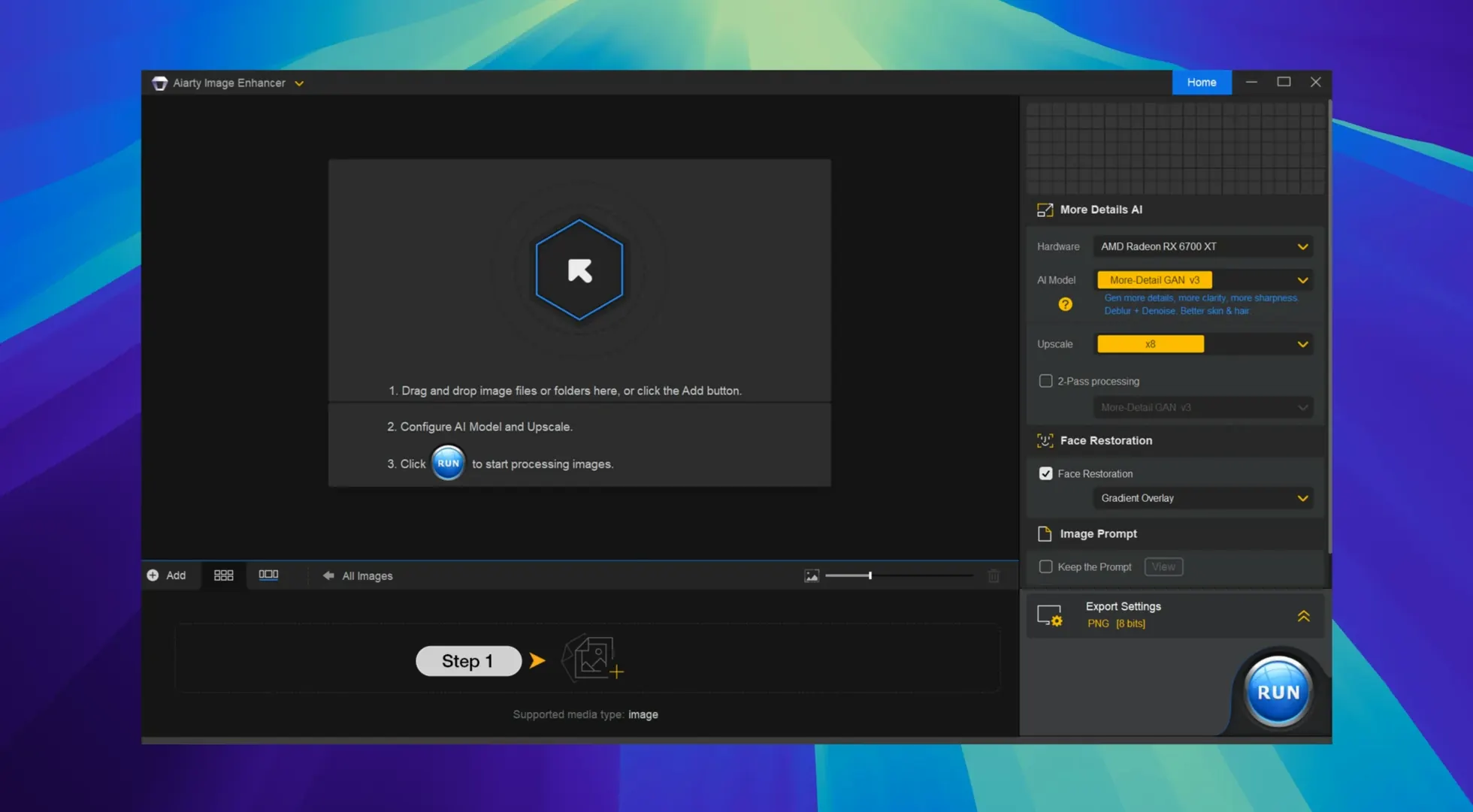
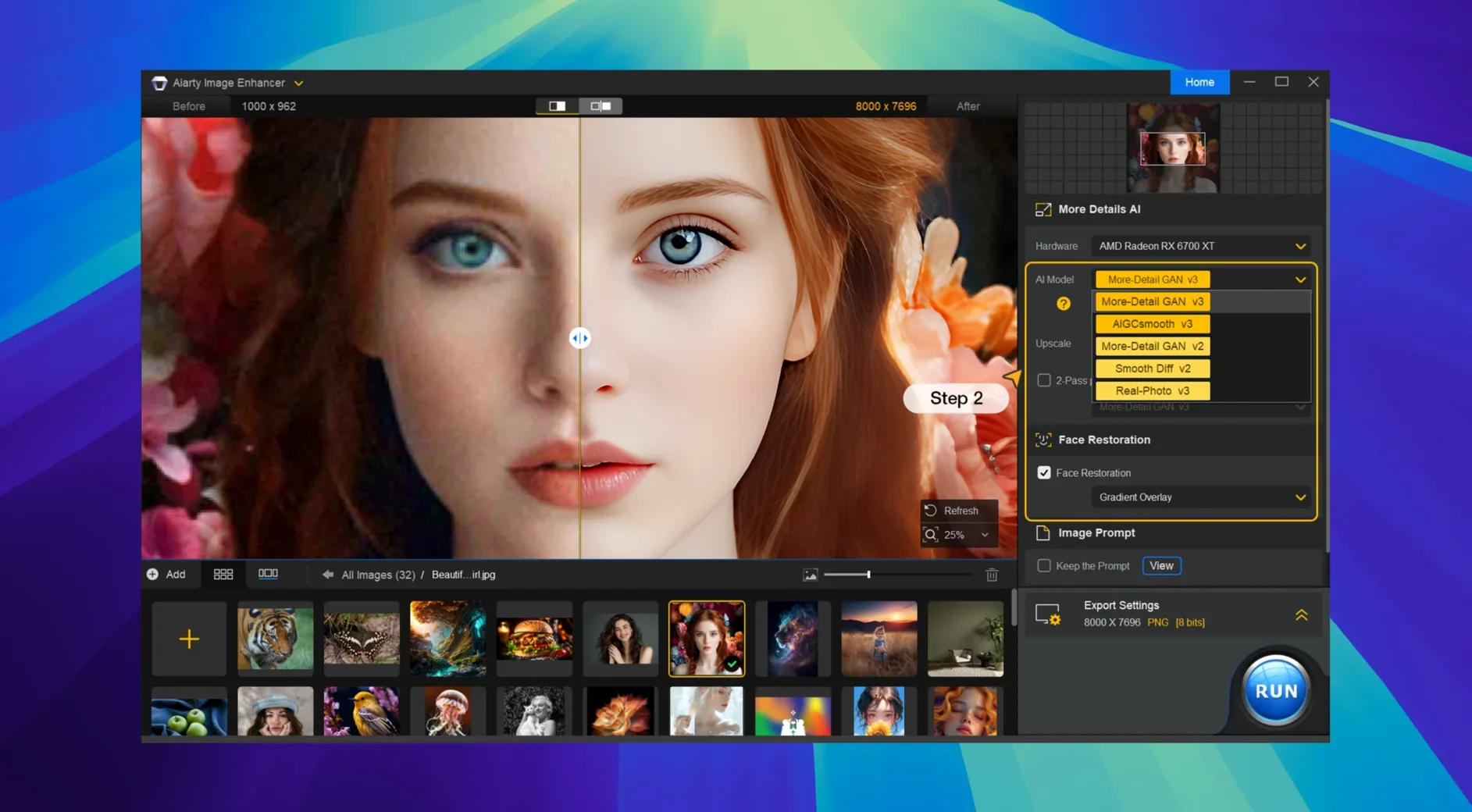
The AI Upscaler model does more than just enlarge. It reconstructs skin pores, hair strands, and fabric weave where there was only mush before.
Denoise First
Run it through the Denoise model first. The app strips chroma and luminance noise without turning people into wax figures.
Can it fix an out-of-focus shot?
Yes. The Deblur model recovers edges intelligently, not by over-sharpening. Faces regain structure; text becomes readable again.
Format Roundtrip
Drag in a JPEG, PNG, TIFF, WebP, BMP, or AVIF. The app writes results back in the same format.
How do I check if details were really recovered?
Drag your mouse wheel over the preview to zoom. The magnification jumps to 100%, then 200%, then 400% — no slider hunting.
Hold Option while clicking Export and the app saves to the source folder, skipping the dialog. The Spacebar toggles the split view. These aren't listed in any menu.
Lightroom Plug-in
The Lightroom Classic plug-in got tighter. You can send multiple images directly from your catalog. Aiarty picks up the color space from Lightroom without you re-selecting it. EXIF data now travels with the output file — copyright tags, lens info, the works.
Batch processing feels snappier on Apple Silicon. The app uses more Neural Engine cycles. A folder of forty 24MP RAWs finishes while you make coffee.
Ten-Minute File
She has ten minutes to file three frames from a dimly lit scrum. The ISO 12800 shots look like sandpaper. She drags them into Aiarty, runs the Denoise model at its default setting, then switches to the AI Upscaler for a 2× output — the desk needs the extra resolution for a double-page spread.
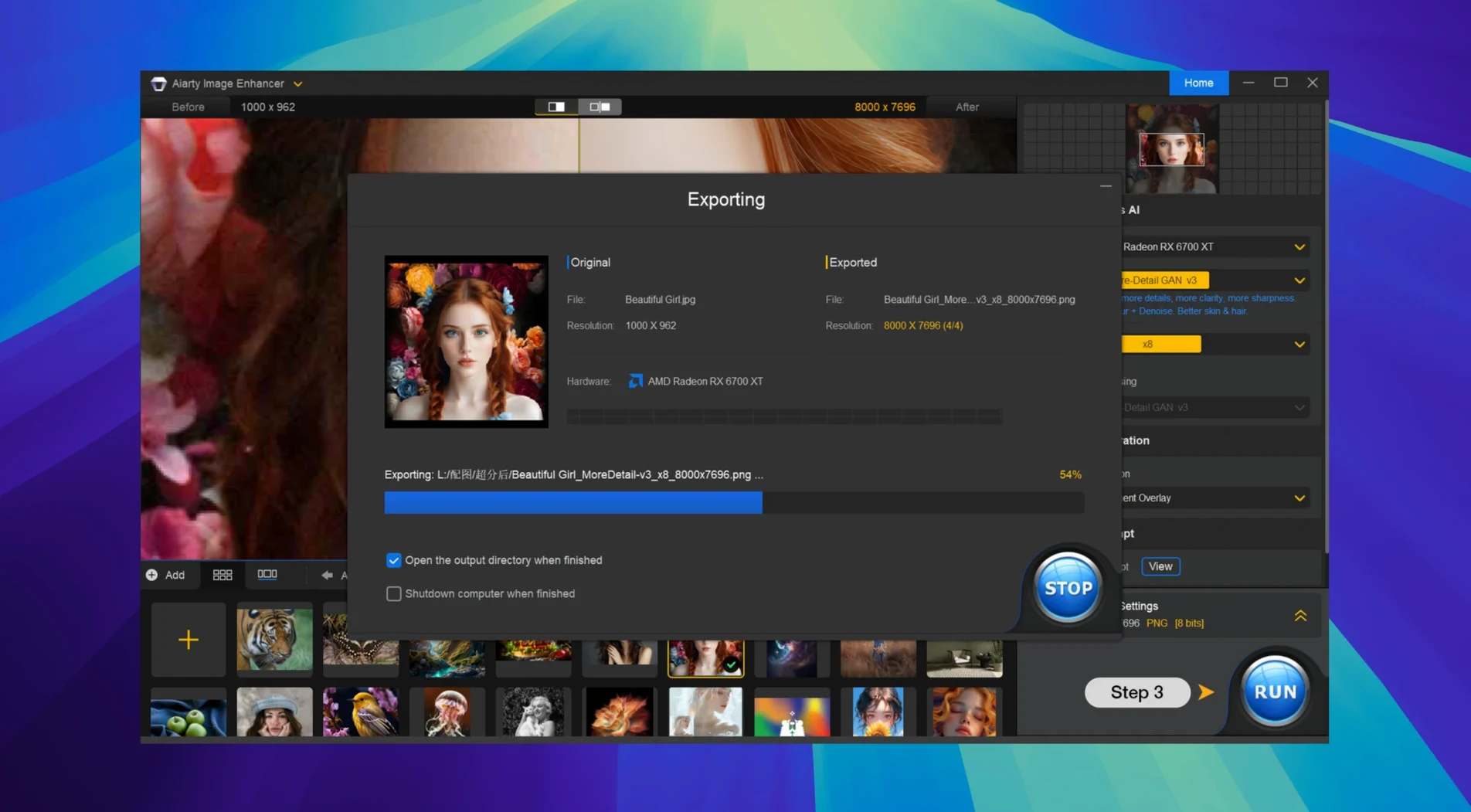
She ticks the three thumbnails. Clicks Export. The app writes clean JPEGs back to the same folder. She pulls them straight into her wire service client. No roundtrip through another app. The whole detour costs her four minutes.
Toggle the before/after view. On version 3.14, you can also inspect the EXIF metadata to confirm the source file’s pedigree.