Version 11.7.1 landed September 20, 2026. The big shift arrived just before it: the minimum system requirement moved to macOS 12.0. This build carries that forward and tidies up a few loose ends from the previous release.
Will it run
Your Mac needs macOS 12 Monterey or newer. The app is a universal binary, so it runs natively on both Apple Silicon and Intel machines. No other hardware requirements exist.
Live thumbnails
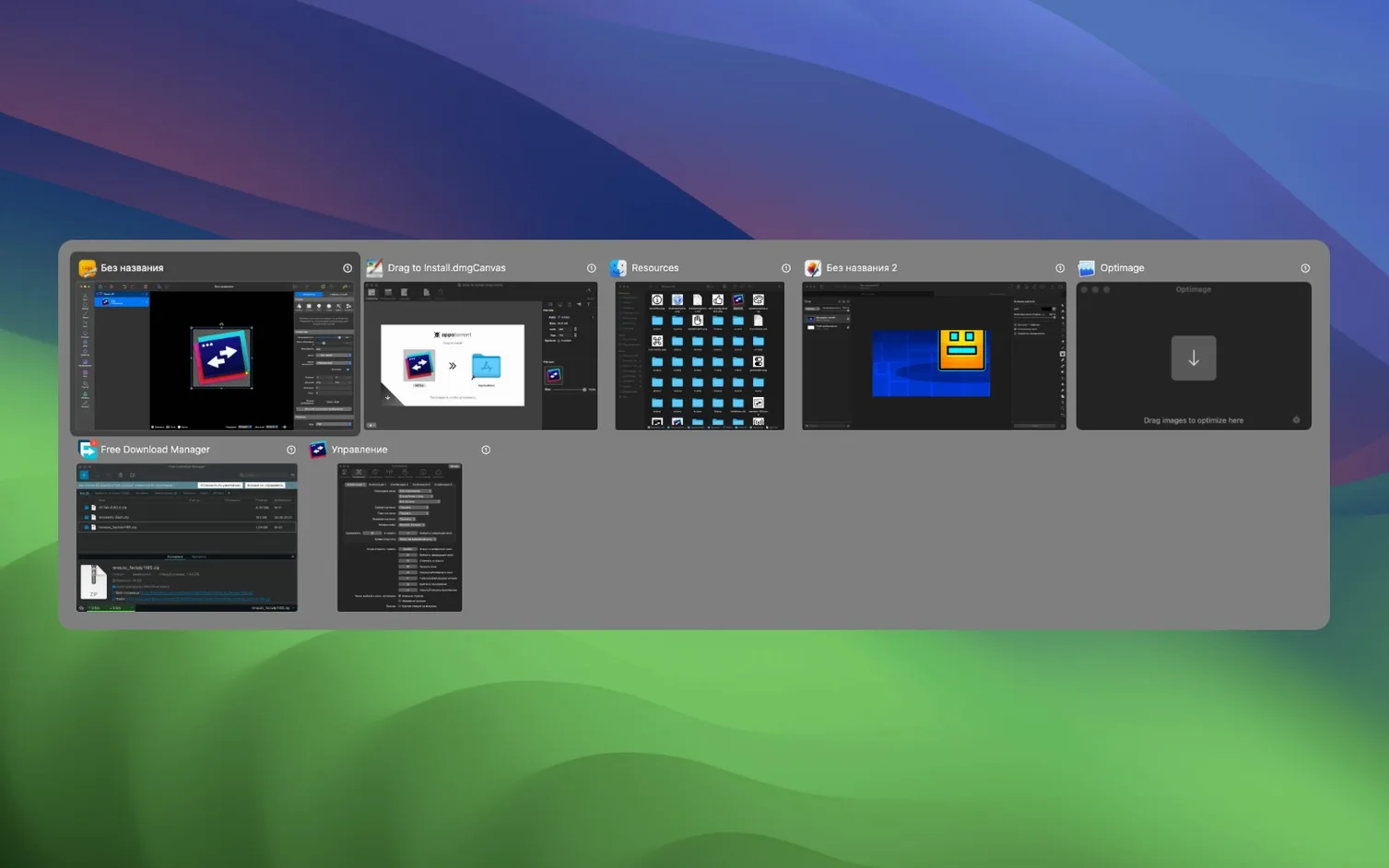
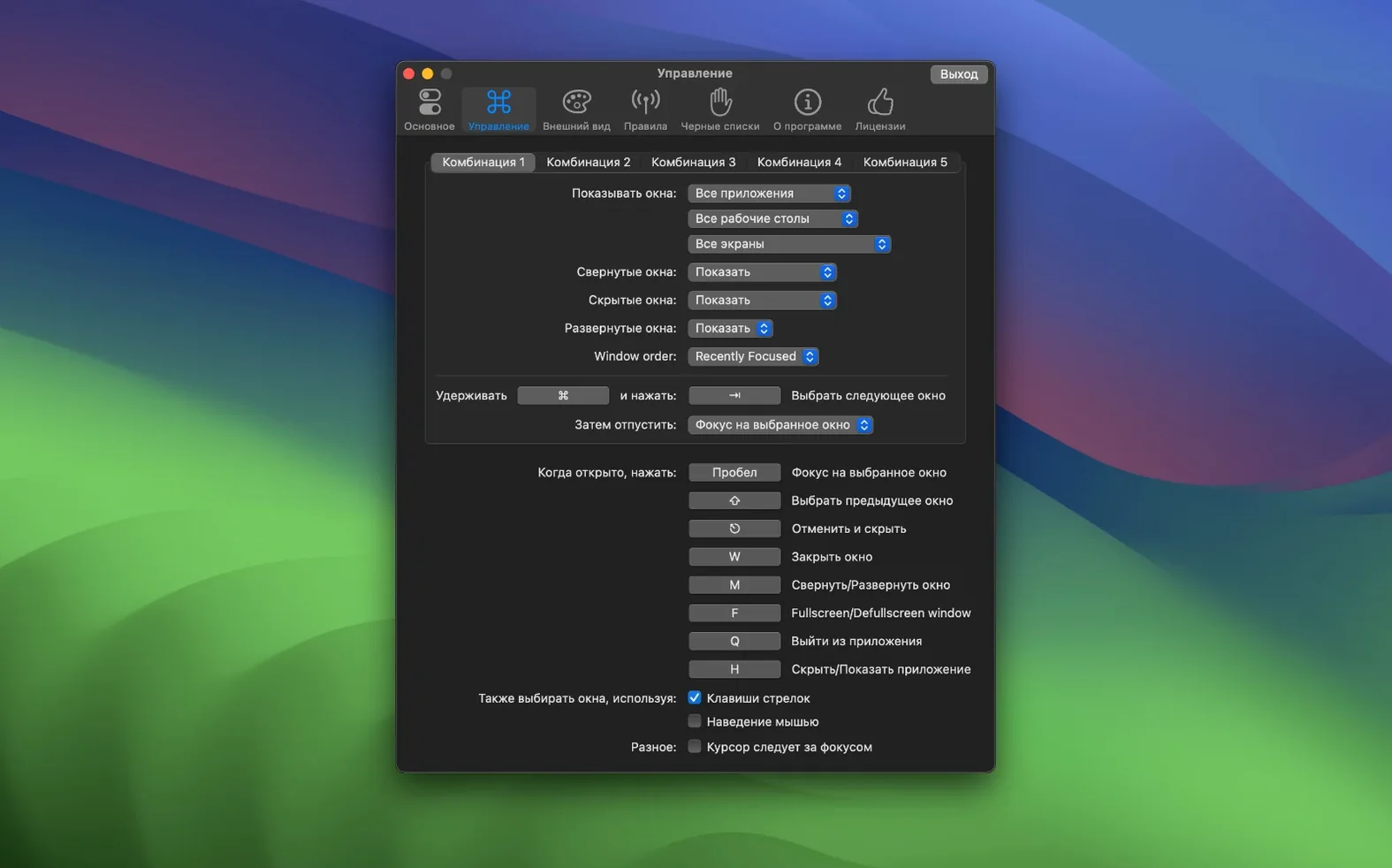
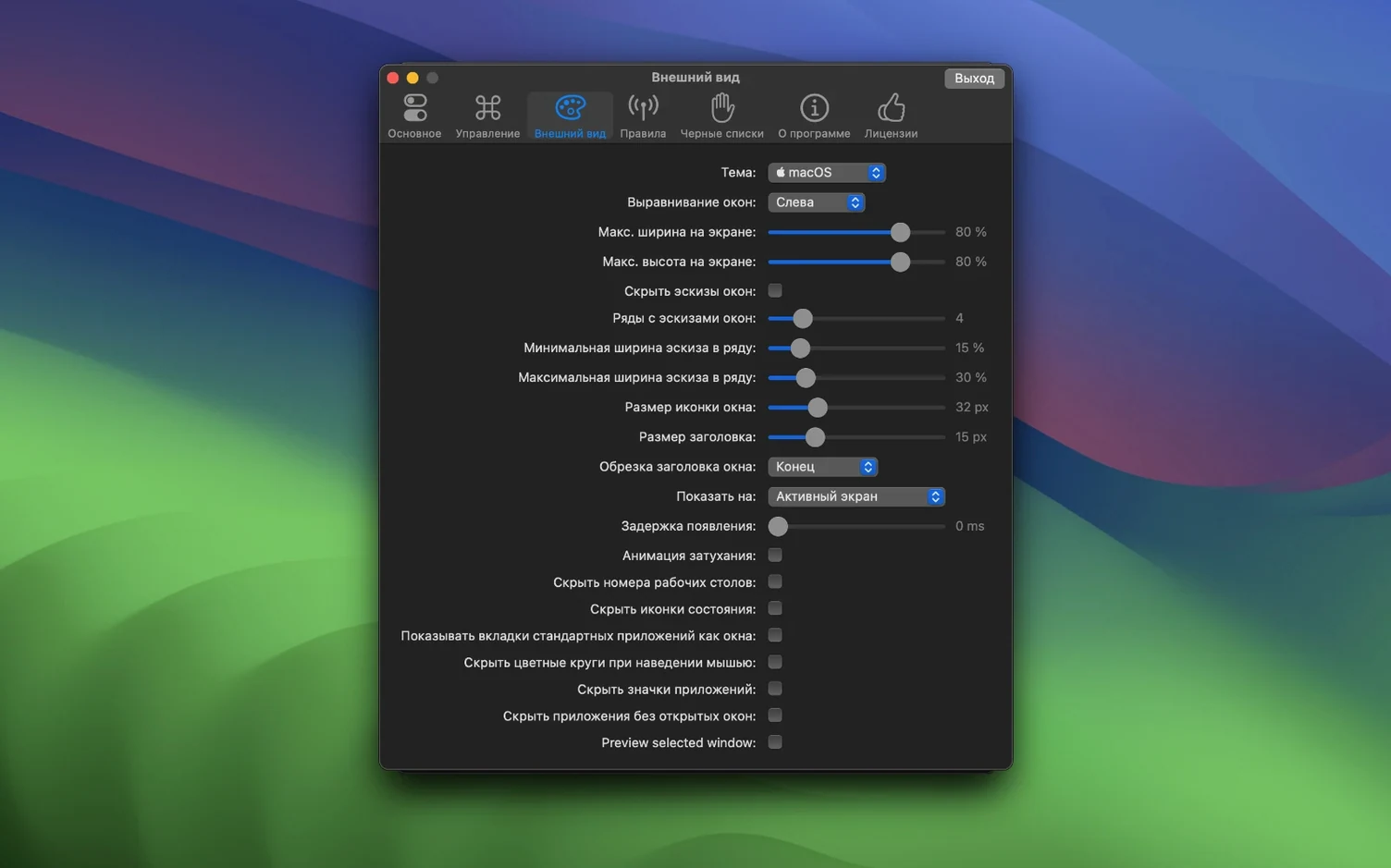
A window switcher with configurable shortcuts and live thumbnails. Drag items over those thumbnails to open or position them. Dark mode is built in. A blacklist keeps specific apps out of the switcher, and you can hide or close windows directly. Accessibility features like VoiceOver, Sticky Keys, and reduced transparency are supported.
Certain gestures stay hidden until you stumble into them. If you hold the modifier key a beat longer, the preview stays on screen after you release — useful when you are not yet sure which window you need. A quick double-tap on the shortcut hides the current app entirely. In the settings you can also bind a dedicated key for minimizing the front window without ever opening the switcher. Few people find that one.
Under one second
The app launches cold in under a second. Once it is resident, switching adds no perceptible lag, even with fifteen or twenty windows in the stack. Memory sits around 90 MB during normal use; the leak that crept in when reopening Settings was fixed in 11.7.0 and stays fixed here. CPU use is near zero between invocations. On an M-series Mac the fan never stirs for this. After a week of uptime the switcher still appears with the same frame-perfect timing it had on day one.