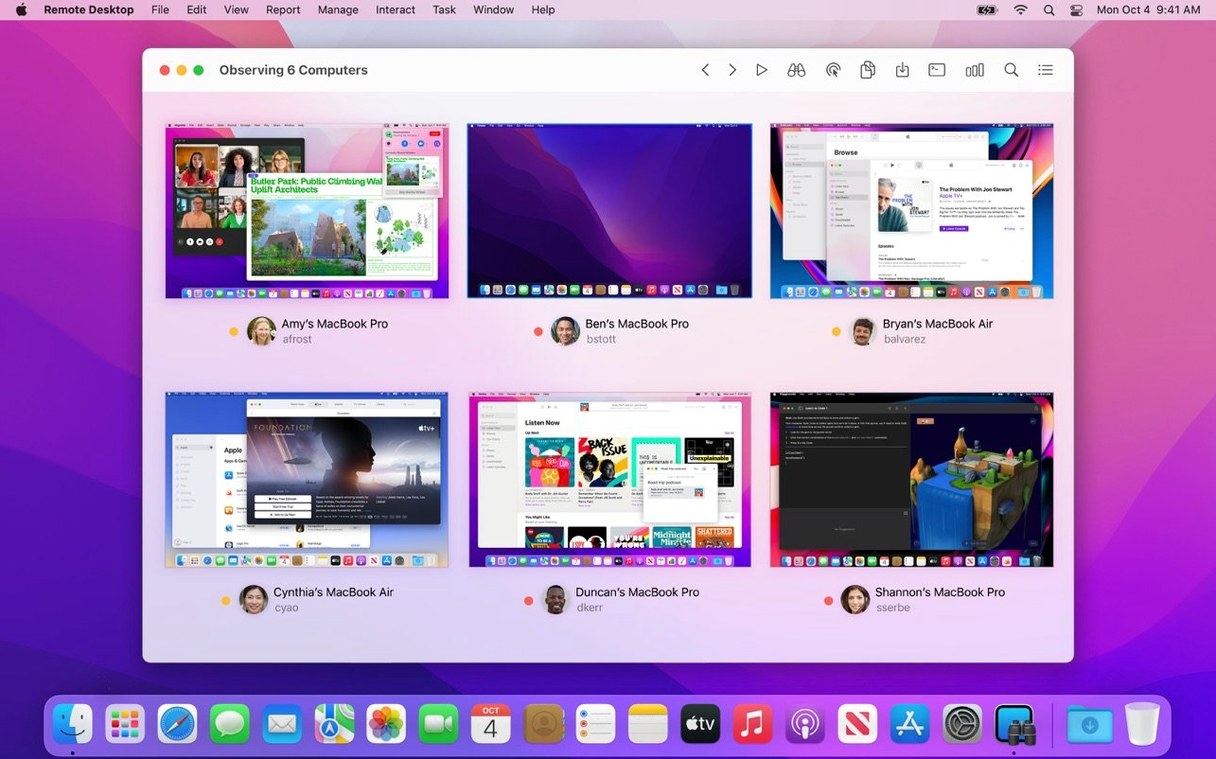
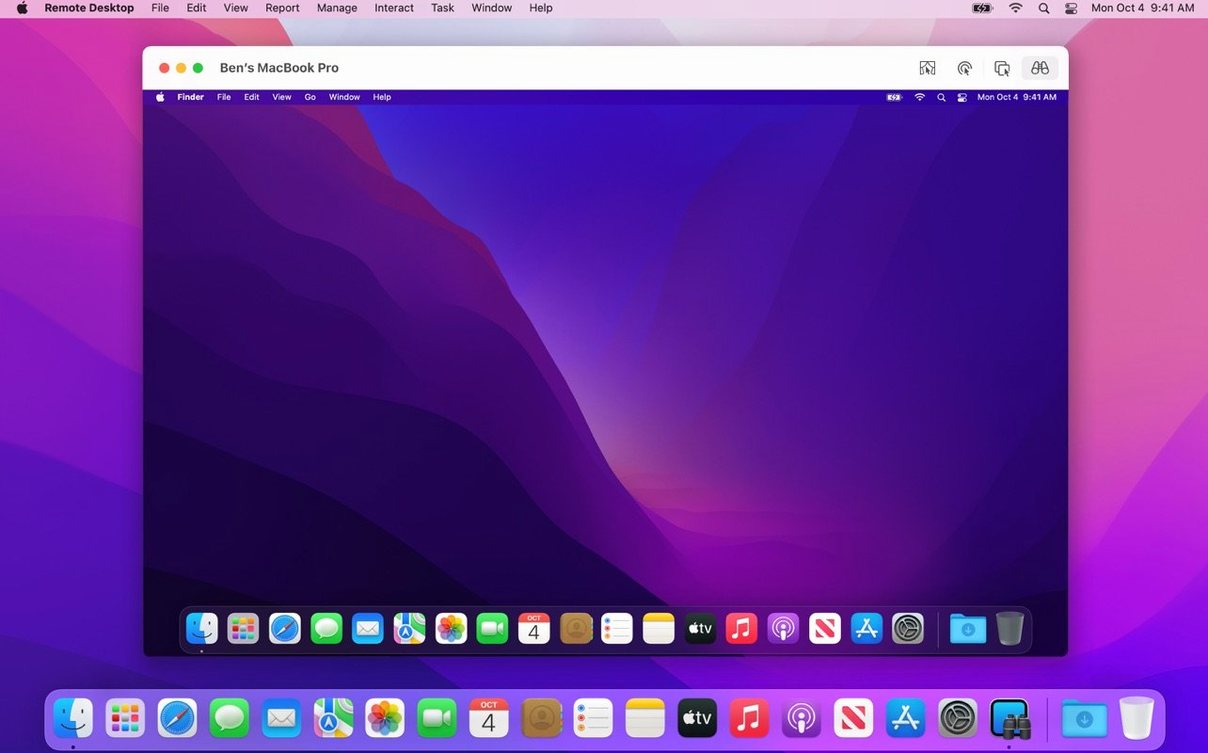
Managing a lab full of Macs usually means a lot of walking. Apple Remote Desktop removes the trip. One screen, many Macs, all reachable from your desk.
Fleet automation
- Installing software on dozens of Macs at once
- Remote lockdown—sleep, wake, restart, or shut down
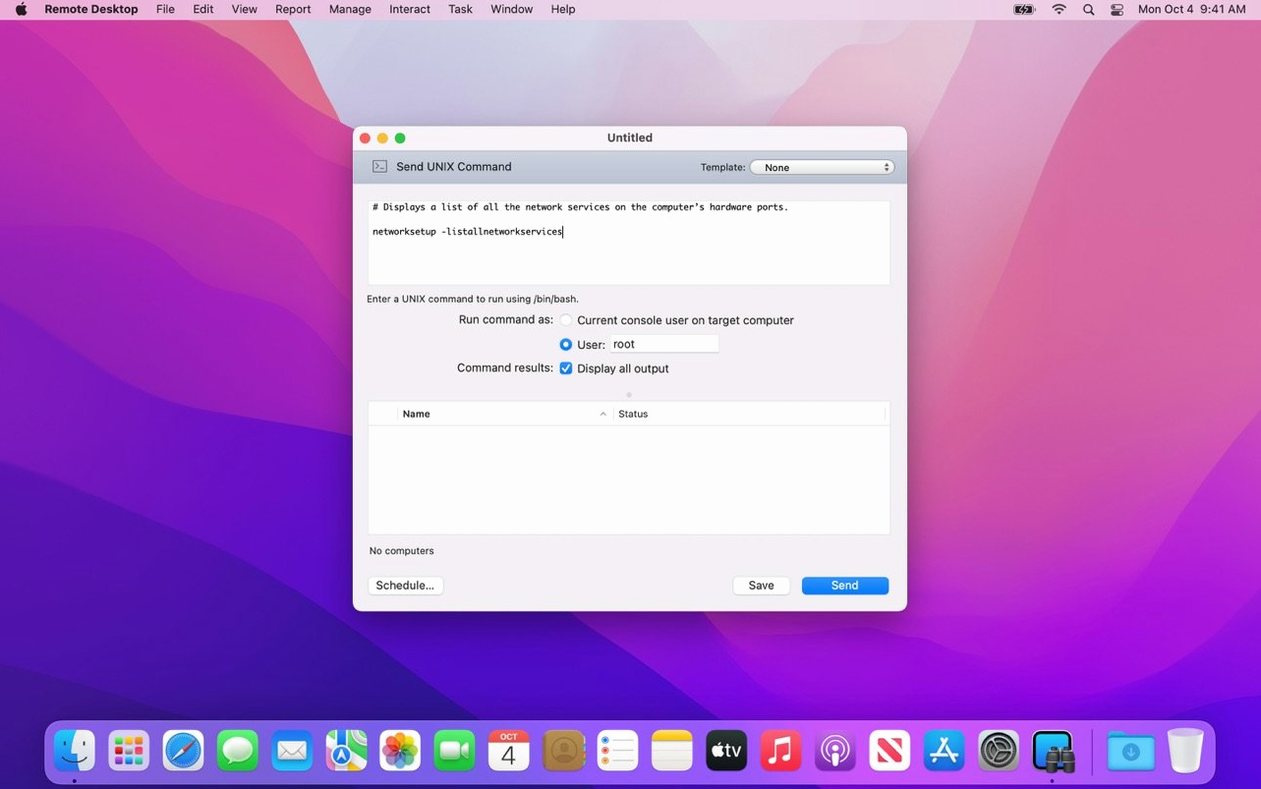
- Running UNIX commands across the fleet
- Copy and paste between your Mac and a remote one
- Generating reports on over 200 hardware details
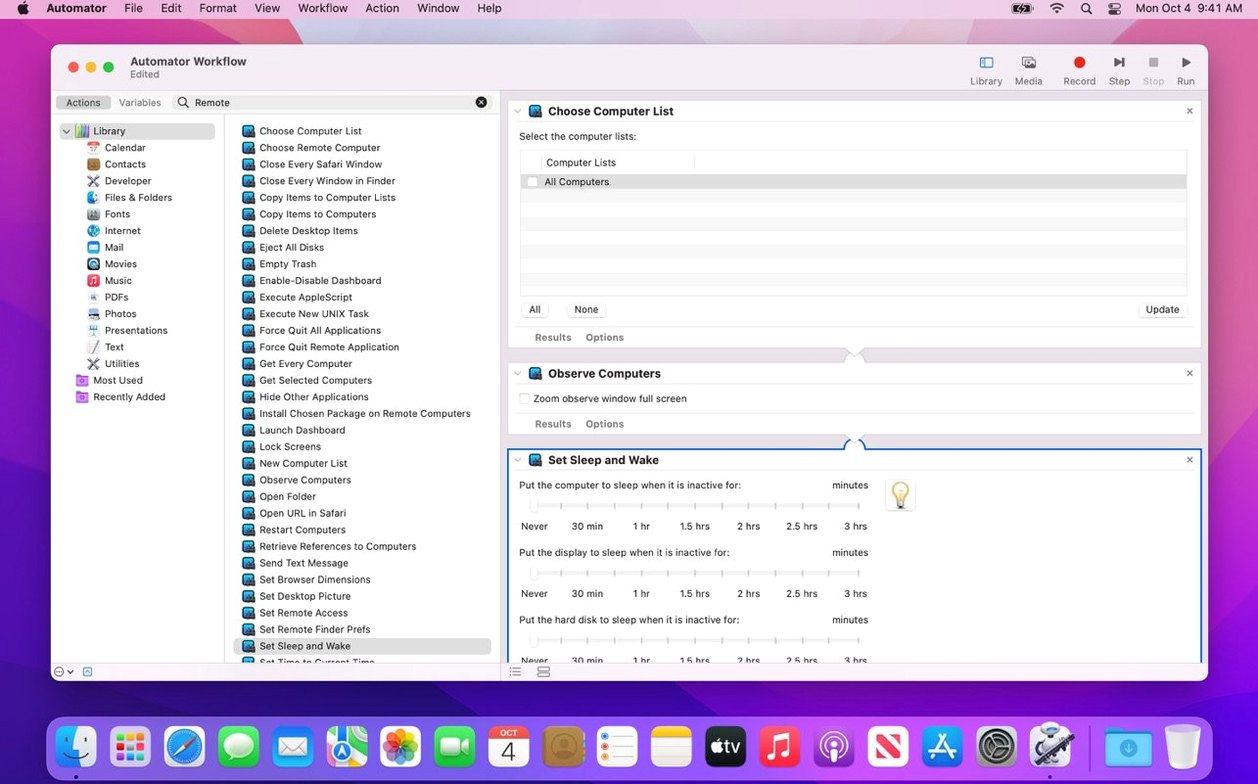
- Automator actions (40+) for repetitive work
- VNC access to Windows and Linux boxes
- Curtain Mode to blank the client screen
Directional search
- Needs macOS 15.5 or later for version 3.10
- Remote Spotlight search is one-directional
Tahoe compatibility
Version 3.10 is a quiet update. It adds macOS Tahoe 26 compatibility. That matters more than it sounds—no broken connections after the OS upgrade.
Two small additions shift daily use. A Remote Keyboard menu item now lives in the toolbar on Tahoe 26. No more digging through menus to send keystrokes to a distant Mac. And VoiceOver support extends to the remote screen. A help desk tech can now hear what a visually impaired user's Mac is speaking, right from their own desk.
Bug fixes and performance tweaks round out the release. Scrolling a remote screen feels a tick smoother. Connections hold steadier after sleep.
Font deployment
Monday morning. Twenty-four iMacs in the design lab need the latest font package.
You open Apple Remote Desktop. The scanner list populates—green dots across the board. You select all twenty-four, drag the installer package onto the group, and set it to copy. An encrypted transfer begins. Six minutes later, every machine has the fonts.
One station shows a yellow dot. A user forgot to log out. You send a polite lock-screen command. Then you schedule the logout for noon, when the lab empties.
While the transfer runs, you pull a quick hardware report. Three machines have less than 20GB free. You flag them for cleanup.
A designer messages you: her screen froze. You open Curtain Mode, take control, and restart the Finder without leaving your chair. Her screen stays blank while you work. She never sees the fix, just the result.
The whole morning fits in forty minutes. The hallway stays quiet.
Fits these users
School IT coordinators get the most. A single person managing a cart of thirty MacBooks can push software, lock screens during tests, and gather inventory reports without touching a device.
In-house help desk teams use it differently. Curtain Mode and remote control let them fix problems while the user watches—or doesn't. The clipboard sharing alone saves a dozen email attachments a day.
Lab managers in design studios or university departments lean on the reporting engine. Knowing which machine has which GPU, how much RAM is free, or who logged in last becomes a typed query, not a physical inspection.
For solo freelancers managing a couple of Macs, it is overkill. Screen Sharing does enough. Apple Remote Desktop earns its place when the count passes ten.
It is a utility that trades the hallway for a keyboard.