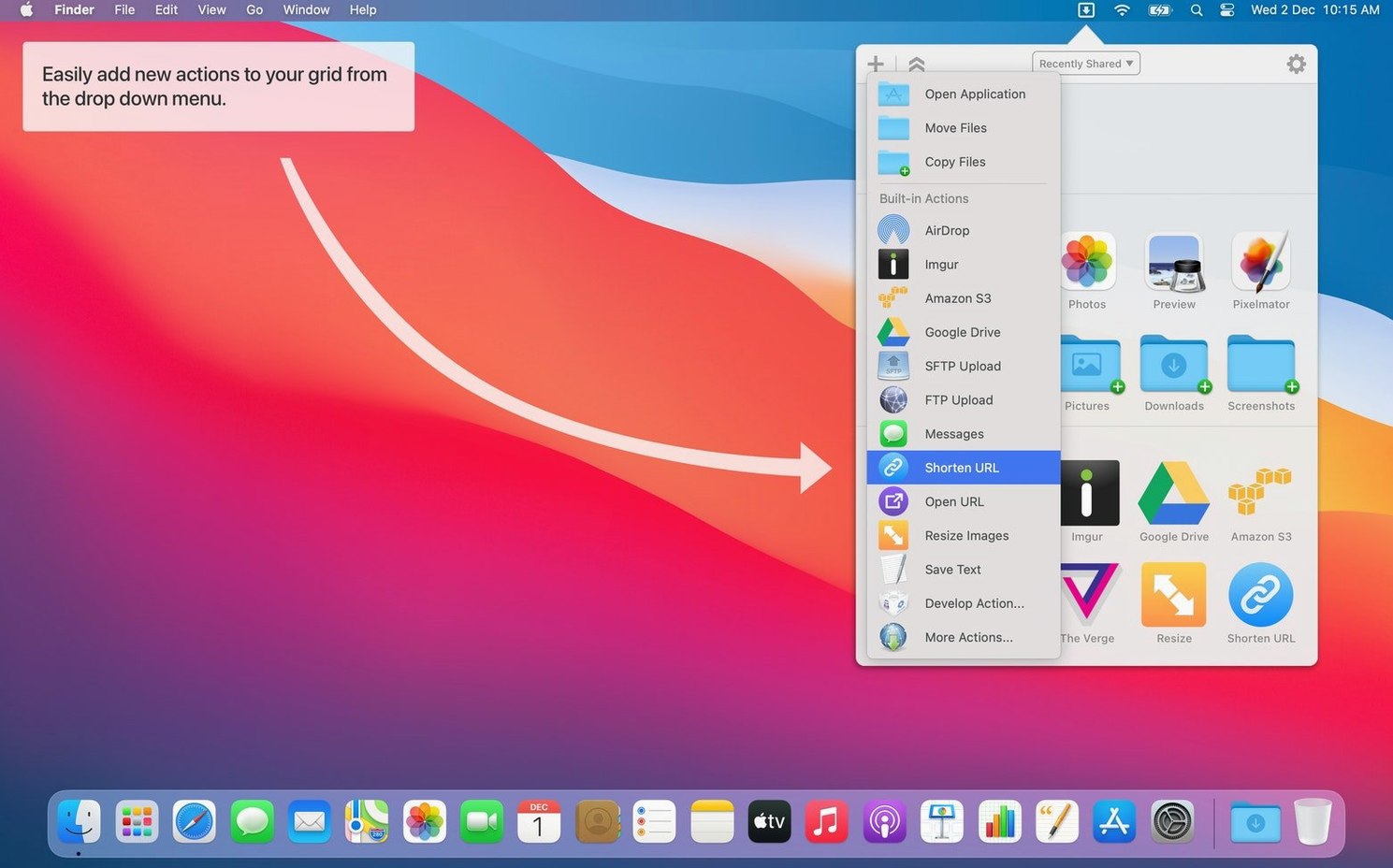
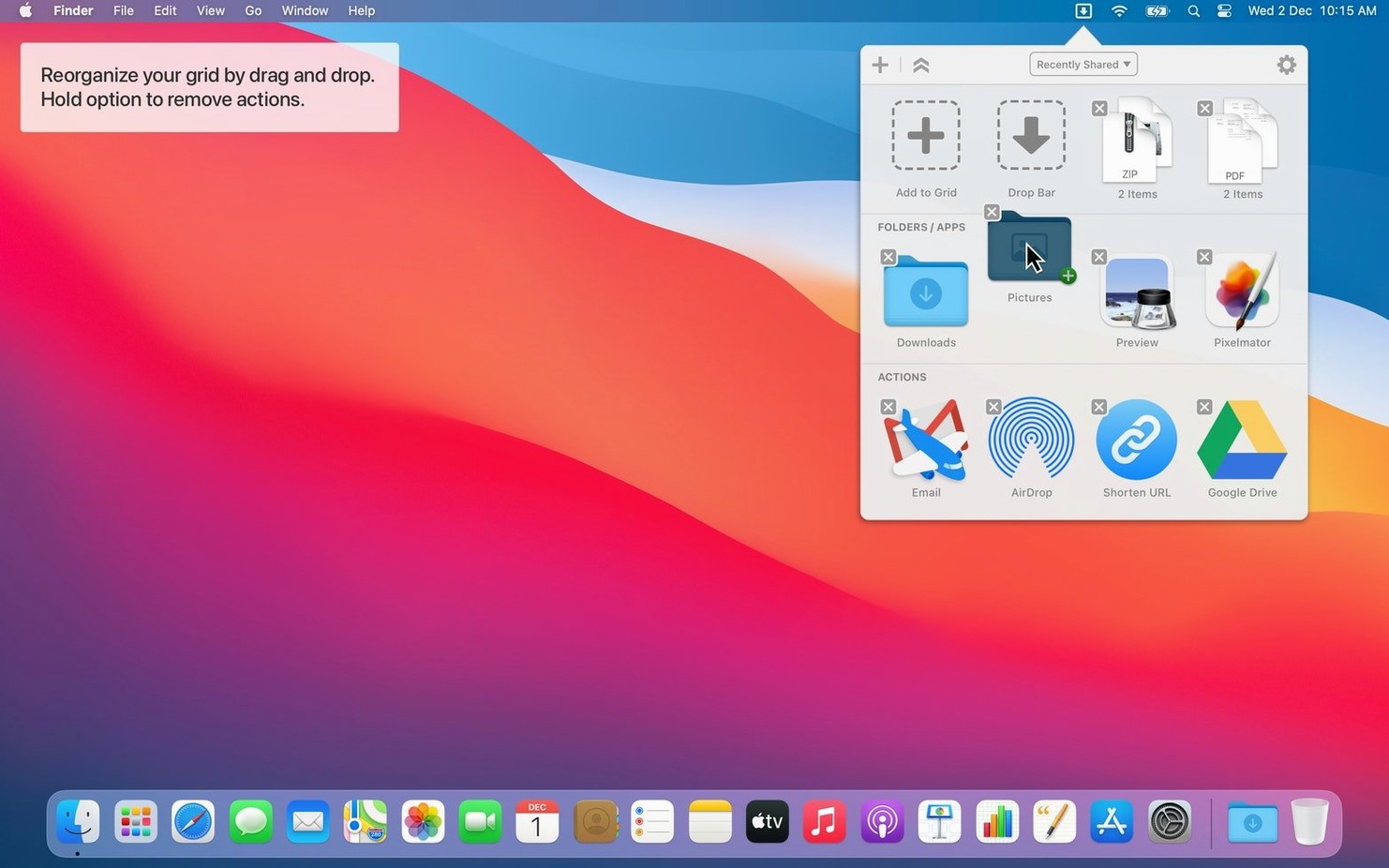
A new Run with Clipboard option arrives in the action context menu. The Share menu also sends text and URLs straight to Dropzone now.
Grids and scripts
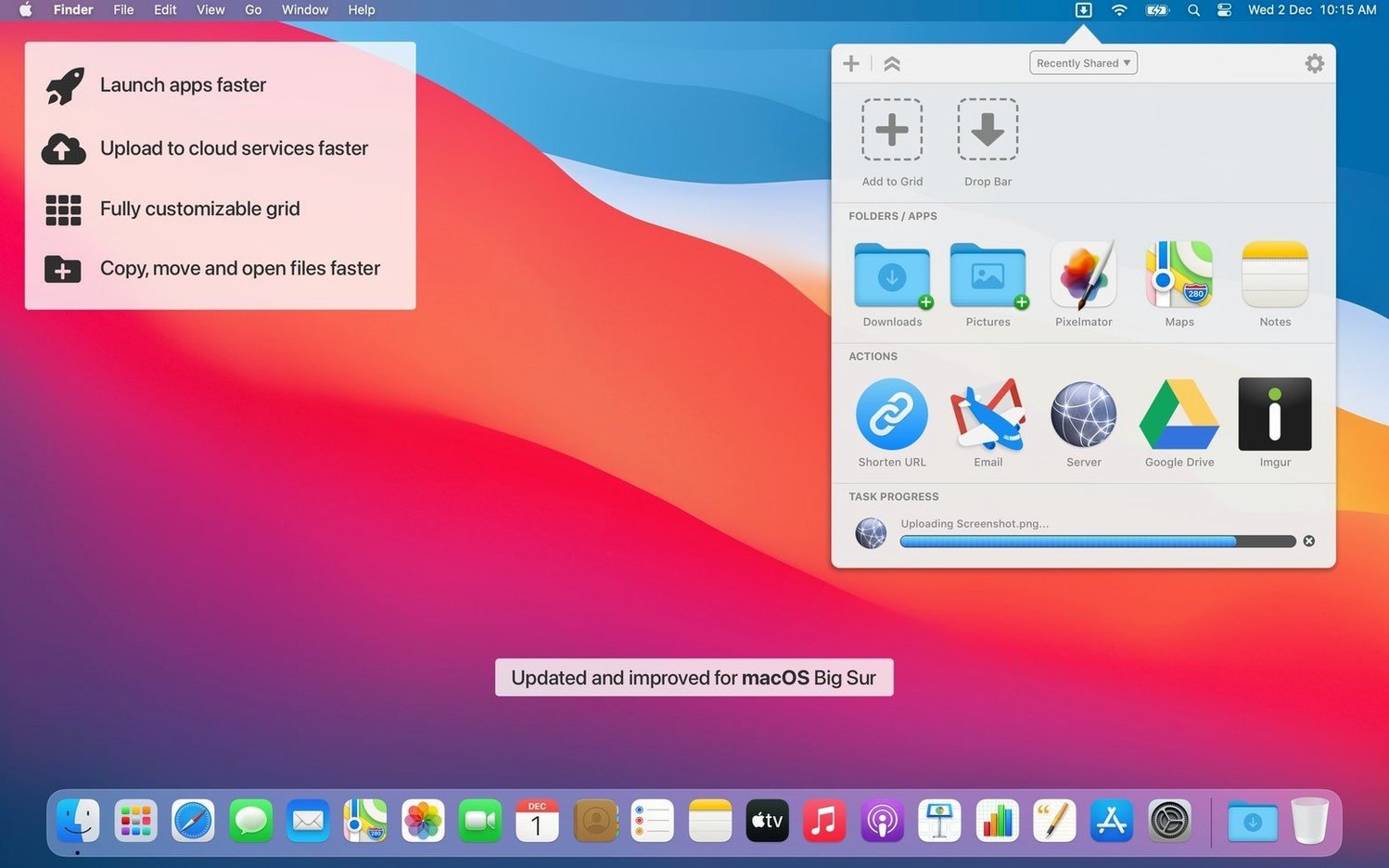
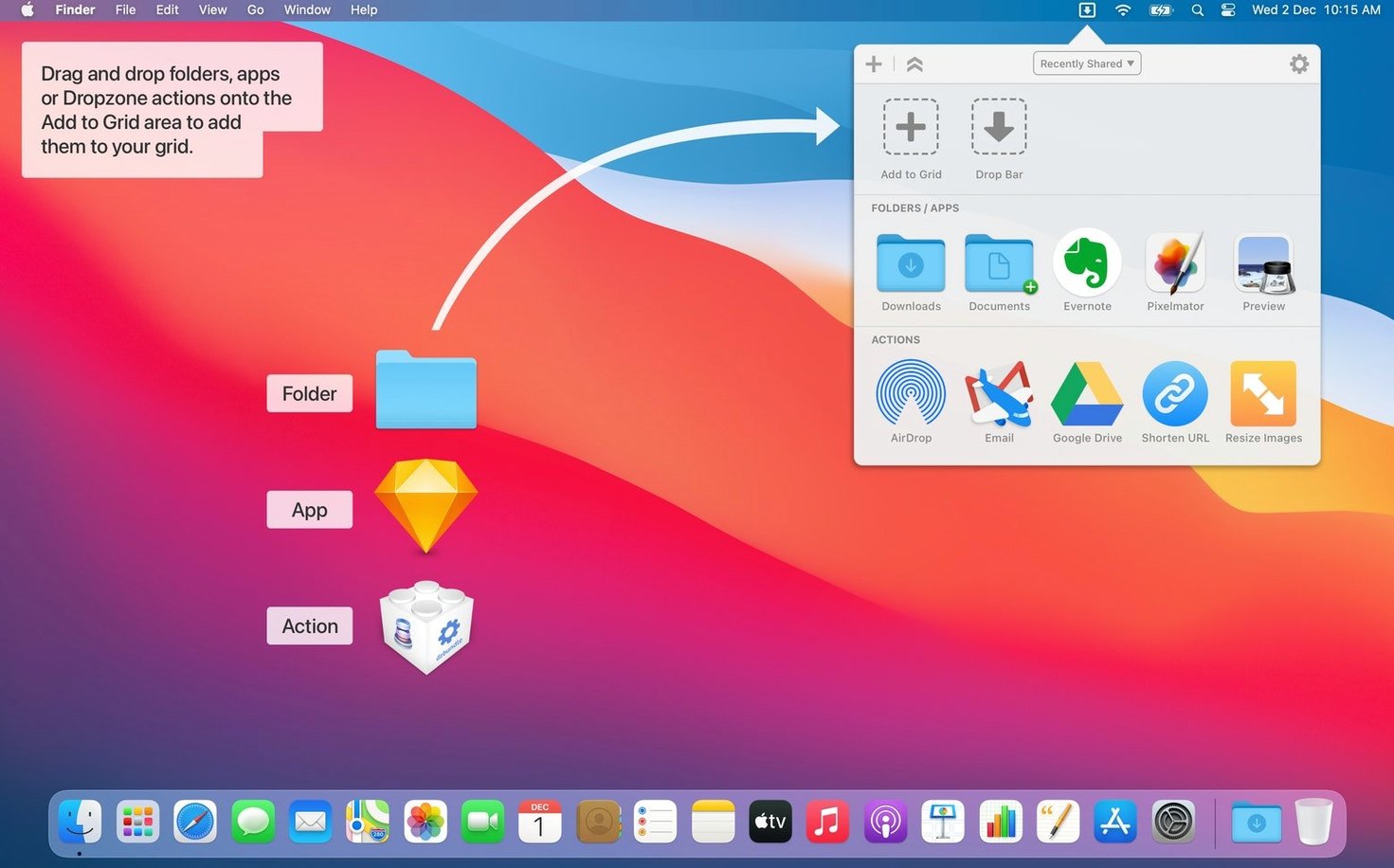
Multiple grids hold your shortcuts. A file lands on an icon and the saved action runs—moving, copying, or uploading to Amazon S3. The holding area stores files temporarily. Progress appears in Notification Center, out of your way.
Create or modify actions with Ruby or Python. The command-line tool, dz, opens this up further for those who prefer typing to dragging.
Quiet automation
Paste a URL to download a YouTube video. Set up a grid of app launchers. Once configured, the menu bar stays small and the actions stay fast. That is the point.
People who move between Finder and a handful of destinations all day get the most out of Dropzone. Designers dropping exports into project folders. Developers pushing builds to a staging server via FTP. Writers who stash research clips in the holding area before slotting them into place.
It rewards users who think in shortcuts. The kind of person who already uses hotkeys and keeps a tidy Dock. You set up a grid once, then barely look at the menu bar. The app recedes.
Dropzone fits beside LaunchBar or Alfred without overlap. Those tools fetch and find; Dropzone acts on what you already have selected. It also plays well with the Finder toolbar—drop a file onto Shortcuts or folder icons there, and the grid is waiting above.
The Share menu integration ties into Safari, Notes, and anywhere else you highlight a URL. Send a link straight to a shortened-URL action. No copy, no extra clicks.
People searching for a Dropzone 5 Mac torrent often want the grid without friction. What they find is an app that replaces repetitive Finder windows with a single motion. For anyone who already knows where the file belongs, that is enough.