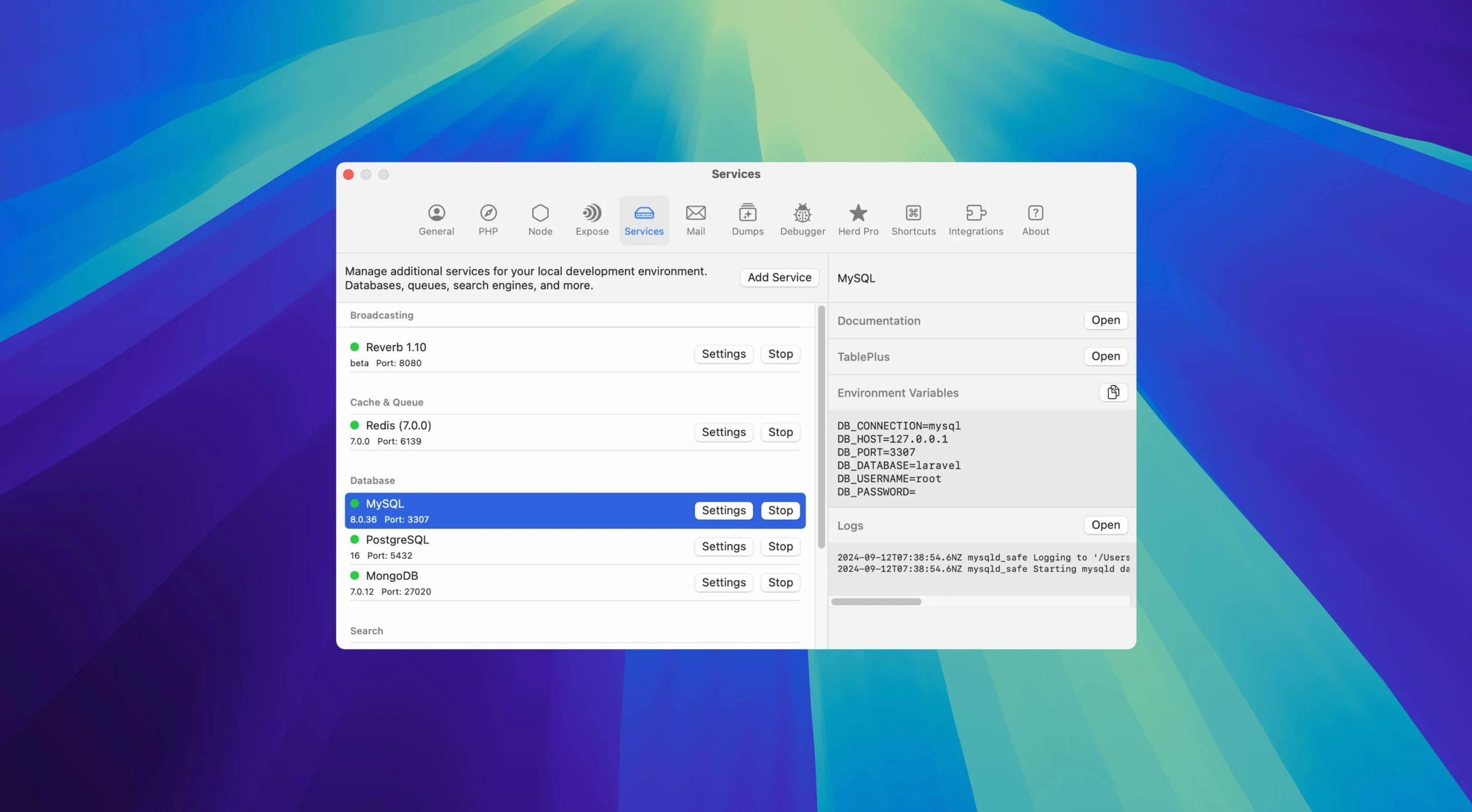
Managing PHP versions, databases, and mail previews on a Mac usually means running several separate tools. Herd Pro removes that layer of small decisions.
Version switching
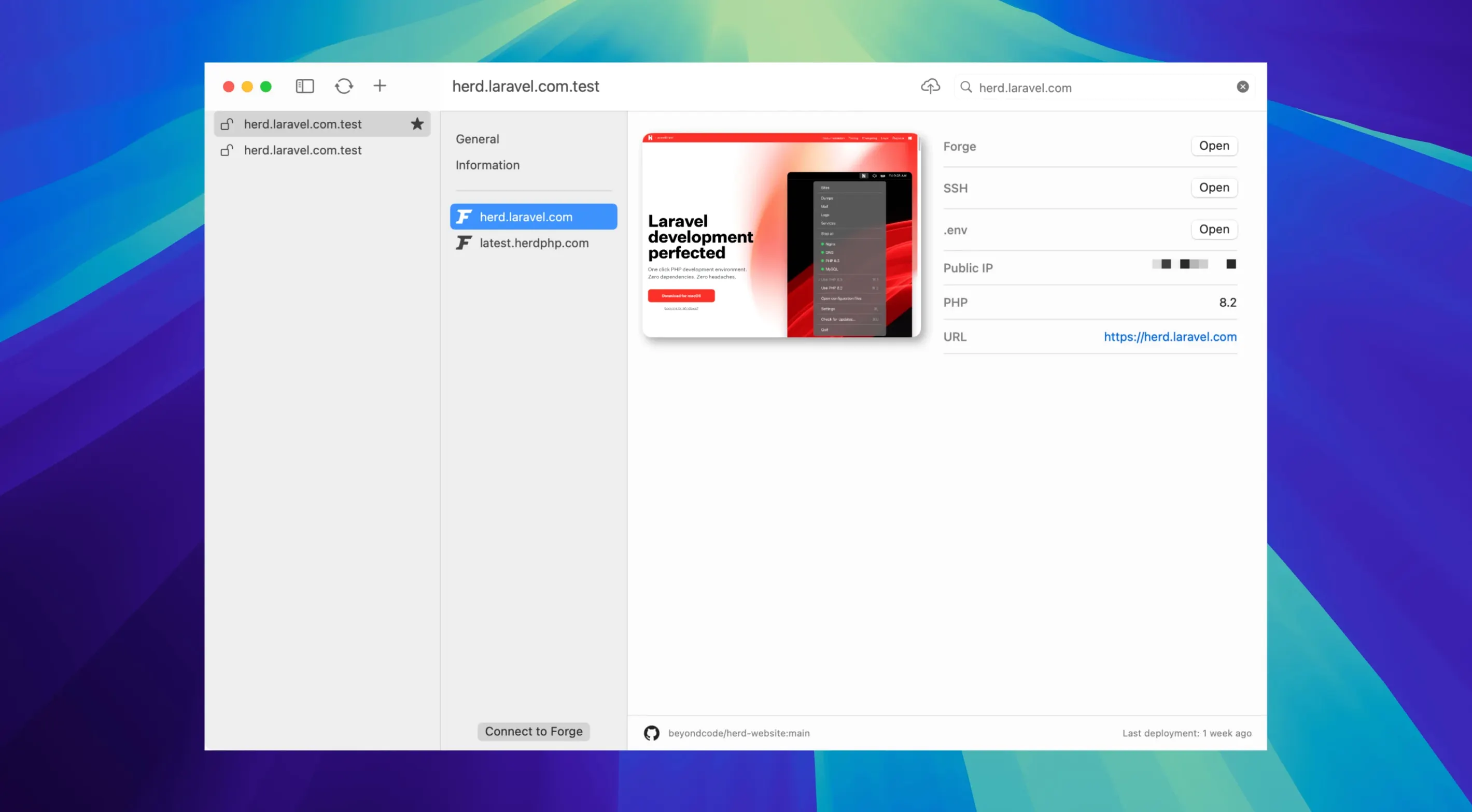
- Set each site's PHP version, from 7.4 to 8.5, and its services.
- Develop locally with PHP, nginx, and dnsmasq already in place.
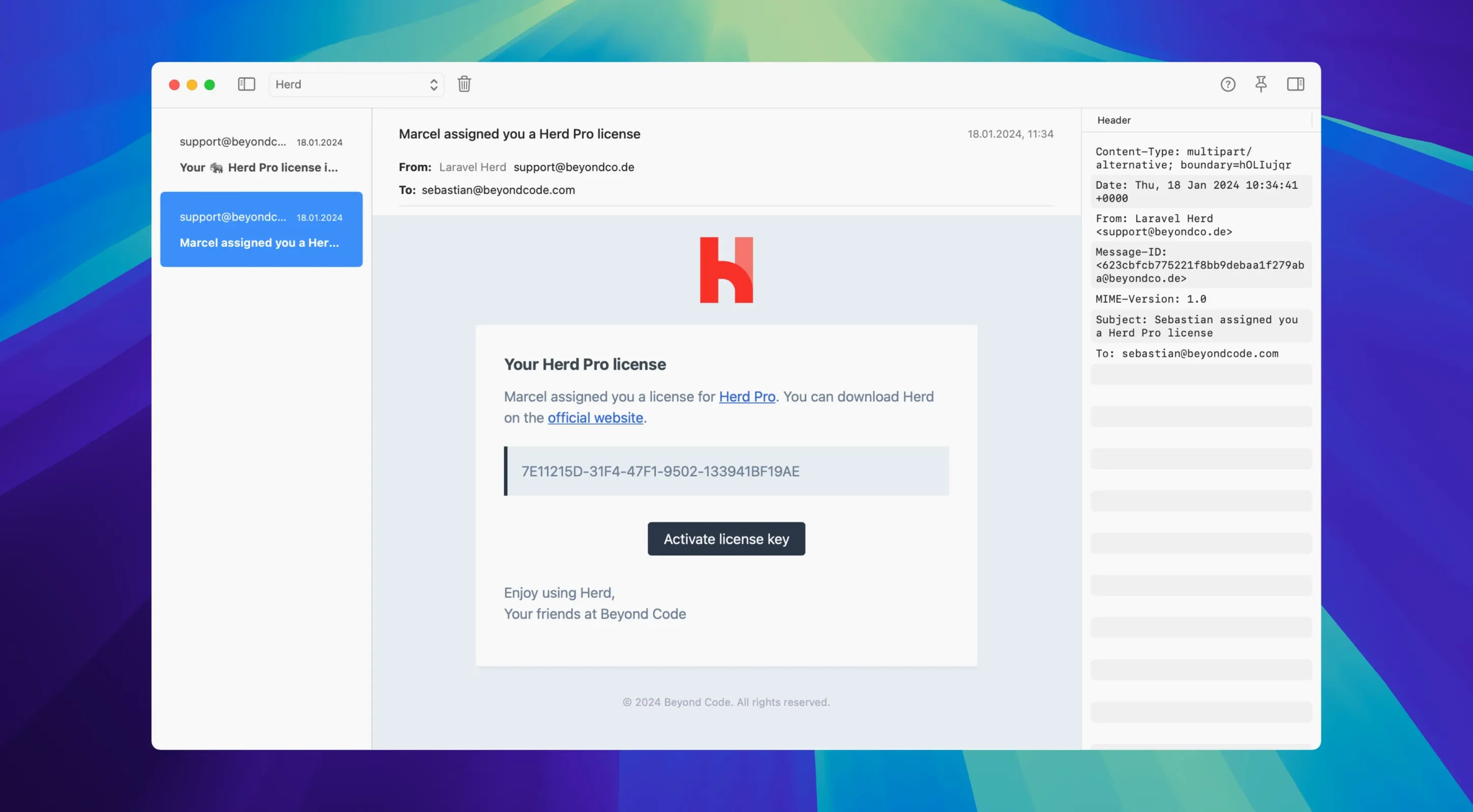
- Capture mail and inspect the HTML or text version, attachments, and headers.
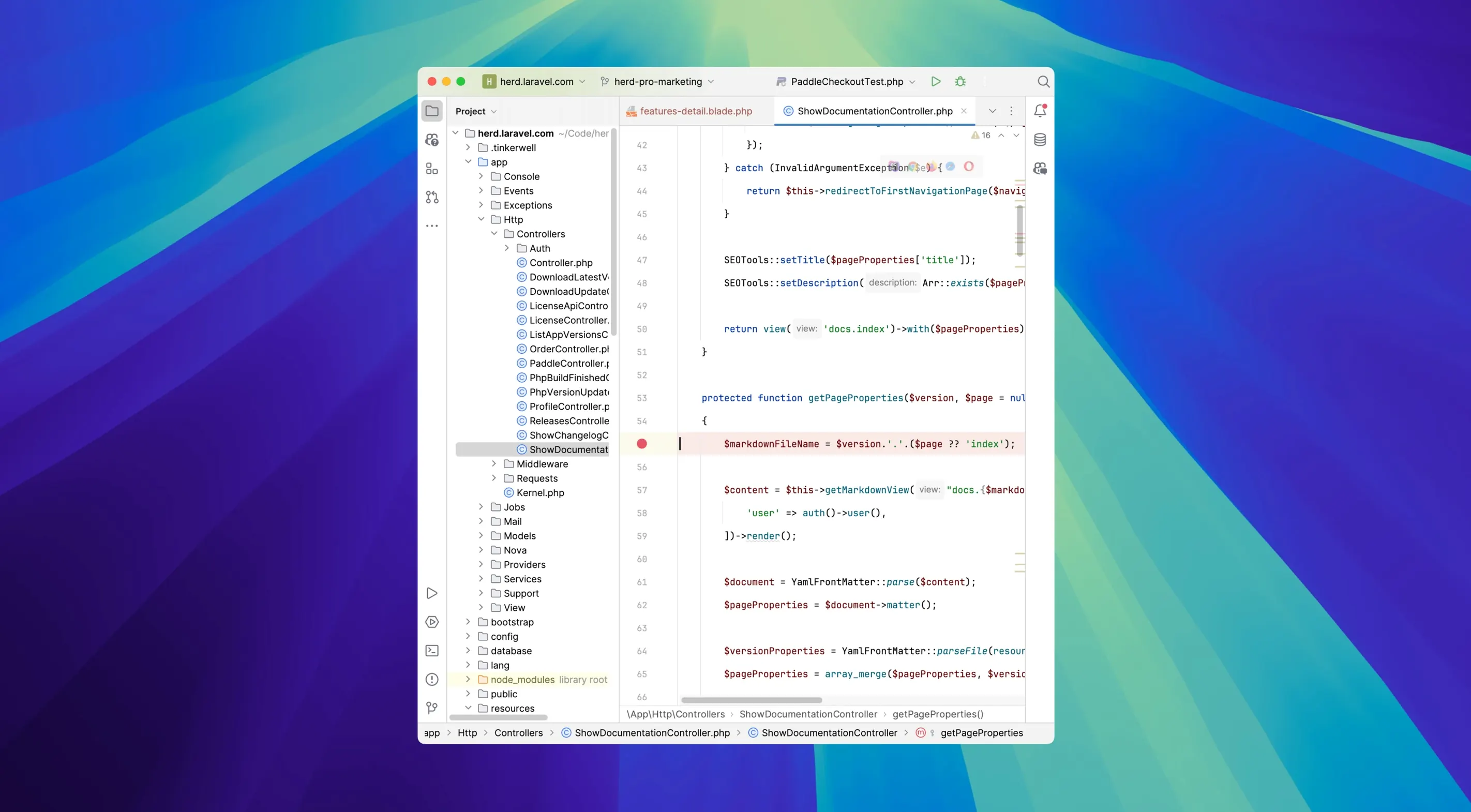
- Filter logs by variables, queries, jobs, views, or requests, then jump from an entry to the line in your IDE.
- Deploy through Forge when the site is ready.
Settings live in a file you can share with a team. Migrating from Valet keeps your sites, certificates, and preferences. It runs on Apple Silicon and Intel Macs.
It starts without ceremony. The menu bar icon appears and sites answer at their .test addresses. The memory footprint stays modest — a cluster of services idling under 200 MB on an Apple Silicon machine. Switching PHP versions for a project takes a second, not a terminal session of symlink adjustments. No launch daemons to babysit, no Homebrew dependency chains to untangle after an OS update.
Xdebug is the quietest part of this. It stays off until a debugging request arrives, so day-to-day work doesn't carry the performance penalty of a debugger-on-all-the-time setup. When you dd(), the output lands in a separate window with syntax highlighting and stays there between requests. You stop scrolling through a broken page hunting for a variable dump.
Shared config
Developers juggling several Laravel projects, each with different PHP versions and service requirements. Herd Pro handles the permutations without Docker desktop overhead. Teams get a single settings file they can commit — no "works on my machine" drift when someone switches a project to PHP 8.5 and the staging server disagrees.
Freelancers who deploy through Forge get a short path from local to production. The mail capture on port 2525 saves setting up Mailpit or MailHog separately; password reset flows and notification templates become testable without sending real email. Developers new to macOS from Linux find it behaves like a native tool, not a virtual machine dressed in a GUI.