You open a raw file from the morning shoot. Instead of jumping to a raw developer, then a retouching app, you stay in one window. Skin smoothing, sky replacement, a crop that follows the rule of thirds—all done in a few clicks.
Single-image editor
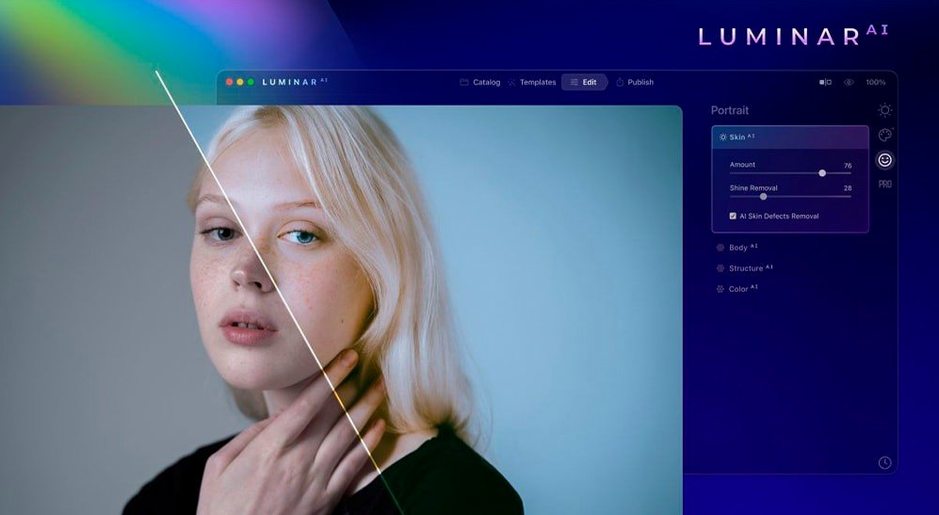
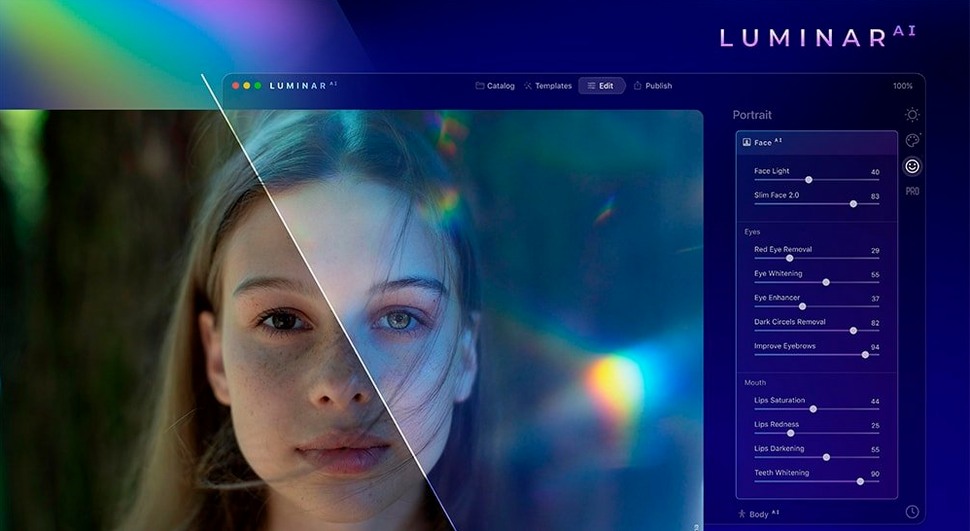
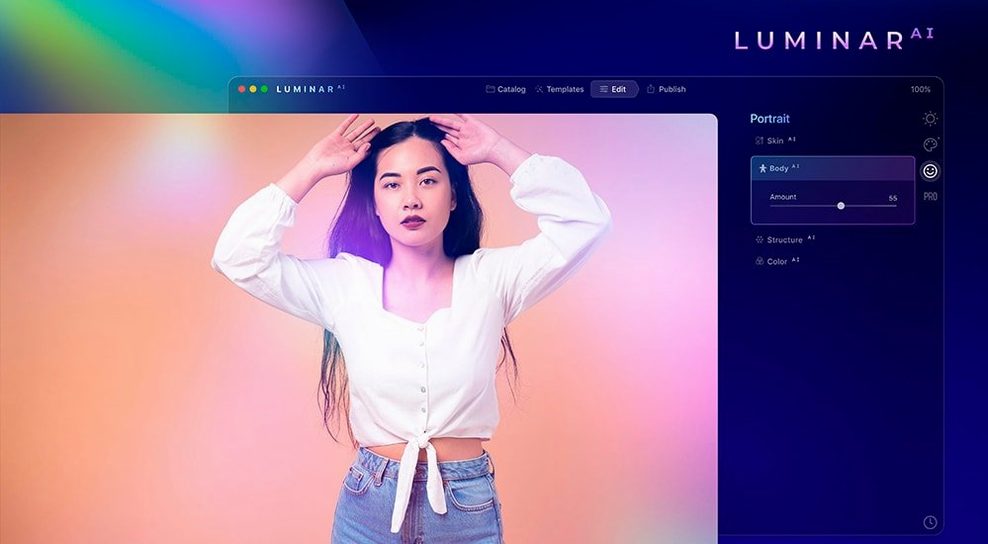
Luminar AI is not a library manager. It works best as a single-image editor next to the Finder, or as a plugin for a host you already use. The tools lean toward portraiture and atmosphere. Body AI, Iris AI, and Skin AI handle retouching chores without erasing texture. Atmosphere AI adds fog, haze, or drizzle—effects that usually require masks and layers elsewhere.
Slider collapse
The app collapses steps. Composition AI crops for you. Structure AI pulls detail from faces, water, and sky in one slider. Bokeh AI fakes background blur without a fast lens. It is editing for a morning when you want the image, not the process.
Speed and weight
On an M1 Mac, the app opens cold in under six seconds. Tools like Sky AI and Skin AI resolve quickly—usually under a second for a 24-megapixel raw. No spinning beach ball.
Memory sits around 1.2 GB during an active session. That is heavier than a raw developer but expected for a pixel-level editor. Fans stay quiet. Exports run fast.
Stability on version 1.5.5 is uneventful. A full afternoon of portrait work—no crashes, no slow memory creep. The TNT build asks for a quick Terminal bypass during install. After that, the app launches and runs just like any other Mac editor.
Right-click roundtrip
You can send a photo from Photos.app with a right-click. The edited version returns as a TIFF. It also works as a plugin for Lightroom Classic and Photoshop—useful when you want the AI retouch tools without leaving a catalog.
For quick Finder work, drag a raw onto the dock icon. Edit. Export. No library, no import dialog. This flow pairs well with a folder-based organizer or the luminar ai download mac routine for fresh installs.
Drag-and-drop between Luminar AI and Pixelmator Pro works smoothly for finishing touches the AI tools do not cover. The clipboard handles 16-bit color without complaint.
Accent discovery
Start with Accent AI and a portrait raw. Move the single slider and watch exposure, color, and contrast adjust together. It is the fastest way to learn what the engine can do—and what it cannot.
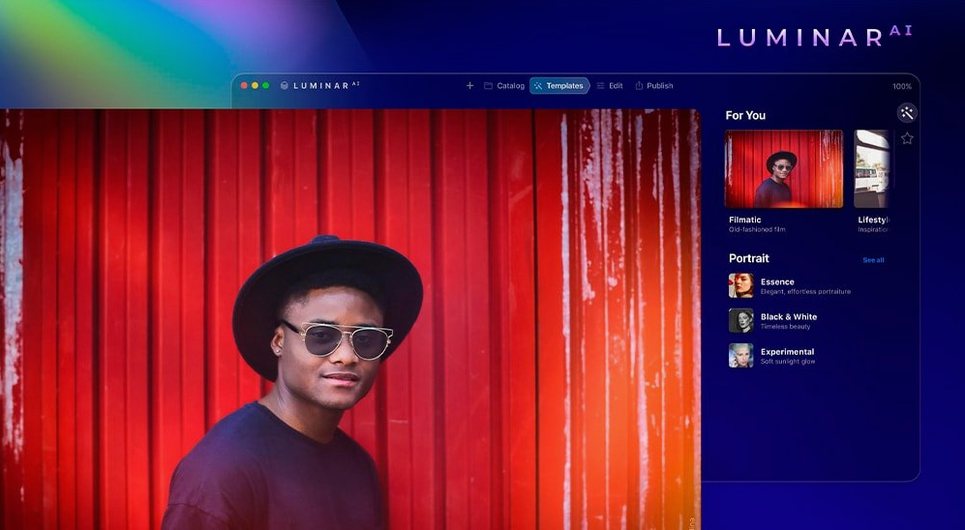
Then open Templates. Pick one. Apply it. Undo with a keystroke. Spend ten minutes doing this. You will find three or four that match your taste, and you will stop editing from scratch.
Skip the library tab entirely. Use the Finder. Create a folder called Edits for exports. Keep the catalog tidy by never building one.