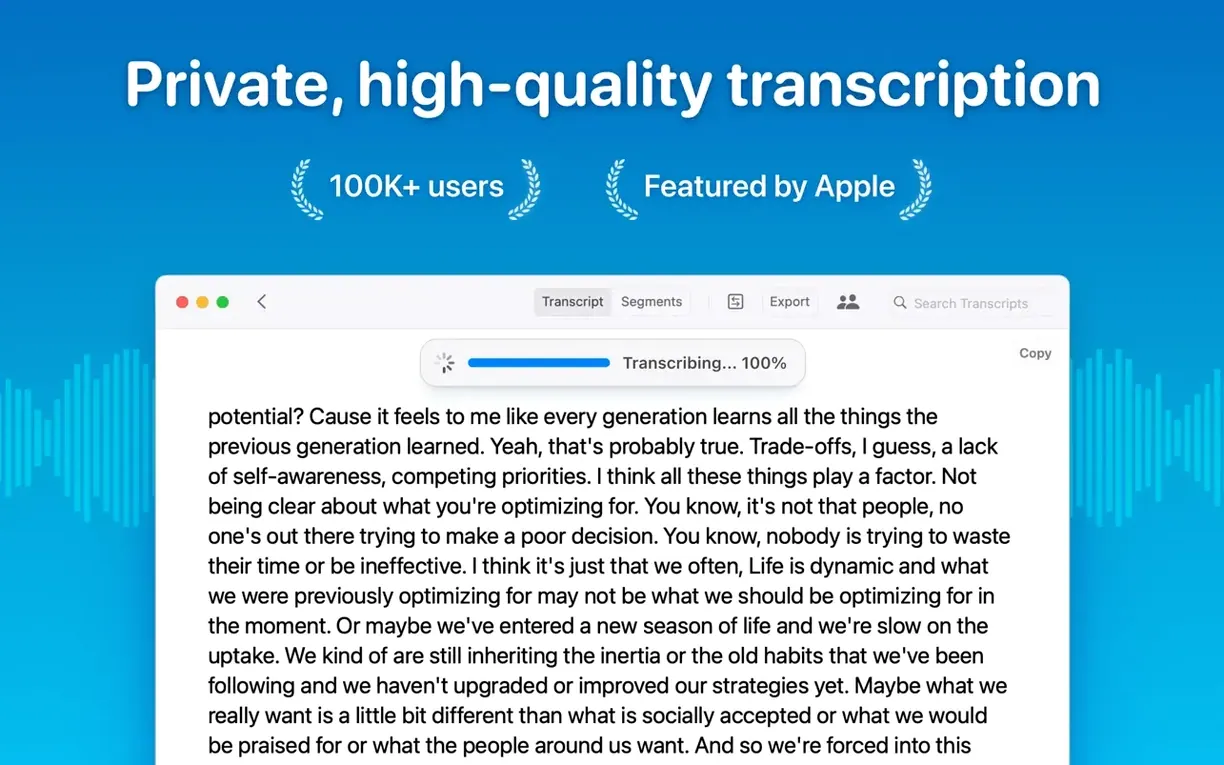
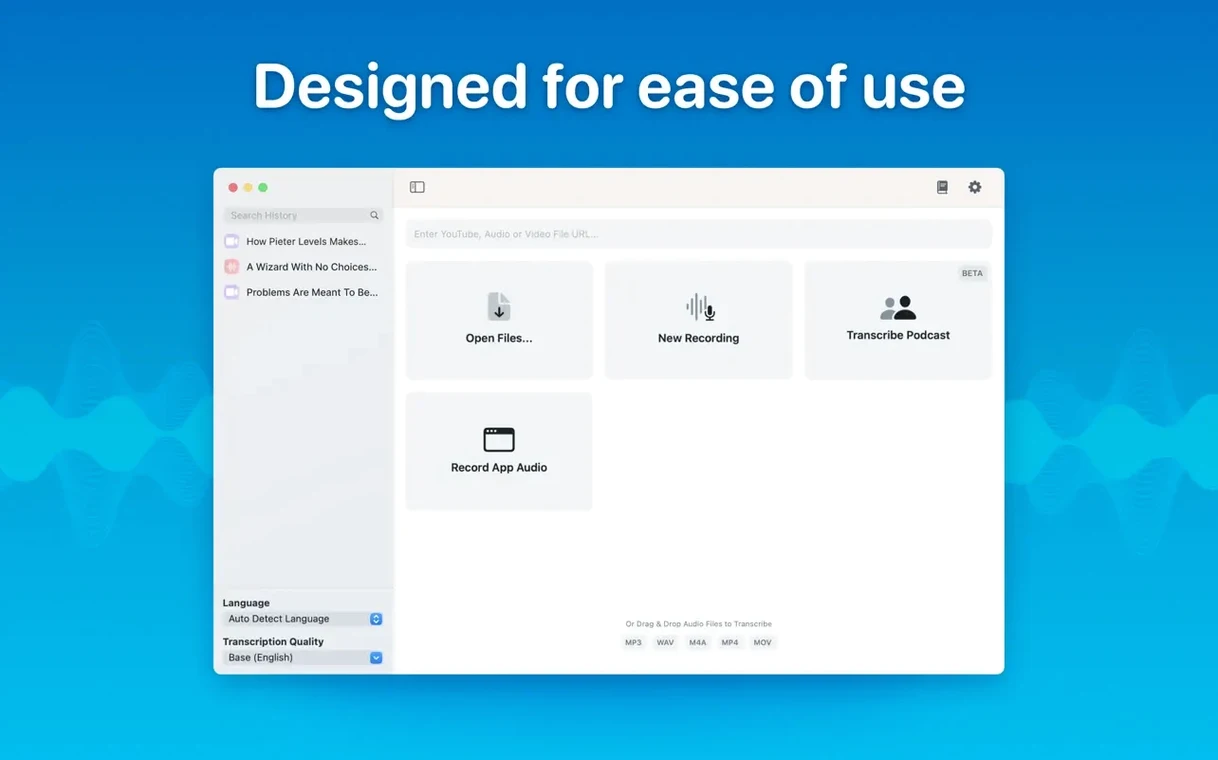
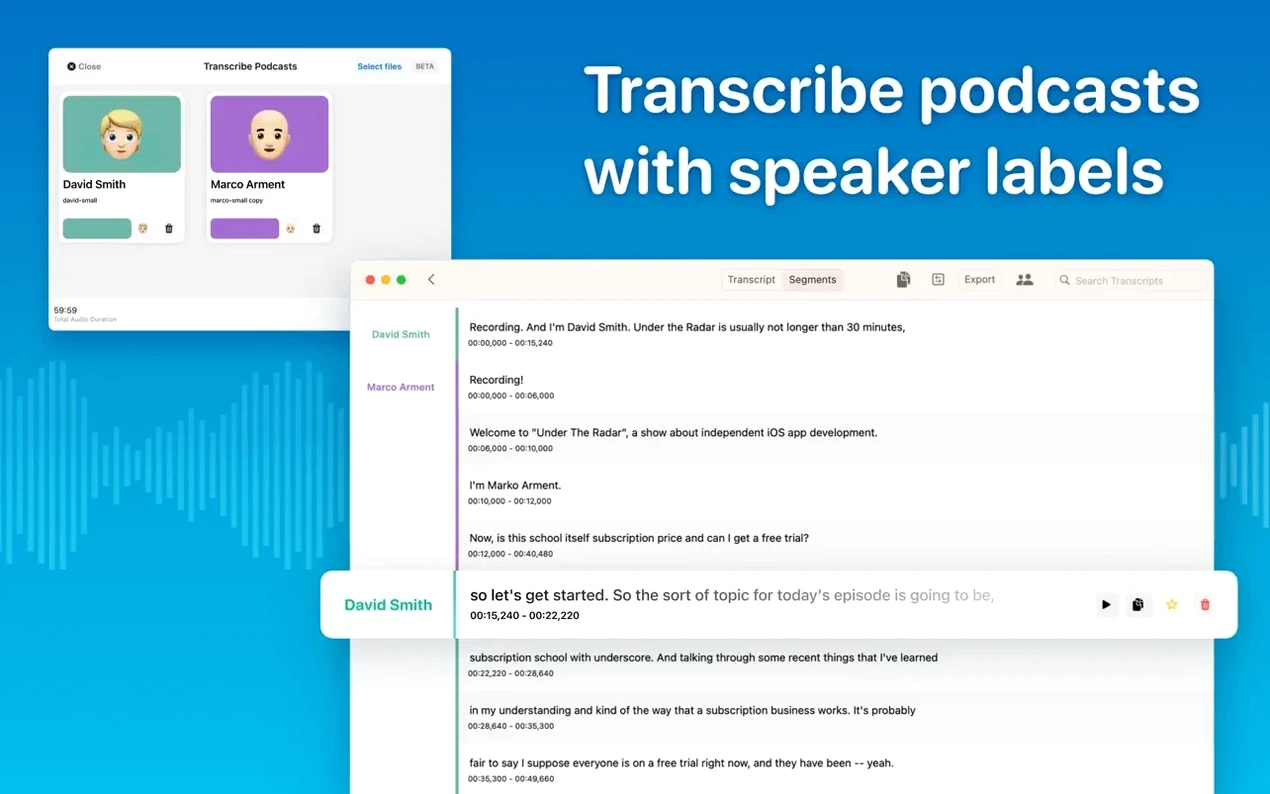
You drop an hour-long podcast recording onto the window. No upload bar. No sign-in prompt. The text starts filling the pane a moment later, perfectly synced to the speakers.
MacWhisper keeps transcription on your Mac. It uses Whisper models that run locally, so nothing leaves the machine. You need macOS 14 and an ARM or Intel 64-bit processor. The app checks your hardware before downloading a model — version 15.2.1 hides options your Mac cannot run, which saves you a dead end.
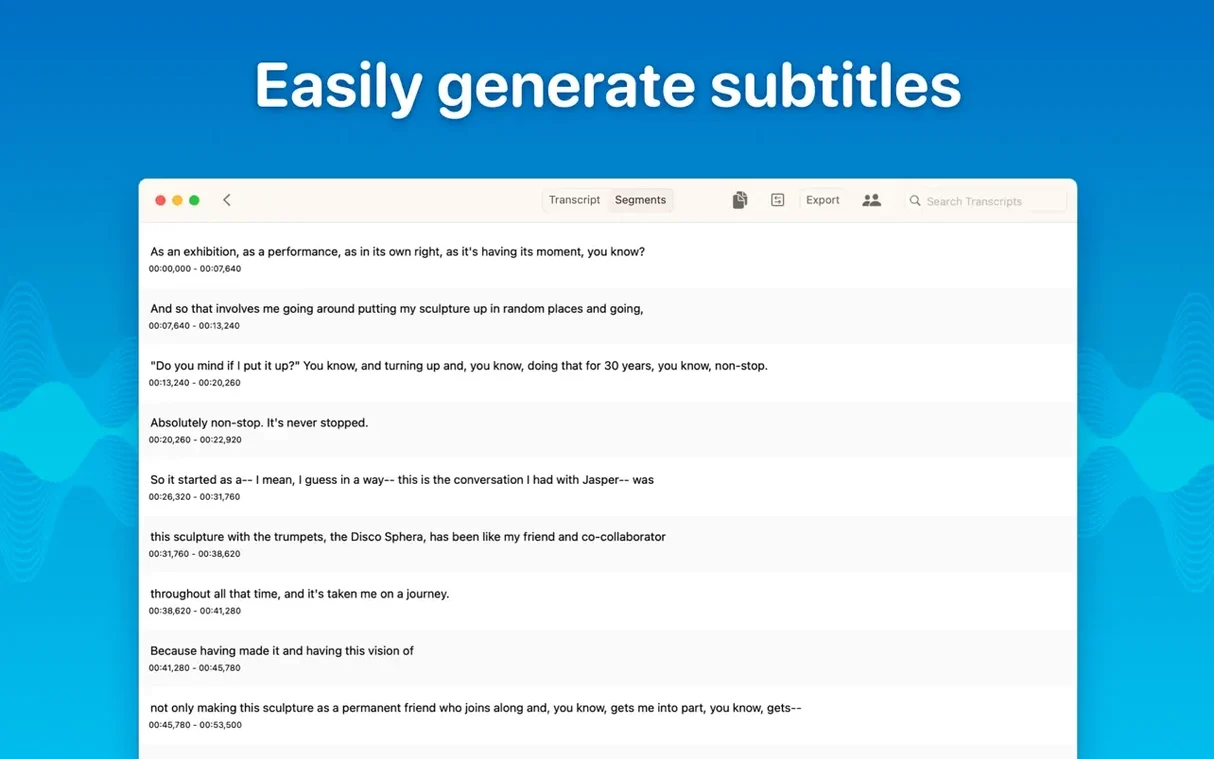
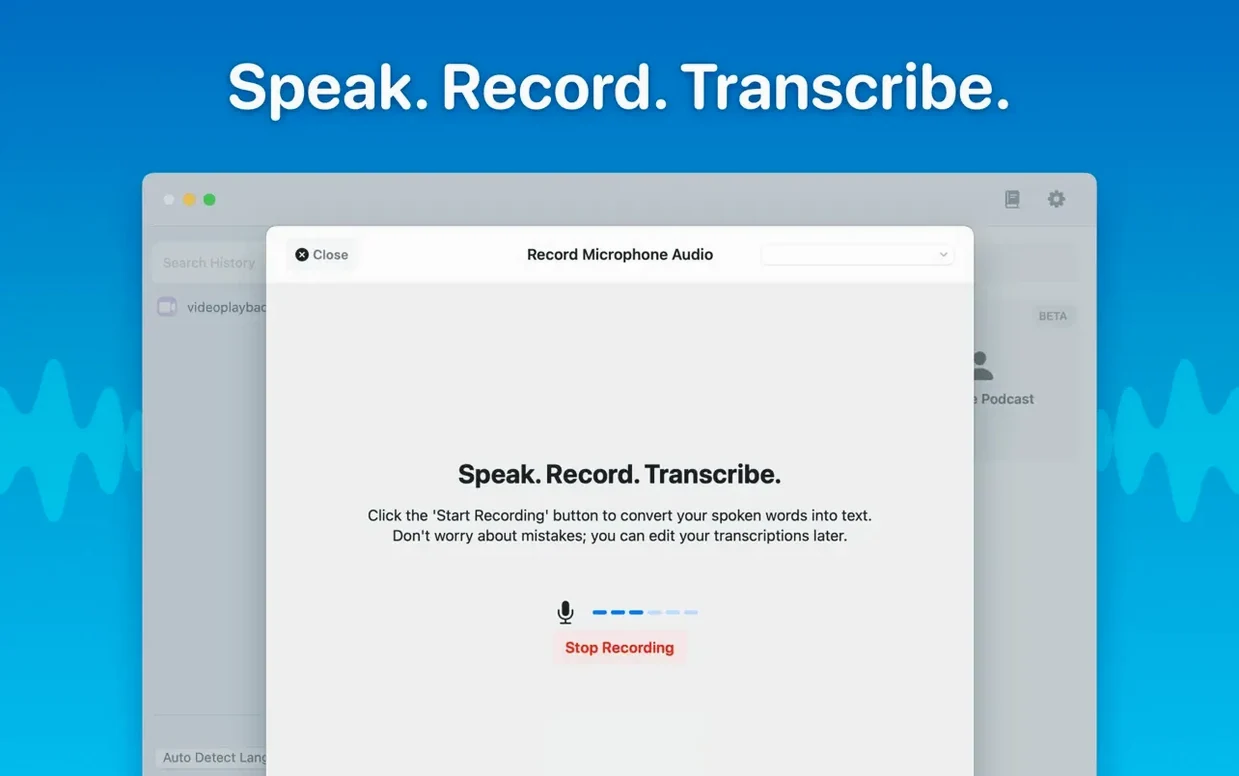
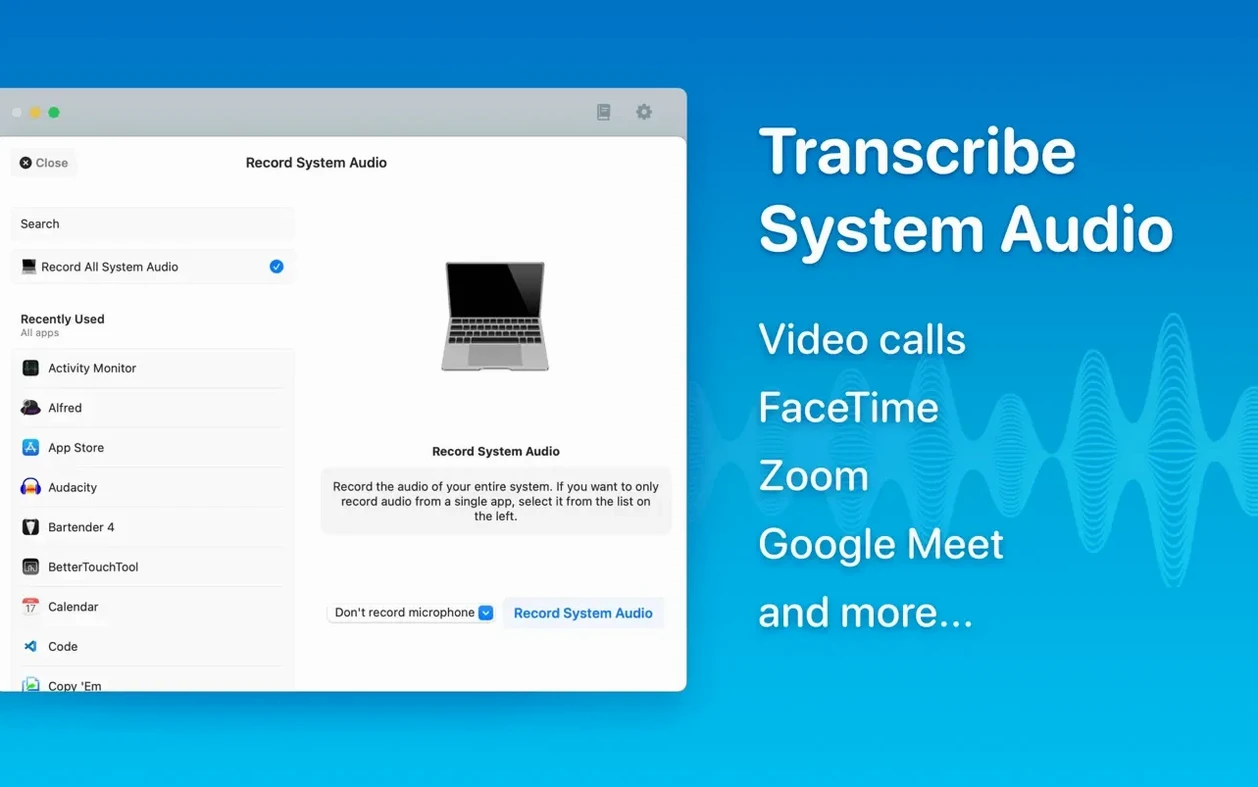
You get speaker separation for podcasts, batch exports to SRT and VTT, and a reading mode for proofing. System audio capture handles meeting transcripts in real time. Segments remain editable after the fact; delete a line and the timestamps adjust.
A typical session starts with a cluttered Desktop and a vague dread of the hour ahead. You drag an m4a file from a client meeting onto MacWhisper. Before you can reach for your coffee, the first paragraph appears. The default model loads quickly — Small is enough for clear speech, and it keeps the fan quiet. You switch to Auto-detect language because the speaker slides between English and Japanese. The app gets it right, line after line.
You tap through segments with the arrow keys. One timestamp is off by a second. You click it, type the correction, and move on. Halfway through, you realize the speaker names are wrong. You open the speaker labels, rename "Speaker 1" to the client's name, and the whole transcript updates. No re-processing. Just a text edit that cascades across the timeline.
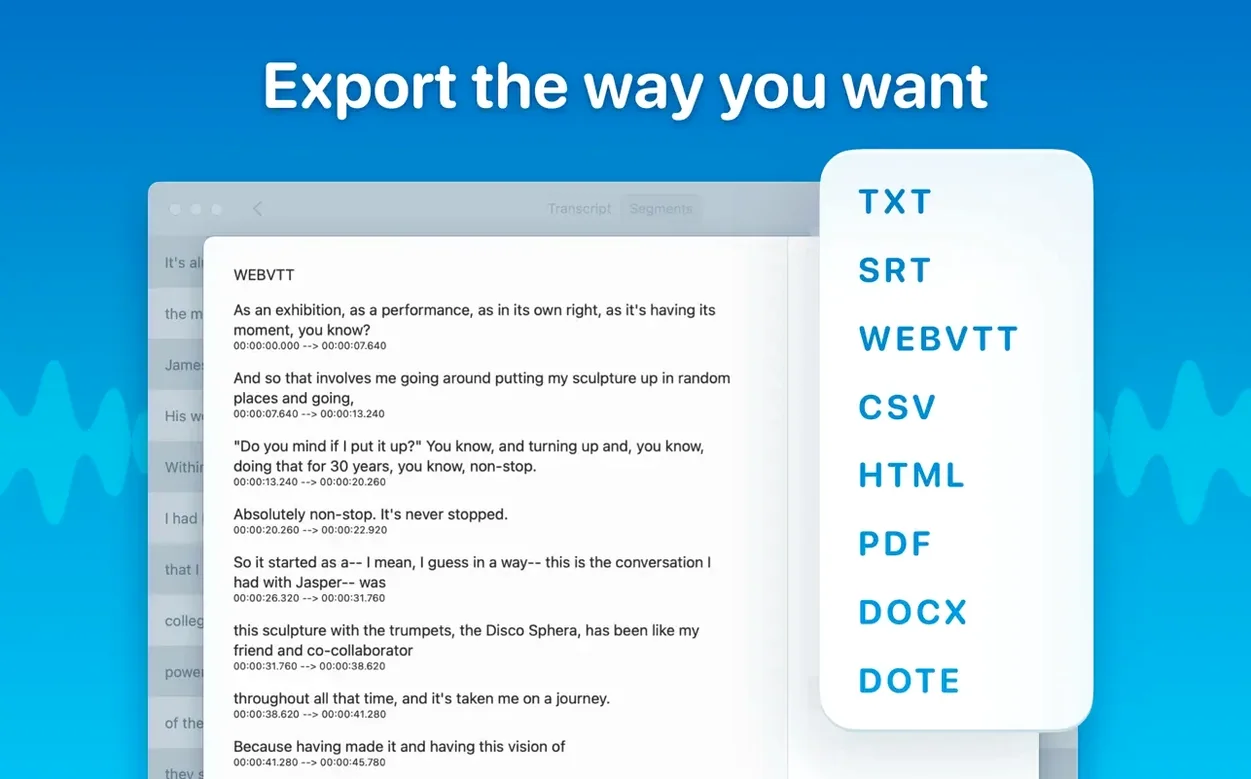
When the draft is clean, you export three files at once: a Word document for the client, an SRT for the video editor, and an HTML page for your own archive. The export dialog lets you tick all three before you hit save. A few seconds later, three files sit in your project folder. You close the app. The RAM pressure drops back to green.
macwhisper crack searches often come from people who tried an online service first and watched a progress bar for twenty minutes. The local approach reverses that. You trade download time for processing speed — models live on your drive, so the work happens at disk speed, not server speed.
4-minute transcript
On an M1 Mac with 16 GB of RAM, the Medium model transcribes a 45-minute interview in just over four minutes. The Large-V3 model doubles that time but catches thicker accents and background noise better. You pick your trade-off once, then forget it. The app stays responsive while transcribing. You can scroll, edit, and search without stutter.
Stability is uneventful in the best way. I left it running overnight on a batch of twelve files. In the morning, all twelve sat complete in the sidebar, no errors. Memory use peaked at 2.1 GB during Large-V3 runs, then settled back to 400 MB at idle. The app never beachballed, even when I switched between a live meeting transcript and an editing session.
macwhisper pro torrent downloads float around forums where people assume a local app must be sluggish. The reality is duller: the app asks little and gives a lot. It sits in the background during system audio capture, drawing a thin waveform you can ignore until you need it.
Start tiny
Start with the Small model. It downloads in under a minute and handles 90% of clear English speech. You can always re-transcribe a file with a larger model later — the original audio stays untouched.
Enable speaker separation early, even for solo recordings. The diarization model in version 15.2 is sharper than before, and it costs you nothing to keep it on. If a recording has music or loud ambient noise, switch to Large-V2 or Large-V3 before you drag the file in. Changing models mid-session means re-processing, which wastes time.
Use folders. The new folder system in 15.2 lets you group transcripts by client or project. Drag a transcript into a folder and it stays there across sessions. When you export, you can export an entire folder as a batch — one click, one destination, multiple formats.
For live meetings, plug in headphones before you start system audio capture. The app grabs the output stream cleanly that way, and speaker labels stay consistent. If you hear echo in the transcript, check that your mic is not picking up the speakers through the air. A quick mute toggle fixes it.
macwhisper pro crack packages sometimes bundle old versions missing these folder and diarization updates. The current build is worth a clean install. Drag the app from the disk image to Applications, launch it once, and let it download your chosen model. After that, you work offline. No accounts. No cloud. Just a quiet tool that turns sound into text while you do something else.