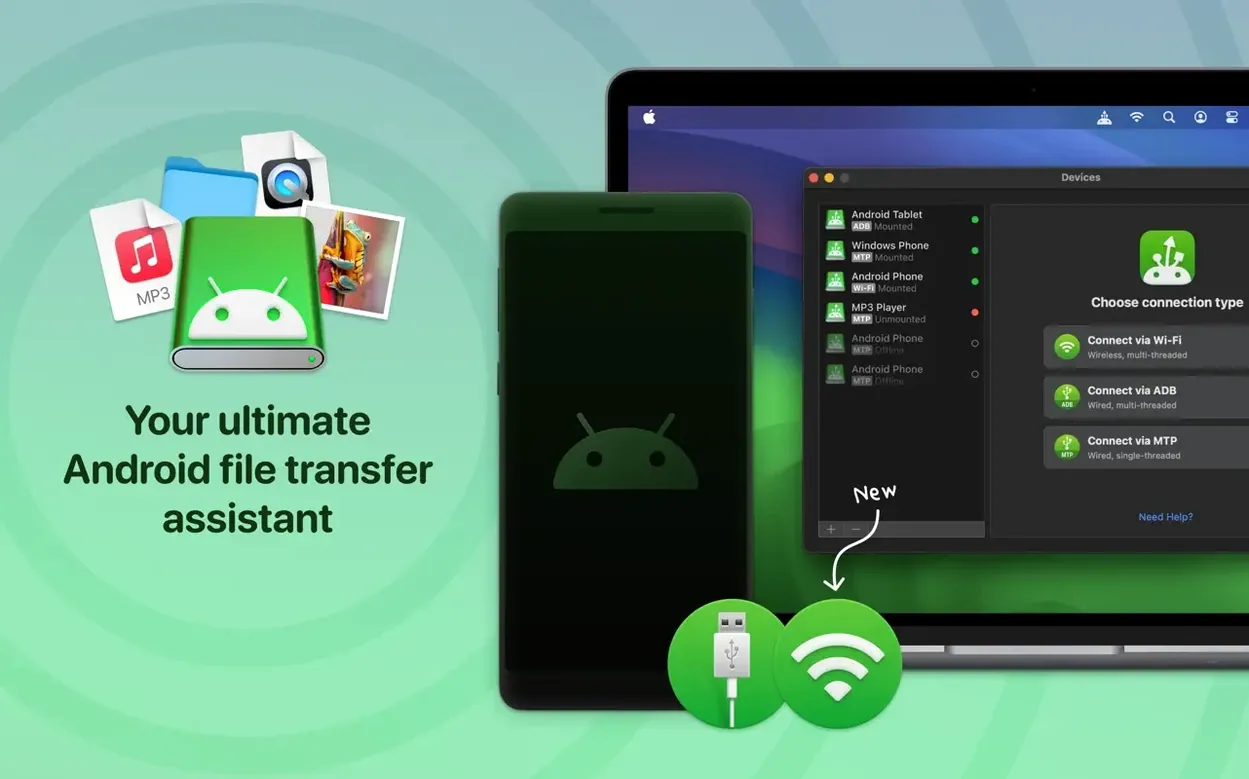
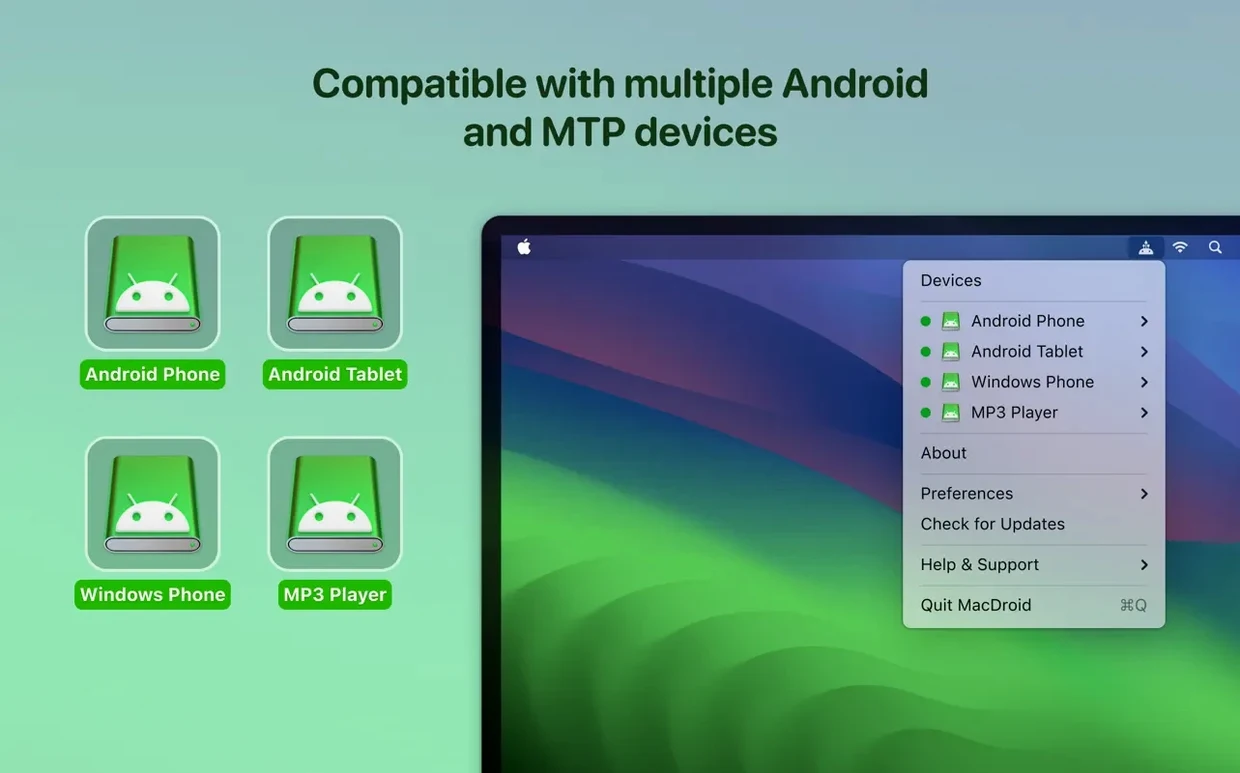
Think of it as a Finder for your Android phone.
macOS 11.5 or newer — required
Intel & Apple Silicon — runs natively on both
MTP — the basic wired connection mode
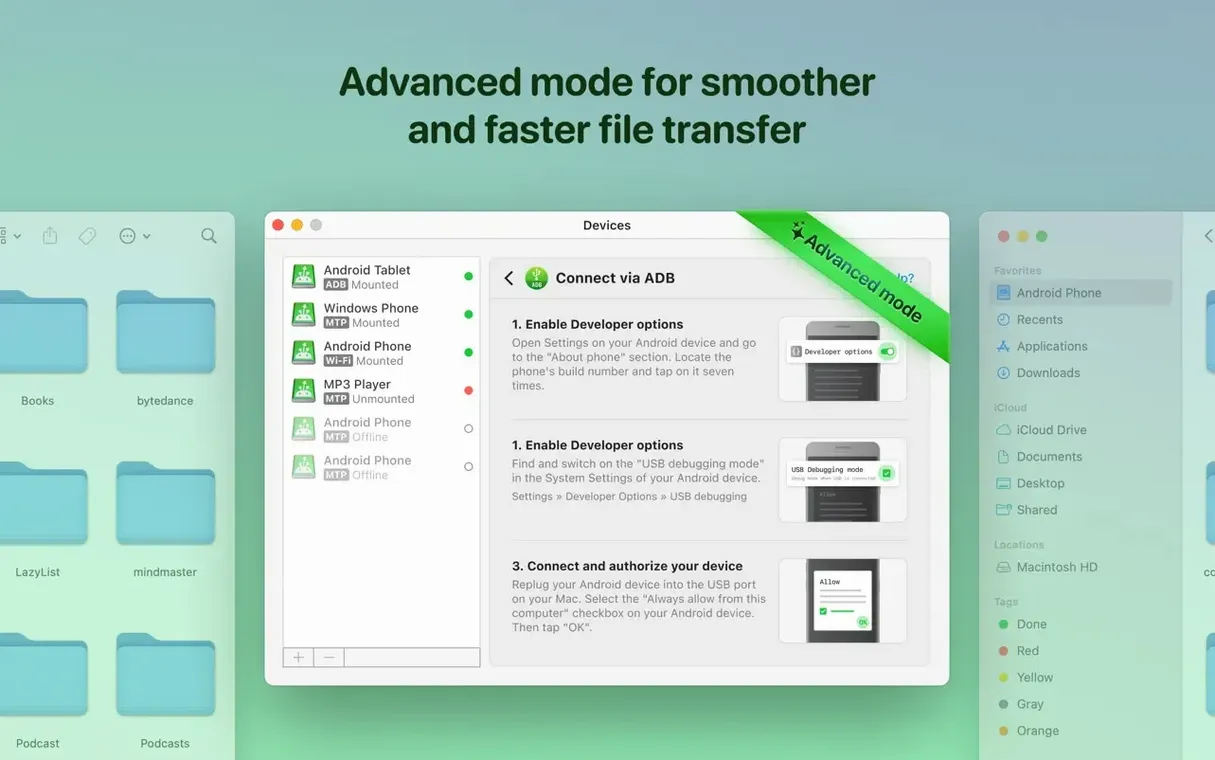
ADB — a developer‑oriented wired mode, refined in this release
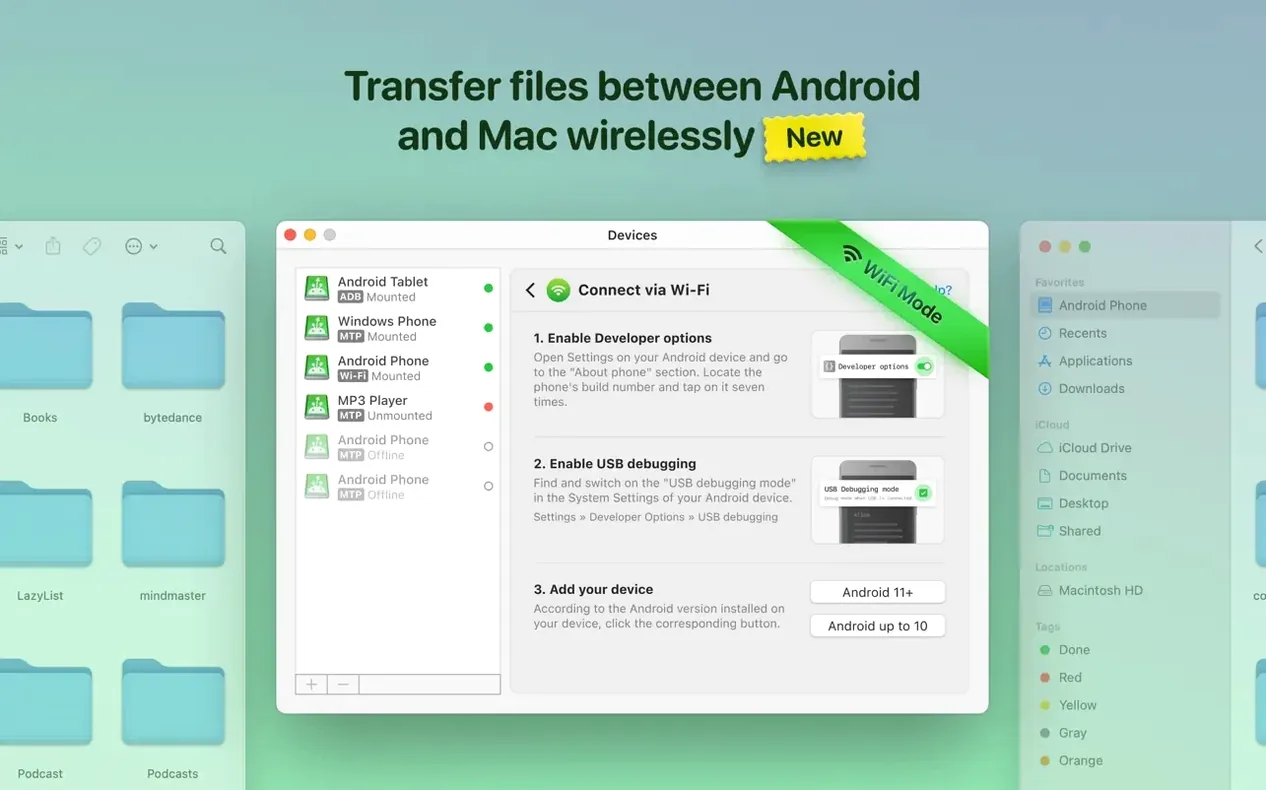
Wi‑Fi — transfer files without a cable
Internal & external storage — sees the device storage and any SD card
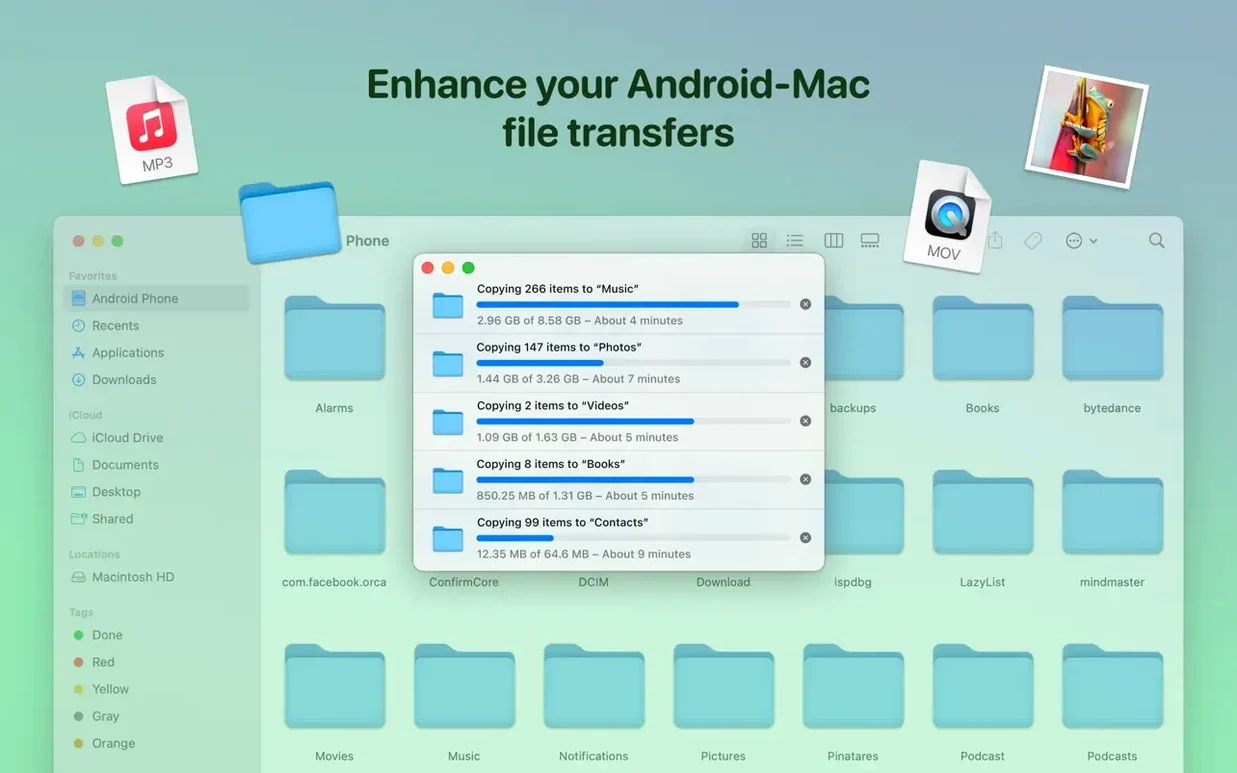
You get file and folder transfers between the two systems. Whole folders, not just single files. Photos move from Android to Mac without intermediate steps. File listings load faster now.
Finder mount
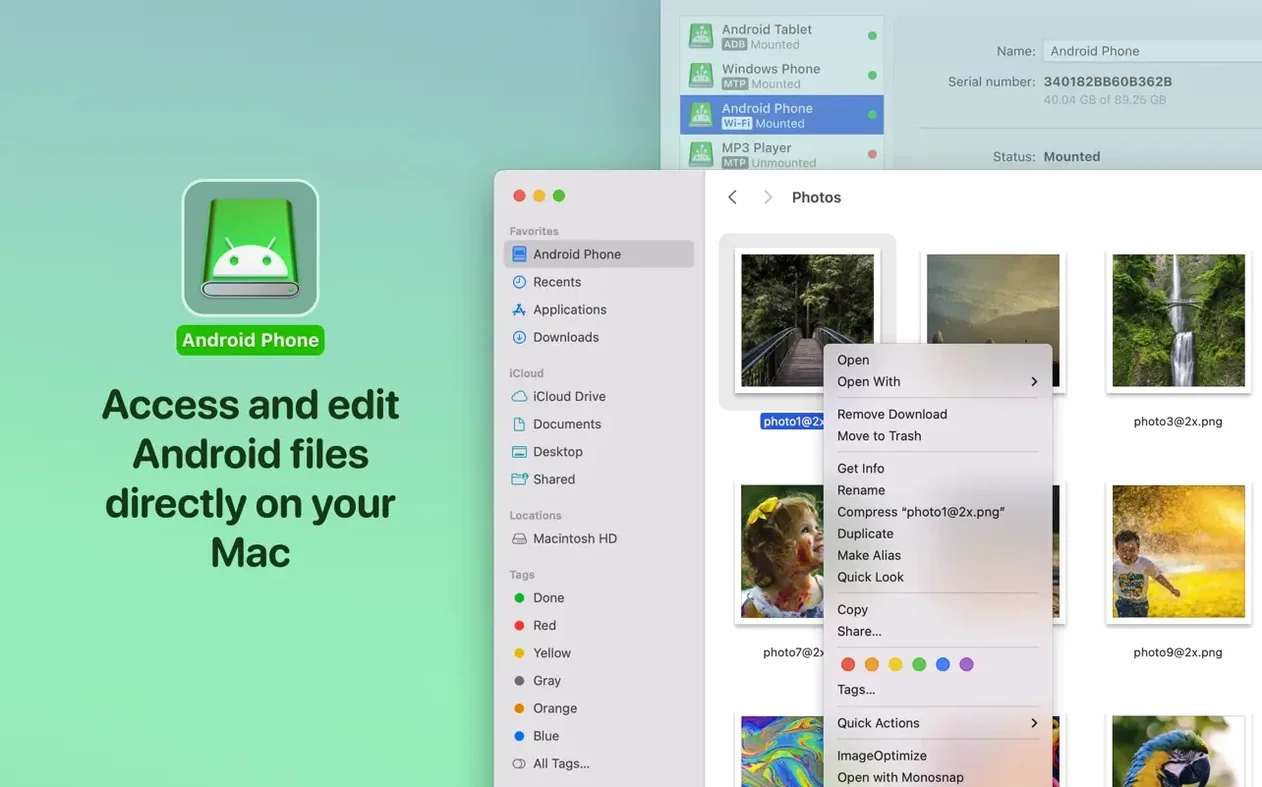
MacDroid doesn't try to replace anything you already use. It gives Finder a new volume to work with. Once an Android device is mounted, you treat it like any external drive.
Drop a folder full of FLACs from your desktop onto the device. Finder handles the copy. No import dialog. No library to update.
Preview works too. Hit the spacebar on a photo sitting on your phone. Quick Look shows it. If it looks right, drag it into an open Pixelmator window. Edit. Save back. The file never touched your Mac's internal drive.
For music, the mounted volume appears under Devices in Finder sidebars. Drag tracks straight into a Rekordbox playlist. The software reads them from the Android file system, no duplication needed.
Automator and Shortcuts can see the mounted volume. A folder action that watches a directory on the Android SD card triggers a backup to an external drive. Set it once.
A photo cull, start to end
You shot two hundred photos on a walk. The phone is in your pocket.
Connect via USB. MacDroid mounts both internal storage and the SD card. Open the DCIM folder in Finder. Switch to gallery view, make the thumbnails large.
Use the arrow keys to move through the shots. Spacebar to check focus at full size. Tag the keepers with a color label — red for portfolio, orange for social.
Select the red-labeled files. Drag them to a Lightroom watched folder on the Mac. They import automatically. Delete the rejects straight from the phone, without ever opening Photos or Android File Transfer.
The whole cull takes five minutes. No import queue, no cloud sync, no duplicate copies.
Batch movers
People who move large batches regularly feel the change first. A folder of RAW files from a camera imported to an Android tablet, then onto a Mac for editing. Video editors pulling proxy files off a phone they used as a B-cam. Music collectors maintaining a curated library on both systems.
Anyone who has used Android File Transfer knows the frustration: the crashes, the refusal to show folders, the beachball. MacDroid removes that friction. The difference is not feature count. It's not having to think about the transfer at all.
Developers who already have ADB installed get a second benefit. The ADB mode uses a channel they trust. No extra daemon, no new debugging tool to learn.
You might also find a macdroid dmg useful if you prefer a packaged installer you can archive. Some users keep a known-good disk image on a backup drive alongside other essential utilities.
Hardware speeds
Wired transfers saturate what the Android device can serve. Over USB‑C, a folder of uncompressed audio moves at the hardware limit. Wi‑Fi is slower, as expected, but stable on a local 5 GHz network. I leave it connected for an hour during a music sync and it doesn't drop.
Memory use stays modest. The helper process sits around 60 MB when idle. CPU spikes only during active transfers. No background polling when the device is unmounted.
Stability has tightened with this release. The improved MTP handling means directory listings appear without the half-second hesitation that older builds sometimes showed. The fix for listings when cache location changes matters if you redirect temporary files to an external SSD. No more phantom folders.
When searching for a reliable tool, some users stumble across a macdroid crack that promises the pro features. The official build from version 2.10.0 runs cleanly, and the installer steps are simple enough that cracking feels like unnecessary friction for a tool you depend on daily.