WordPress builders
Web developers who manage multiple local projects. People who build WordPress sites and need to test them before going live.
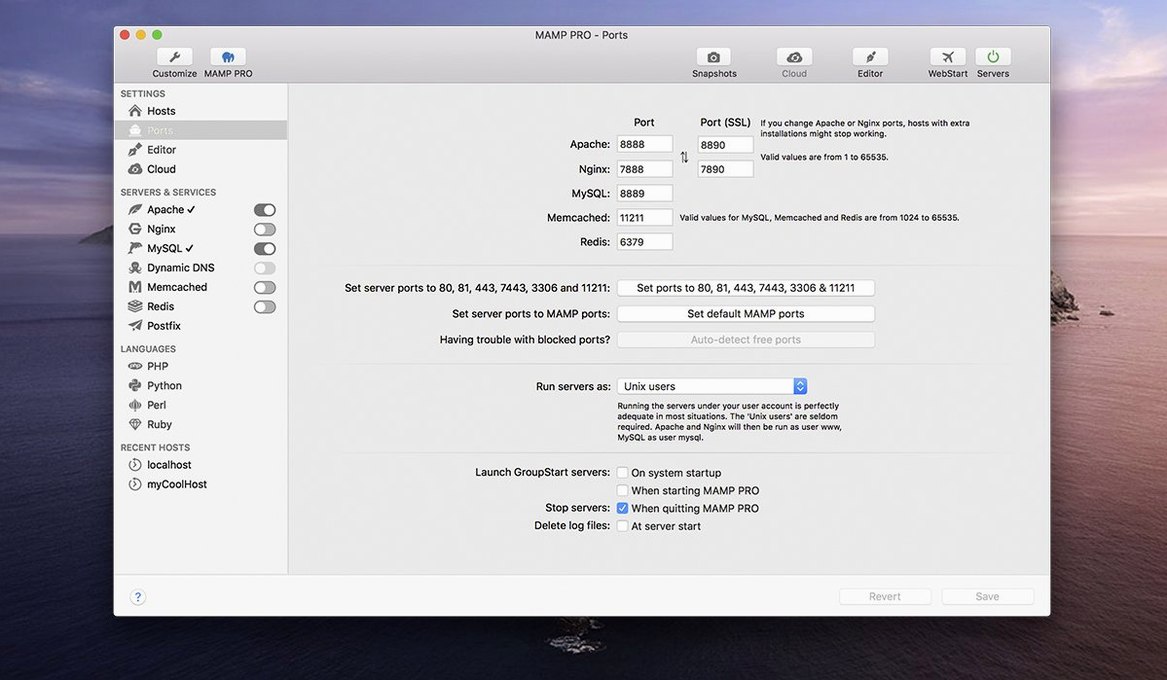
Port chaos
Command-line setup. The need to remember port numbers. The chaos of projects sharing a single local host.
Per-project servers
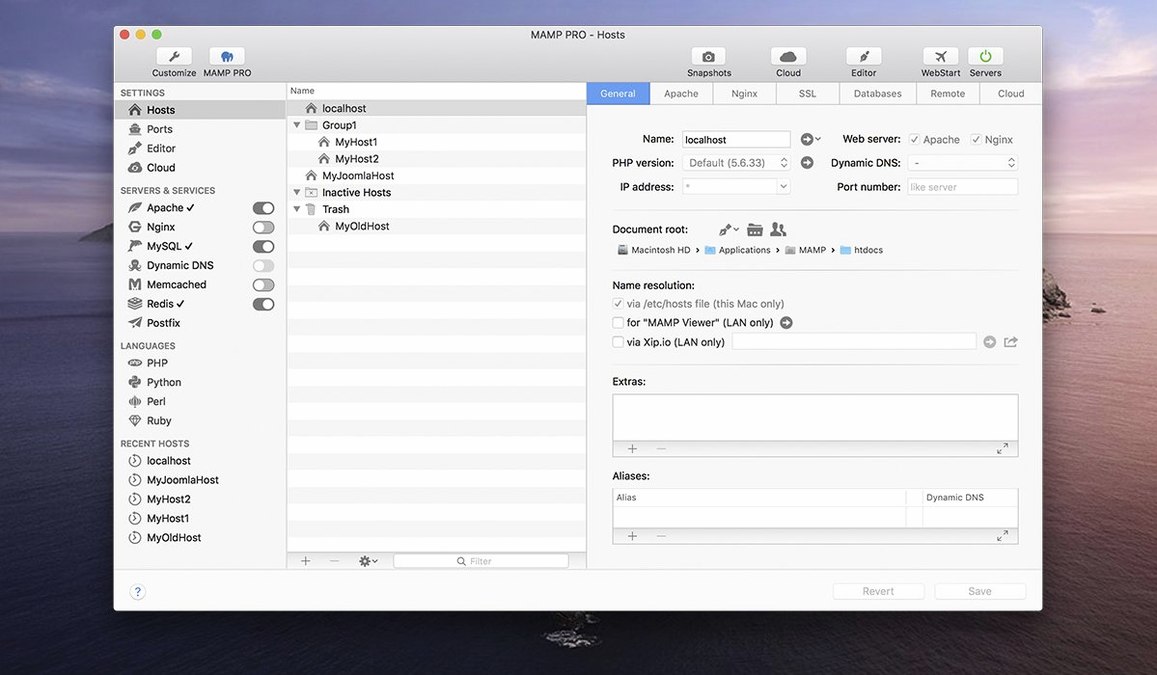
Each web project gets its own host with its own server settings. Apache or Nginx. MySQL 5.7 or 8.0. Redis and Memcached when you need them. WordPress installs with one click, and you can bring in existing sites from a live server.
What it requires
The jump to 6.9 cleaned up two persistent pain points. Editing host‑specific server configurations no longer crashes the app, so you can tweak an Nginx rule or a PHP setting without that small spike of anxiety. The MAMP Cloud network fixes mean fewer dropped connections when you push a staging site to a live server — less time staring at a stalled progress bar. Behind the scenes, PHP version installation got smoother, and phpMyAdmin 5 opens reliably from its alias. None of these are loud changes. They simply remove friction from a session that already had enough moving parts.
Valet’s terminal
Laravel Valet is lighter. It sits on top of your Mac’s built‑in PHP and uses DnsMasq to resolve .test domains automatically. No GUI, no MySQL manager, no one‑click WordPress. It suits Laravel work and developers who prefer the terminal and don’t mind configuring databases themselves. If you need multiple PHP versions you add them through Homebrew. It feels invisible — until you need a control panel, at which point you’re not the audience anymore.
Local by Flywheel feels friendlier for a solo WordPress site. Its interface is simpler than MAMP PRO’s, with big buttons for creating a site and a one‑click SSL toggle. It handles a couple of PHP versions and lets you push to Flywheel or WP Engine hosting. But it doesn’t offer the same depth outside WordPress: no Redis, no Memcached, and far less control over the underlying server. When a project demands a custom stack or you want to mimic a specific production server, Local hits its ceiling early.
MAMP PRO sits between the two. More power than Local, more discoverable than Valet. You get a visual map of hosts, a toolbar that surfaces common actions, and the ability to migrate a WordPress site from one remote server to another without leaving the app. For a freelancer juggling a PHP 7.4 legacy project, a headless CMS test on PHP 8.2, and a Redis‑backed experiment, that span matters. The trade‑off is weight: it’s a full application, not a set of background services.
A WordPress migration, step by step
Start with a live site you’ve inherited. The client sends credentials for their hosting and WordPress admin.
Open Hosts and click the plus. Give the host a name — say client-redesign — and pick PHP 8.0 and MySQL 8.0 to match the production server. The host appears in the list, and MAMP PRO starts Apache in the background.
Select the new host, then open the WordPress tab. Choose Import an existing WordPress site. Enter the remote server’s SFTP details, the database host, and the WordPress login. The app pulls down the files, imports the database, and rewrites URLs to your local domain.
You now have a working local copy. Test a plugin update, rewrite a template part, replace twenty images. The toolbar’s screenshot button grabs a before‑and‑after shot for the client.
When the redesign is approved, go back to the WordPress tab and choose Publish. MAMP PRO pushes the changed files and database back to the live server. The old site is replaced with the new one in a few minutes. No separate FTP client, no manual database dump, no forgotten URL replacements.
An Intel Mac on 10.12 or later, or an ARM Mac on 11.0 or later. The interface is in English.