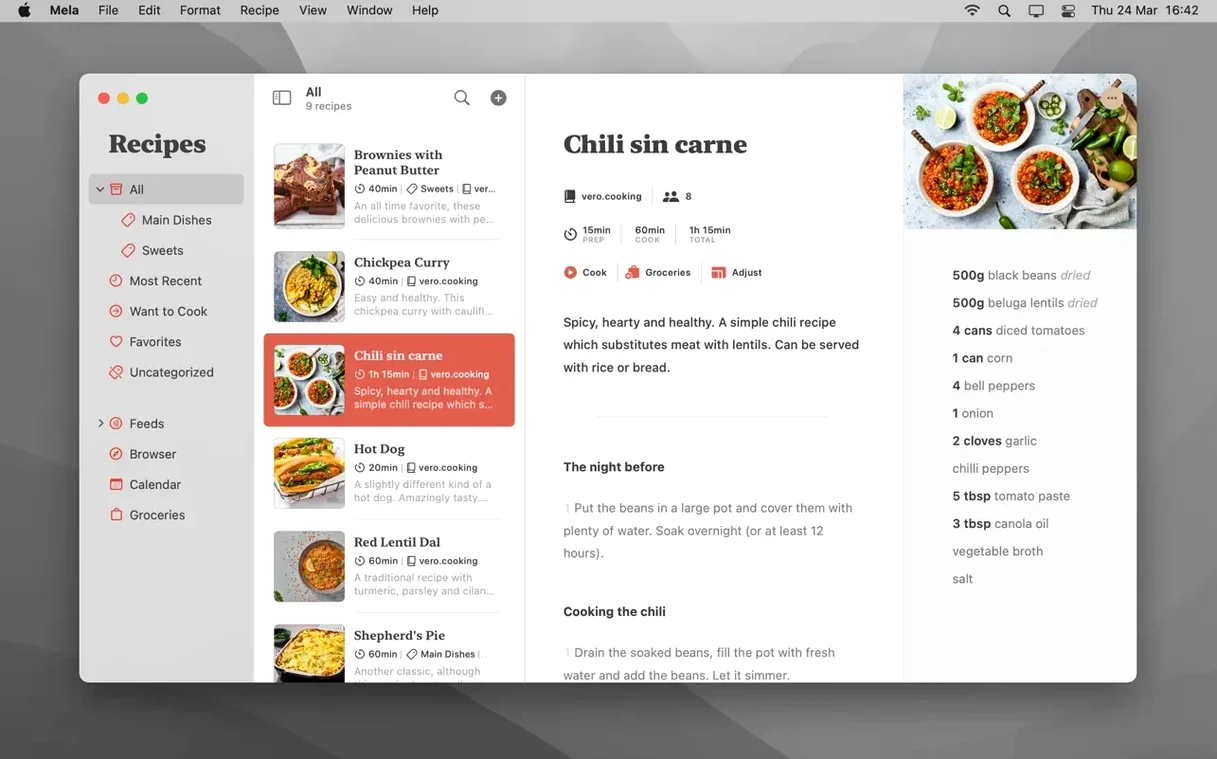
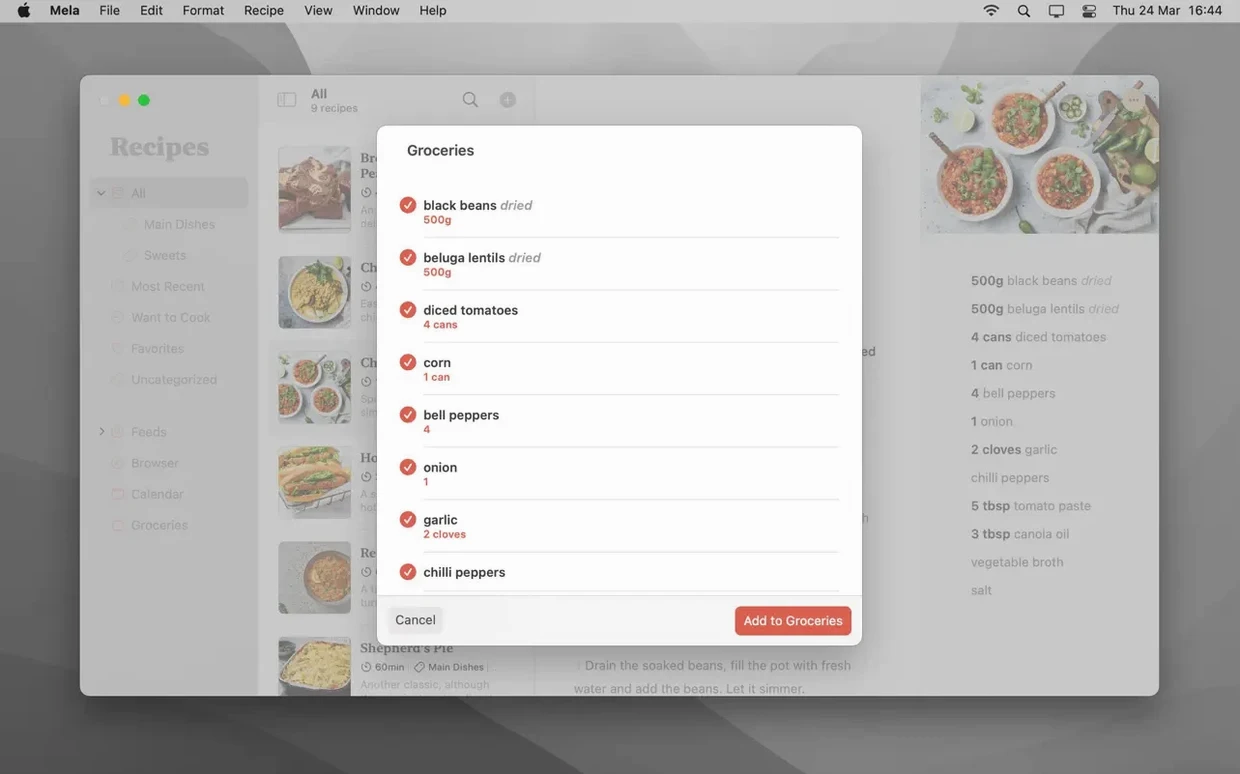
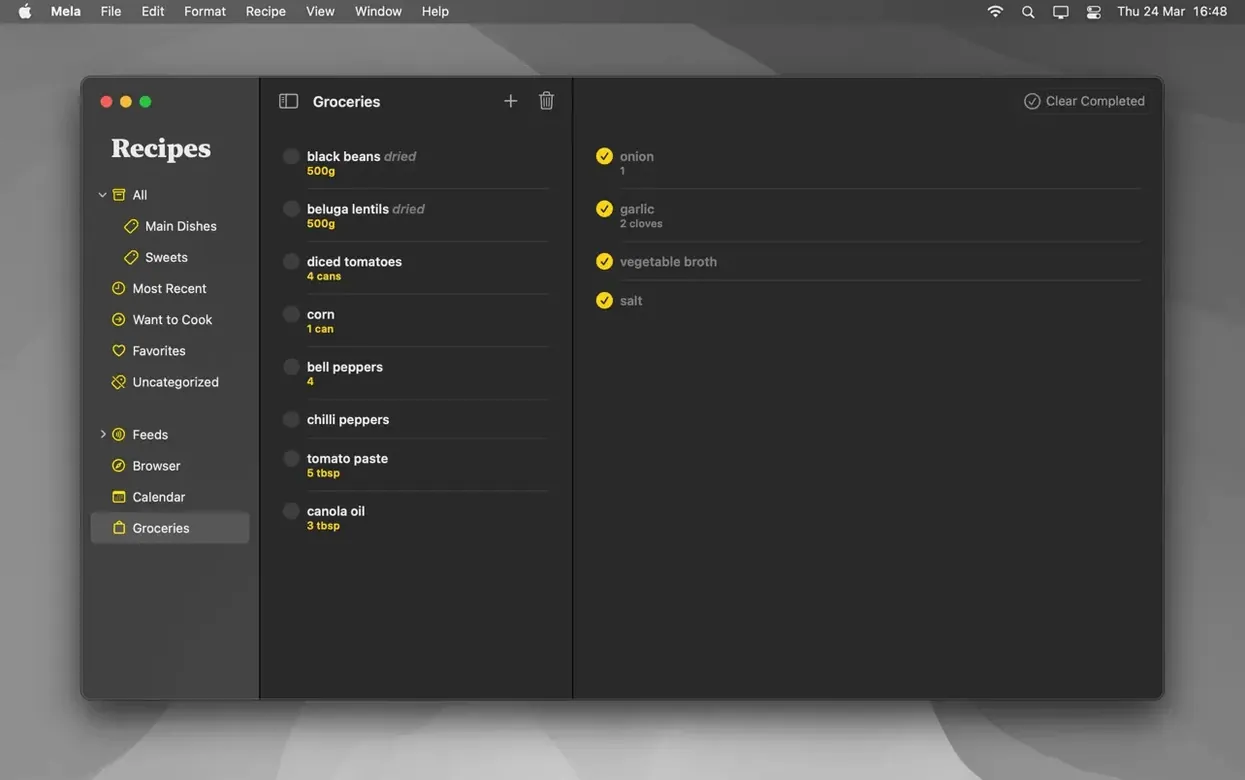
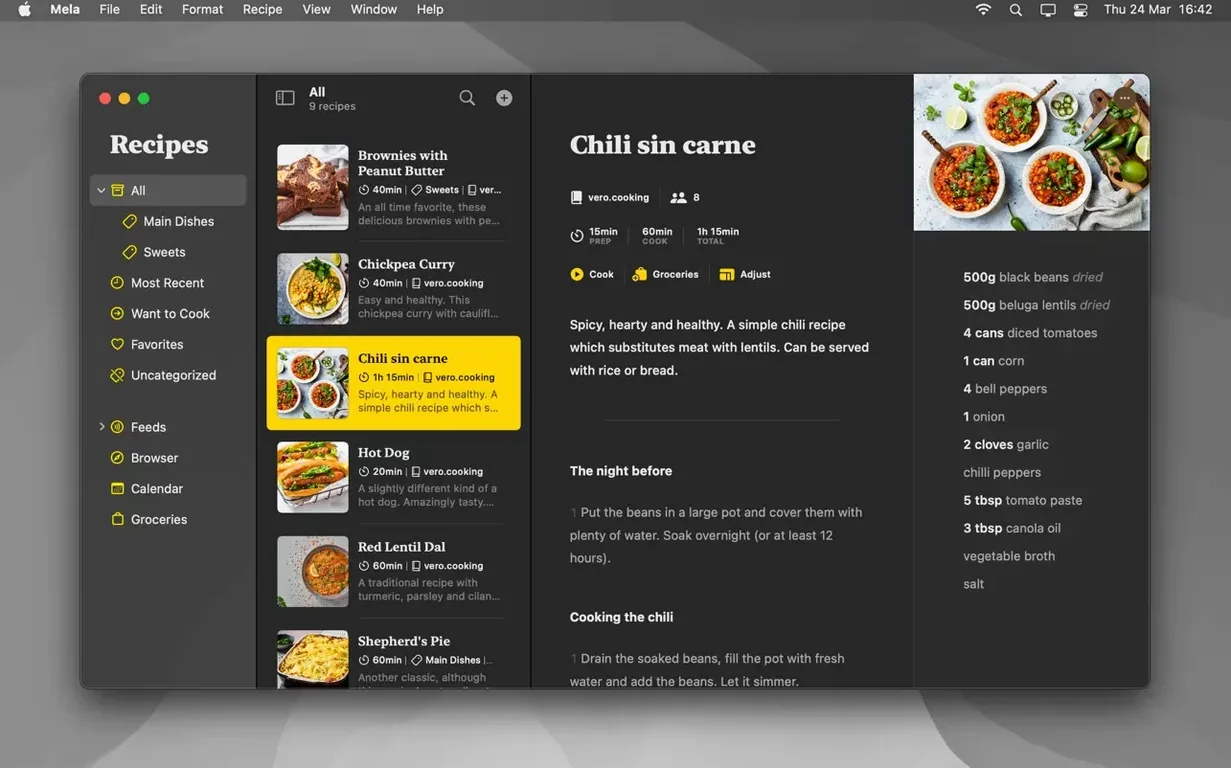
Mela suits cooks who already have a system. Recipes arrive from many places — a blog, a food forum, a paper book — and end up in one quiet library that syncs through iCloud without a separate account.
Private iCloud sync
- Cooks who want private iCloud syncing by default
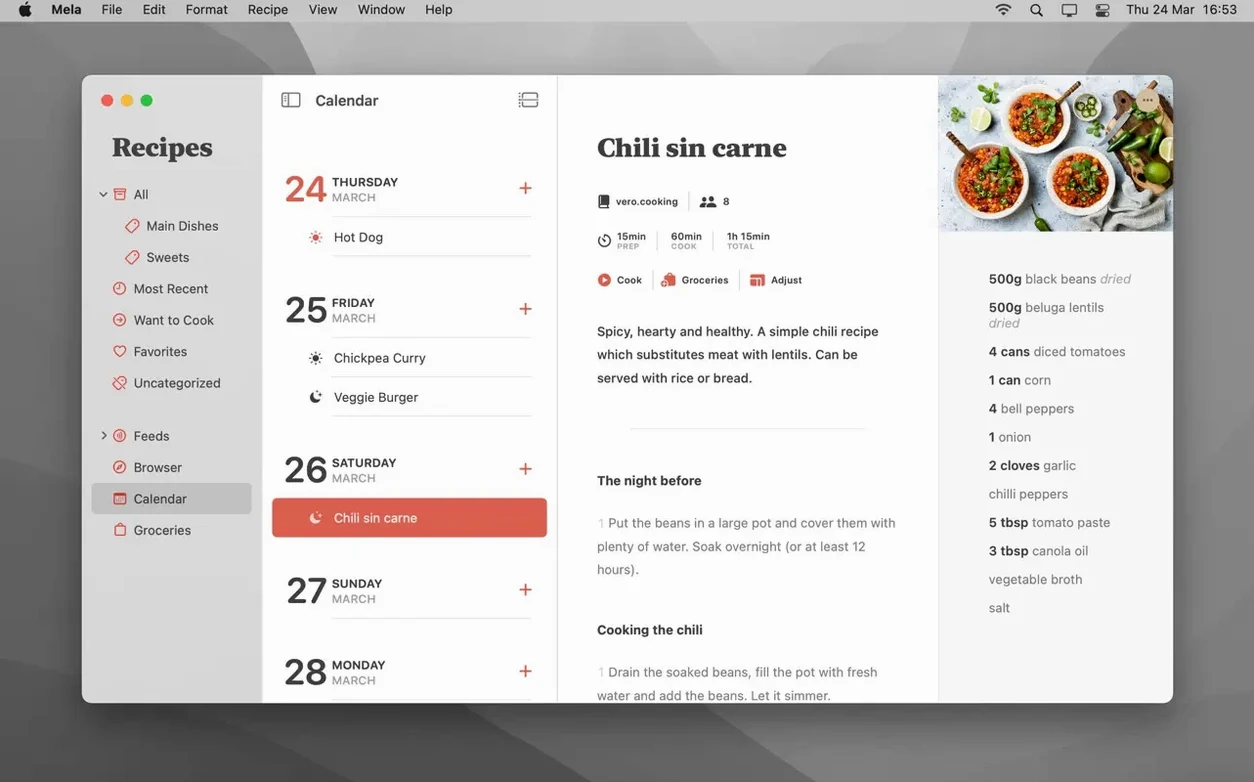
- Meal planning through Calendar.app
- Scanning recipes from books with text recognition
- Shared libraries with other iCloud users
- Marking recipes as Want to Cook or Favorites
macOS floor
- Shared recipe libraries need macOS 12 or later
- The app itself requires macOS 11
Column cleanup
Scanning a recipe and expecting the text to land perfectly formatted. The recognition is good, but it reads columns like a photocopier, not a cook. Spend thirty seconds cleaning up the ingredients list before you save.
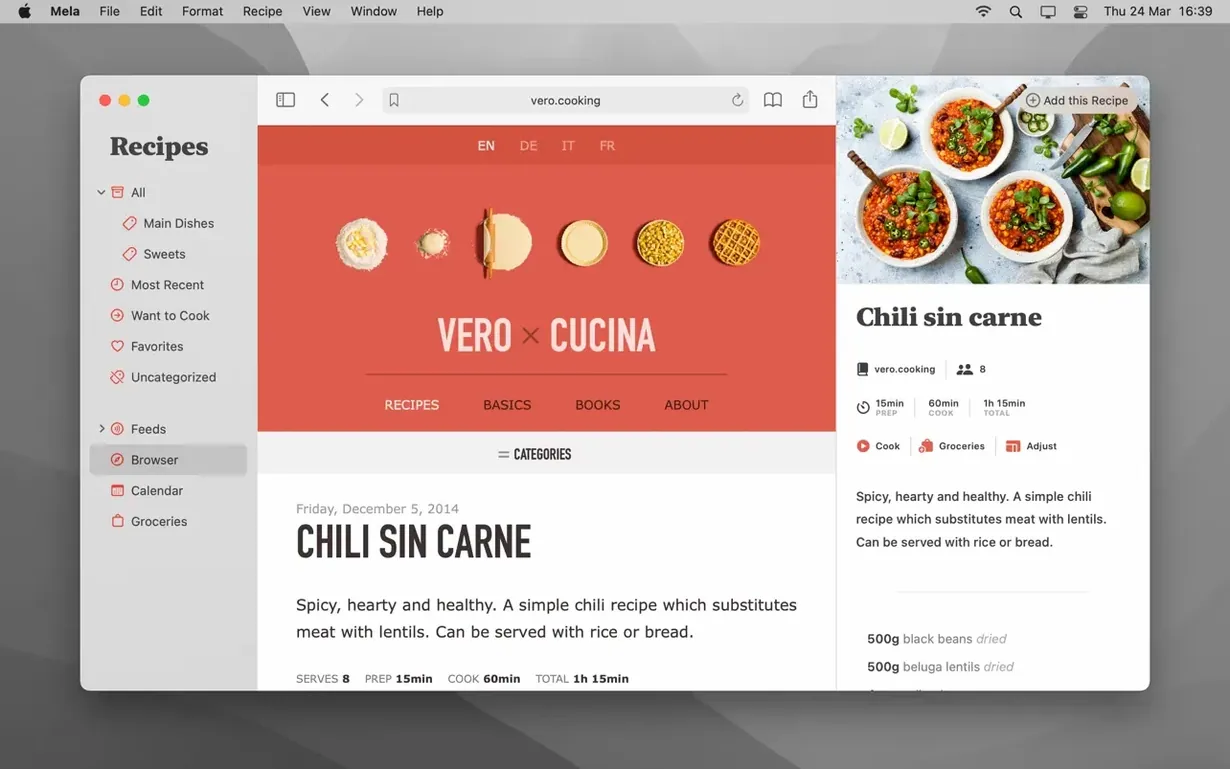
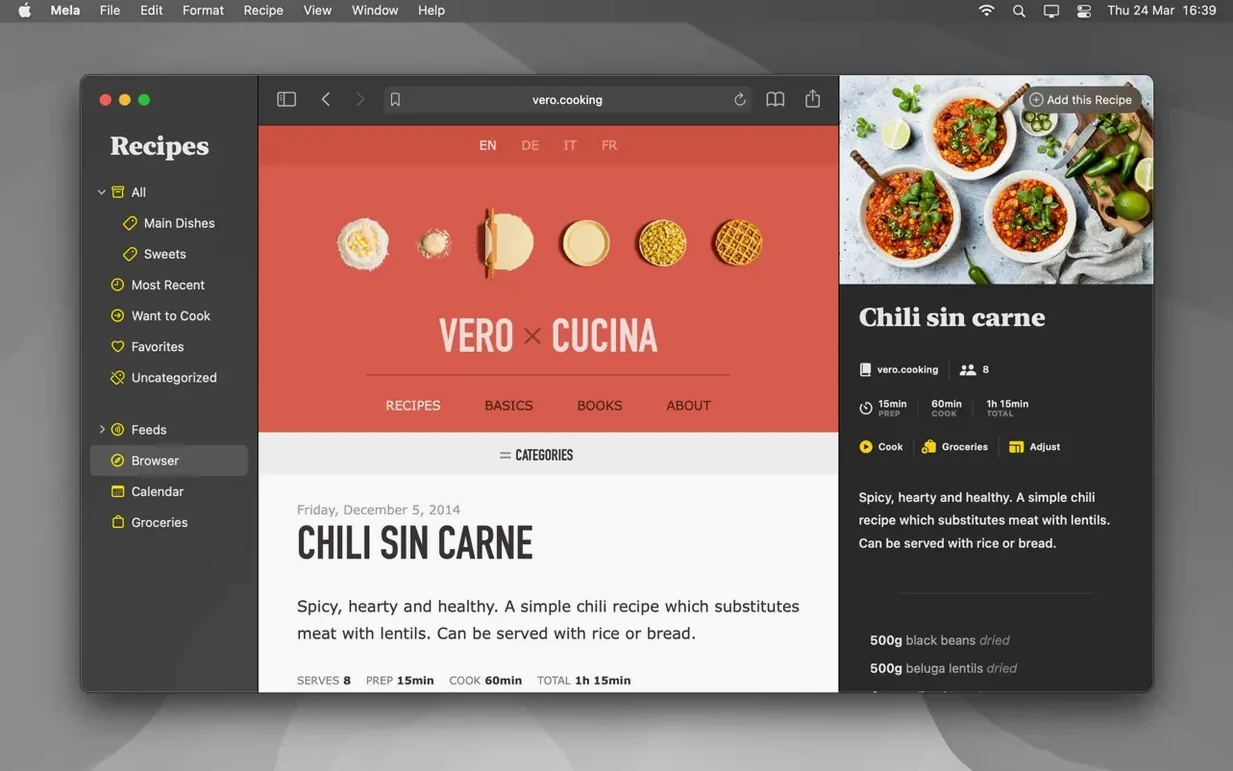
Treating the in-app browser like Safari. Use it to grab recipes, not to browse. Open the page, let Mela detect the recipe, save it, close the tab.
Ignoring the sharing extension. When a friend sends a recipe link in Messages, use the share sheet instead of copying and pasting. One tap, and Mela extracts the parts that matter.
Lighter shelf
Paprika feels heavier. It does grocery lists and pantry tracking. Mela stays closer to the recipe itself — cooking mode, timers, the calendar. If you want a kitchen command center, Paprika fits. If you want a clean recipe shelf, Mela does less and feels better for it.
Crouton shares the meal-planning idea but builds it around drag-and-drop on a weekly grid. Mela hands that job to Calendar.app, which means your meal plan lives where your day already lives. Crouton is more visual; Mela is more integrated.
AnyList starts from a shopping list and adds recipes as a side feature. Mela starts from the recipe. The difference shows in cooking mode. AnyList gives you a list; Mela gives you large text, timers, and a quiet screen.
Strip the story
Pick one recipe blog you already read and subscribe to it inside Mela. The recipe viewer strips out the story and leaves the method. You will see why the app exists.
Add three recipes you actually cook. Mark one as a Favorite, one as Want to Cook, and leave the third alone. This teaches you the sorting muscle before your library grows.
Plan two dinners on the calendar. Open Calendar.app afterward and notice the entries. Once you see the connection, the system clicks.
Try the scanner on a short recipe from a book. Accept that the first attempt will need editing. The second attempt will go faster.
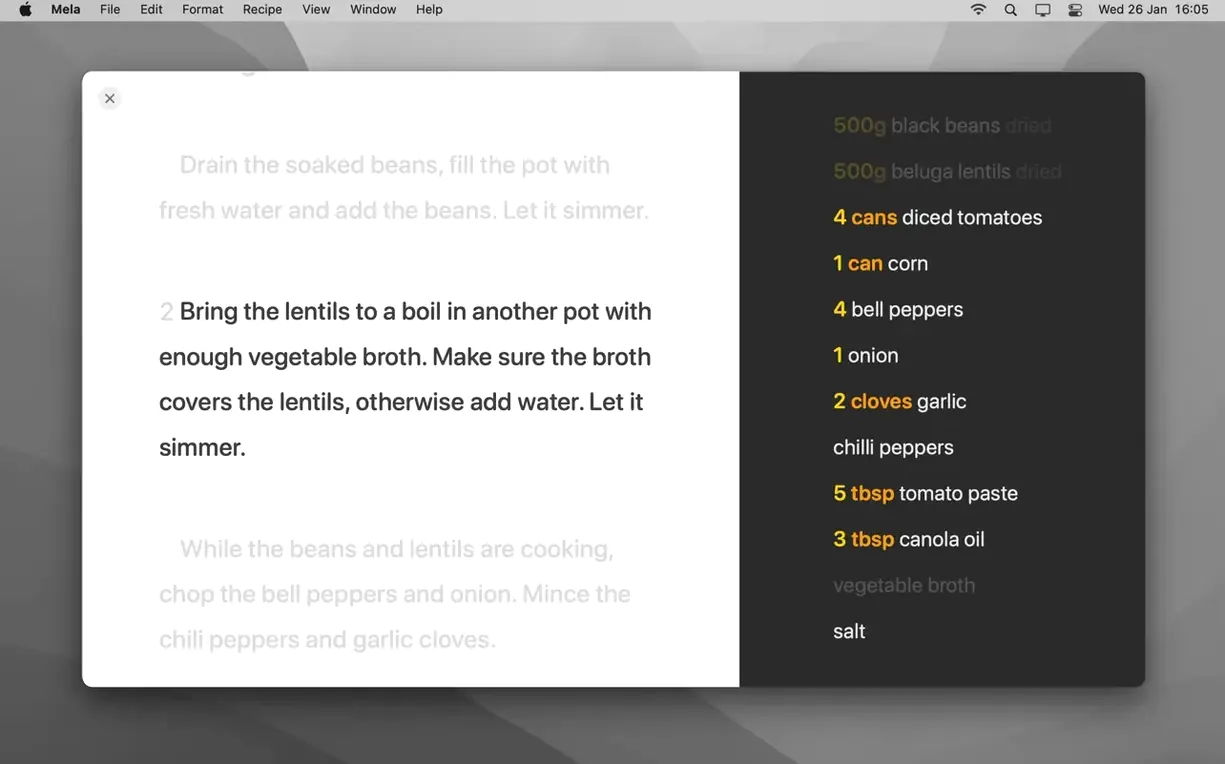
Set a timer from inside cooking mode while making one of those first recipes. The timer lives in the recipe view, not in a separate app.
A Mela torrent can sometimes be found in broader searches; the app itself asks for nothing beyond iCloud, so just confirm your sync setup afterwards.
Timers live inside cooking mode. The in-app browser shows a live preview and can surface the recipe on the current page.